Search results screen app template
A search screen for iOS and Android apps, with filter tabs across result types, recent searches, and grouped results. The query stays visible in the field and a cancel action sits beside it. Use it for apps searching across people, files, and content at once. Connect your search index via Bolt, Lovable, or Replit.
About this app template
Search fails when everything comes back in one undifferentiated list. This screen splits results by type, so someone looking for a person is not reading through documents to find them, and keeps recent searches visible because repeating a search is more common than starting a new one. The query stays in the field while results show, which sounds obvious and is often missed. Cancel sits beside it so leaving search is one tap. Paste it into Bolt, Lovable, or Replit and connect it to your search index.
Build a full mobile app with this template design
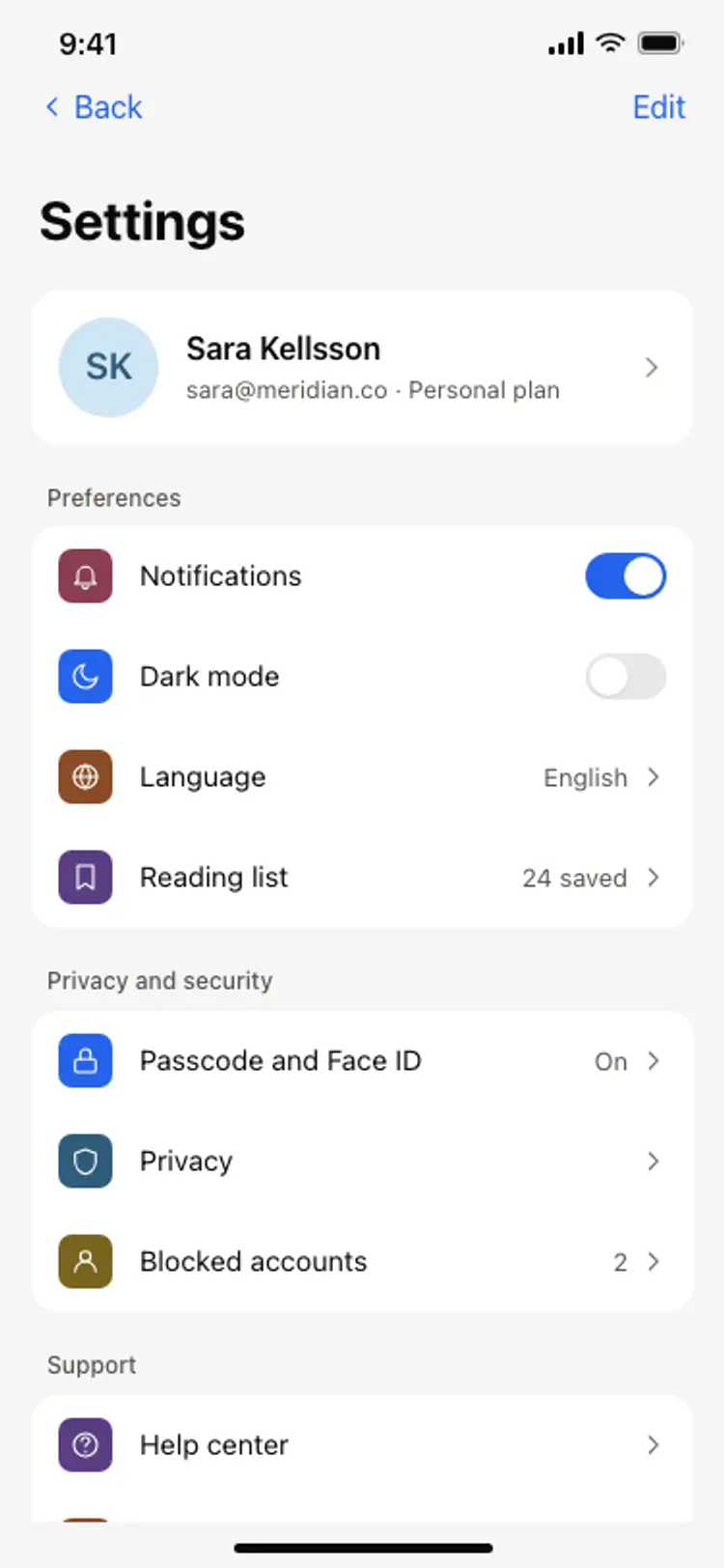
Settings, search, and empty states share the same rows, groups, and type scale as the rest of the product, so one of them can set the standard for every screen after it. Copy the template, paste it into Claude Code, Replit, Lovable, ChatGPT Codex, Bolt, or Cursor, and send this alongside it.
Paste into Claude Code, Replit, Lovable, Bolt, or Cursor
Common questions about this template
Should search results be grouped by type?
When you search across more than one kind of thing, yes. A single list mixing people, files, and messages makes the user do the sorting, and they usually give up and search again instead.
Why show recent searches?
Because repeating a search is more common than starting a fresh one. Showing recents turns the empty search screen into something useful, not a blank field.
Should the query stay visible with the results?
Yes. Users refine, not restart, and clearing the field forces them to retype. Keeping the query also makes it obvious which search the results belong to.
How do I connect this to a search index?
Paste it into Bolt, Lovable, or Replit and ask your AI to query Algolia, Typesense, or your database, then render each result type into its own group.
Use this template for
- ·In app search across content types
- ·People and file search in team tools
- ·Recent search screens
- ·Filtered result lists on mobile
More utility app templates
View all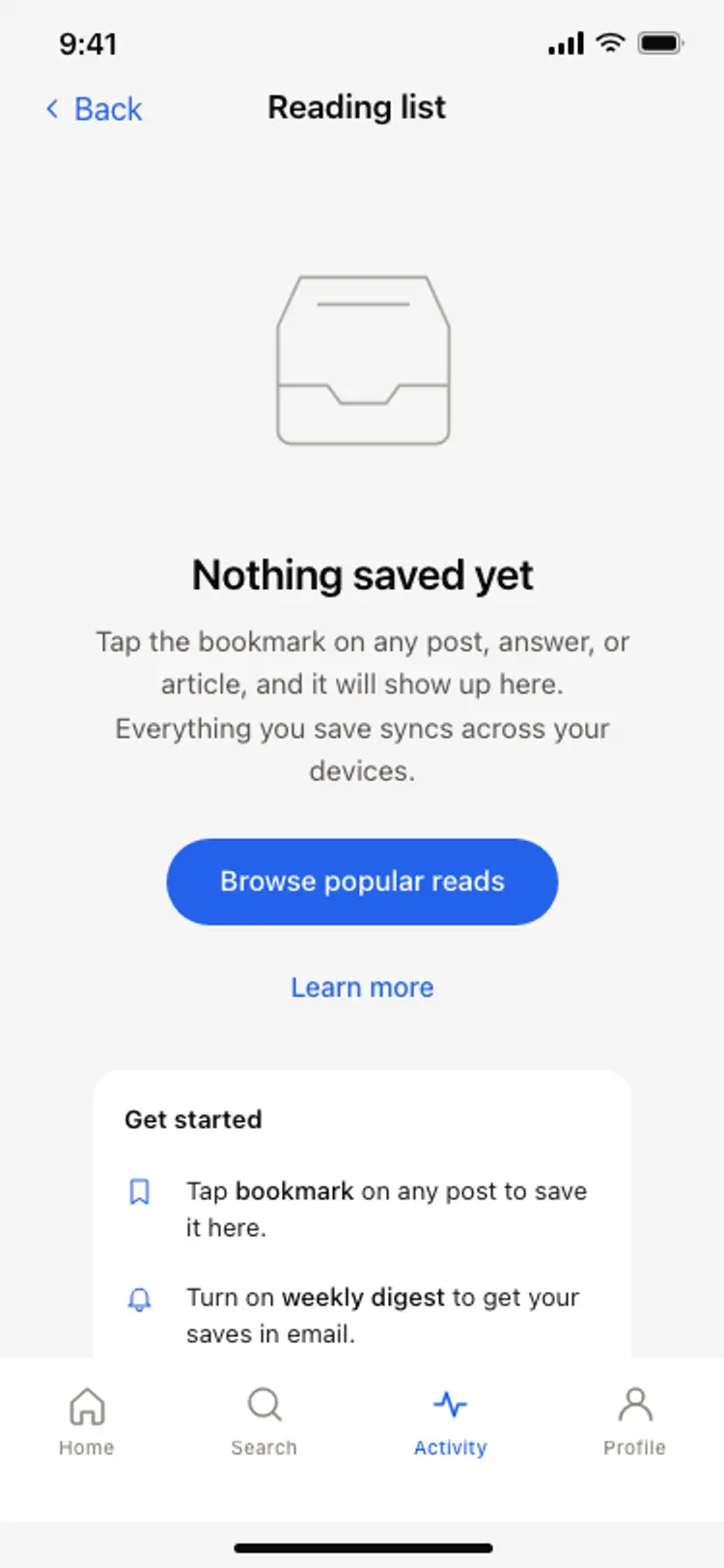
Other app templates you might like

See also
Browse app templates