Social auth sign-in app template
A social sign-in screen for iOS and Android apps with Google and Apple login. A photo fills the top of the screen, your value proposition sits above it, and a white panel below stacks Google, Apple, and email buttons in the order that converts best. Use it for subscription apps, productivity tools, and any consumer product that wants one-tap sign-in instead of a password form. Wire up Supabase, Firebase, or Clerk via Bolt, Lovable, or Replit.
About this app template
Apple and Google sign-in are the standard for iOS apps because they remove the friction of remembering a password. This template gives you the screen that makes it happen. A full-bleed image fills the whole display, dark enough that the type over it stays readable. A white sheet slides up from the bottom holding Google, Apple, and email buttons stacked cleanly. The design is proven across thousands of App Store apps. Paste it into Bolt, Lovable, or Replit and ask your AI to wire it to Supabase Auth, Firebase, or Clerk. Change the background photo to anything that fits your brand and you have a sign-in screen that looks native and builds trust from the first tap.
Build a full mobile app auth flow with this template design
An auth flow covers sign in, sign up, code verification, and password reset, screens users move between in a single session, so one sign in screen can set the standard for every screen after it. Copy the template, paste it into Claude Code, Replit, Lovable, ChatGPT Codex, Bolt, or Cursor, and send this alongside it.
Paste into Claude Code, Replit, Lovable, Bolt, or Cursor
Common questions about this template
How do I add Google and Apple sign-in to my iOS app?
Paste this template into Bolt, Lovable, or Replit and ask your AI to integrate Supabase Auth or Firebase Auth. Both support Google and Apple OAuth out of the box. Your AI wires the buttons to the correct provider flows.
What is the standard sign-in screen design for mobile apps?
Most top iOS apps use a full-screen photo or brand image with a white bottom sheet holding the auth options. This pattern puts brand identity first and reduces the cognitive load of signing in. This template follows that exact convention.
Can I use this sign-in template with Clerk, Auth0, or a custom backend?
Yes. The template is plain HTML. Paste it into your AI tool and ask it to connect whichever auth provider your app uses. The button layout works for any combination of social and email providers.
How do I add a magic link or email sign-in option to this screen?
The email button is already there. Ask your AI to route it to the email sign-in screen, which you can pair with this social auth template as step two of the flow.
Use this template for
- ·iOS and Android social sign-in screens
- ·Google and Apple OAuth login flows
- ·App onboarding screens with authentication
- ·Multi-provider sign-in selection screens
More sign in app templates
View all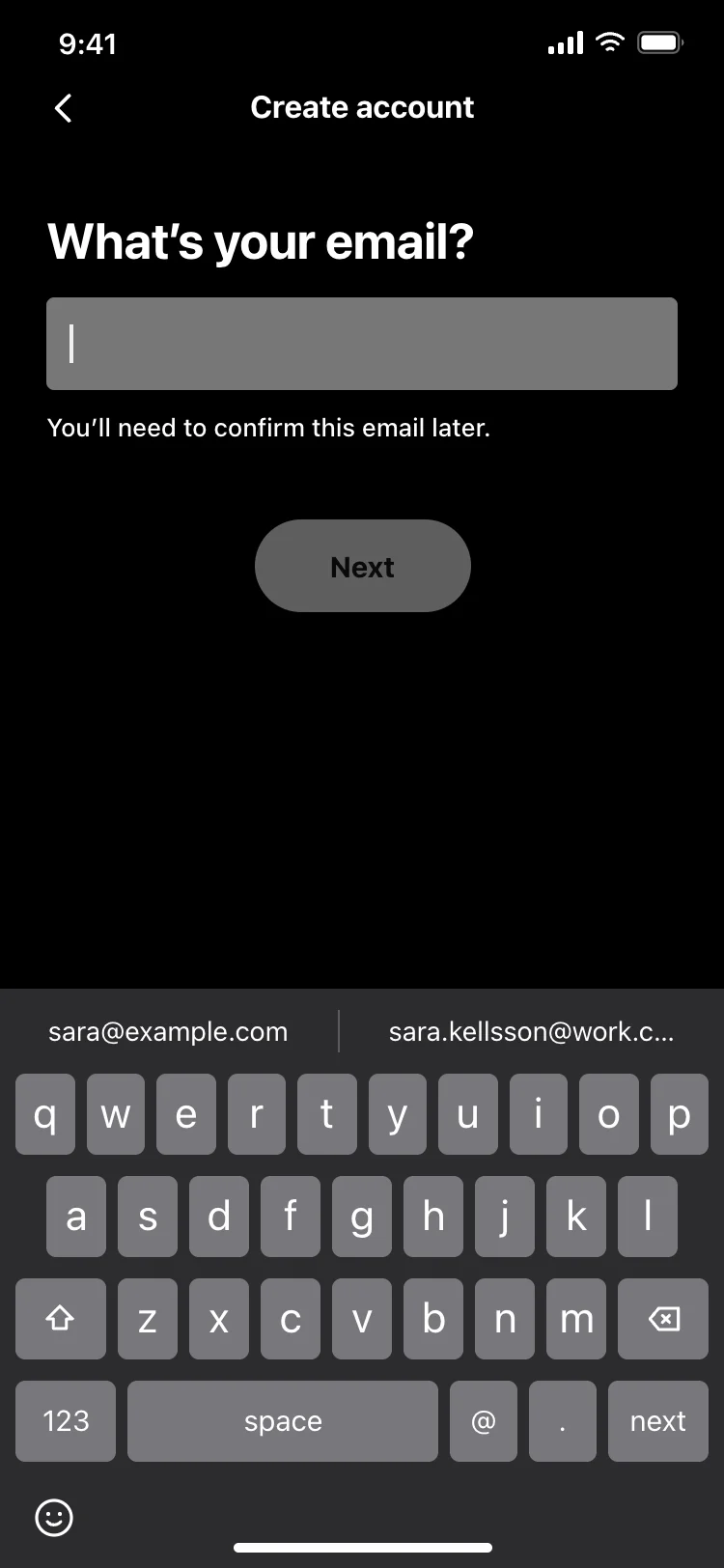

Other app templates you might like
See also
Browse app templates