Spending breakdown screen app template
A spending breakdown for iOS and Android, with a month selector, the total for the period, a comparison to the month before, and spend split by category with amounts. Use it for banking apps, budgeting tools, and expense products. Connect your transaction data via Bolt, Lovable, or Replit.
About this app template
A spending screen is only useful if it answers whether this month was normal. This one leads with the total, puts the comparison to last month directly beneath, and then breaks the figure down by category so the answer to why is one glance away. The month selector runs across the top so the same question can be asked of any period. Category amounts are shown, not only percentages, because customers think in money and a percentage forces them to do arithmetic they did not ask for. Paste it into Bolt, Lovable, or Replit and connect it to your transaction data.
Build a full banking or fintech app with this template design
A finance app repeats balances, cards, transaction rows, and progress across many screens, so one screen can set the standard for every screen after it. Copy the template, paste it into Claude Code, Replit, Lovable, ChatGPT Codex, Bolt, or Cursor, and send this alongside it.
Paste into Claude Code, Replit, Lovable, Bolt, or Cursor
Common questions about this template
What makes a spending screen useful?
Answering whether this month was normal. A total with no comparison is a number without meaning, and the comparison is what turns the screen from a report into something a customer acts on.
Should categories show amounts or percentages?
Amounts. Customers think in money, and a percentage makes them work out what it means before they can react to it.
How many categories should be listed?
Enough to cover most of the spend, with the rest grouped. A list where every category is small tells the customer nothing about where the money went.
How do I connect it to transactions?
Paste it into Bolt, Lovable, or Replit and ask your AI to group your transactions by category and total them for the selected month.
Use this template for
- ·Spending analysis in banking apps
- ·Budgeting and expense tracking
- ·Monthly financial summaries
- ·Category breakdowns of transactions
More finance app templates
View all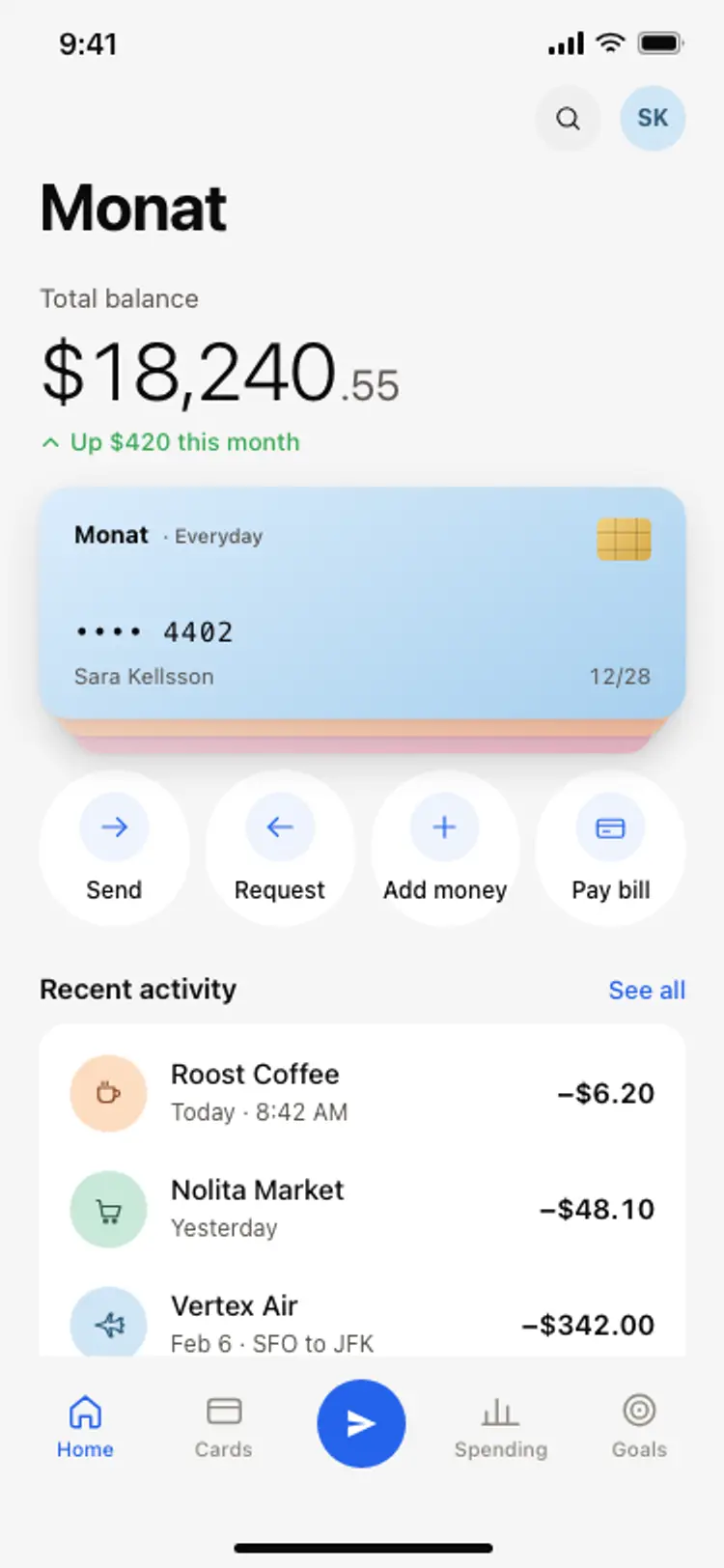
Banking app home screen
Banking app home screen
Finance
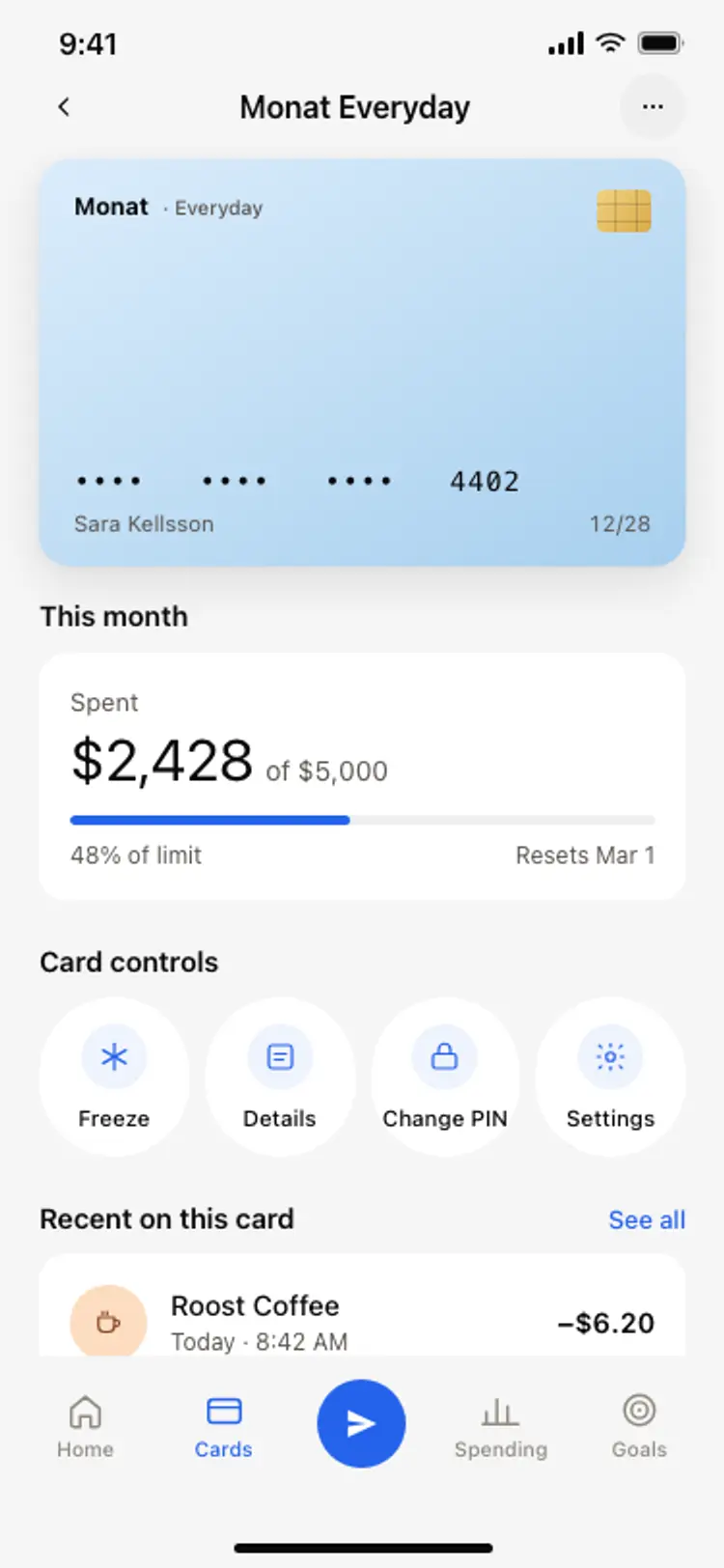
Bank card detail screen
Bank card detail screen
Finance
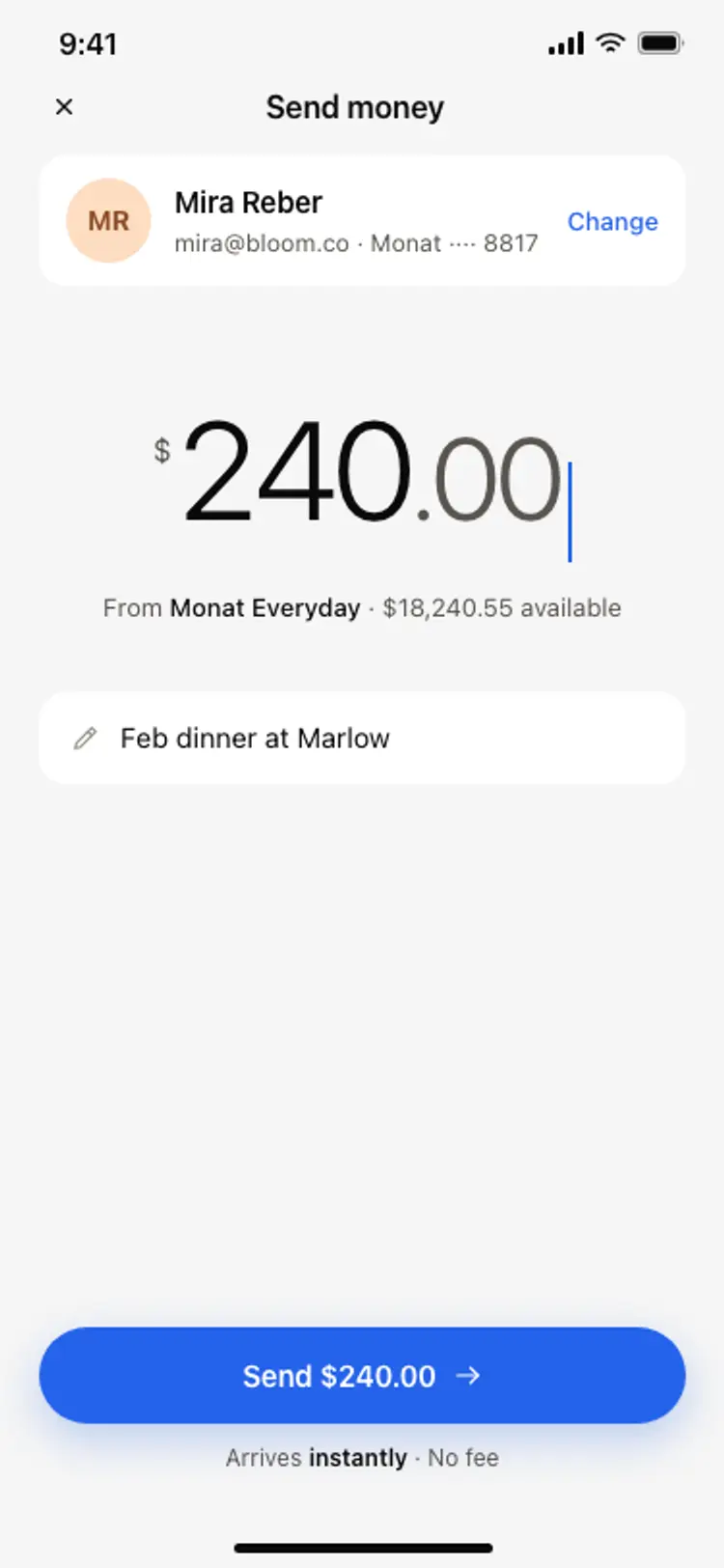
Send money screen
Send money screen
Finance
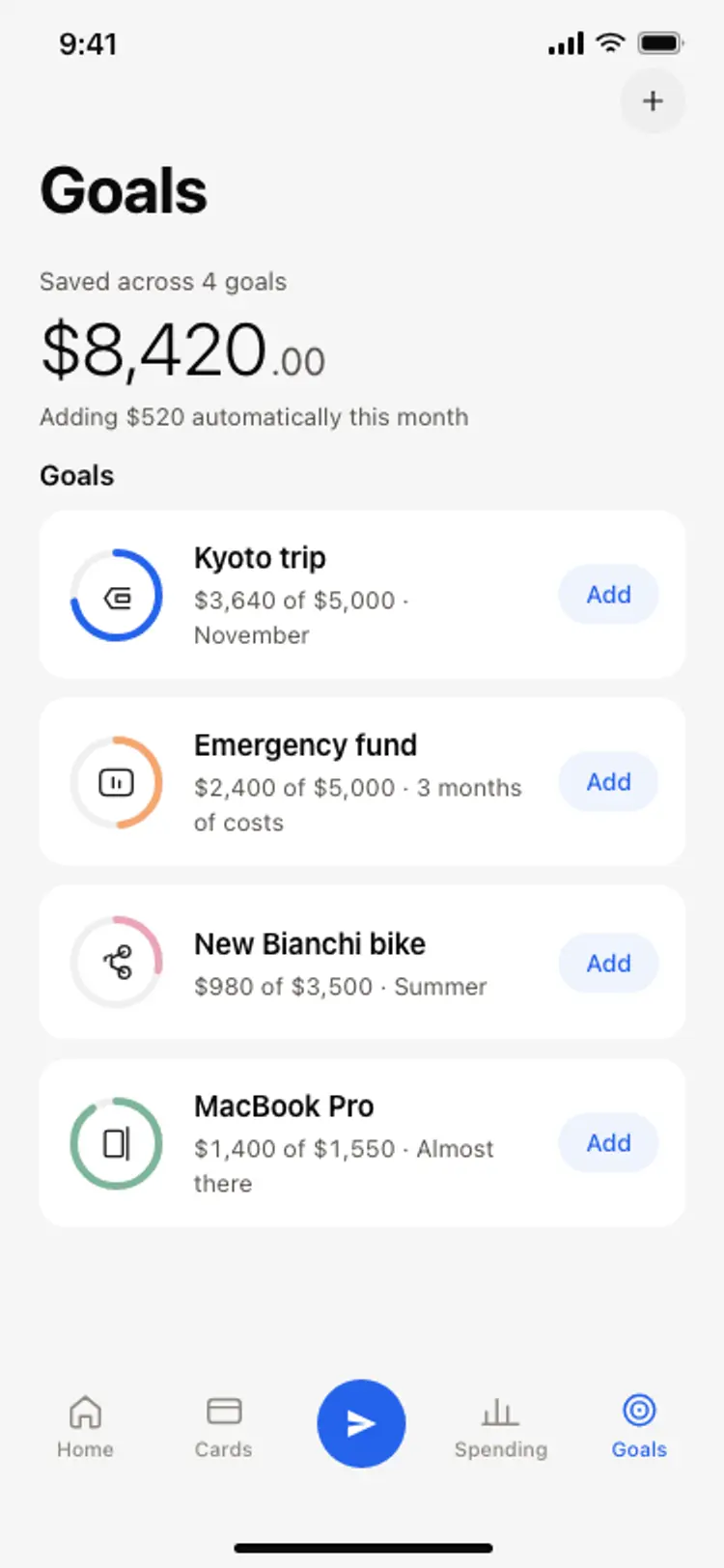
Savings goals screen
Savings goals screen
Finance
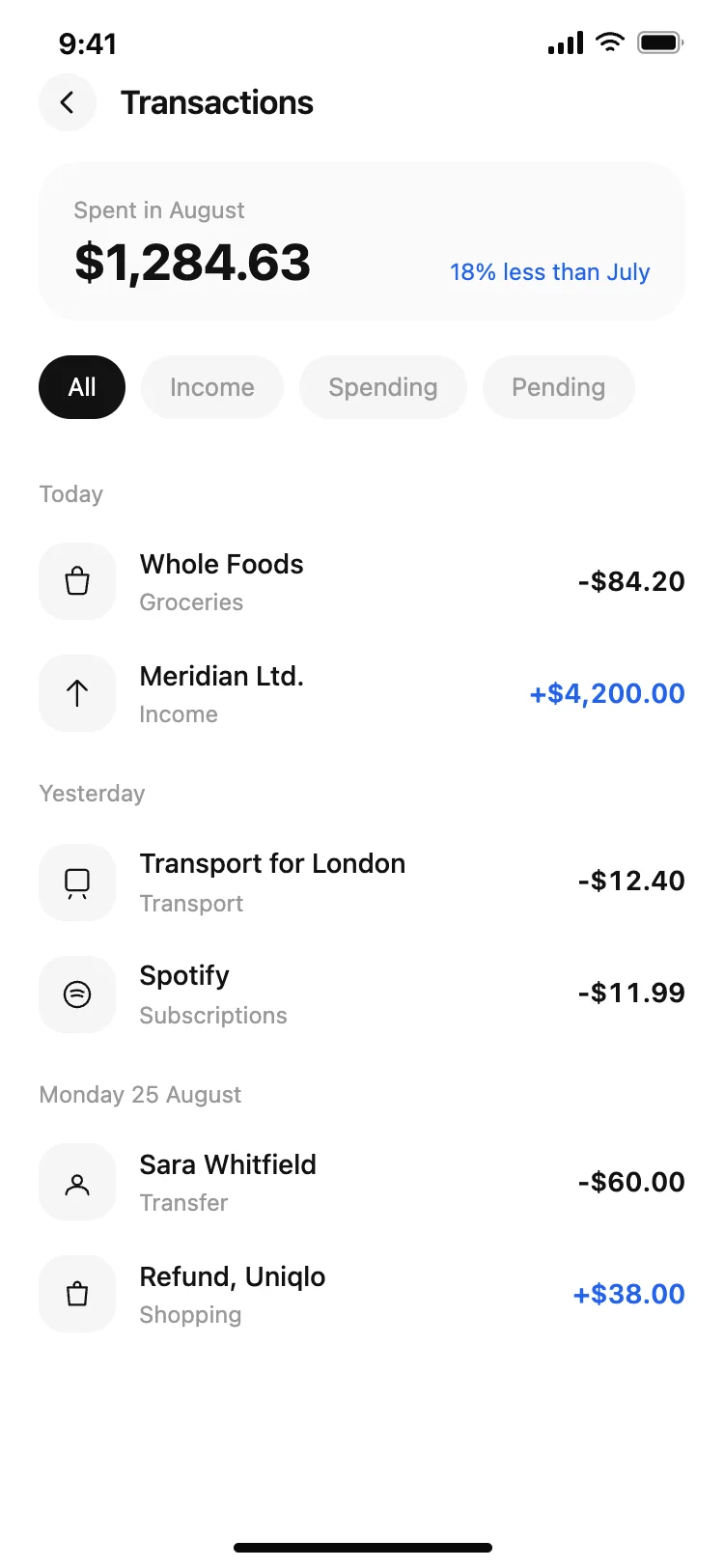
Finance app transaction list
Finance app transaction list
Finance

Finance app monthly budget
Finance app monthly budget
Finance
Other app templates you might like
See also
Browse app templates