App Store screenshot with artwork detail template
An App Store screenshot template on a pink background with a bold headline and a phone mockup showing an artwork detail screen. Use it for art apps, gallery platforms, and any product where the screenshot sells the browsing experience. Build your screenshots in Bolt, Lovable, or Replit.
About this app template
App Store screenshots are the single biggest conversion lever after the icon. This template puts a bold headline at the top, a phone mockup in the centre, and a vivid pink background behind both. The phone shows an artwork detail screen with image, metadata rows, price, and a purchase button. Swap the inner screen for your own app, change the headline, and you have a production screenshot without opening Figma. Paste it into Bolt, Lovable, or Replit and ask your AI to replace the placeholder content with your real screens.
Build a full mobile app with this template design
Settings, search, and empty states share the same rows, groups, and type scale as the rest of the product, so one of them can set the standard for every screen after it. Copy the template, paste it into Claude Code, Replit, Lovable, ChatGPT Codex, Bolt, or Cursor, and send this alongside it.
Paste into Claude Code, Replit, Lovable, Bolt, or Cursor
Common questions about this template
What size should App Store screenshots be?
Apple requires 1290 by 2796 pixels for the 6.7 inch display. This template renders at 375 by 812, which is the same aspect ratio. Export at 2x or 3x for production.
How do I replace the inner screen with my own app?
Paste it into Bolt, Lovable, or Replit and ask your AI to swap the inner content for a screenshot of your app. Keep the device frame and background as they are.
Can I change the background colour?
Yes. Change the background on the .app class to any colour. The phone frame is dark, so it works on any vibrant or pastel background.
Should I use text or just a phone on App Store screenshots?
Always add a headline. Screenshots with a short benefit line above the phone convert better than a bare device mockup because people scroll the gallery quickly and read the text before they look at the screen.
Use this template for
- ·App Store screenshot templates for iOS app marketing
- ·Google Play Store listing graphics for mobile apps
- ·App marketing screenshot designs with phone mockups
- ·Product page screenshots for art and gallery apps
Works with every vibe coding tool
More from the App Store screenshot set
All 3 templatesMore utility app templates
View all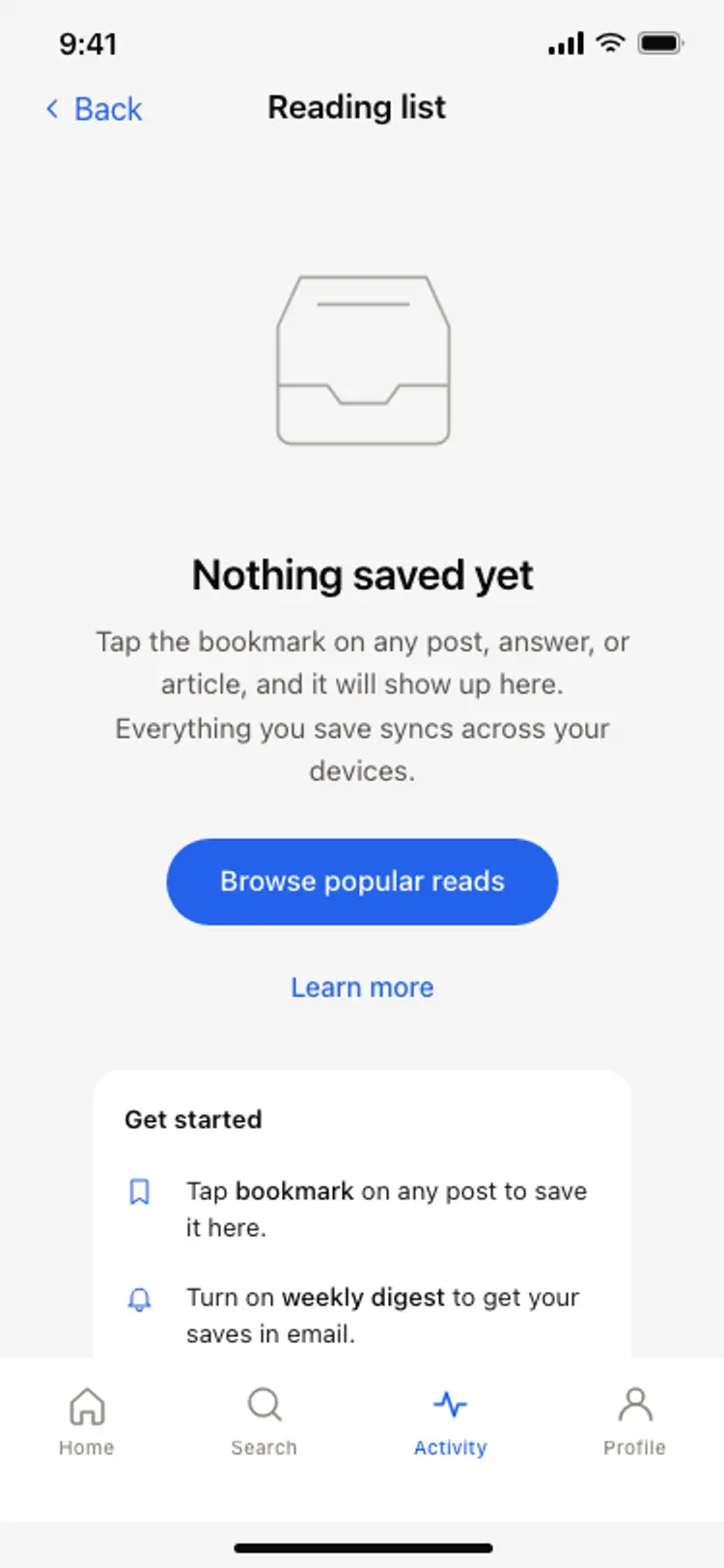
Empty state screen
Empty state screen
Utility
App settings screen
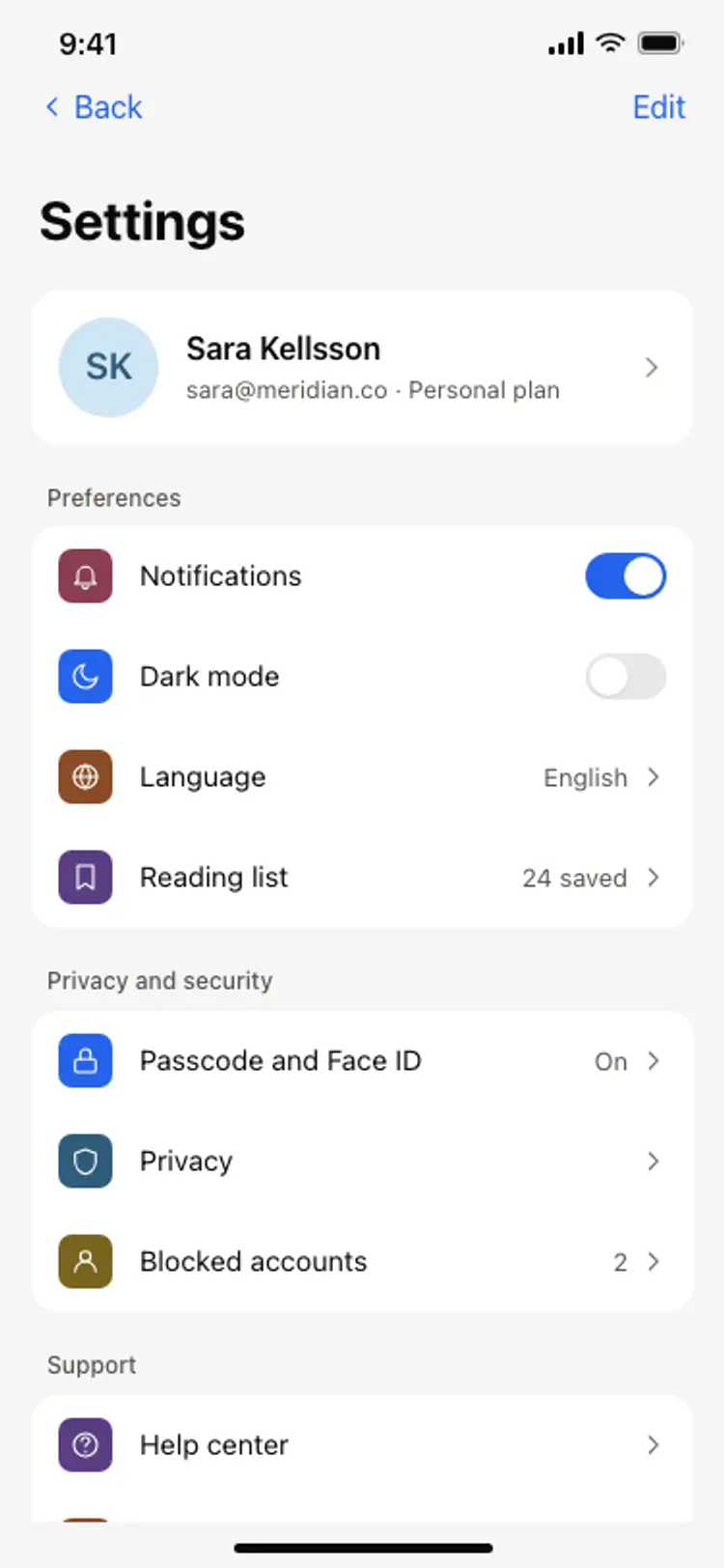
App settings screen
Utility
Search results screen
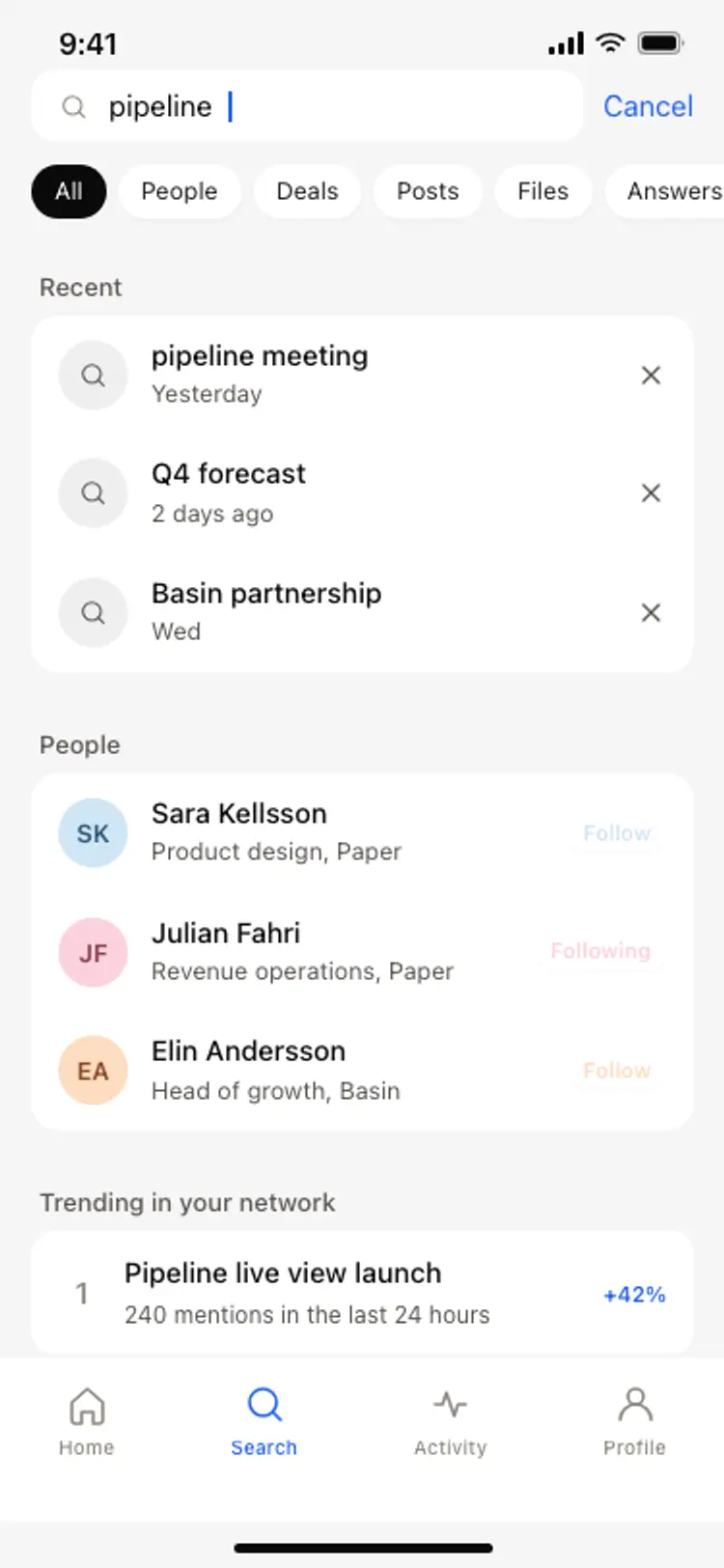
Search results screen
Utility
Shopping app checkout screen
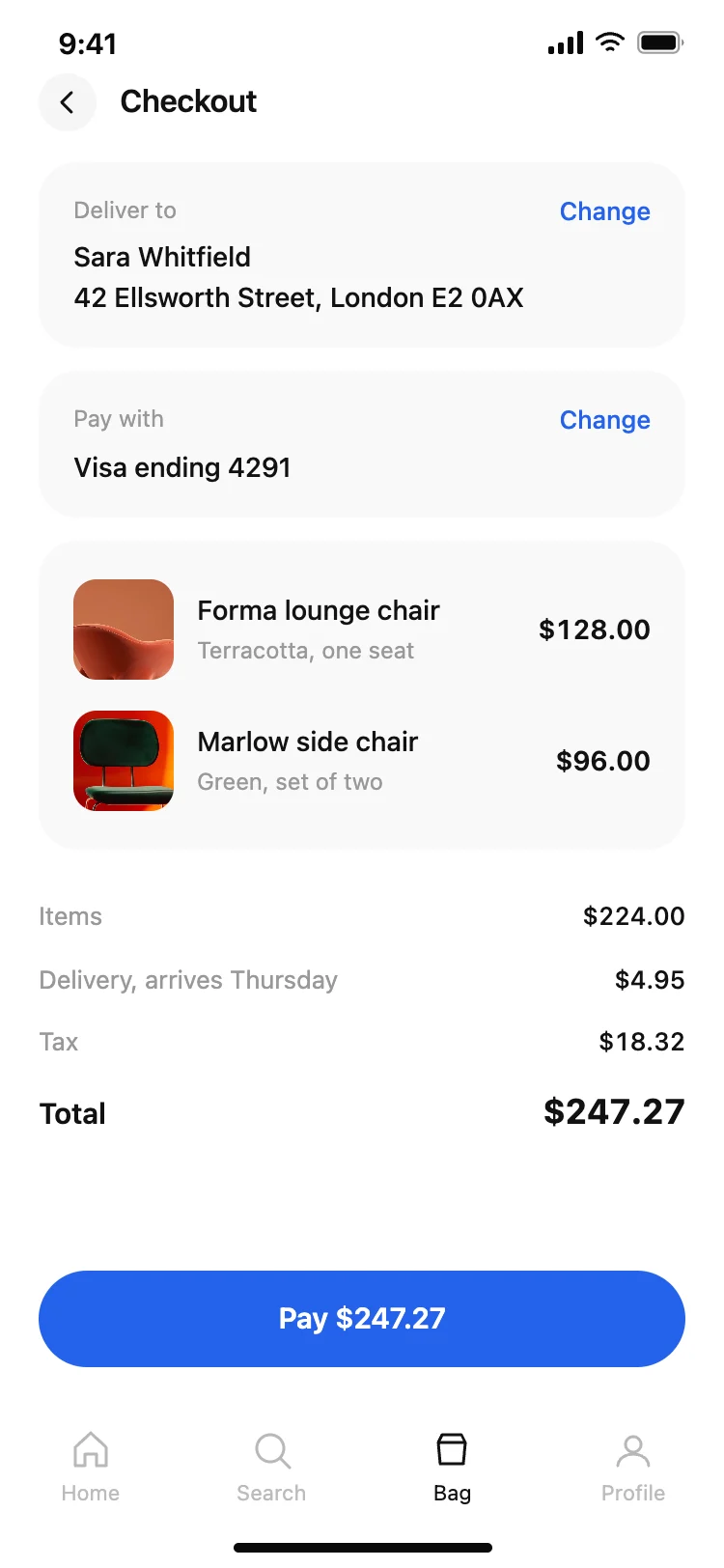
Shopping app checkout screen
Utility
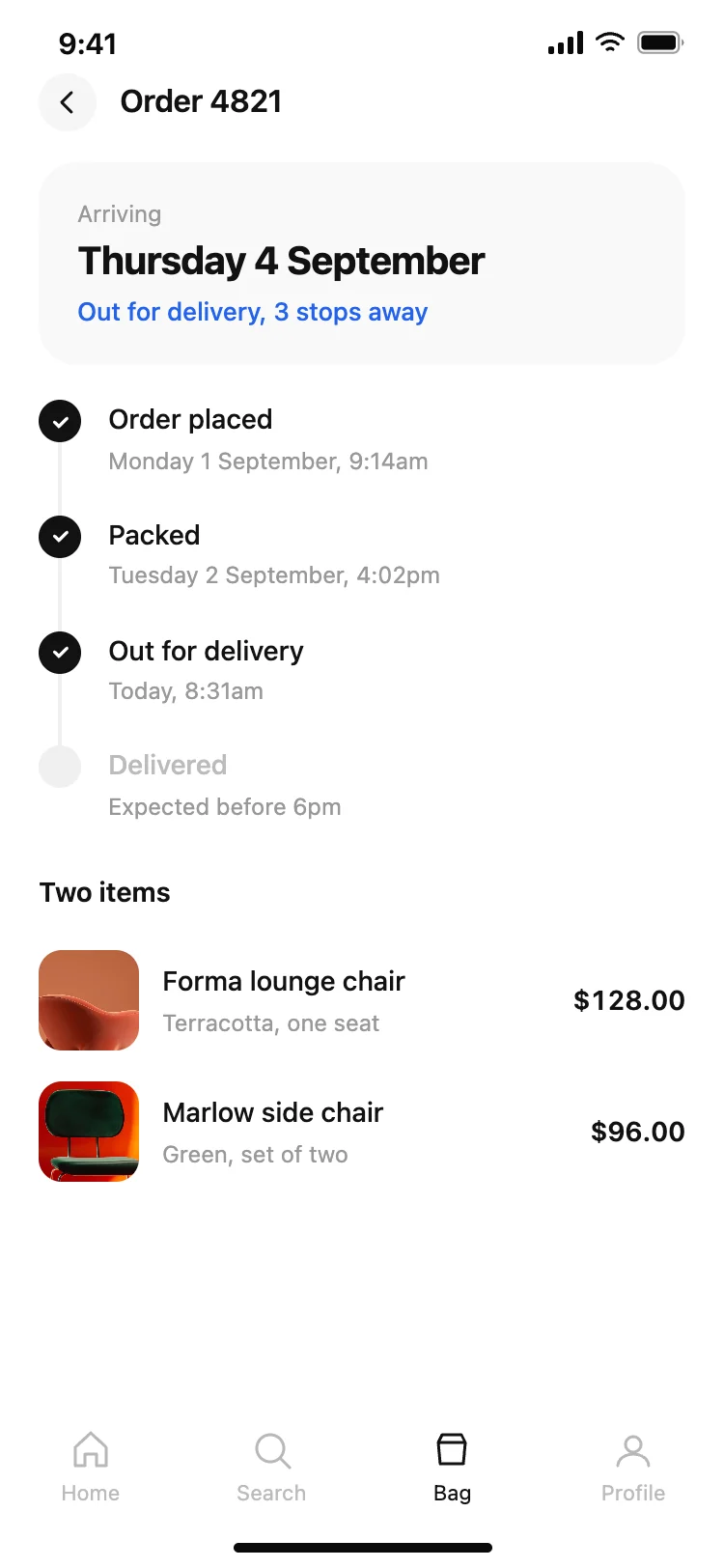
Shopping app order tracking screen
Shopping app order tracking screen
Utility
Driver tracking screen with live ETA
Driver tracking screen with live ETA
Utility