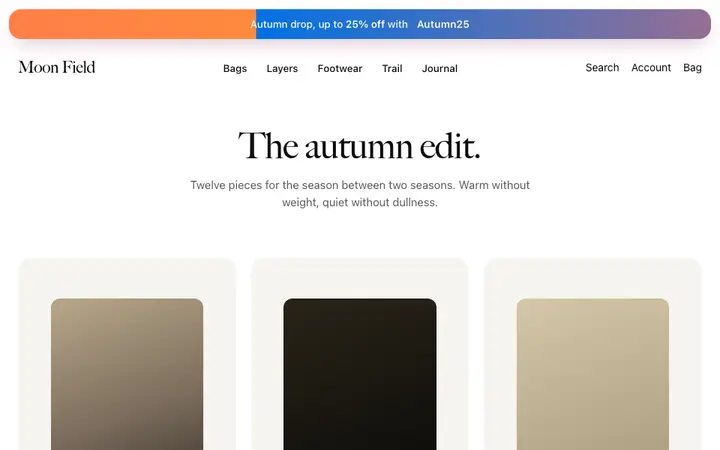
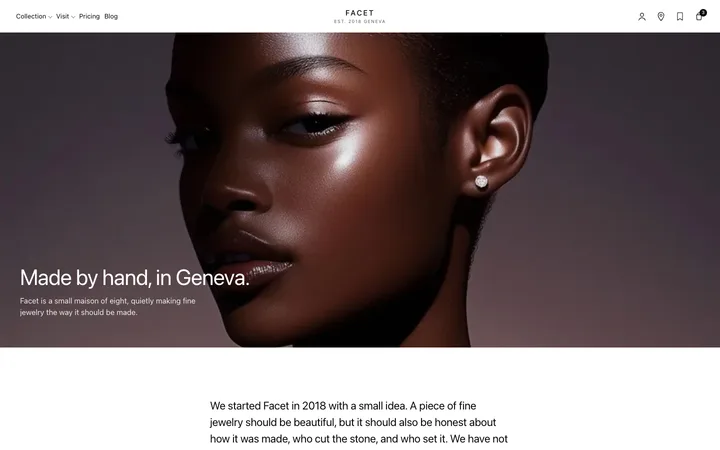
Interactive parallax hero template for SaaS
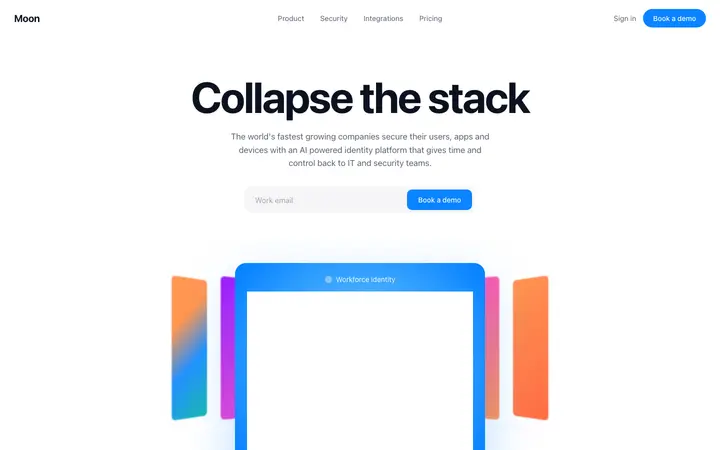
Interactive parallax hero template for AI startups, SaaS products, and launch pages where the opening responds to the visitor. Use it at the top of a landing page where the parallax scroll earns attention in the first few seconds. Use this AI template with Claude Code, Replit, Lovable, ChatGPT Codex, Bolt, Cursor, or another coding tool.
About this vibe coding template
Interactive parallax hero template for products that want the page to feel alive from the first moment. The parallax scroll ties the opening animation to how far the visitor has moved, so the page responds to them. Used by AI startups, developer tools, creative SaaS, consumer apps and launch pages competing for attention in a crowded category. Put it at the top of a landing page or a homepage. It works for teams whose product is interactive and whose page should hint at that. Interactive scroll storytelling, where the page answers the visitor as they move. Apple-like design with parallax scroll.
Build a full SaaS landing page or website with this template design
A SaaS landing page or website is multiple pages that need to feel like one professional site, so one well built coding template can set the standard for every page after it. Copy the template, paste it into Claude Code, Replit, Lovable, ChatGPT Codex, Bolt, or Cursor, and send this alongside it.
Paste into Claude Code, Replit, Lovable, Bolt, or Cursor
Common questions about this template
Why use an interactive parallax hero?
Something that responds gives a visitor a reason to stay a moment longer, and that moment is usually all you get. It also previews how the product will feel to use.
Which SaaS products suit an interactive parallax opening?
AI startups, developer tools and creative SaaS. It works best when the product itself is interactive, so the page sets an accurate expectation.
When is a still hero the better choice?
On pricing and documentation pages, where people arrive with a specific question. Save parallax for pages whose job is attention.
Does the parallax motion in this SaaS template respect reduced motion settings?
Ask your AI coding tool to add a reduced motion rule when you paste the template in. Visitors who have asked their device to limit animation then see the content in a still state.
How do I build a full SaaS landing page or website with this template?
Paste the coding template into Claude Code, Replit, Lovable, ChatGPT Codex, Bolt, or Cursor with the instruction above, then ask for the next page. The template holds its buttons, cards, and spacing across every screen, so your SaaS landing page or website stays consistent across the whole build.
Use this AI coding template for
- ·Interactive parallax hero for an AI startup landing page
- ·Scroll responsive opening for a launch page
- ·Parallax homepage hero for a creative SaaS product
- ·Vibe coding interactive parallax hero template
Works with every vibe coding tool
More hero templates
View all

More vibe coding SaaS templates
View all
Other templates you might like