Shopping app checkout screen template
A checkout screen for an ecommerce or shopping app on iOS and Android. Delivery address and payment method in editable cards, the order items with real product photography, a cost breakdown with delivery and tax, and a pay button carrying the total. Built for Bolt, Lovable, and Replit.
About this app template
Checkout is where the money is lost, and almost always for the same reasons: a surprise cost at the end, a forced account, or an error that clears the form. This template shows the full total including delivery and tax before the pay button, puts the address and payment method in cards with a change control rather than behind a step, and carries the amount on the button itself so nobody taps it wondering what they are about to be charged. The items show real product photography rather than grey boxes, because a picture of what is being bought reduces the pause before paying. No dividers, no separators, one action. Paste it into Bolt, Lovable, or Replit and ask your AI to wire Stripe Checkout or Apple Pay.
Build a full mobile app with this template design
A mobile app is many screens a user moves between quickly, which makes any inconsistency obvious, so one screen can set the standard for every screen after it. Copy the template, paste it into Claude Code, Replit, Lovable, ChatGPT Codex, Bolt, or Cursor, and send this alongside it.
Paste into Claude Code, Replit, Lovable, Bolt, or Cursor
Common questions about this template
How do I connect a real payment method?
Paste it into Bolt, Lovable, or Replit and ask your AI to add Stripe Checkout or a payment sheet. Keep the total on the button and pass the same figure through, so what somebody agreed to is what gets charged.
Why is the total on the button?
Because the last thing anybody reads before paying is the button. Putting the amount there removes the glance back up the screen and it is one of the cheapest improvements in a checkout.
Does it support guest checkout?
The screen is written for it. There is no account step, and if you need one, ask your AI to add it after payment as a single tick that reuses the address already entered.
How should a declined card behave?
Keep every field, say what happened in plain words, and offer another method. Clearing the form after a decline is the most expensive error state in commerce.
Use this template for
- ·Ecommerce app checkout screen templates for iOS and Android vibe coding
- ·Shopping cart and payment confirmation screens for Bolt and Lovable
- ·Mobile commerce checkout flow templates for Replit and Cursor
- ·Retail app payment screens for Claude Code and ChatGPT Codex
More from the Shopping app set
All 5 screens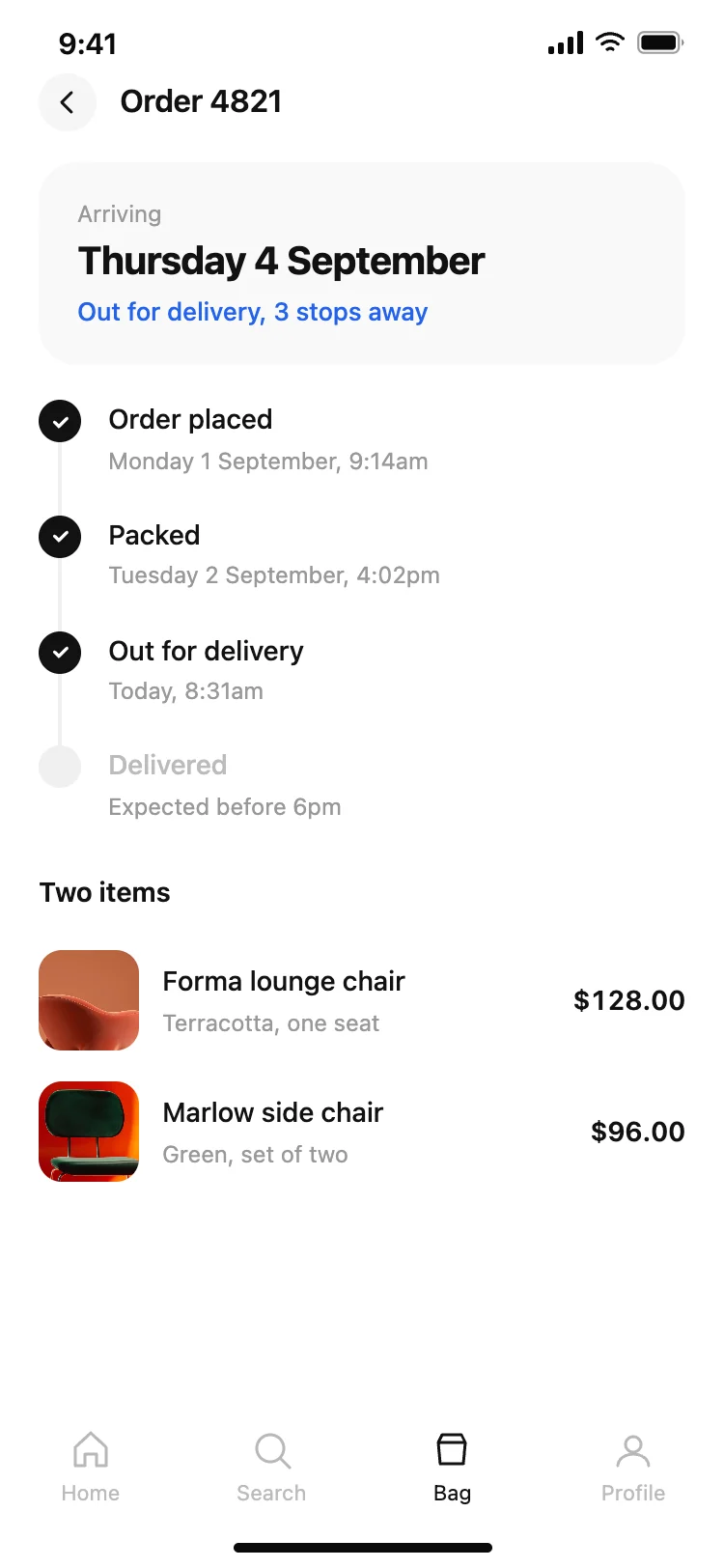
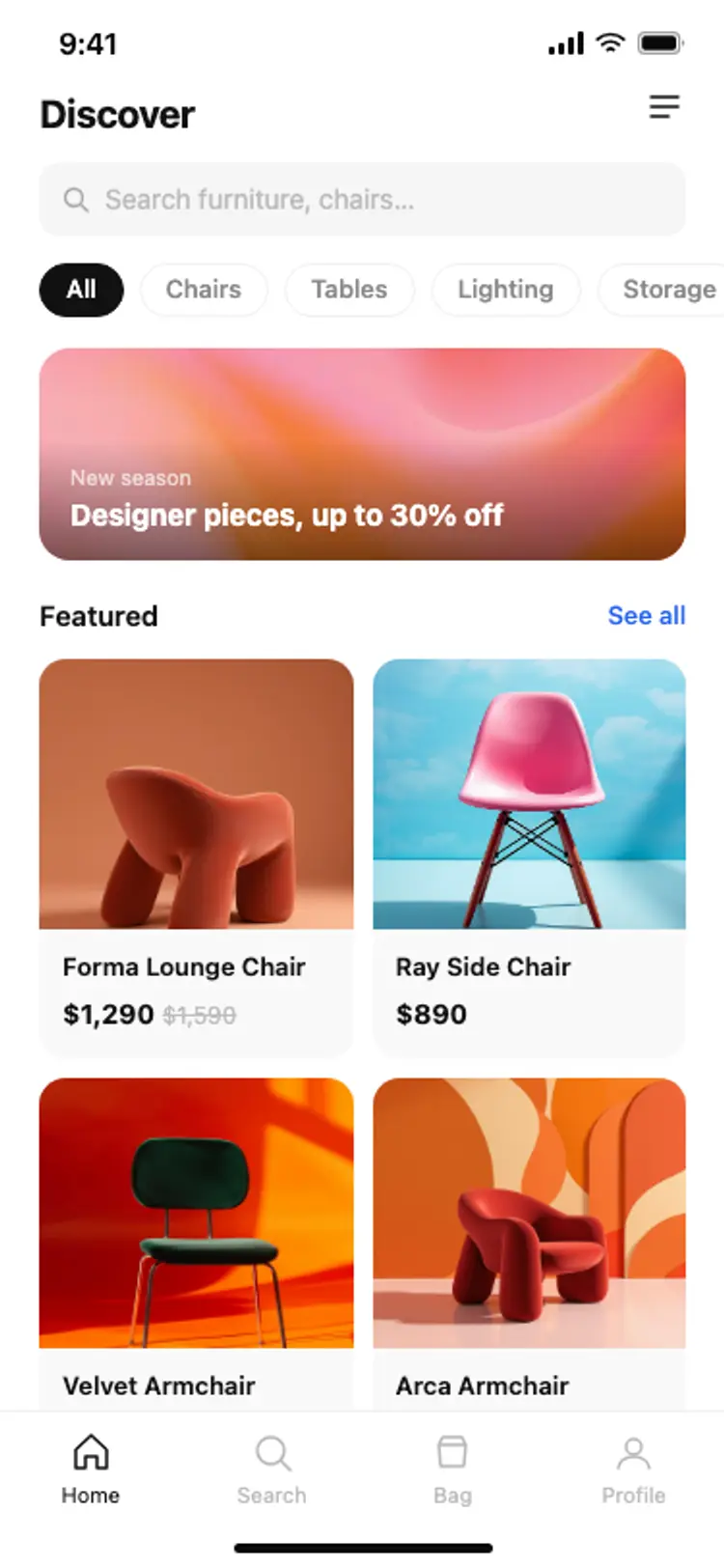
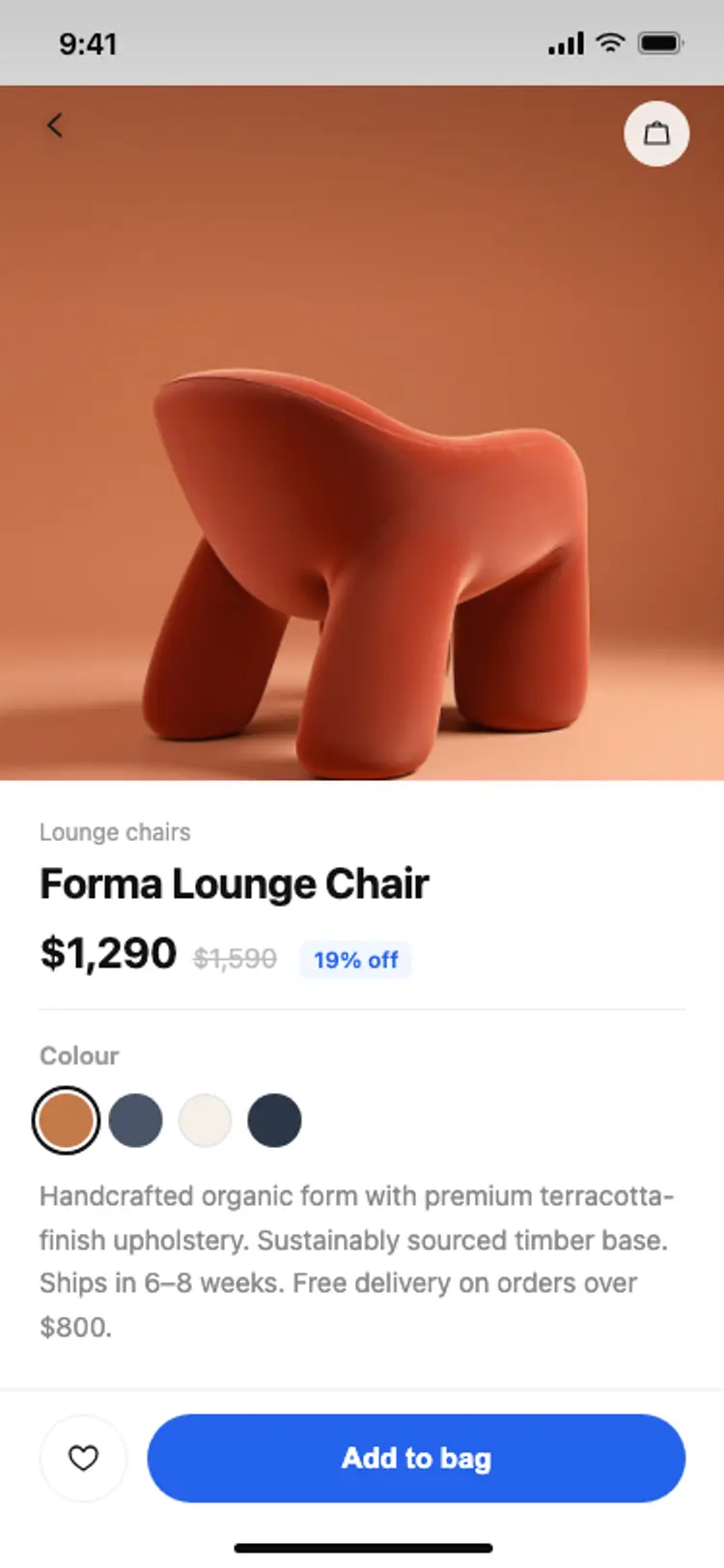
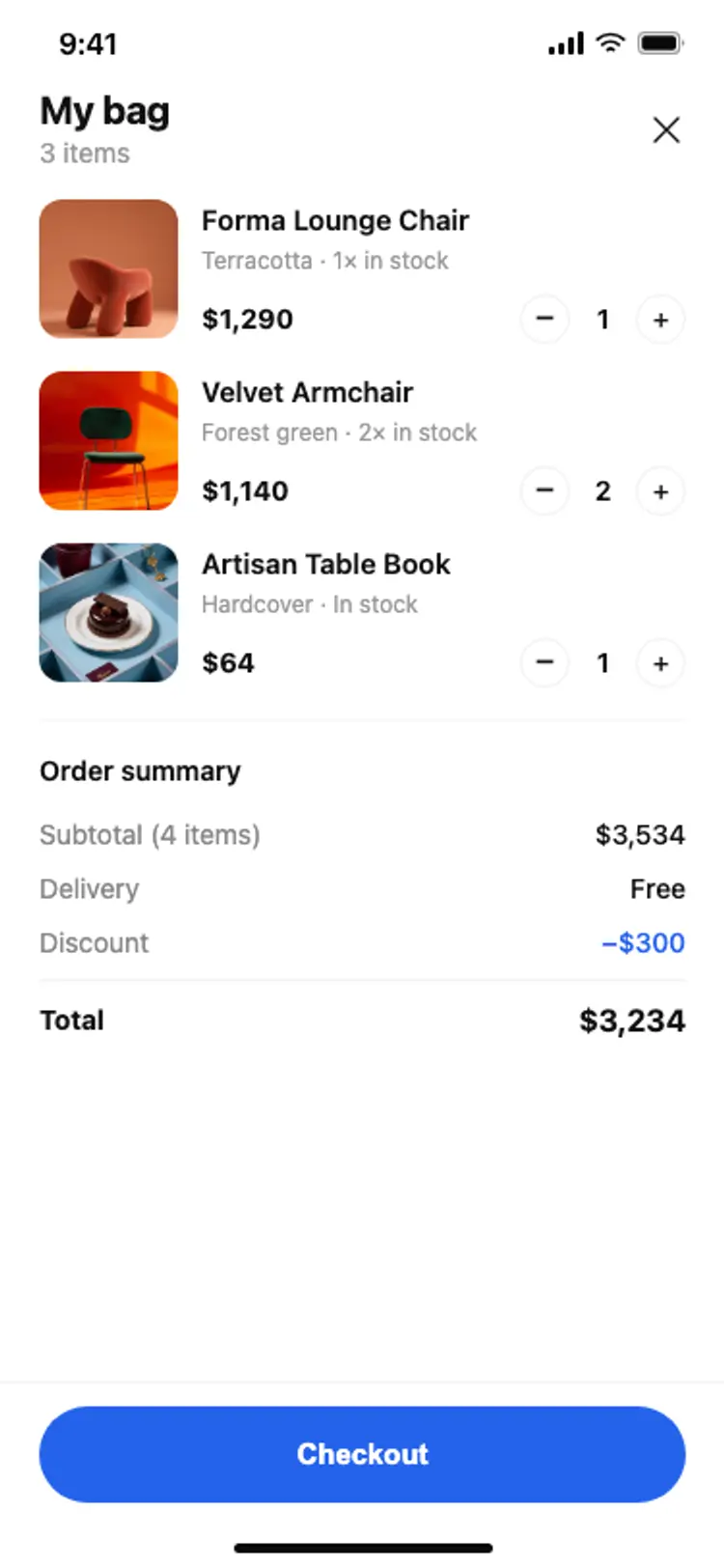
Other app templates you might like
See also
Browse app templates