App Store screenshot with auction listing template
An App Store screenshot template on a teal background with a bold headline and a phone mockup showing an auction listing screen. Use it for marketplace apps, bidding platforms, and any product that highlights live inventory. Build your screenshots in Bolt, Lovable, or Replit.
About this app template
The second screenshot in an App Store listing should show the core transaction. This template puts a teal background behind a phone showing an auction lot with a countdown timer, artwork details, and a bid button. The headline reads Bid in global auctions, framing the app as a marketplace rather than a catalogue. Swap the content for your own listing screen and the headline for your own value proposition.
Build a full mobile app with this template design
Settings, search, and empty states share the same rows, groups, and type scale as the rest of the product, so one of them can set the standard for every screen after it. Copy the template, paste it into Claude Code, Replit, Lovable, ChatGPT Codex, Bolt, or Cursor, and send this alongside it.
Paste into Claude Code, Replit, Lovable, Bolt, or Cursor
Common questions about this template
What headline works best for a marketplace screenshot?
Name the action the person takes, not the category. Bid in global auctions is better than Marketplace because it tells the reader what they can do, not what the app is.
Should I show real prices on App Store screenshots?
Yes if the price range signals value. A starting bid of three thousand pounds tells the reader this is a serious platform. Avoid placeholder prices that look fake.
How many App Store screenshots should I make?
Apple allows up to ten. Most successful apps use five to seven, each showing a different feature or screen. This family gives you three starting points to build from.
Can I use this for Google Play as well?
Yes. Google Play uses the same portrait phone ratio. The only difference is the required resolution, which you set at export.
Use this template for
- ·App Store screenshot templates for marketplace and auction apps
- ·Google Play listing graphics with countdown and bid screens
- ·Mobile app marketing screenshots for ecommerce platforms
- ·Product page screenshots for bidding and trading apps
Works with every vibe coding tool
More from the App Store screenshot set
All 3 templatesMore utility app templates
View all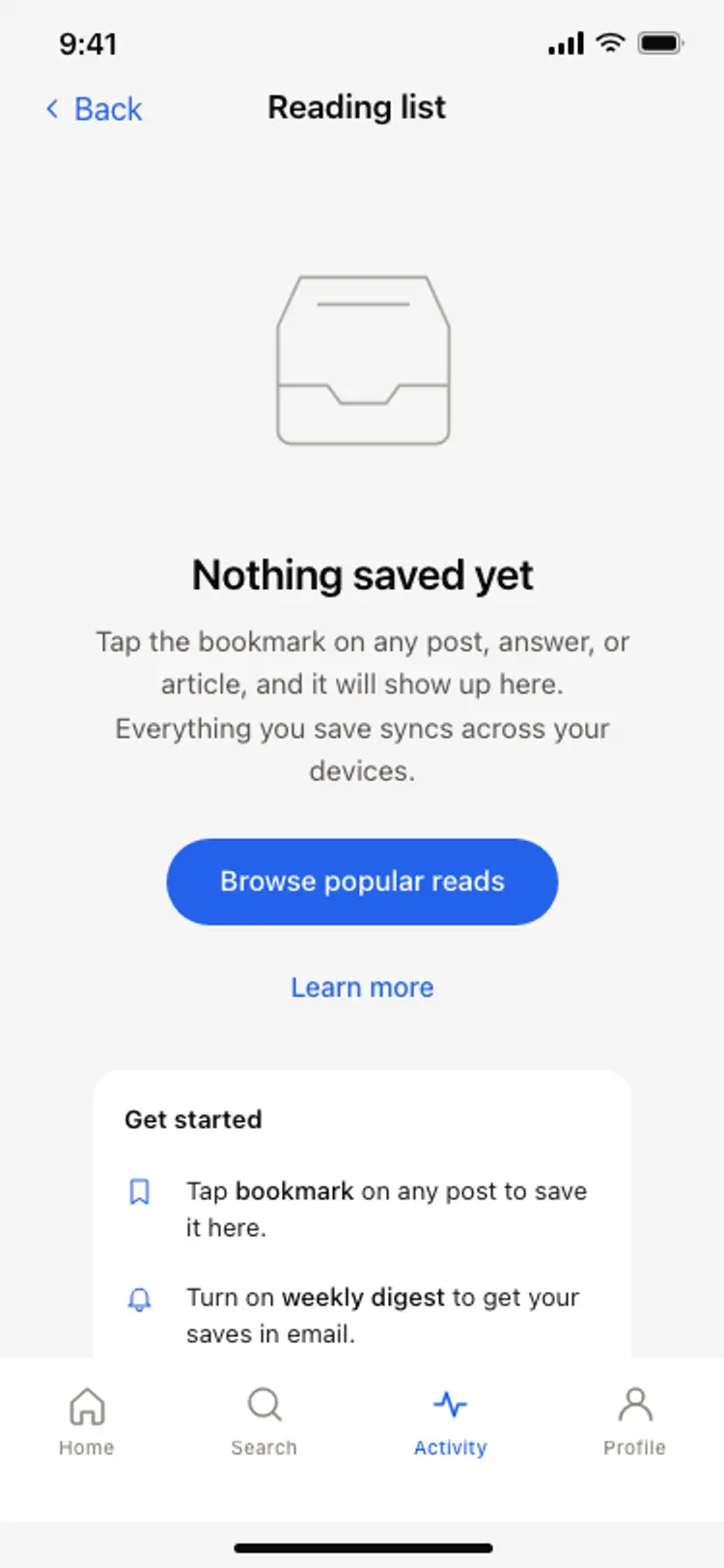
Empty state screen
Empty state screen
Utility
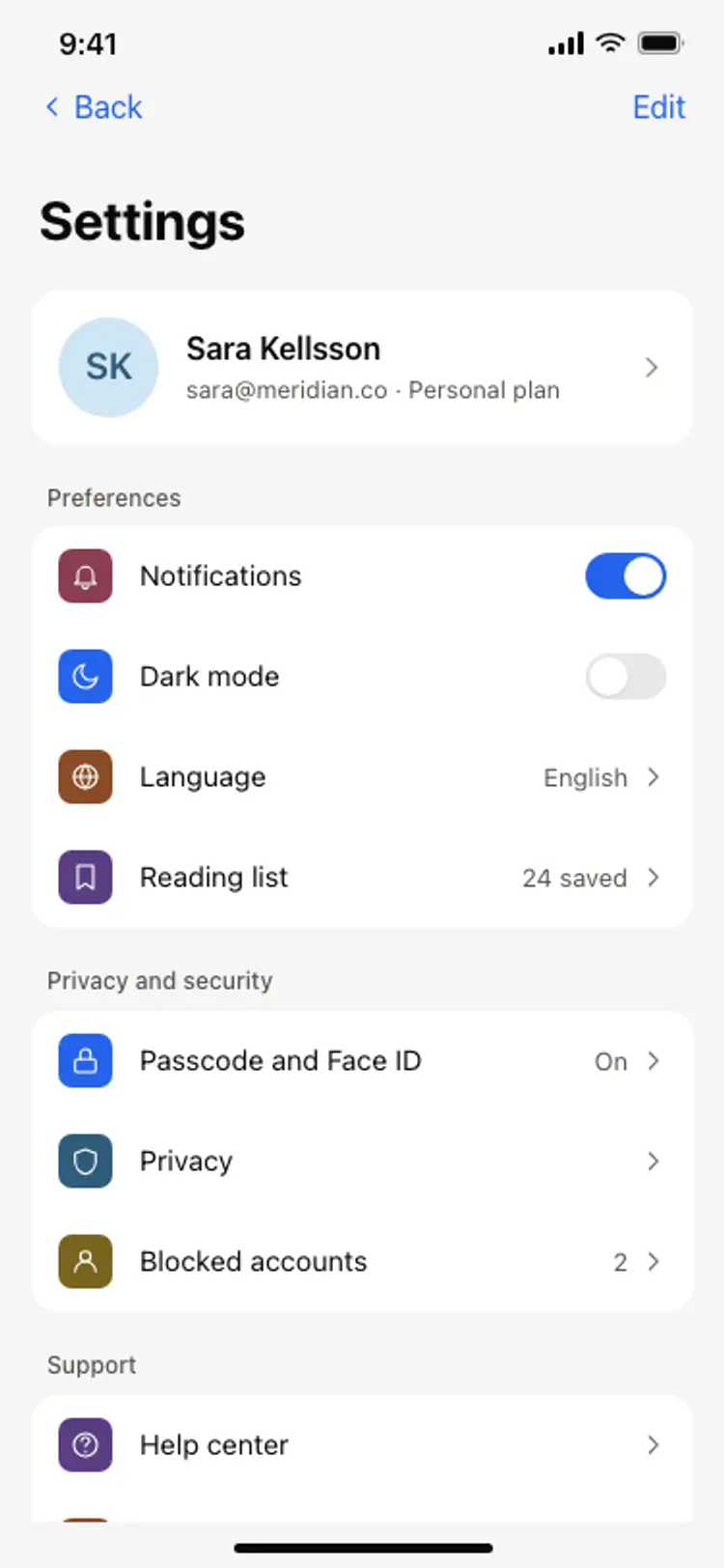
App settings screen
App settings screen
Utility
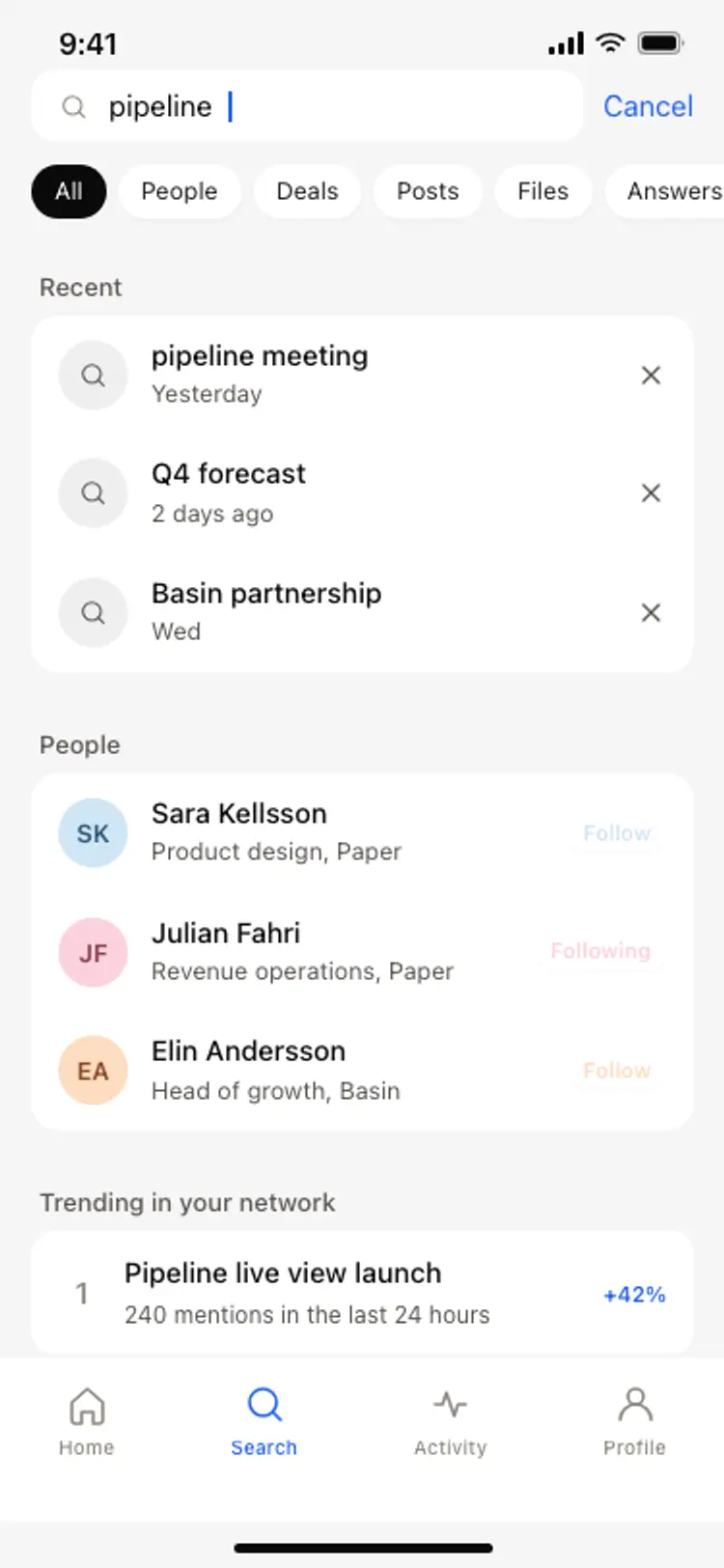
Search results screen
Search results screen
Utility
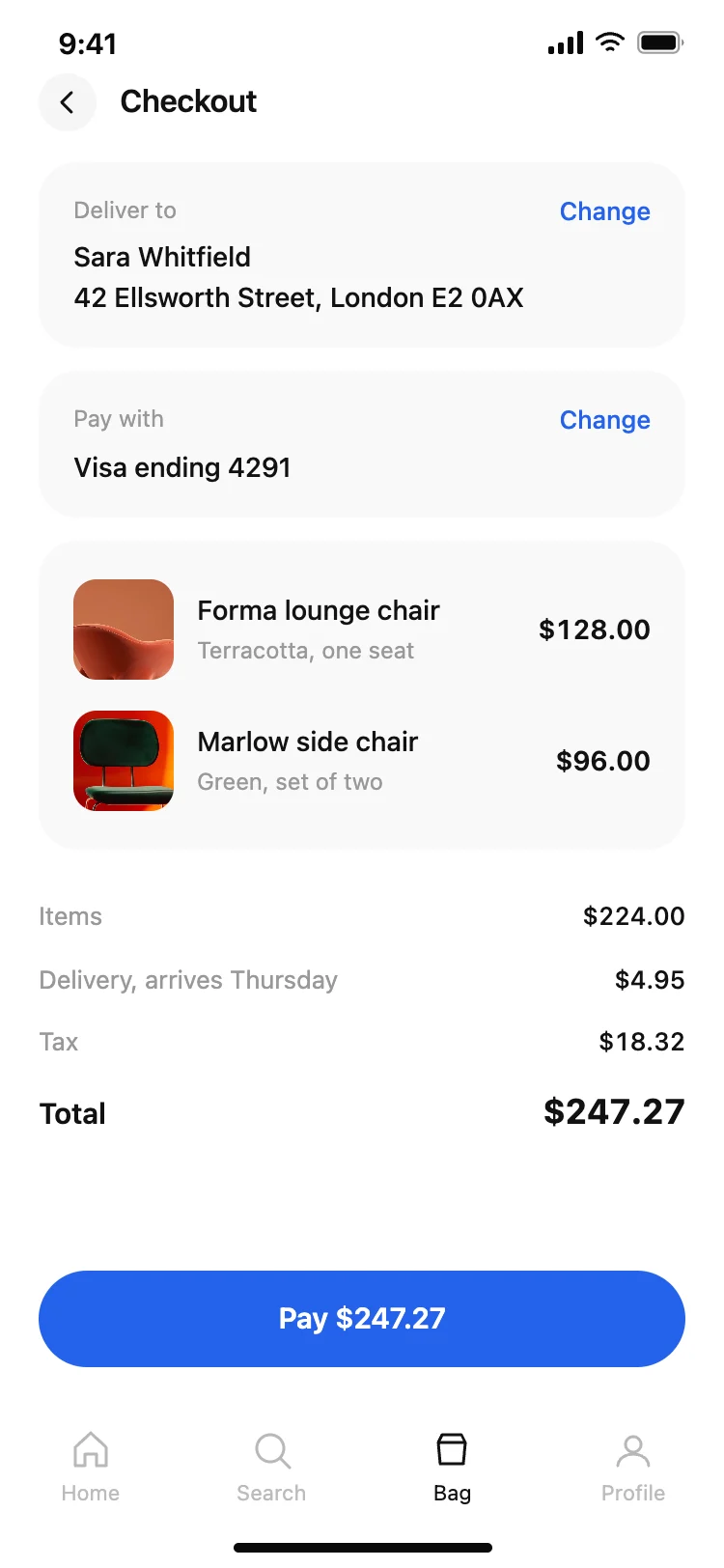
Shopping app checkout screen
Shopping app checkout screen
Utility
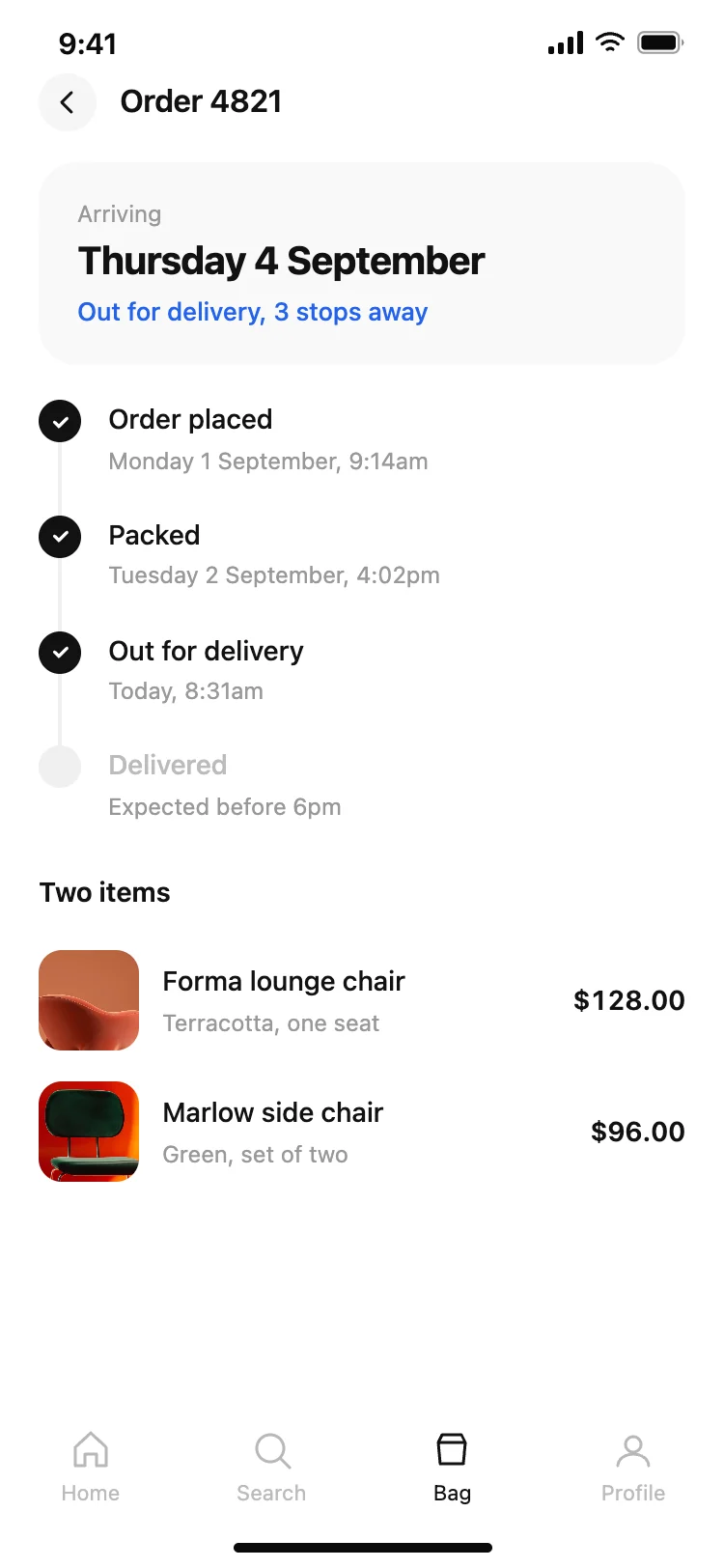
Shopping app order tracking screen
Shopping app order tracking screen
Utility
Driver tracking screen with live ETA
Driver tracking screen with live ETA
Utility