Shopping app order tracking screen template
An order tracking screen for an ecommerce or shopping app on iOS and Android. The arrival date with a live delivery line, a four step timeline from placed to delivered, and the order items with real product photography and prices. Built for Bolt, Lovable, and Replit.
About this app template
Order tracking is a screen people open repeatedly and read for one thing: when. This template answers that at the top with the arrival date large and the live status under it, then supports it with a four step timeline where completed steps carry a filled marker and the remaining one is dimmed with its expectation stated. Times are real clock times rather than relative labels, because somebody checking twice a day needs to know whether anything moved. The items repeat at the bottom with their photography and prices, so the screen also serves as the receipt. No dividers except the timeline rail itself. Paste it into Bolt, Lovable, or Replit and ask your AI to bind it to a carrier tracking API.
Build a full mobile app with this template design
A mobile app is many screens a user moves between quickly, which makes any inconsistency obvious, so one screen can set the standard for every screen after it. Copy the template, paste it into Claude Code, Replit, Lovable, ChatGPT Codex, Bolt, or Cursor, and send this alongside it.
Paste into Claude Code, Replit, Lovable, Bolt, or Cursor
Common questions about this template
How do I connect real tracking data?
Ask your AI to map a carrier webhook or a tracking API onto the four steps. Keep the step names in customer language rather than carrier codes, which is where most tracking screens become unreadable.
Why show clock times rather than two days ago?
Because somebody checking twice in a day needs to see whether anything actually moved. Relative labels hide that, and they are the reason people open a tracking page and learn nothing.
What should the delivered state look like?
Fill the last marker, change the headline to the delivered date, and replace the live line with the proof of delivery. Ask your AI to add a photograph if your carrier provides one.
Can it handle a split delivery?
Yes. Repeat the timeline per parcel under its own heading and keep the item list at the bottom whole, so the receipt stays in one place.
Use this template for
- ·Ecommerce order tracking screen templates for iOS and Android vibe coding
- ·Delivery status and shipment timeline screens for Bolt and Lovable
- ·Order confirmation and receipt templates for Replit and Cursor
- ·Retail app order history screens for Claude Code and ChatGPT Codex
More from the Shopping app set
All 5 screens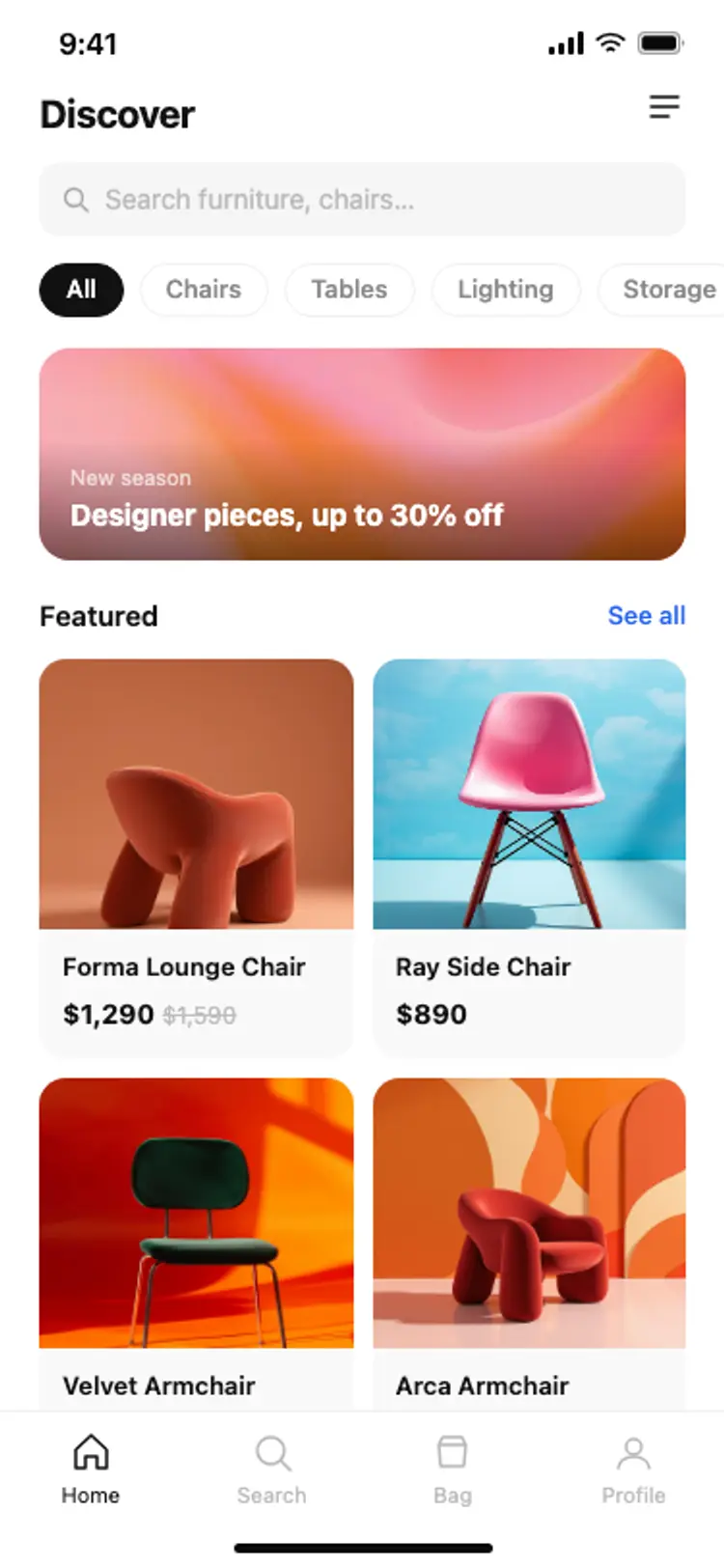
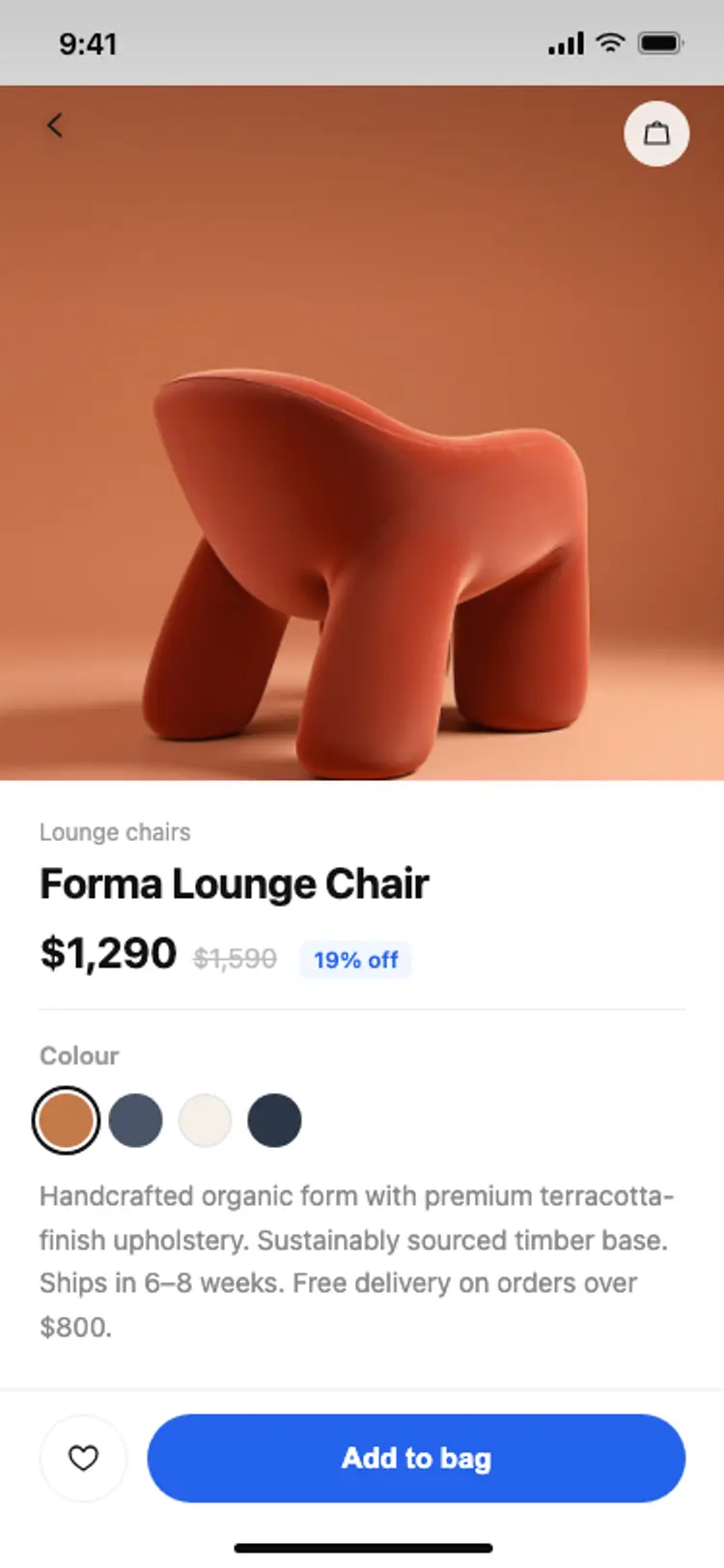
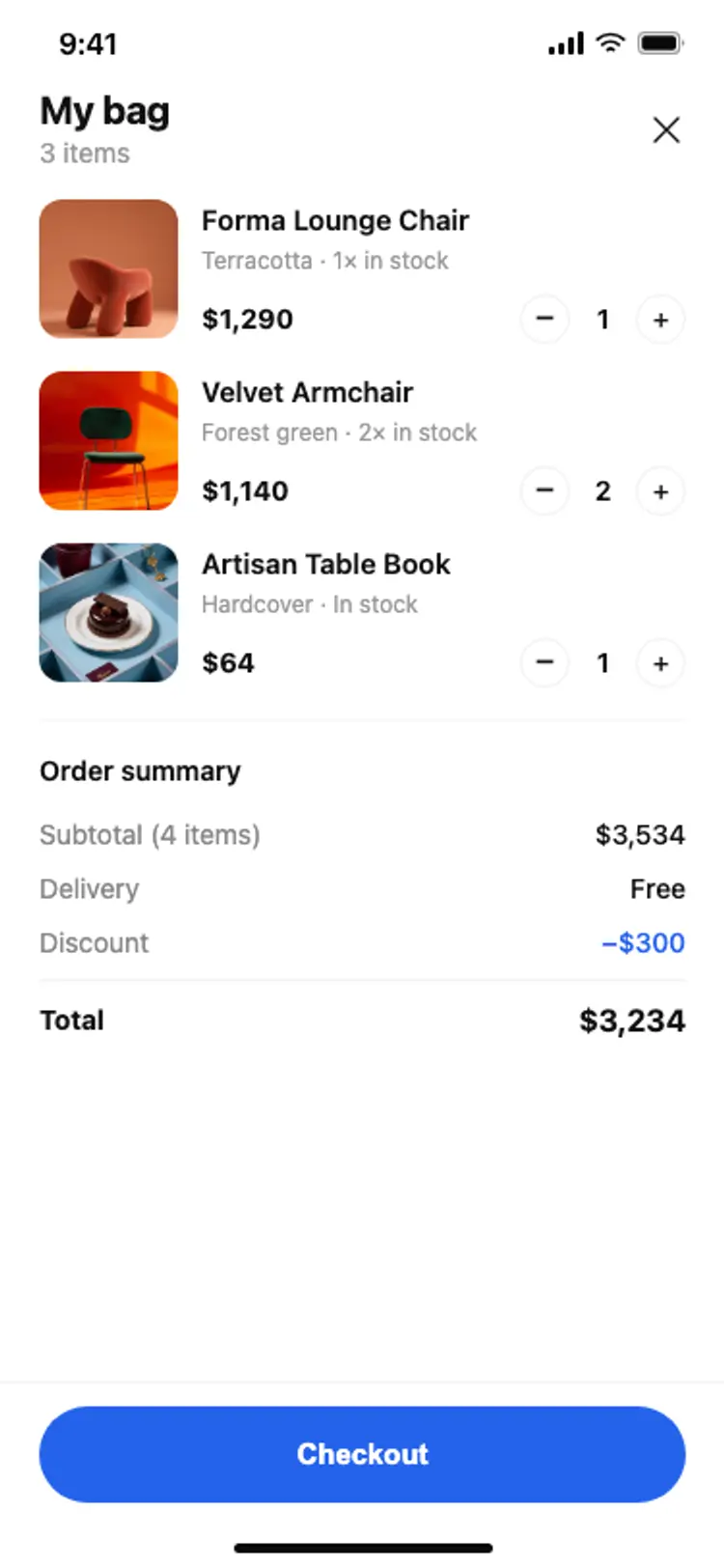
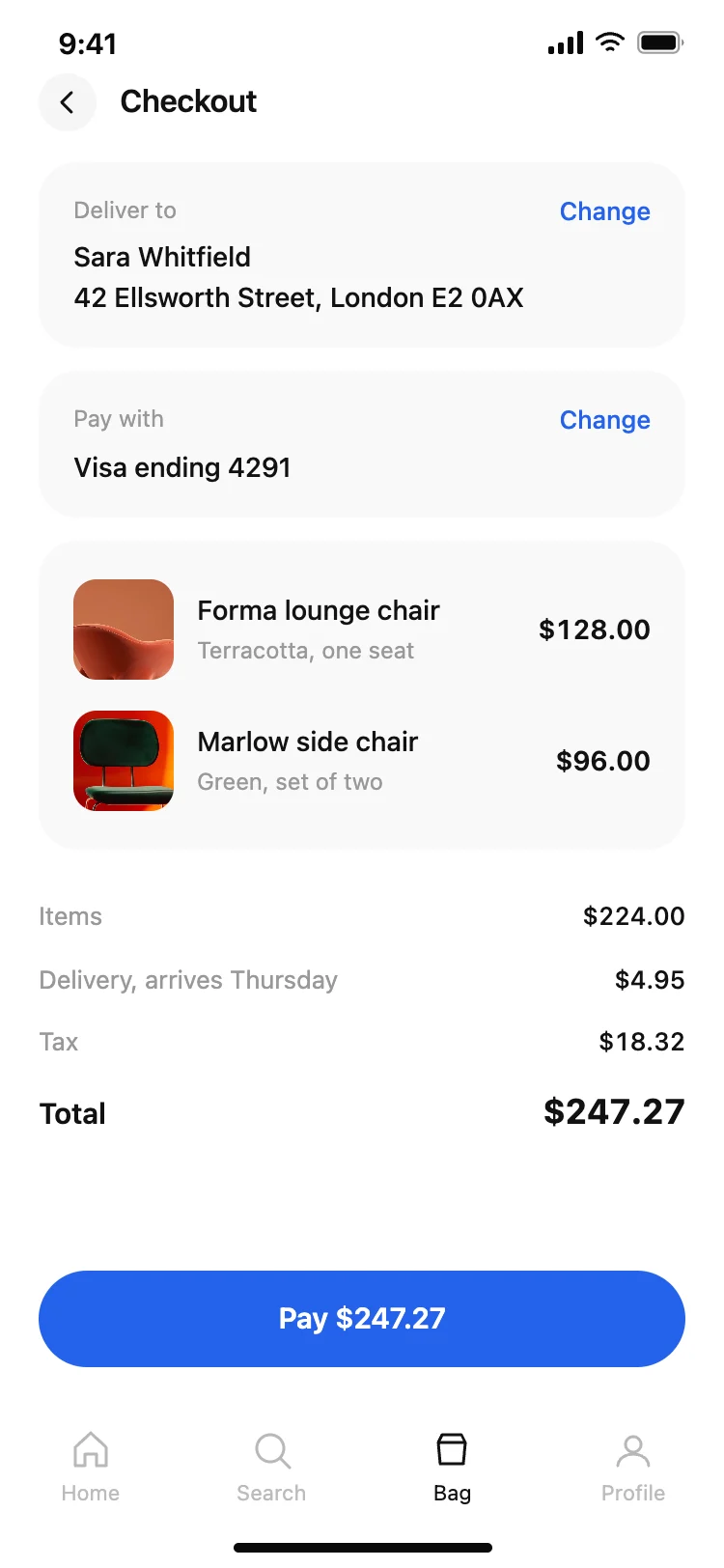
Other app templates you might like


See also
Browse app templates