What makes a paywall convert?
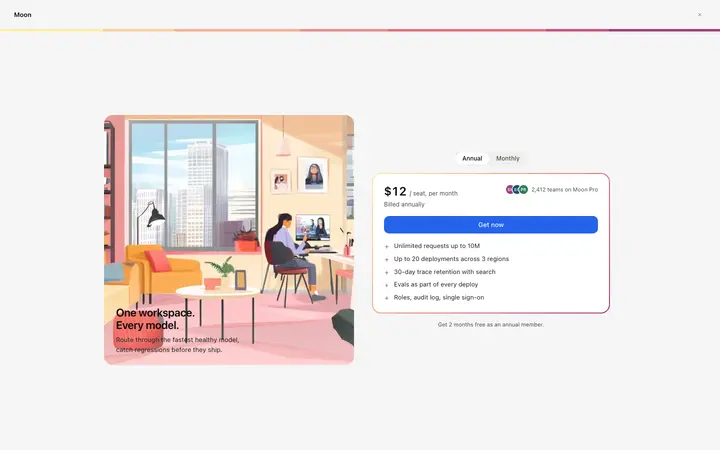
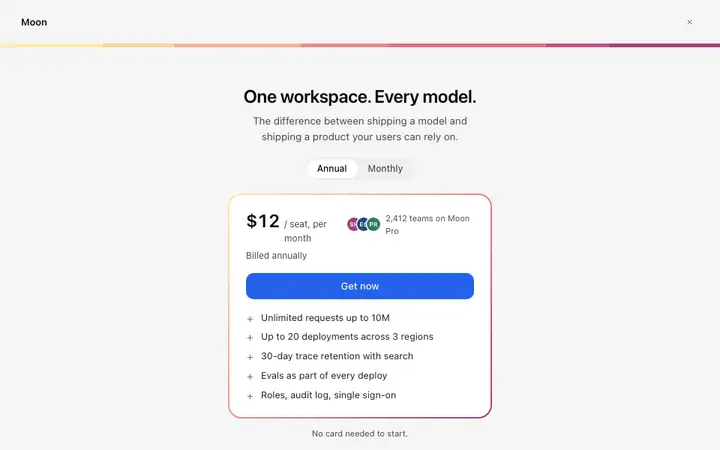
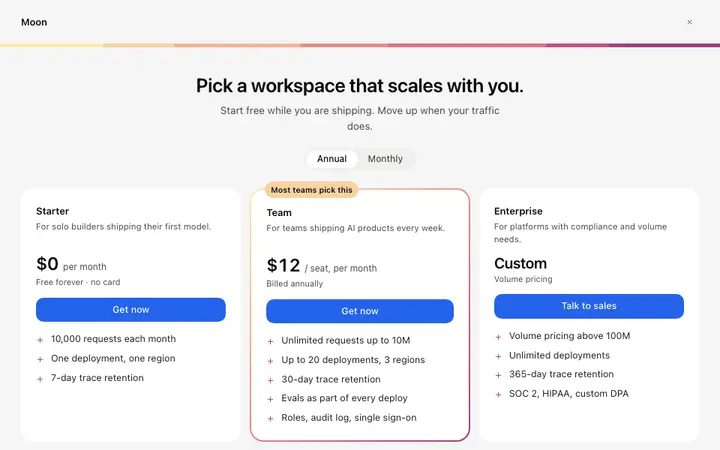
Saying what the reader gets before saying what it costs, and showing every plan at once. Hiding a price behind a toggle reads as something to be wary of, and wariness at the payment step is expensive.
What is the difference between a hard and a soft paywall?
A hard paywall blocks everything until someone pays. A soft paywall lets them read enough to want the rest. Soft converts better for content and hard suits tools, where the value is obvious before the first use.
How do I connect a paywall to Stripe?
Paste it into Replit, Lovable, Claude Code, Bolt, or Cursor and name Stripe. Your AI coding tool wires each plan to a price, handles the checkout session and gates whatever sits behind the wall.
Should a paywall show an annual plan?
Yes, next to the monthly one with the difference stated plainly. Breaking the annual figure down to a weekly amount does more than a percentage, because it is the number people compare against something they already buy.