SaaS paywall page template for subscriptions
Paywall template for SaaS subscriptions. A full screen upgrade screen that replaces the blocked feature page with a subscription prompt, a feature list, and a single call to action. Use this paywall template with Claude Code, Replit, Lovable, ChatGPT Codex, Bolt, Cursor, or another coding tool.
About this vibe coding template
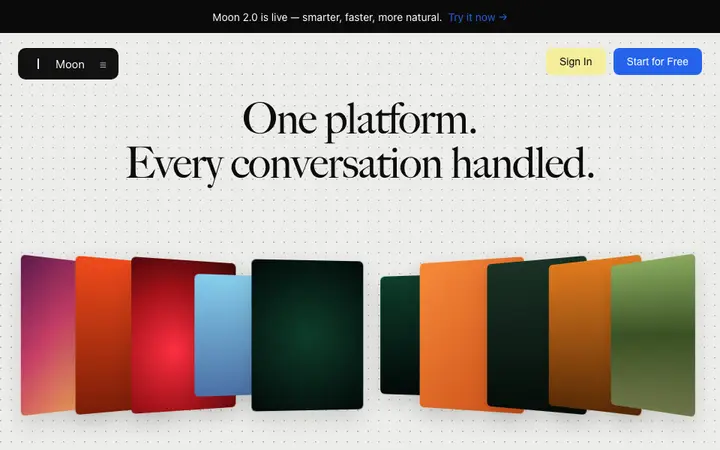
Paywall template for SaaS products and subscription services. The screen takes over the full viewport at the point a free user hits a paid feature, so the upgrade decision happens exactly where the need is felt. Use it for free to paid upgrade screens, free trial ended flows, per seat upsells, and subscription wall moments across any SaaS product. Every BrowserMoon template is ready for a real product, so the plan name, price, feature list, and call to action are all yours to change. Minimal design with glassmorphism. Paste it into Claude Code, Replit, Lovable, ChatGPT Codex, Bolt, or Cursor and describe what you want changed.
Build a full SaaS billing and subscription flow with this template design
A SaaS billing and subscription flow covers the pricing page, invoices, payment methods, and billing settings that all handle money, so one billing template can set the standard for every screen after it. Copy the template, paste it into Claude Code, Replit, Lovable, ChatGPT Codex, Bolt, or Cursor, and send this alongside it.
Paste into Claude Code, Replit, Lovable, Bolt, or Cursor
Common questions about this template
What is a SaaS paywall template?
A screen that blocks access to a paid feature and presents the subscription or upgrade prompt at that moment. It is different from a pricing page, which sits in the navigation and sells the plan before the visitor tries anything.
How is a paywall different from a pricing page?
A paywall appears when a user tries to reach something they do not have access to yet. A pricing page sits in the marketing navigation and is visited by people who are still deciding. The conversion intent at a paywall is higher because the visitor already wants the feature.
When does this SaaS paywall appear?
When a free or trial user reaches a feature that requires a paid plan. Common triggers are hitting a usage limit, opening a gated section, or reaching the end of a trial period.
Which vibe coding tools work with this paywall template?
It works with Claude Code, Replit, Lovable, ChatGPT Codex, Bolt, and Cursor. Paste it in and describe the plan name, price, and feature list you want.
How do I build a full SaaS checkout and paywall flow with this template?
Copy this coding template, paste it into Claude Code, Replit, Lovable, ChatGPT Codex, Bolt, or Cursor, and tell the tool to use it as the design system for your whole SaaS checkout and paywall flow. It reads the type scale, spacing, colors, and component styling from the template, then applies them to every page it builds after that.
Use this AI coding template for
- ·SaaS paywall template for subscription upgrades
- ·Full screen upgrade prompt for free to paid conversions
- ·Subscription wall template for free trial ended screens
- ·Per seat upgrade screen for SaaS products
Works with every vibe coding tool
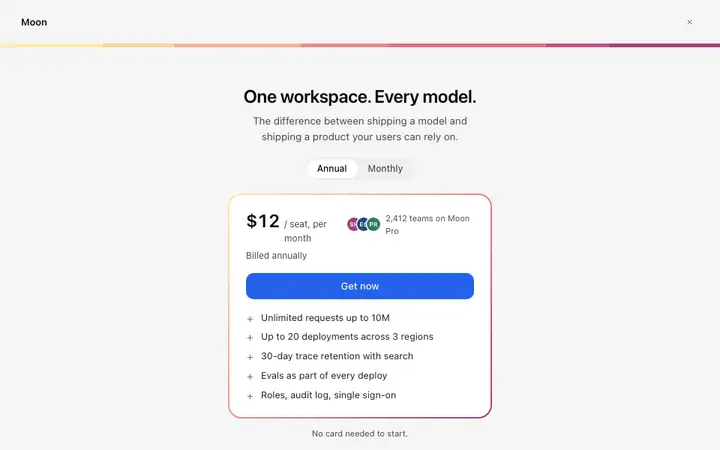
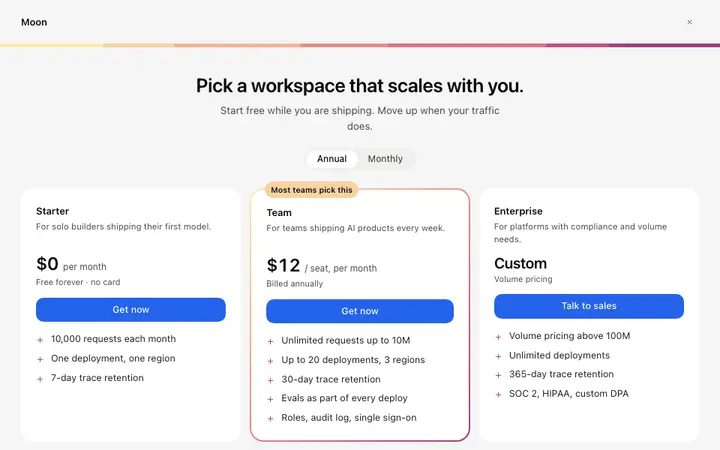
More from the Paywall set
All 5 templates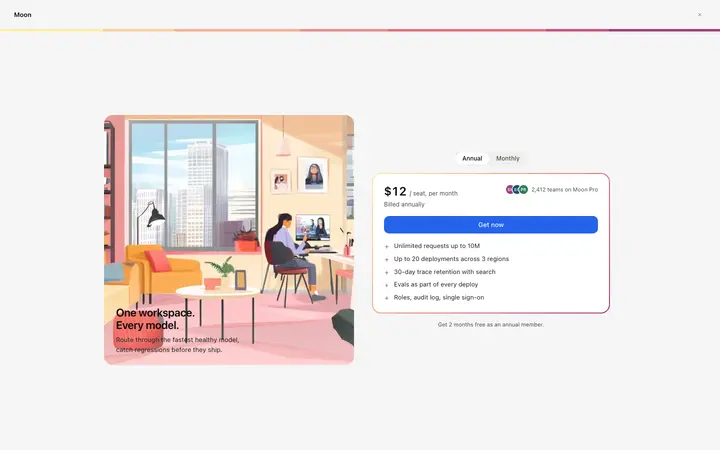
More checkout templates
View all
More vibe coding SaaS templates
View all
Other templates you might like