Minimal paywall template for SaaS apps
Minimal paywall template for SaaS apps. A stripped back upgrade screen that blocks access with a single pricing prompt, a short feature list, and one call to action. Use this paywall template with Claude Code, Replit, Lovable, ChatGPT Codex, Bolt, Cursor, or another coding tool.
About this vibe coding template
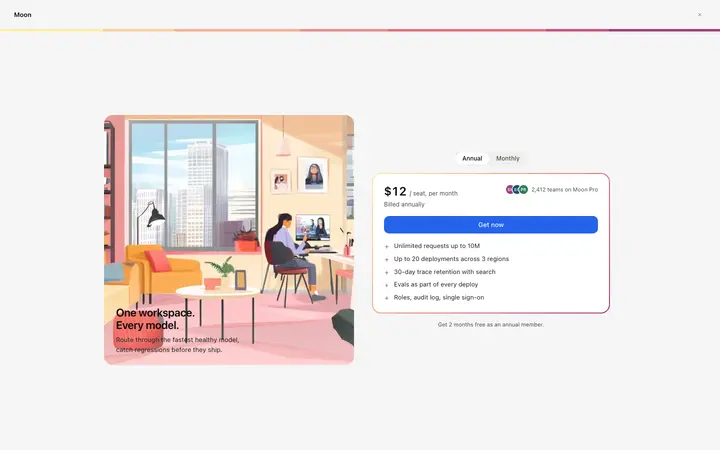
Minimal paywall template for SaaS products and subscription apps. The screen removes everything except the upgrade prompt: one plan, one price, one action. There is no navigation to leave through and no secondary content to distract from the decision. A short feature list beneath the price gives the visitor enough context to commit, and a note beneath the button handles the most common hesitation before they raise it. Use it for free trial ended screens, feature gates, and subscription wall moments where a fast, clean conversion screen is more effective than a detailed plan comparison. Paste it into Claude Code, Replit, Lovable, ChatGPT Codex, Bolt, or Cursor and set the plan name, price, feature list, and button label.
Build a full SaaS checkout and paywall flow with this template design
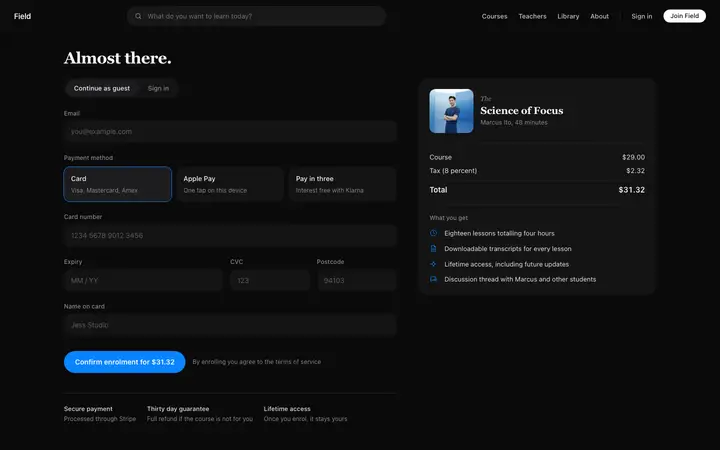
A SaaS checkout and paywall flow decides whether a visitor becomes a paying customer, so one checkout template can set the standard for the pricing page, the paywall, and every screen after it. Copy the template, paste it into Claude Code, Replit, Lovable, ChatGPT Codex, Bolt, or Cursor, and send this alongside it.
Paste into Claude Code, Replit, Lovable, Bolt, or Cursor
Common questions about this template
What is a minimal paywall template?
A stripped back upgrade screen with one plan, one price, and one action. It removes navigation and secondary content so the visitor has one decision to make.
When is a minimal paywall the right choice?
When most of your users are upgrading to a single paid tier and you want the fewest possible distractions at the point of conversion. A plan comparison is better when the choice between plans is a real decision for most visitors.
How is a minimal paywall different from a pricing page?
A paywall appears at the moment access is blocked. A pricing page is on the marketing site for visitors who are still evaluating the product.
Which vibe coding tools work with this minimal paywall template?
It works with Claude Code, Replit, Lovable, ChatGPT Codex, Bolt, and Cursor. Paste it in and describe the plan name, price, and feature list you want.
How do I build a full SaaS checkout and paywall flow with this template?
Give Claude Code, Replit, Lovable, Bolt, or Cursor this template as the reference design, then ask for each page of your SaaS checkout and paywall flow one at a time. The tool holds the visual language once it has a finished coding template to work from.
Use this AI coding template for
- ·Minimal paywall template for SaaS apps and subscription products
- ·Stripped back upgrade prompt for free trial ended flows
- ·Feature gate conversion screen with a single call to action
- ·Clean subscription wall template with one plan and no navigation
Works with every vibe coding tool
More from the Paywall set
All 5 templates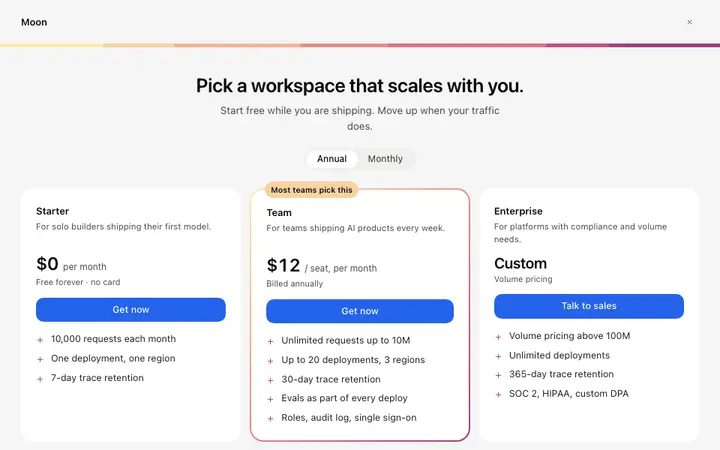
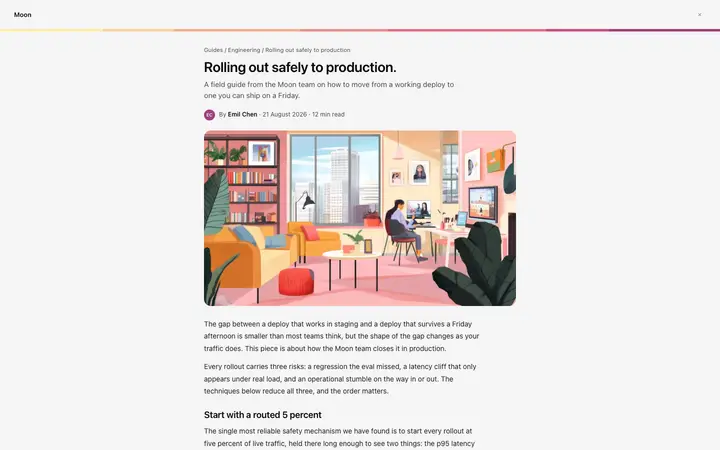

More checkout templates
View all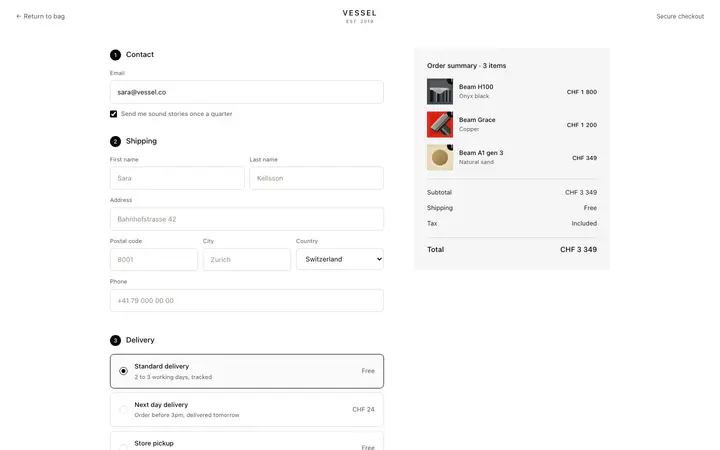
More vibe coding SaaS templates
View all

Other templates you might like