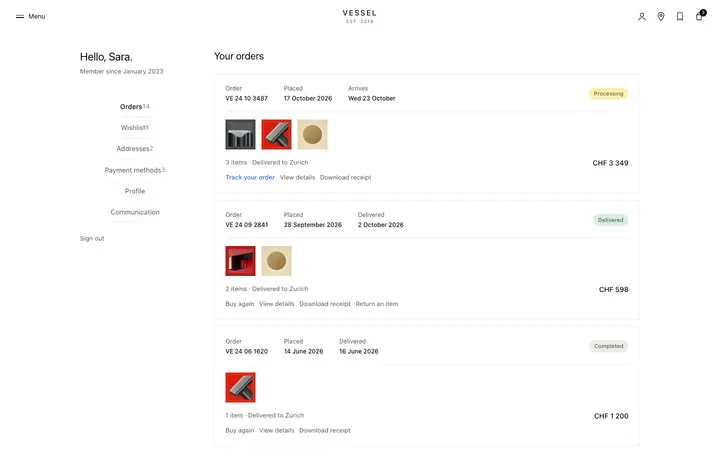
Pricing plans paywall template for SaaS
Pricing plans paywall template for SaaS. Plan tiers appear at the moment a user hits a paid feature, not on a marketing page, presenting the upgrade as a gated conversion screen with a recommended tier. Use this paywall template with Claude Code, Replit, Lovable, ChatGPT Codex, Bolt, Cursor, or another coding tool.
About this vibe coding template
Pricing plans paywall template for SaaS products. Three plan tiers appear at the moment a free user hits a feature that requires a paid subscription, so the visitor is making an upgrade decision while a pricing page is for browsing. A recommended plan card guides most visitors toward the tier that fits them, and the free plan stays visible so the visitor can return to the product if they are not ready to upgrade. Minimal design. Paste it into Claude Code, Replit, Lovable, ChatGPT Codex, Bolt, or Cursor and set the plan names, prices, feature lists, and which plan to recommend.
Build a full SaaS checkout and paywall flow with this template design
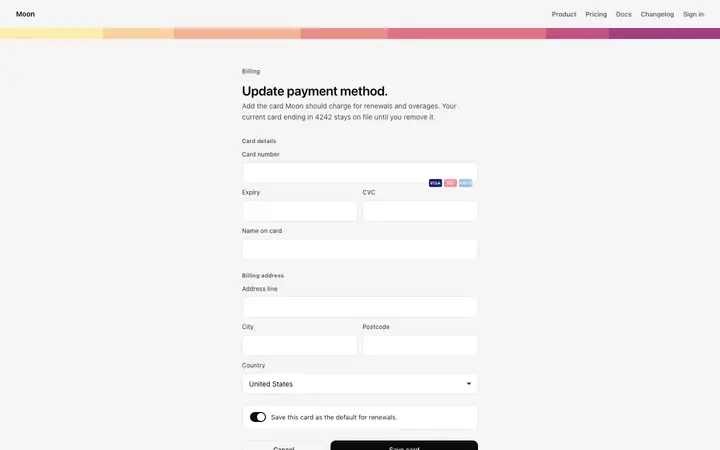
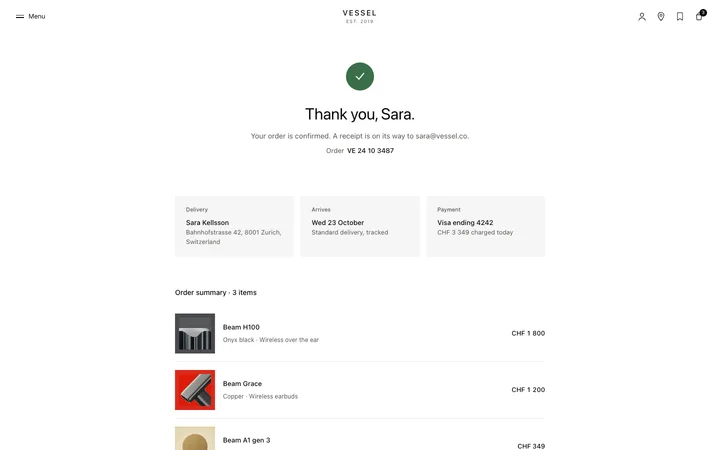
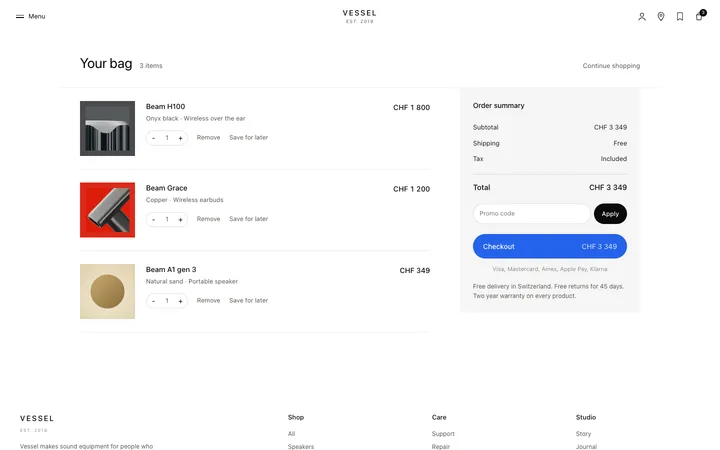
A SaaS checkout and paywall flow decides whether a visitor becomes a paying customer, so one checkout template can set the standard for the pricing page, the paywall, and every screen after it. Copy the template, paste it into Claude Code, Replit, Lovable, ChatGPT Codex, Bolt, or Cursor, and send this alongside it.
Paste into Claude Code, Replit, Lovable, Bolt, or Cursor
Common questions about this template
How is a pricing plans paywall different from a pricing page?
A pricing page sits in the marketing navigation and is visited by people who are still deciding. This paywall appears at the moment a user tries to reach something they do not have access to, so the conversion intent is higher and the plans are presented as an upgrade decision, not a sales pitch.
Why does this SaaS paywall template show every plan at the point of blocking?
Some visitors upgrade to the mid tier immediately. Others need to see the enterprise option before they can involve their procurement team. Showing all tiers at the paywall means every visitor can start the right conversation.
Which plan should I mark as recommended in this SaaS paywall template?
The plan that the majority of your paying customers land on. For most SaaS products this is the middle plan.
Which vibe coding tools work with this pricing plans paywall?
It works with Claude Code, Replit, Lovable, ChatGPT Codex, Bolt, and Cursor. Paste it in and describe the plan names, prices, and feature lists you want.
How do I build a full SaaS checkout and paywall flow with this template?
Send the template and the instruction above to Claude Code, Replit, Lovable, ChatGPT Codex, Bolt, or Cursor together. The design decisions are already made in the markup, so your AI coding tool has a pattern to follow across the whole SaaS checkout and paywall flow.
Use this AI coding template for
- ·Pricing plans paywall template for SaaS feature gates
- ·Multi tier upgrade screen with a recommended plan card
- ·Gated conversion screen showing free, pro, and enterprise plans
- ·Subscription wall template that presents plan choices at the point of access being blocked
Works with every vibe coding tool
More from the Paywall set
All 5 templates

More checkout templates
View all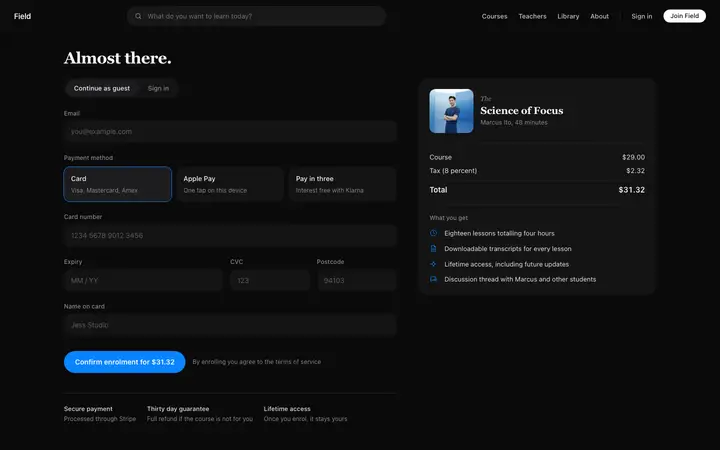
More vibe coding SaaS templates
View all

Other templates you might like