Highlighted CTA card template for SaaS apps
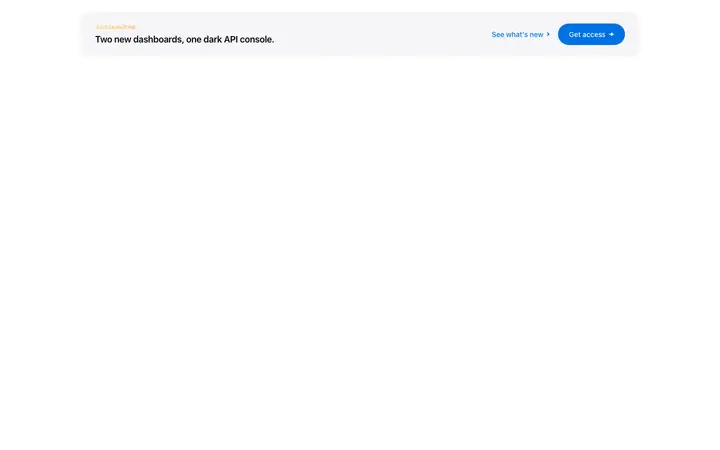
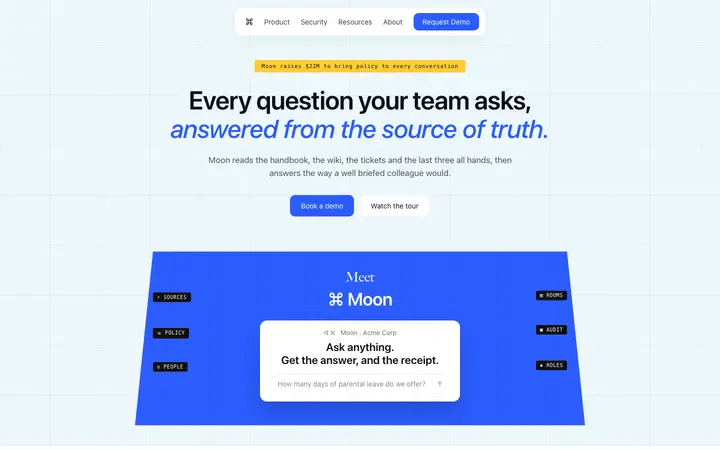
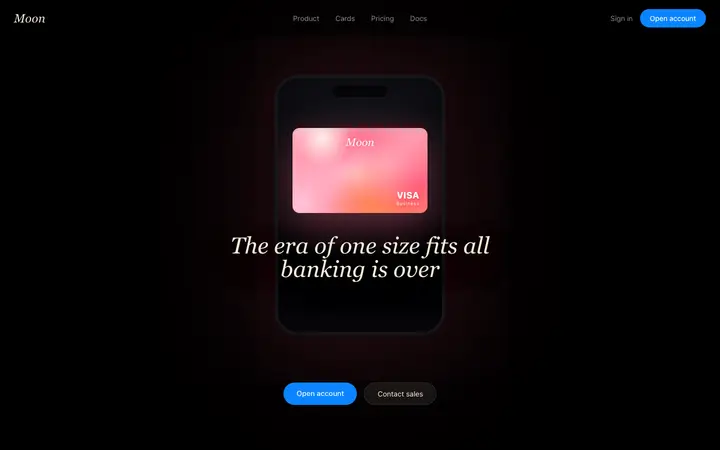
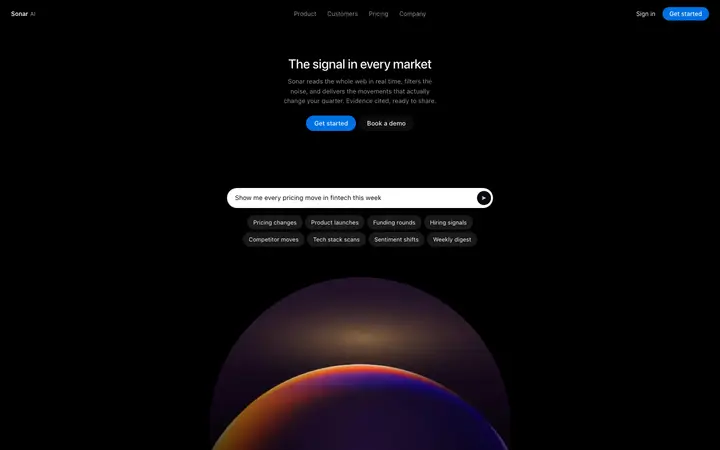
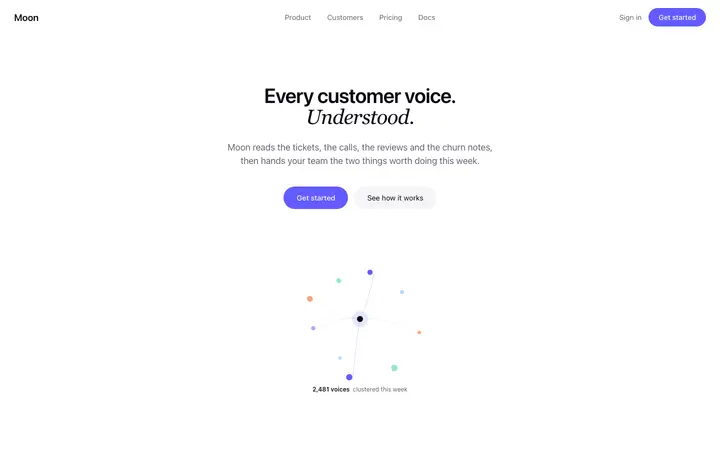
Highlighted call to action template for SaaS landing pages, AI products, and marketing sites that need the ask to stand apart. Use it where the conversion section should read as separate from the page around it. Use this AI template with Claude Code, Replit, Lovable, ChatGPT Codex, Bolt, Cursor, or another coding tool.
About this vibe coding template
Highlighted call to action template for pages where the ask needs its own space. Common on SaaS landing pages, AI product pages, agency sites and long marketing pages where one section starts to look like the next. Place it after the features, between two content blocks, or just before the footer. It works for teams whose page scrolls a long way and whose call to action currently reads as one more section, when it is the point of the page. Apple-like design.
Build a full SaaS landing page or website with this template design
A SaaS landing page or website is multiple pages that need to feel like one professional site, so one well built coding template can set the standard for every page after it. Copy the template, paste it into Claude Code, Replit, Lovable, ChatGPT Codex, Bolt, or Cursor, and send this alongside it.
Paste into Claude Code, Replit, Lovable, Bolt, or Cursor
Common questions about this template
Why does this SaaS call to action template use its own card?
On a long page every section starts to look alike, and the ask reads as more content. Setting it apart signals that this one is different.
Where does a card call to action template work best on a SaaS page?
Between two dense sections, or immediately before the footer. Both are points where attention drops and a visual change recovers it.
Can I use several call to action templates on one SaaS landing page?
Use one contained ask and keep any others lighter. Two heavy sections competing cancel each other out.
Which vibe coding tools work with this template?
It works in Claude Code, Replit, Lovable, ChatGPT Codex, Bolt and Cursor. Paste it in, describe your product, and your AI coding tool will swap the copy and colors while the layout holds.
How do I build a full SaaS landing page or website with this template?
Paste the coding template into Claude Code, Replit, Lovable, ChatGPT Codex, Bolt, or Cursor with the instruction above, then ask for the next page. The template holds its buttons, cards, and spacing across every screen, so your SaaS landing page or website stays consistent across the whole build.
Use this AI coding template for
- ·Highlighted call to action for a SaaS landing page
- ·Conversion card between sections on a long page
- ·Standout ask for an AI product marketing site
- ·Vibe coding CTA card template for SaaS
Works with every vibe coding tool
More from the Closing CTA set
10 versions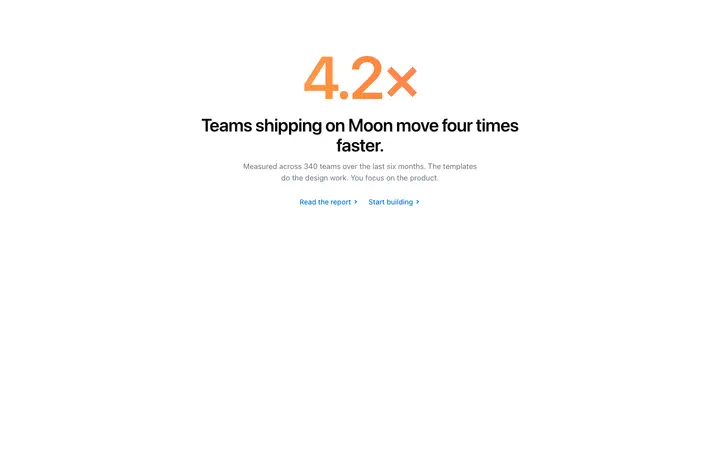

More landing pages templates
View all

More vibe coding CTA templates
View all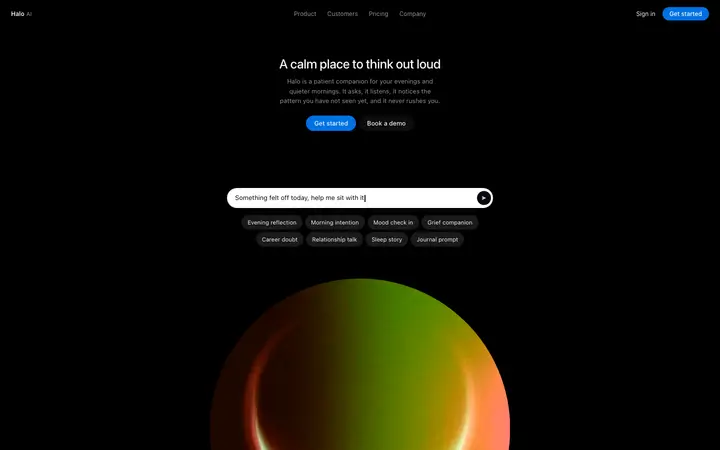

Other templates you might like