AI product landing page template for SaaS
Landing pages
Build this design with AI →You are getting visitors, but nobody signs up. Before you redesign everything, find out which problem you actually have. Most landing pages fail for one or two reasons, not ten. Here is how to find yours in a few minutes, and how to fix it.
A low number is not always a design problem. Check these four things before you change the page.
In Unbounce's widely cited benchmark data, the median SaaS landing page converts at about 3.8%, and the median across all industries at about 6.6%. Top pages reach 10% or more. Below 1%, something is wrong. Between 2% and 4%, you are normal and can optimise.
An ebook download and a demo request are very different actions. Compare like with like.
Are you counting button clicks or completed sign ups? Does the thank-you event fire? Some "zero conversions" are a broken tracking tag, not a broken page.
50 visits is not enough to judge. Wait for a few hundred from one traffic source.
Match what happens on your page to the most likely cause, then jump to the fix below.
| What you see | Likely cause |
|---|---|
| People leave within seconds | Message mismatch, wrong traffic or a slow page |
| People scroll but do not click | Weak headline, no proof or an unclear offer |
| People click but do not finish | Form friction or surprise steps |
| Fine on desktop, bad on mobile | Mobile layout |
| Ads get clicks, zero sign ups | Message mismatch or broken tracking |
Each cause comes with the sign to look for, the fix, and a template that already does it right.
The visitor clicked for one promise and landed on another, so they leave in seconds.
Fix: repeat the promise from the ad or link in your headline, word for word if you can.
No page converts people who were never your buyer. Broad ad targeting fills the page with the wrong visitors.
Fix: check which traffic source converts and cut the ones that do not. The page may be fine.
"AI-powered platform for workflows" says nothing about what the visitor gets.
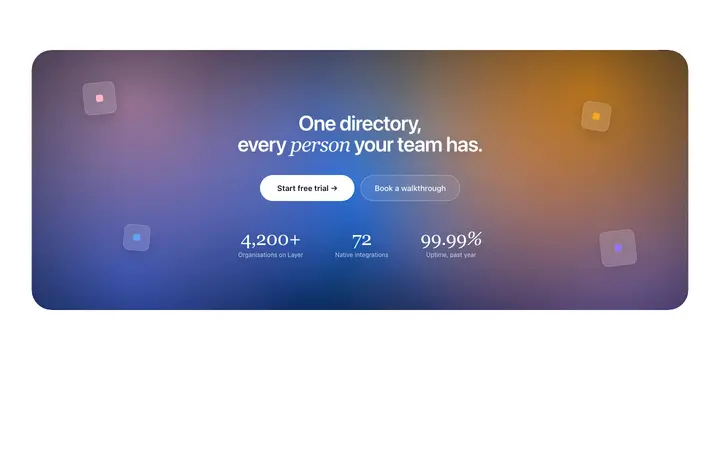
Fix: say what the visitor gets, in their words, in one short line. Hero section design →
Three buttons, or vague labels like Submit and Learn more, make people hesitate.
Fix: one main action, with a label that says what happens, like Start free trial. Call to action design →
Nothing answers "can I trust this?", so careful visitors leave.
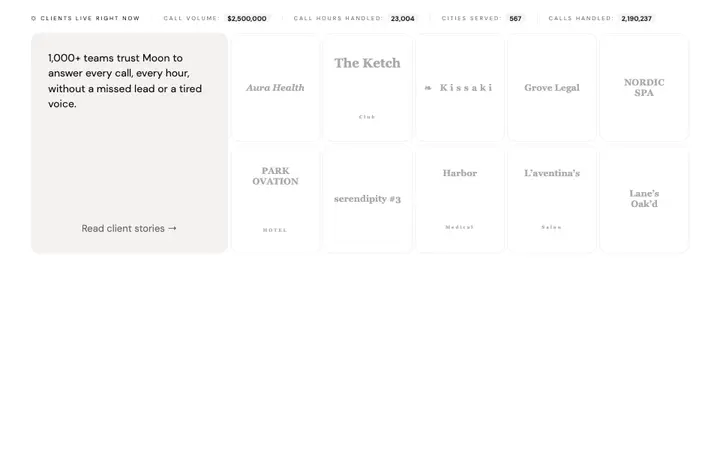
Fix: logos, a real quote or a number right under the hero, and again before the button. Testimonials section design →
Long forms, or asking for a phone number or card details too early.
Fix: ask only what you need right now, and ask for the rest later. Form design →
Visitors leave before it loads, especially on mobile data.
Fix: compress images, cut heavy scripts and test the load on a real phone.
Tiny text, a main button below the fold, layouts that overflow the screen.
Fix: design and test at phone width first. The main button should be visible without scrolling.
A default AI-built look makes people doubt the product behind it.
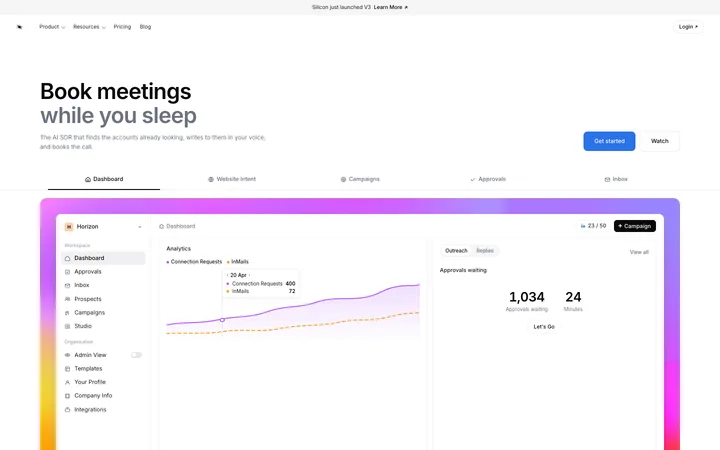
Fix: consistent spacing, one font, one accent colour and real product screenshots. Landing page templates →
Make sure the page is actually broken before you change it.
The fastest and cheapest wins, and they need no redesign.
The biggest lift you can get from the page itself.
Answer "can I trust this?" and remove every field you do not need.
Spacing, type, images and load time, once the message works.
Ask Mon, the AI design assistant, describe your page, your audience and where your visitors come from, and Mon tells you what to fix first.
Landing pages
Build this design with AI →CTA
Build this design with AI →Logos
Build this design with AI →Forms
Build this design with AI →Landing pages
Build this design with AI →Hero
Build this design with AI →Every template above is an original BrowserMoon design. Preview them all; copy the code with a BrowserMoon licence.
Get a licenceIn Unbounce's benchmark data, about 3.8% is the median for SaaS landing pages and about 6.6% across all industries. Top pages reach 10% or more. It depends a lot on what you count as a conversion.
Usually the page does not match what they clicked, the headline does not say what they get, or there is no proof. Check those three first.
Until you have a few hundred visits from one traffic source. Changes made earlier are guesses.
Not first. Message match, the headline and the main button usually matter more than a new design.
Yes. Describe your page, your audience and where your traffic comes from to Mon, the AI design assistant, and it tells you which cause is most likely and what to fix first.
Related: How to design a SaaS landing page that converts · Sections every AI landing page needs · Onboarding drop off · Pricing page not converting · AI design feedback · Stripe website design