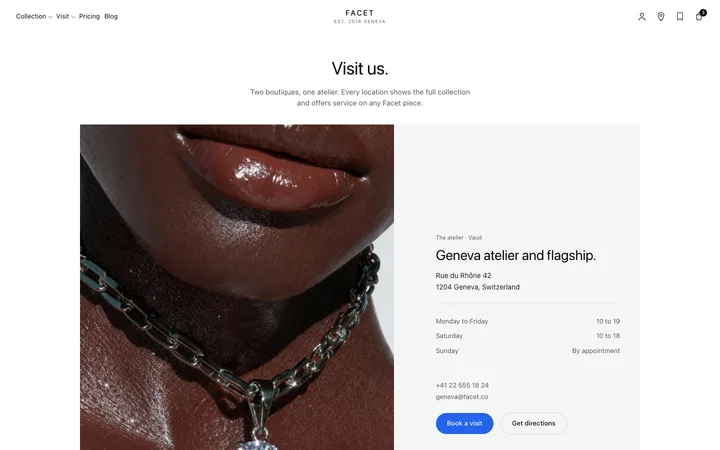
Segmented control template for SaaS apps
Segmented control template for SaaS apps switching between a few views without leaving the page. Every choice is visible at once, so nobody has to open anything to see what is on offer. Use this AI template with Claude Code, Replit, Lovable, ChatGPT Codex, Bolt, Cursor, or another coding tool.
About this vibe coding template
Segmented control template for SaaS apps offering a small set of choices where the choices themselves are worth showing. A dropdown hides its options behind a click, which is fine for a long list and wasteful for three. A segmented control lays them out, so someone sees day, week, and month without opening anything and switches in one move. Time ranges, view modes, and filters on a SaaS dashboard are the usual cases. It goes by toggle button group and radio button group elsewhere; it is the same control. Minimal design with glassmorphism.
Build a full SaaS landing page or website with this template design
A SaaS landing page or website is multiple pages that need to feel like one professional site, so one well built coding template can set the standard for every page after it. Copy the template, paste it into Claude Code, Replit, Lovable, ChatGPT Codex, Bolt, or Cursor, and send this alongside it.
Paste into Claude Code, Replit, Lovable, Bolt, or Cursor
Common questions about this template
What is a segmented control?
A row of two to four options where one is selected. iOS made the pattern familiar, SaaS dashboards use it for view and time range switches, and it is also called a toggle button group or a radio button group.
When is a segmented control the right choice?
When there are only a few options and seeing them is useful. Below about five, showing them is worth the space, because the choices themselves tell someone what the product can do.
How many options can it hold?
Four comfortably, five at a push. Past that it runs out of room and a dropdown is the better control.
Which tools work with this segmented control?
Claude Code, Replit, Lovable, ChatGPT Codex, Bolt, and Cursor. Paste it in and describe the options it should offer.
Use this AI coding template for
- ·Time range switch on a SaaS dashboard chart
- ·View mode switch between grid and list
- ·Filter between a few states in a product
- ·Segmented control for vibe coding in Claude Code, Lovable, or Bolt
Works with every vibe coding tool
More navigation templates
View all

More vibe coding forms templates
View all
Other templates you might like