Toggle switch template for SaaS settings
Toggle switch template for SaaS settings that take effect the moment they are flipped. No save button, no doubt about whether it stuck. Use this AI template with Claude Code, Replit, Lovable, ChatGPT Codex, Bolt, Cursor, or another coding tool.
About this vibe coding template
Toggle switch template for SaaS settings people change often. A switch has a promise a checkbox does not: it takes effect now, so there is nothing to submit and nothing to wonder about afterwards. That makes it right for preferences and wrong for anything inside a form that gets saved as a whole, where a checkbox is the honest control. Settings screens, notification preferences, and feature switches all want this. Minimal design with glassmorphism.
Build a full SaaS settings area with this template design
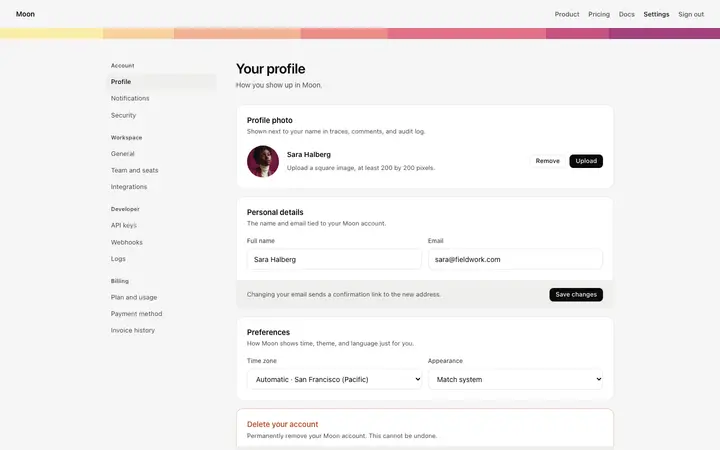
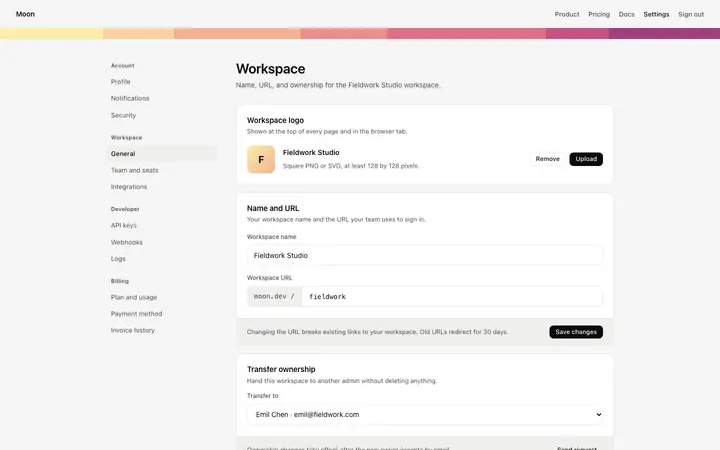
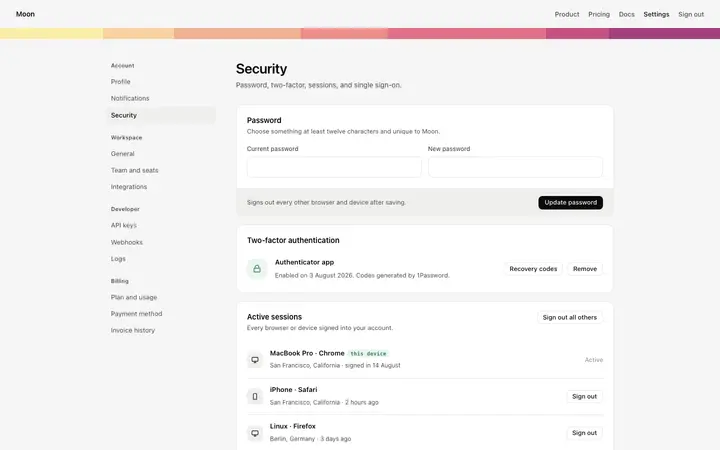
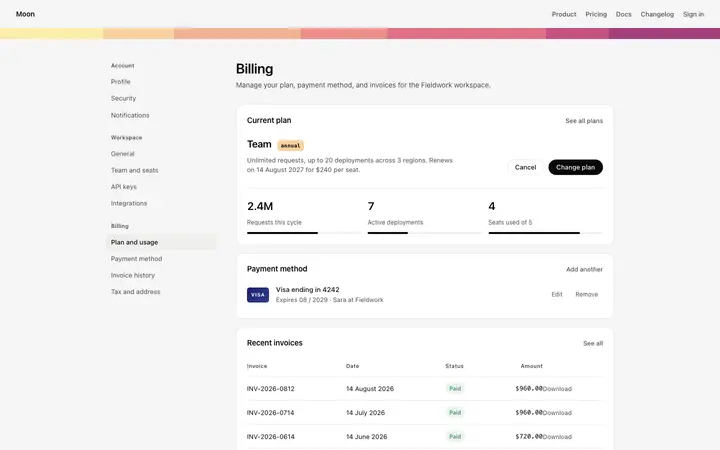
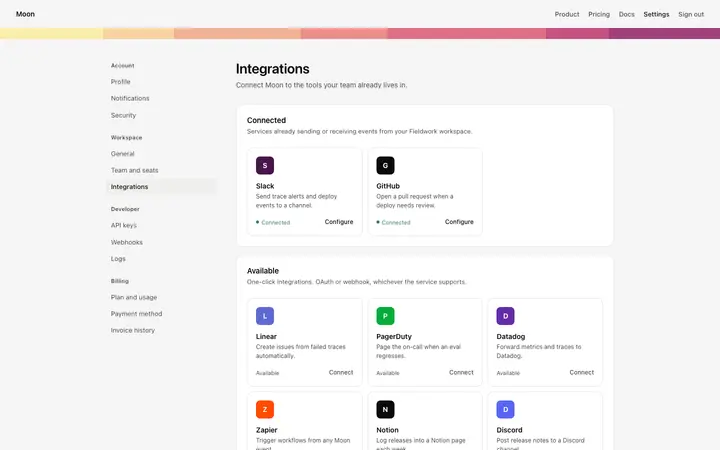
A SaaS settings area covers account settings, workspace settings, team members, API keys, and security pages that share one sidebar, so one settings template can set the standard for every page after it. Copy the template, paste it into Claude Code, Replit, Lovable, ChatGPT Codex, Bolt, or Cursor, and send this alongside it.
Paste into Claude Code, Replit, Lovable, Bolt, or Cursor
Common questions about this template
What is a toggle switch?
An on and off control that applies the moment it is flipped. SaaS settings screens and preference panels are where it belongs.
When should I use a checkbox instead?
Inside a form that gets submitted. A checkbox says this will apply when you save. A switch says this applied already, and mixing the two makes people distrust both.
Should a switch have a label?
Yes, and one that says what being on means. A switch with only an icon beside it leaves people guessing which state they are looking at.
Which tools work with this toggle switch?
Claude Code, Replit, Lovable, ChatGPT Codex, Bolt, and Cursor. Paste it in and describe the settings it controls.
Use this AI coding template for
- ·Notification preferences in a settings screen
- ·Feature switches inside a SaaS product
- ·Privacy and visibility controls on a profile
- ·Toggle switches for vibe coding in Claude Code, Lovable, or Bolt
Works with every vibe coding tool
More settings templates
View all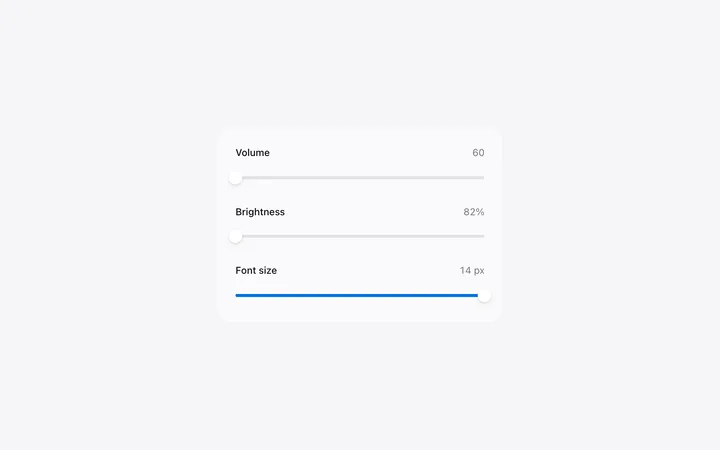
More vibe coding forms templates
View all
Other templates you might like