Real hero designs you can copy into v0. v0 turns a pasted template into react components for Next.js, styled with Tailwind CSS and shadcn/ui. Below: the designs, how to set v0 up so it keeps the design, and what makes a good hero section.
v0 hero templates
237 hero design templates for v0. Browse the full BrowserMoon library for every template category.
NewGet with licence
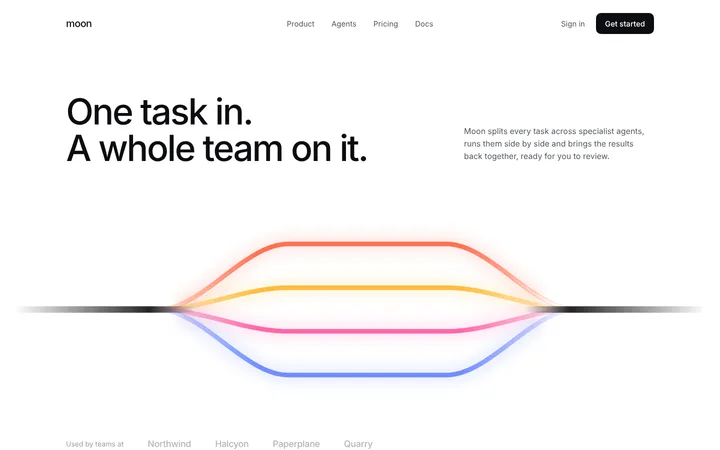
Smolder
AI agent workflow hero section template
Hero
Get with licence
Lyra
Animated gradient hero section with a centred logo
Hero
NewGet with licence
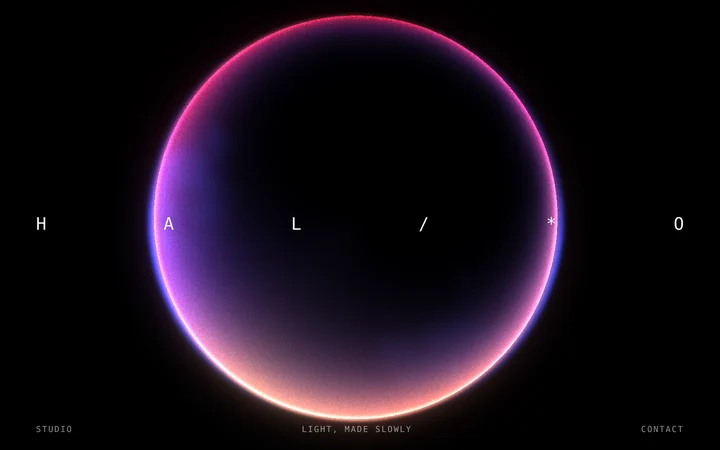
Halo
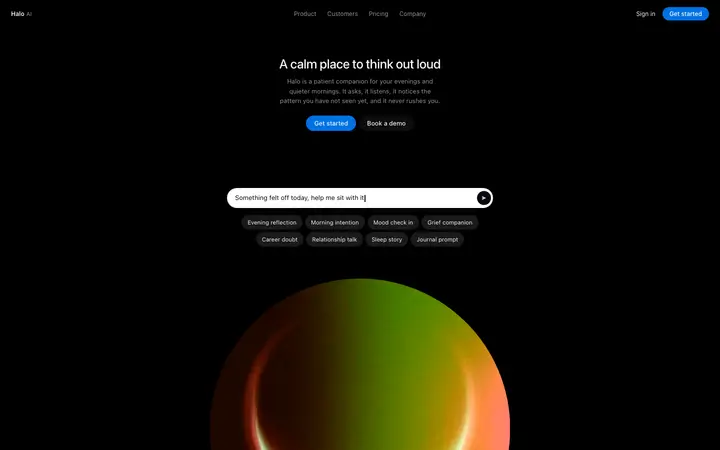
Glowing moon gradient hero section
Hero
Get with licence
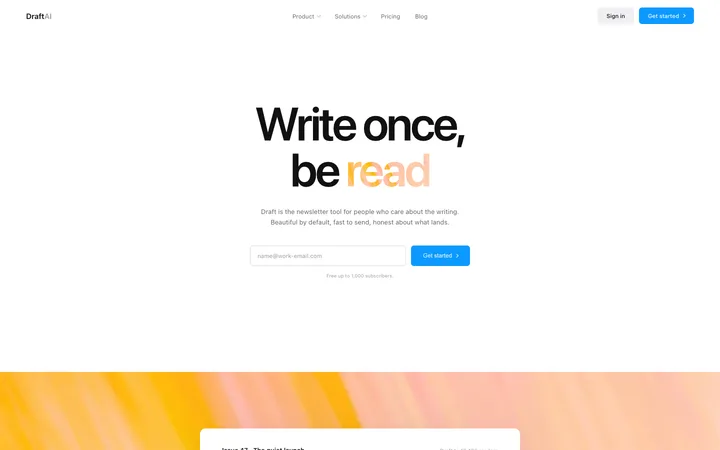
Draft
Marketing SaaS landing page for newsletters
Hero · 24 copies
NewGet with licence
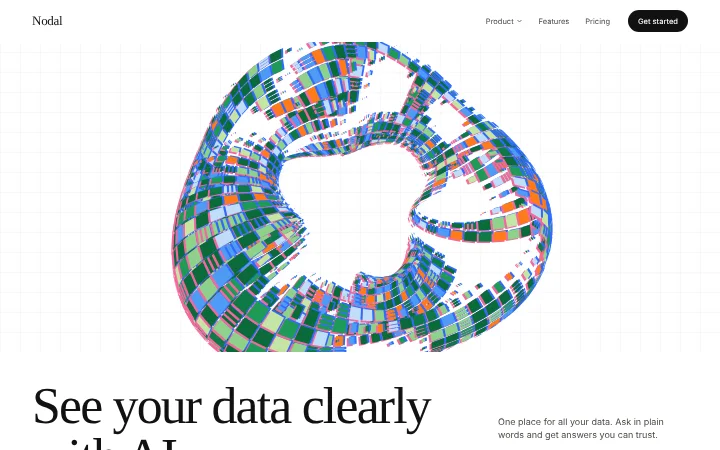
Porcelain
AI analytics website template, light
Hero
Get with licence
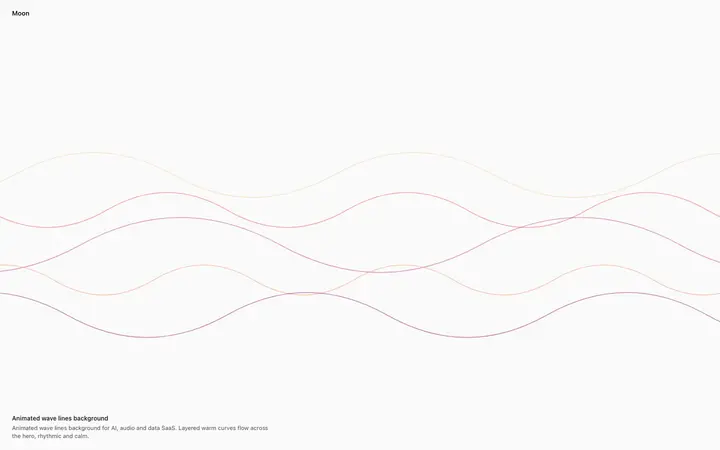
Tiller
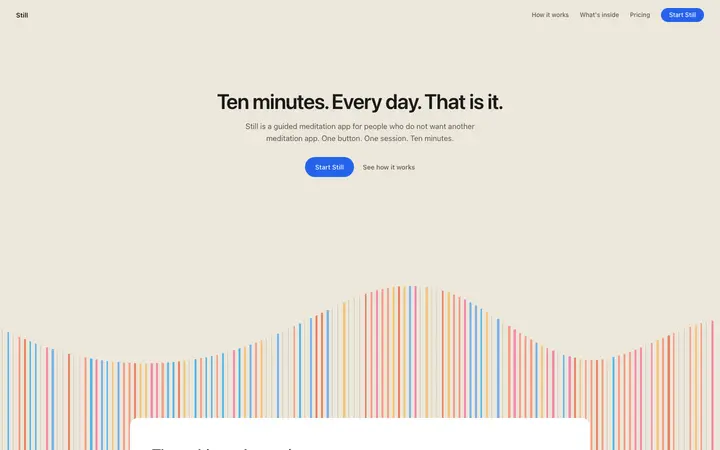
Animated wave lines background for SaaS
Hero · 1,052 copies
NewGet with licence
Lyra
Silver eye animated background
Hero
Get with licence
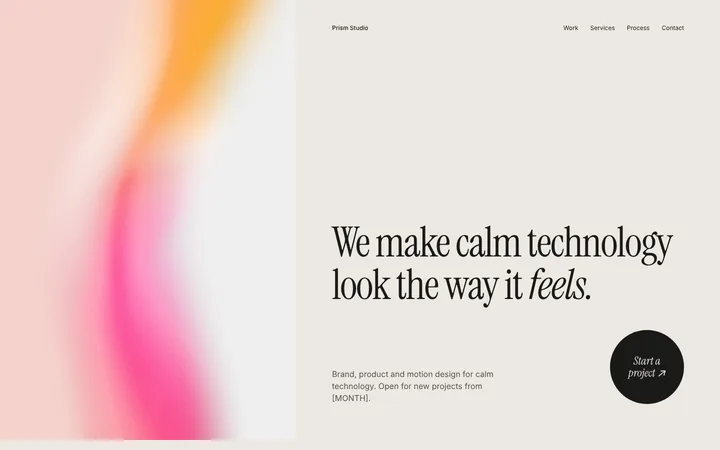
Char
Design agency website template
Hero
Get with licence
Mesa
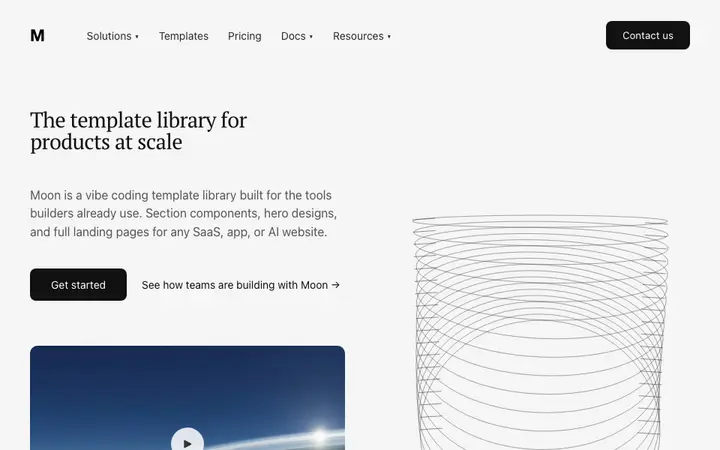
Split hero template for B2B SaaS websites
Hero · 2,302 copies
Get with licence
Honey
Developer portfolio website template in HTML
Hero · 829 copies
Get with licence
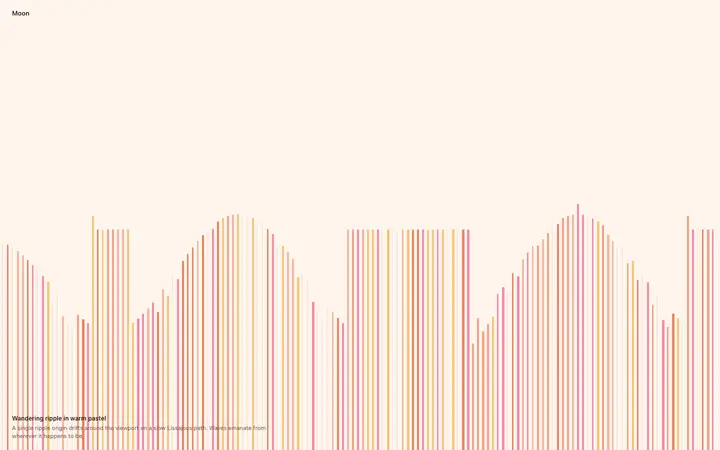
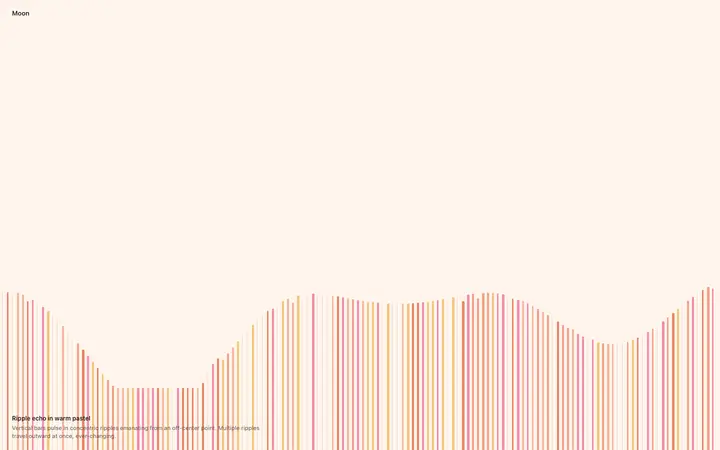
Inlet
Animated ripple background for SaaS landing pages
Hero · 1,137 copies
Get with licence
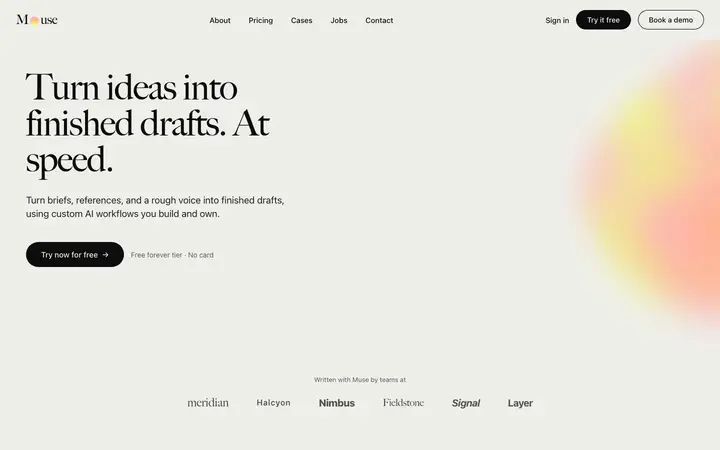
Muse
AI content SaaS landing page template
Hero · 1,044 copies
Get with licence
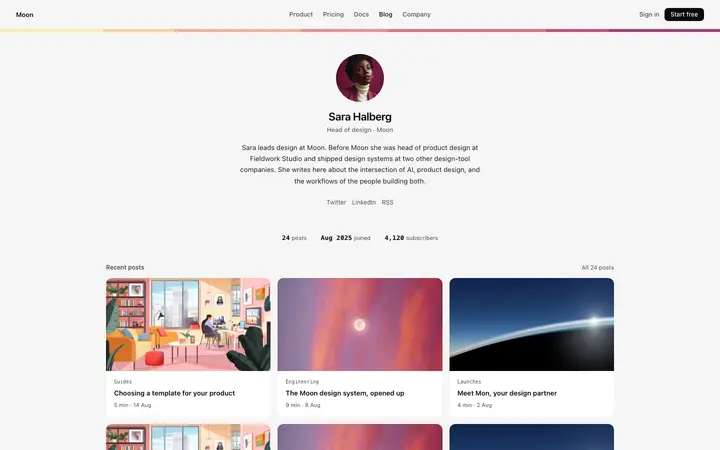
Eider
Author page template for SaaS blogs
Hero · 539 copies
Get with licence
Ginger
Animated ripple stripes background for SaaS
Hero · 859 copies
Get with licence
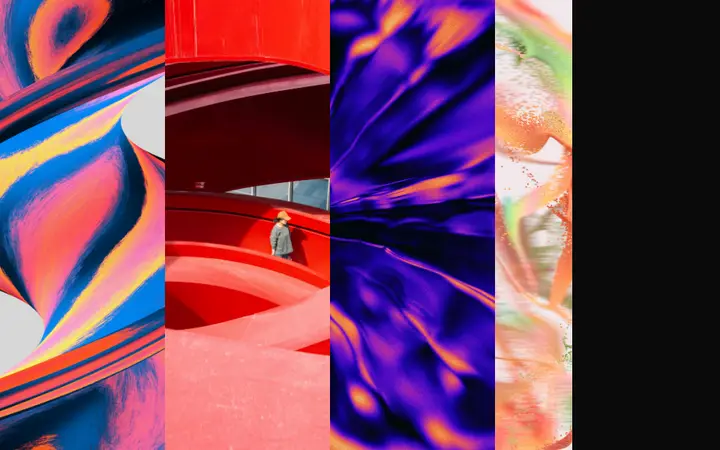
Elm
Scrolling image strip template for SaaS sites
Hero · 3,210 copies
Get with licence
Brook
Hero template for AI content SaaS platforms
Hero · 2,657 copies
Get with licence
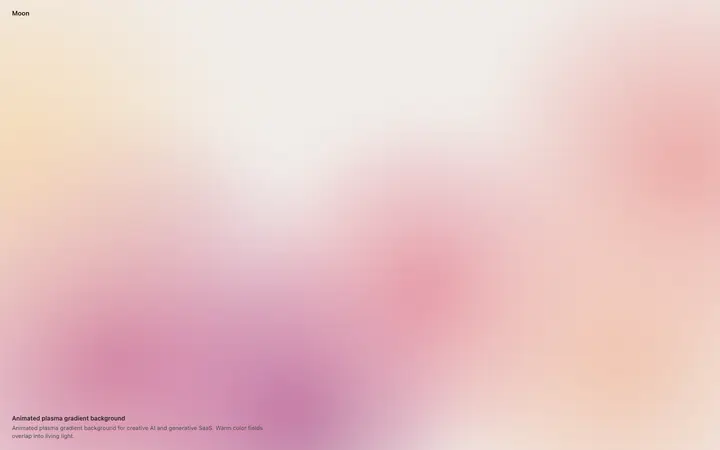
Basil
Animated plasma gradient background for SaaS
Hero · 571 copies
Get with licence
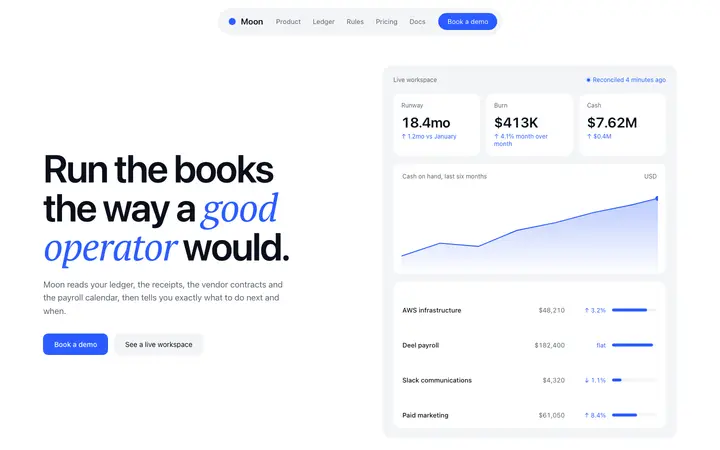
Knoll
Fintech SaaS landing page template
Hero · 1,618 copies
NewGet with licence
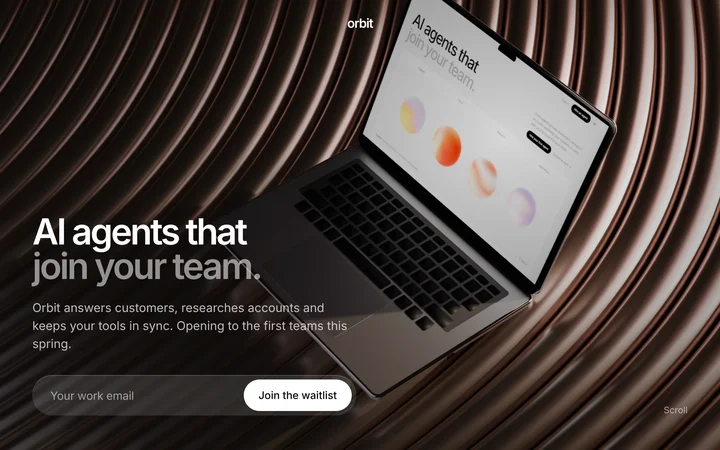
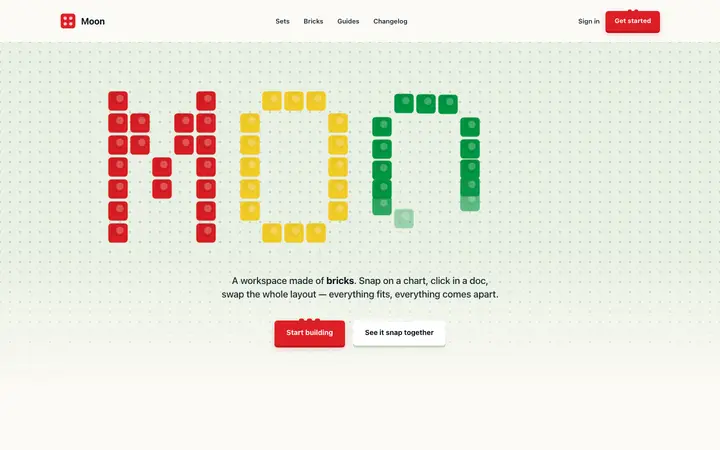
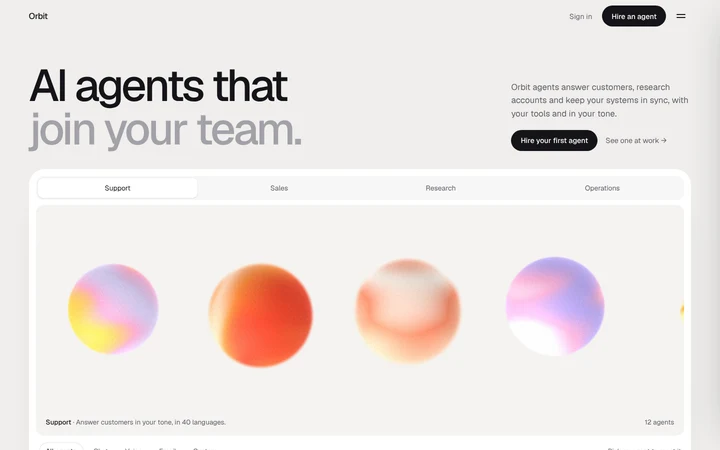
Orbit
Waitlist landing page template
Hero
Get with licence
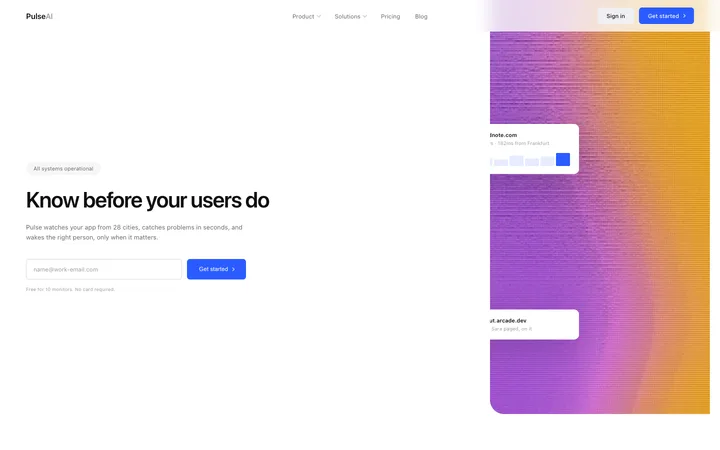
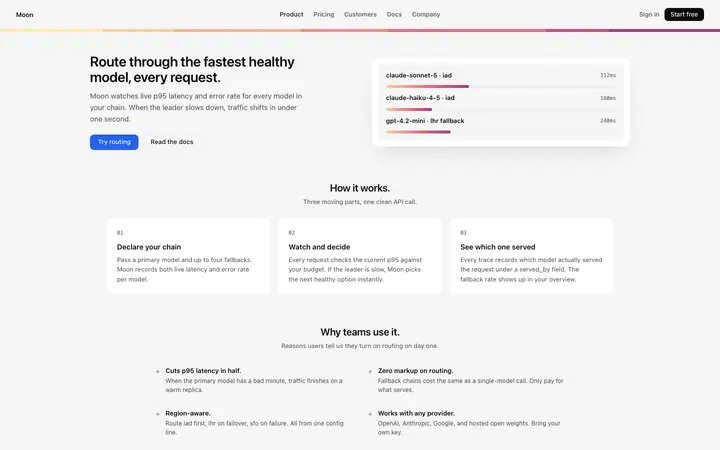
Flash
Monitoring SaaS landing page for uptime alerts
Hero · 38 copies
NewGet with licence
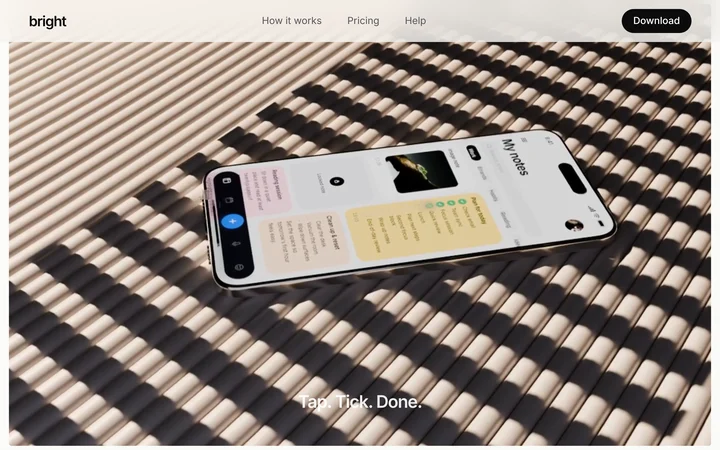
Bright
Mobile app landing page template
Hero
Get with licence
Meteor
Playful landing page template for SaaS apps
Hero · 1,540 copies
Get with licence
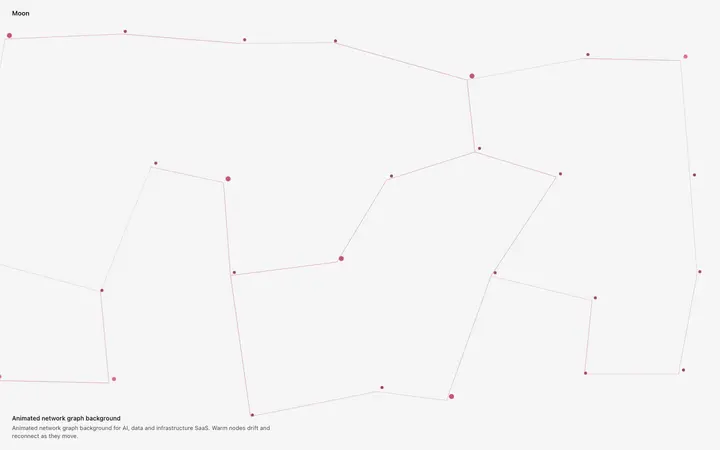
Mast
Animated network graph background for SaaS
Hero · 929 copies
Get with licence
Usher
Parallax scroll hero template for AI SaaS
Hero · 1,280 copies
NewGet with licence
Thrust
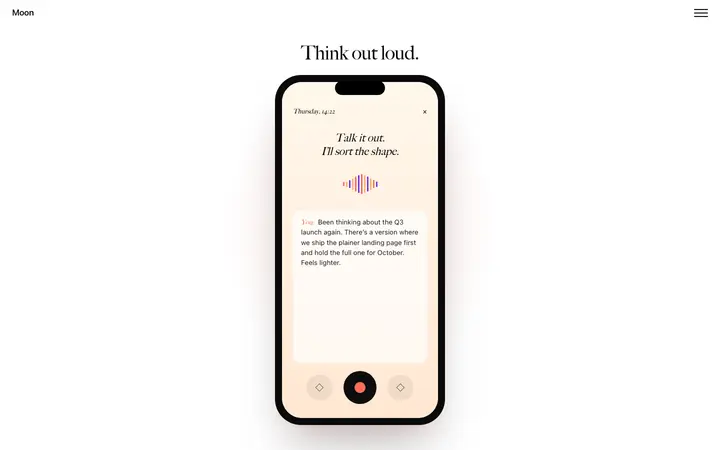
AI agents landing page template
Hero
Get with licence
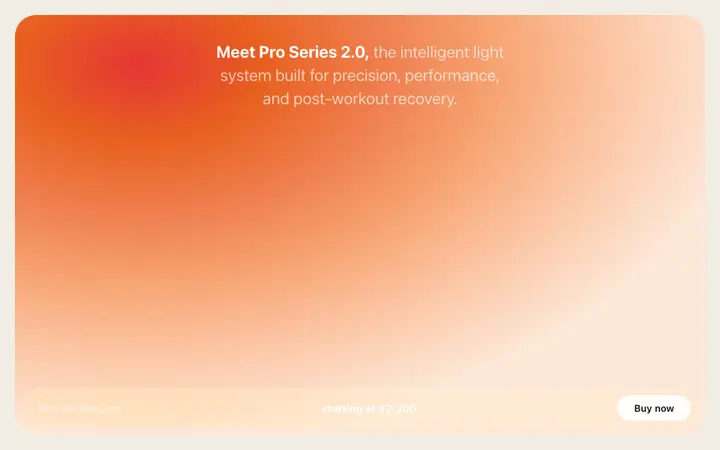
Garnet
Product launch hero template for SaaS and hardware
Hero · 1,999 copies
Get with licence
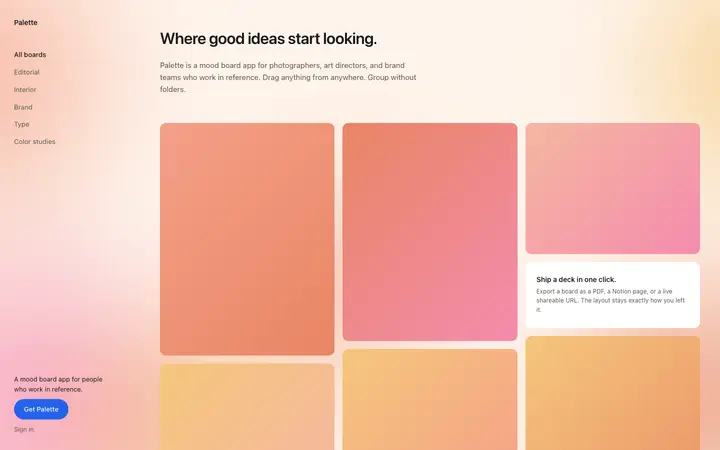
Fennel
Design SaaS landing page template for moodboards
Hero · 1,246 copies
Get with licence
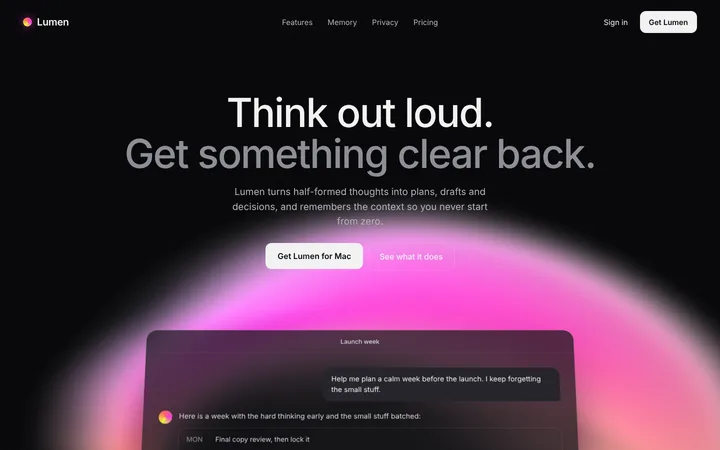
Forge
AI SaaS chat app landing page template
Hero
Get with licence
Acorn
Feature page template for SaaS apps
Hero · 801 copies
Get with licence
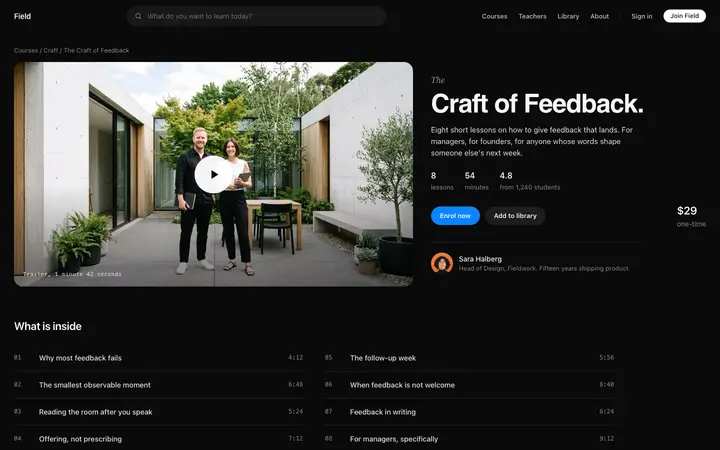
Field
Course sales page template for creator SaaS
Hero · 913 copies
Get with licence
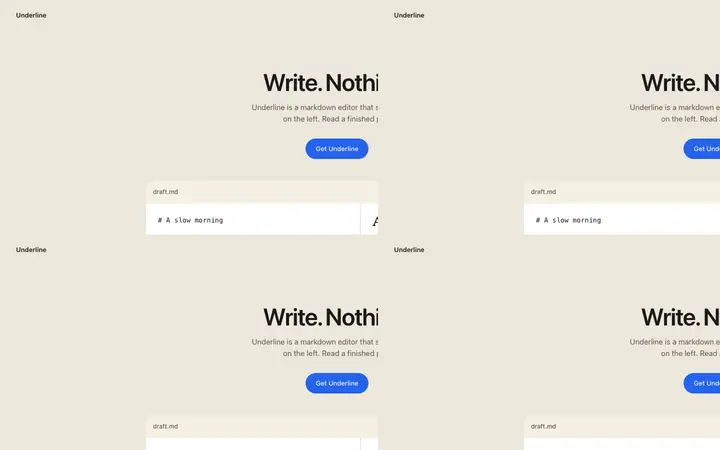
Wick
Productivity SaaS landing page for writing apps
Hero · 684 copies
Get with licence
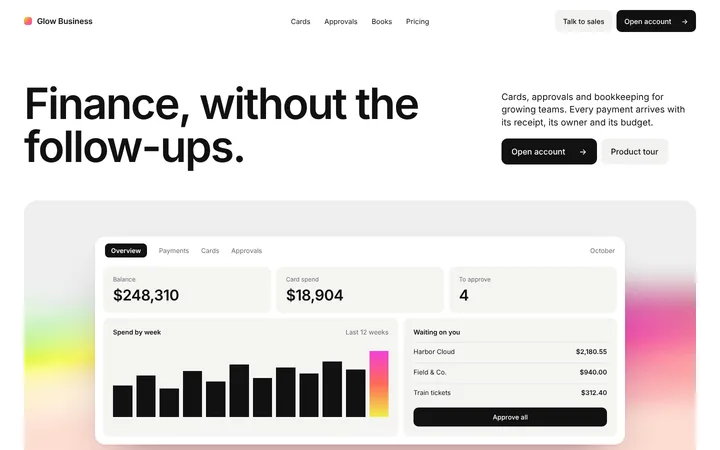
Meteor
Fintech SaaS landing page for business banking
Hero
Get with licence
Citadel
Slow parallax hero template for SaaS websites
Hero · 1,190 copies
Get with licence
Thicket
Global hero template for API SaaS platforms
Hero · 1,639 copies
Get with licence
Harmony
AI companion SaaS landing page for wellness apps
Hero · 231 copies
Get with licence
Vega
Parallax storytelling hero for SaaS and brands
Hero · 1,380 copies
Get with licence
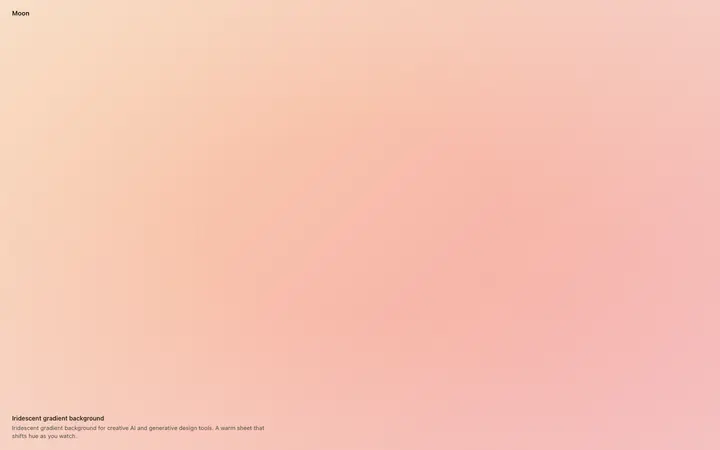
Mooring
Iridescent gradient background for SaaS
Hero · 790 copies
Get with licence
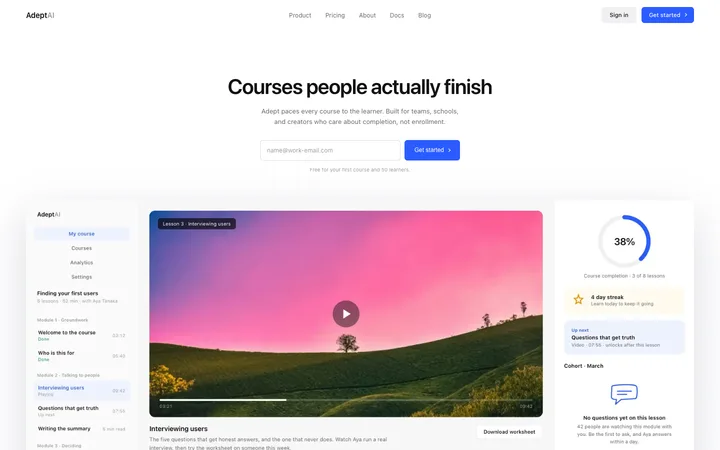
Adept
LMS SaaS landing page template for online courses
Hero · 49 copies
NewGet with licence
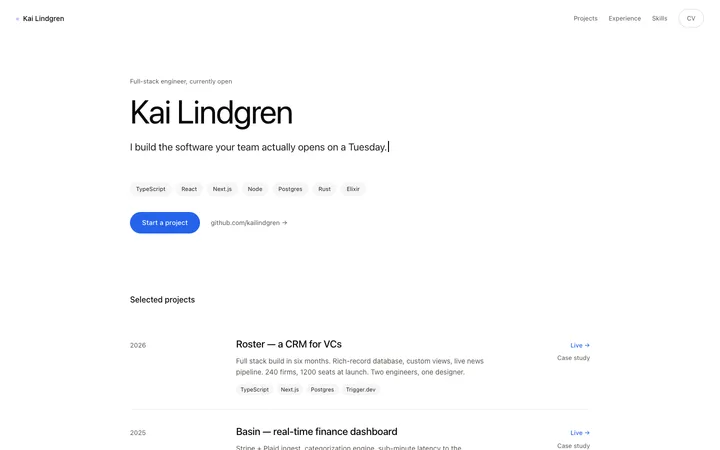
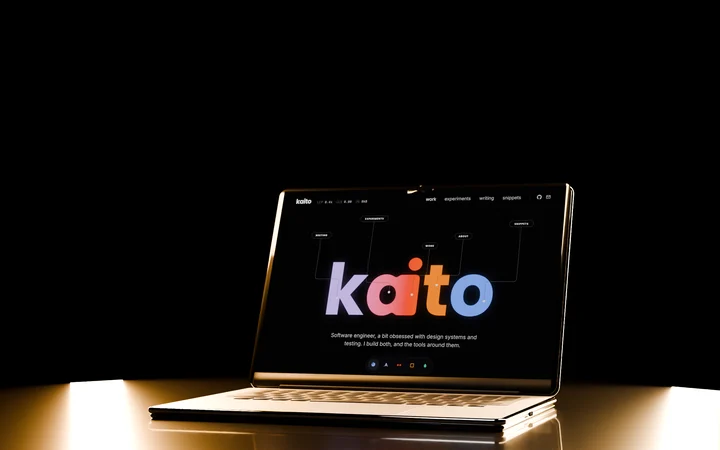
Kaito
Developer portfolio website template
Hero
Get with licence
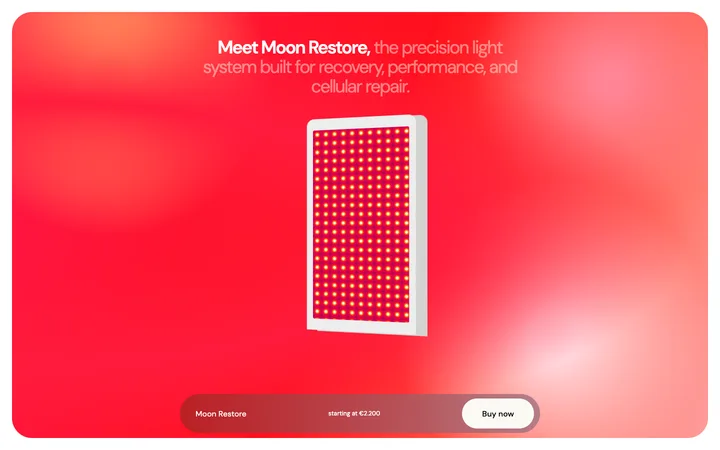
Sorrel
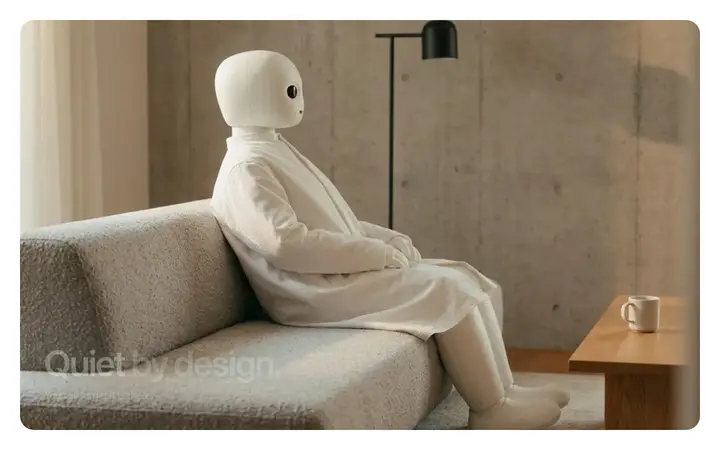
Wellness device hero template for health tech
Hero · 3,560 copies
Get with licence
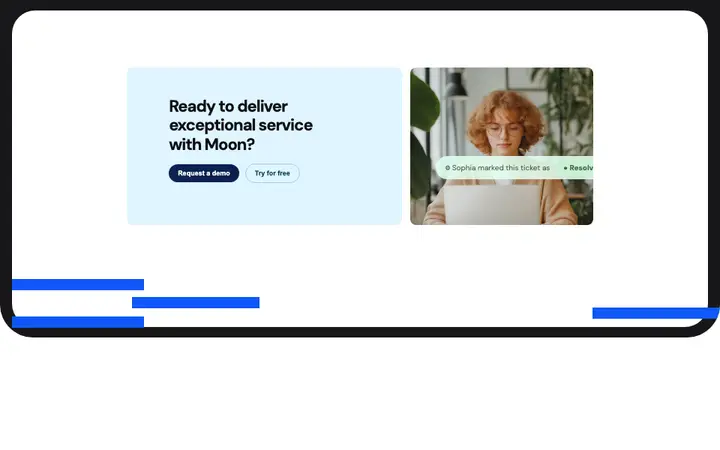
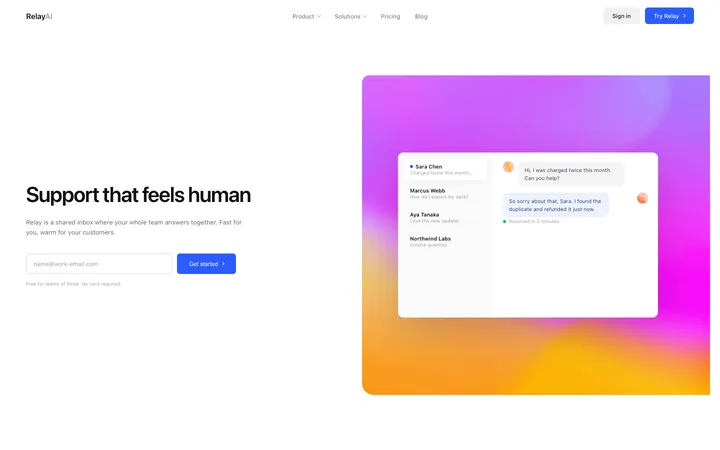
Relay
Customer support SaaS landing page for help desk
Hero · 51 copies
Get with licence
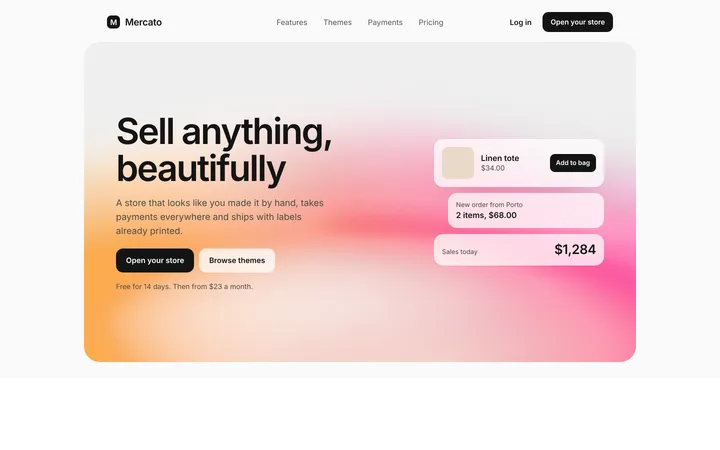
Pillar
Ecommerce hero section for a SaaS store builder
Hero
Get with licence
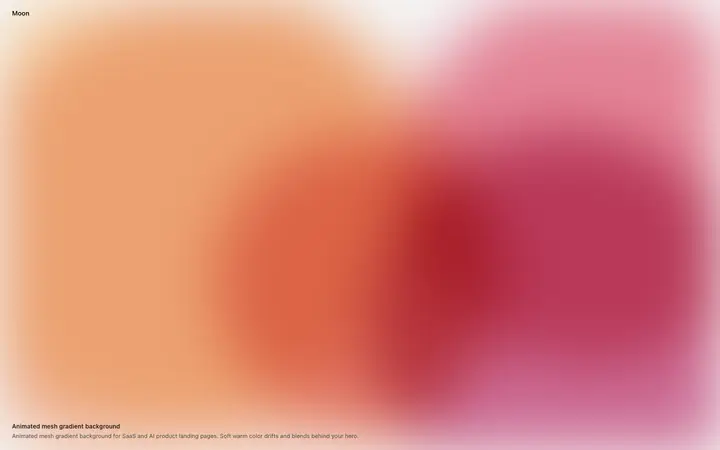
Anchor
Animated mesh gradient background for SaaS
Hero · 475 copies
Get with licence
Spark
Dark SaaS hero template for B2B platforms
Hero · 2,643 copies
Get with licence
Nest
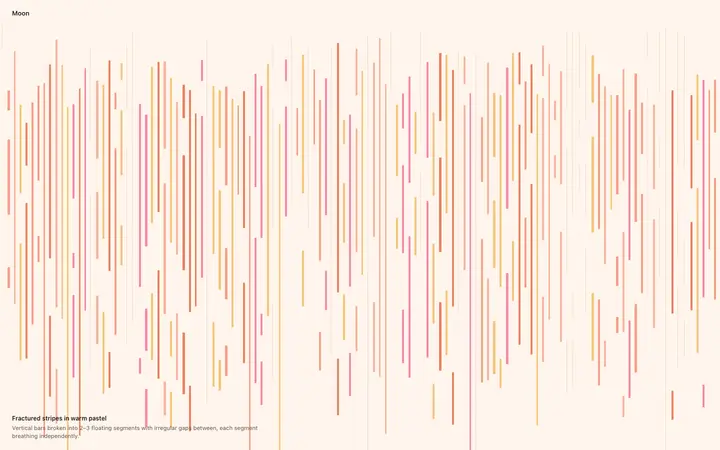
Animated stripes background for SaaS landing pages
Set your theme from the hero template first, then ask v0 to generate the hero on top of it.
Generate the rest of the landing page one block at a time, so each section stays close to the template.
How to use hero templates with v0
1
Pick a design
Choose a hero design above and open it to see it live.
2
Copy the template
Copy the template from its page. It is one HTML file with no dependencies.
3
Set up v0
Paste the template into your v0 prompt and ask for the same design as a React component.
4
Prompt, then refine
Paste it and describe your product. Then follow up with: "Recreate the pasted HTML as a React component. Keep its colours, font sizes and spacing; do not use the default shadcn styling."
What makes a good hero section
Common types: split heroes with text beside a product image, centred heroes over a background, video or animated heroes, and prompt-first heroes with an input box.
Says the result in one line
The headline tells visitors what they get, not what the product is called.
One main button
A single filled call to action, with a quieter second option at most.
Shows the product
A real screen, demo or image beats an abstract illustration.
Common mistake: Vague headlines like "The future of work" that could belong to any product. Hero section design ideas →
Keeping the design in v0
v0 generates React components for Next.js, so it suits teams already on Next.js and shadcn/ui who want polished components to drop into their app.
What v0 builds
React components for Next.js, styled with Tailwind CSS and shadcn/ui.
Where the design goes
Paste the template into your v0 prompt and ask for the same design as a React component.
v0 and hero sections
v0 leans on its default shadcn/ui look, so custom colours and type can fade unless you ask to keep them. Paste the template again with your follow-up prompt if it starts to drift.
What to tell it
Write the headline as the result for the visitor, keep one primary button, and keep the hero visual at the same size and position.
A v0 prompt for this
Get with licence
v0 hero section prompt
A hero section that explains the product in one line and gets the click, with a product visual and social proof.
Paste the template HTML into your v0 prompt at v0.dev and v0 generates a React component with Tailwind classes that matches the template design. Paste the template into your v0 prompt and ask for the same design as a React component.
What does v0 turn the template into?
React components for Next.js, styled with Tailwind CSS and shadcn/ui.
How do I stop v0 changing the design?
v0 leans on its default shadcn/ui look, so custom colours and type can fade unless you ask to keep them. A follow-up prompt that helps: "Recreate the pasted HTML as a React component. Keep its colours, font sizes and spacing; do not use the default shadcn styling."
What makes a good hero section?
Says the result in one line: the headline tells visitors what they get, not what the product is called. One main button: a single filled call to action, with a quieter second option at most. Shows the product: a real screen, demo or image beats an abstract illustration.
Any v0 tips for hero sections?
v0 leans on its default shadcn/ui look, so custom colours and type can fade unless you ask to keep them. Paste the template again with your follow-up prompt if it starts to drift.