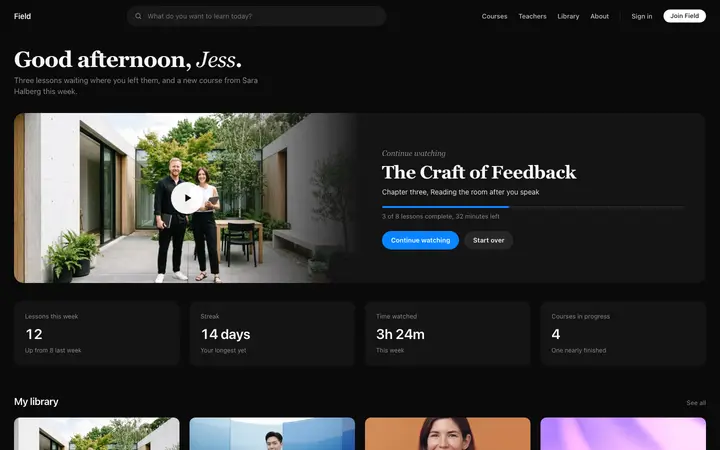
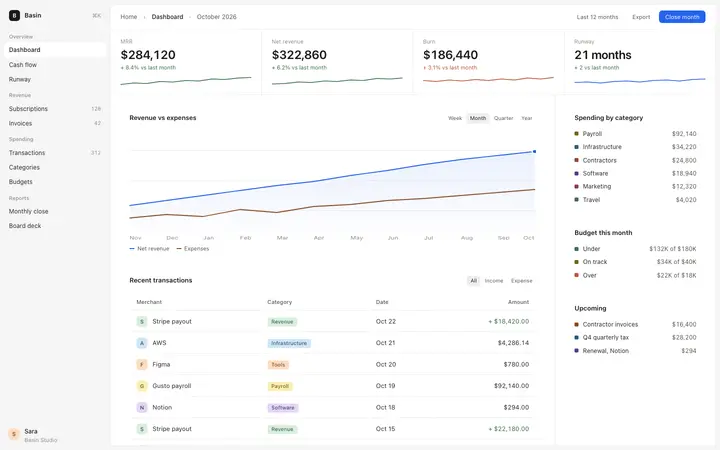
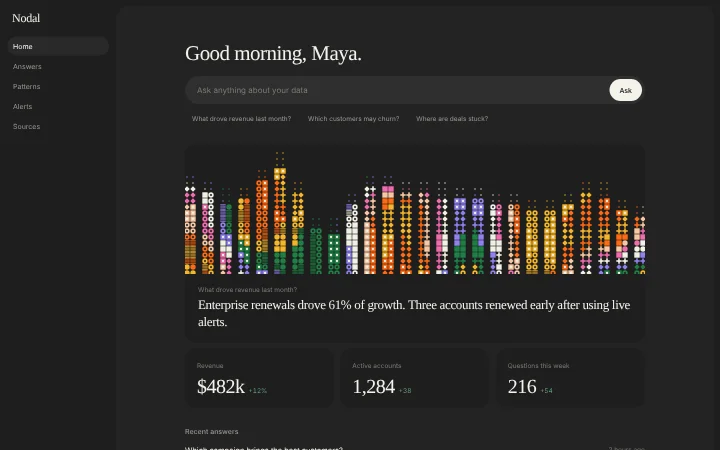
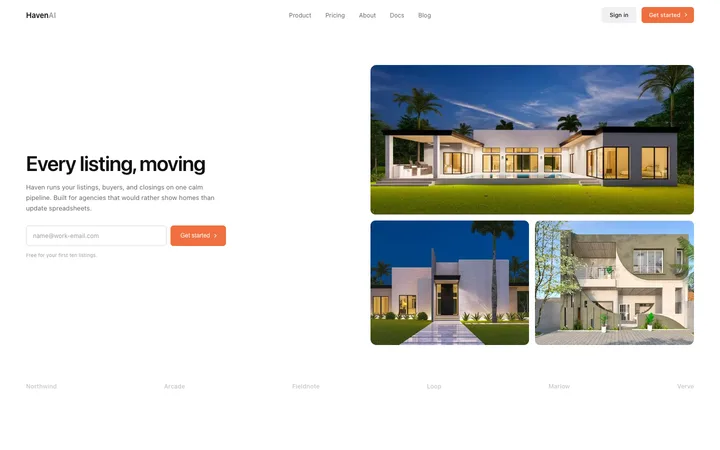
Real dashboard designs you can copy into v0. v0 turns a pasted template into react components for Next.js, styled with Tailwind CSS and shadcn/ui. Below: the designs, how to set v0 up so it keeps the design, and what makes a good dashboard.
v0 dashboard templates
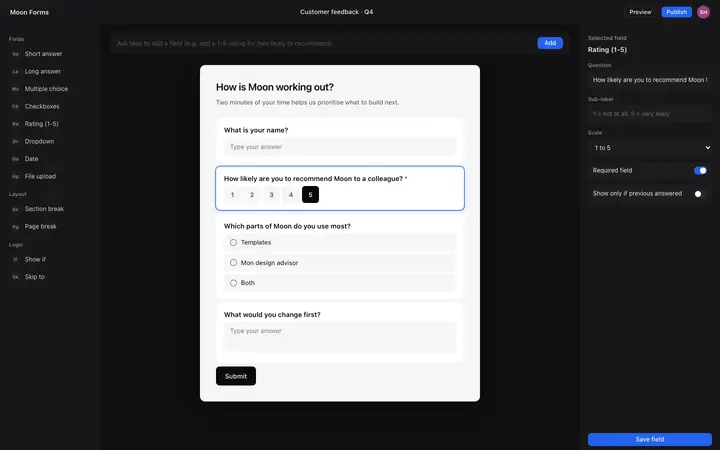
120 dashboard design templates for v0. Browse the full BrowserMoon library for every template category.
Get with licence
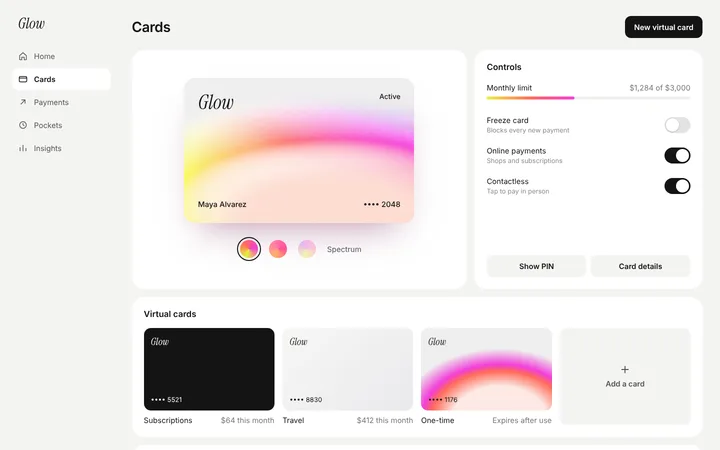
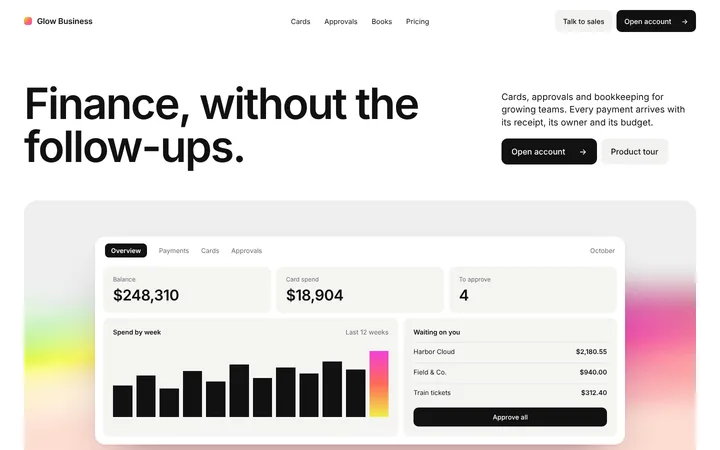
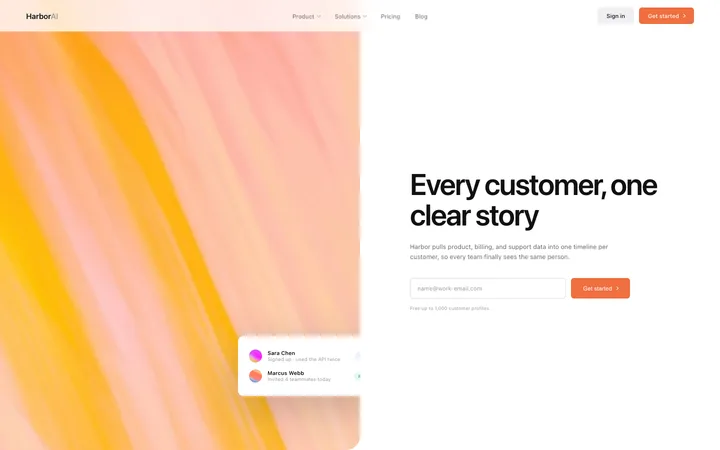
Pulsar
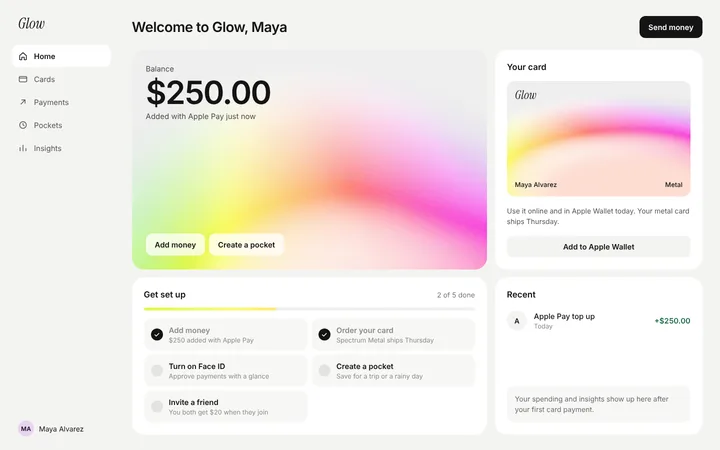
Fintech SaaS card management dashboard template
Dashboard
Get with licence
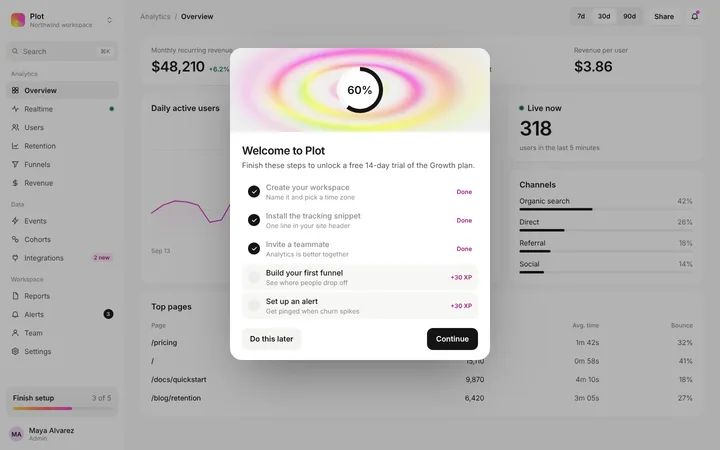
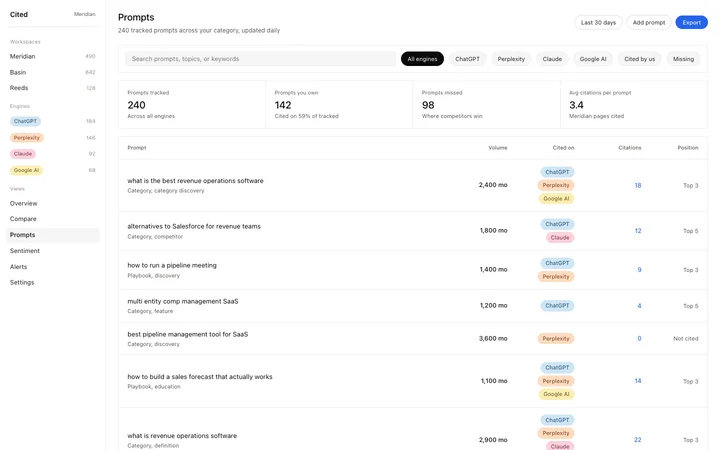
Plot
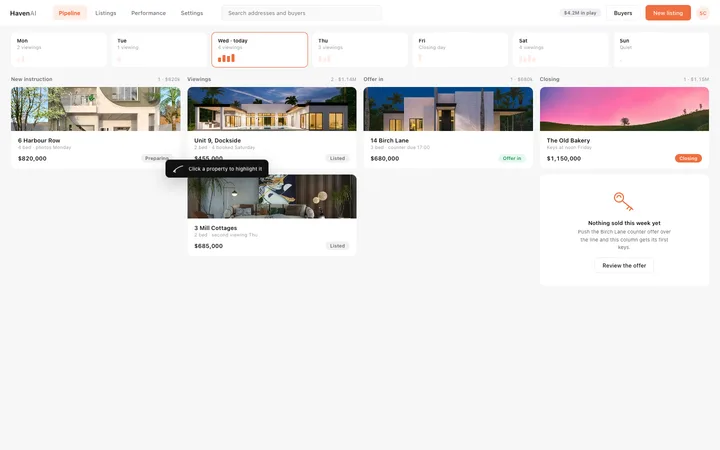
Analytics SaaS dashboard template
Dashboard
Get with licence
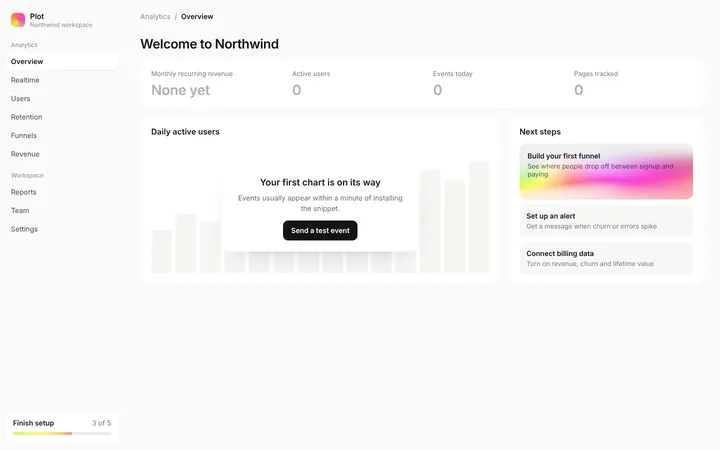
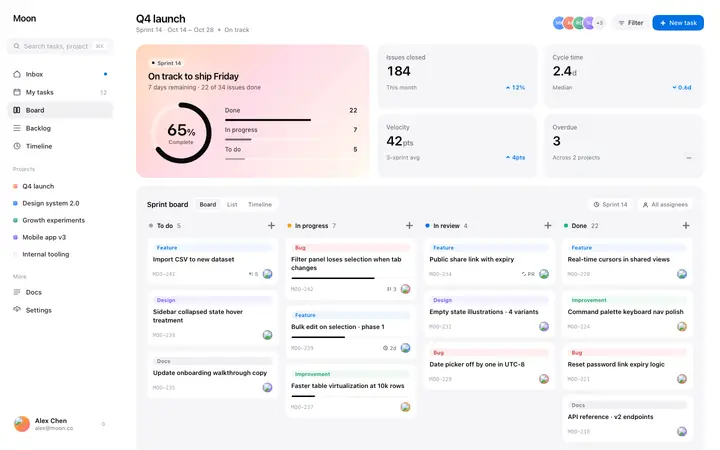
Plot
Analytics SaaS dashboard empty state template
Dashboard
Get with licence
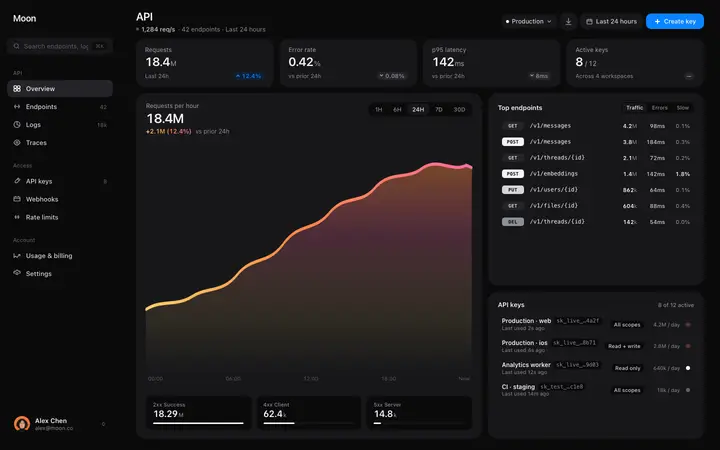
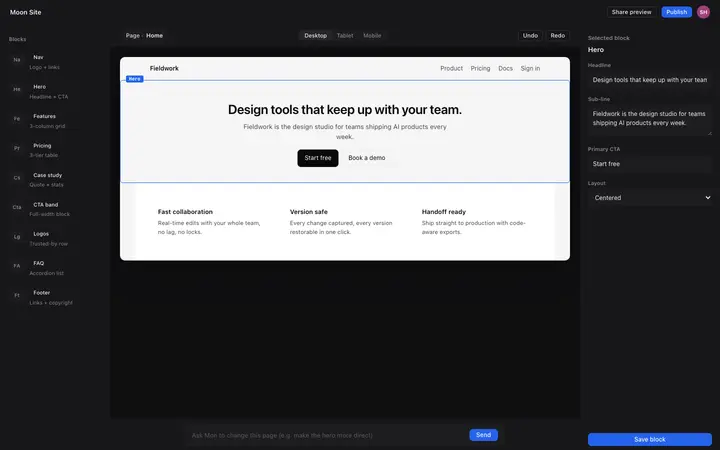
Umber
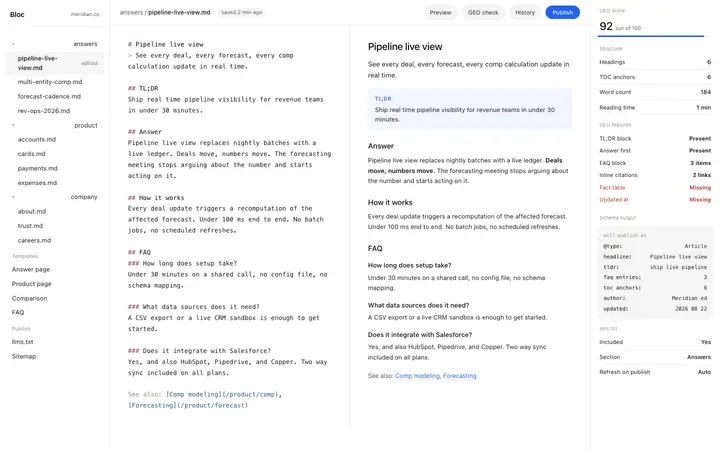
API monitoring dashboard template for SaaS
Dashboard · 1,880 copies
Get with licence
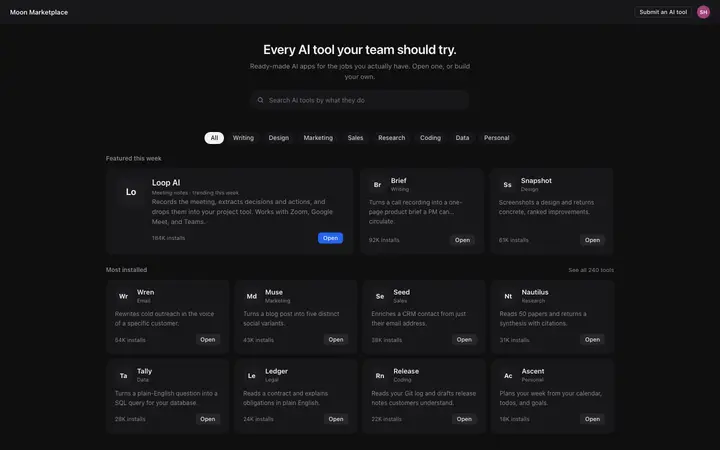
Vista
AI app marketplace UI template for SaaS
Dashboard · 1,066 copies
Get with licence
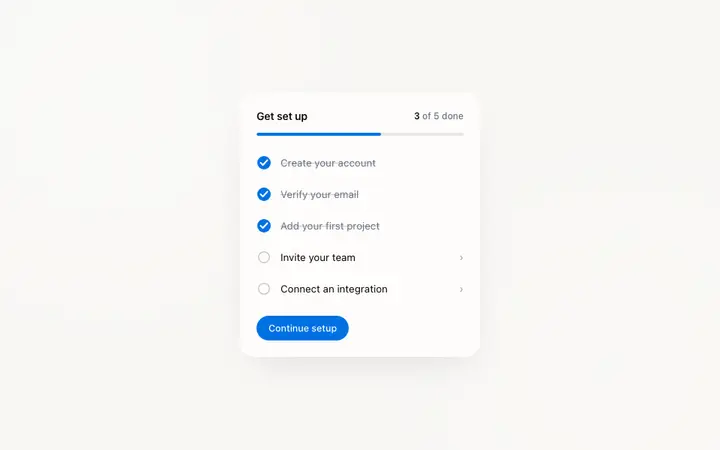
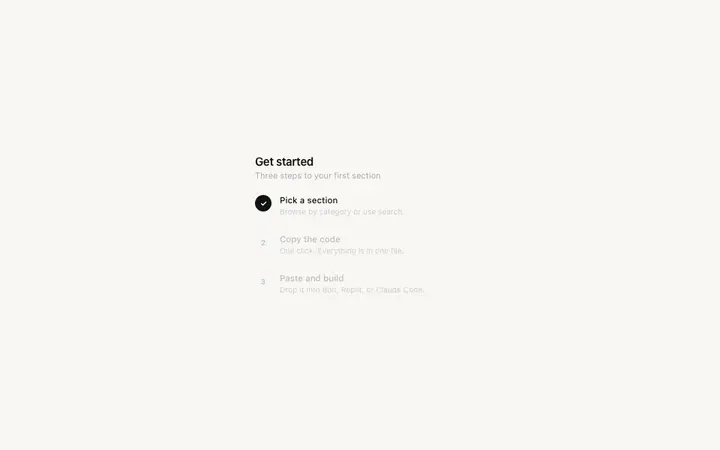
Flare
Onboarding checklist card template for SaaS
Dashboard · 1,640 copies
Get with licence
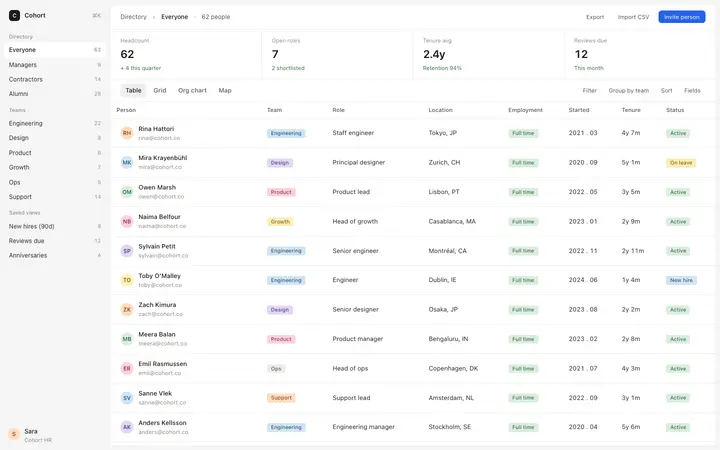
Drift
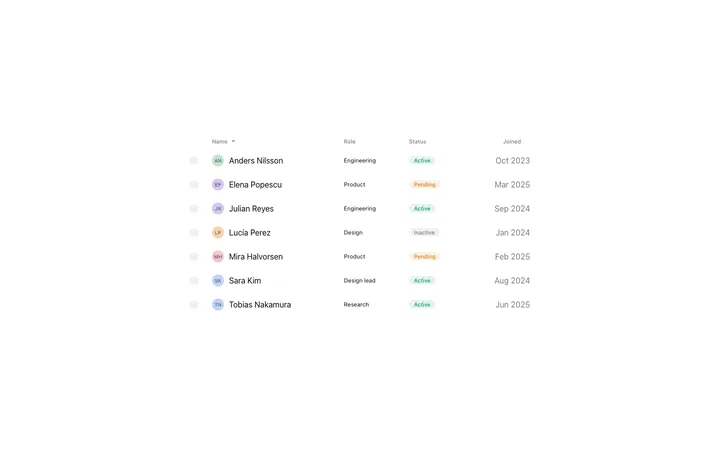
People directory template for HR SaaS apps
Dashboard · 842 copies
Get with licence
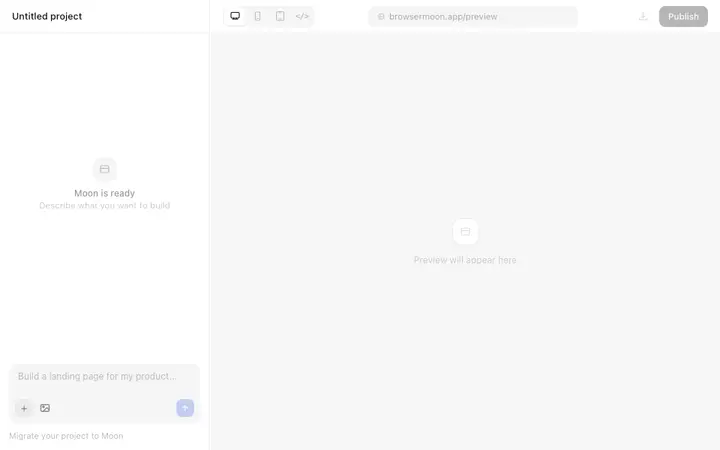
Forge
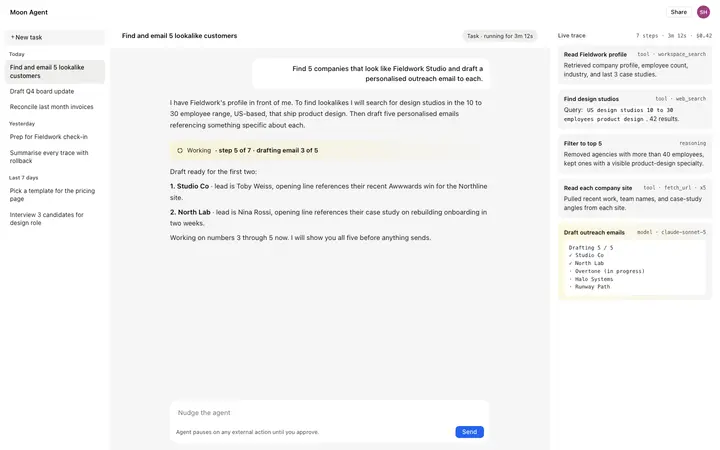
AI app builder interface template for SaaS
Dashboard · 1,180 copies
Get with licence
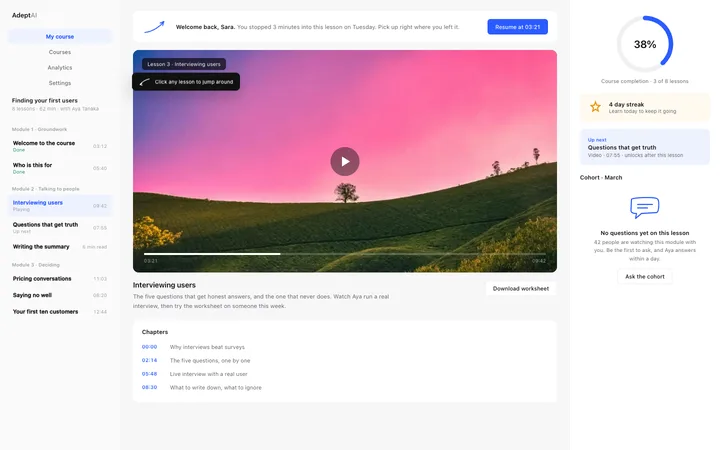
Adept
LMS course dashboard template for SaaS
Dashboard · 59 copies
Get with licence
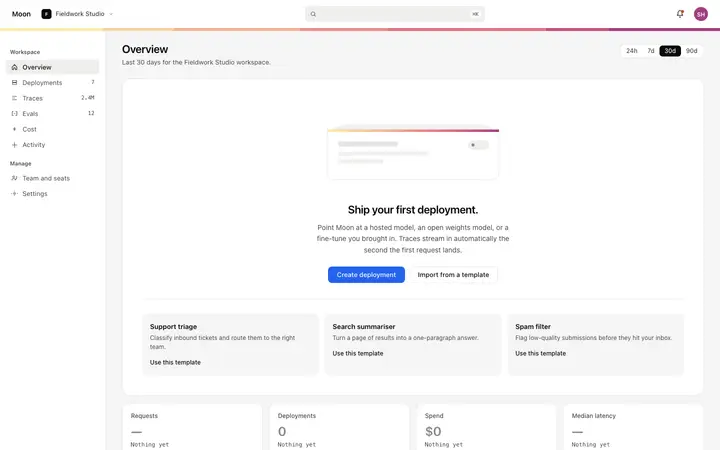
Mesa
Empty state template for SaaS dashboards
Dashboard · 2,841 copies
Get with licence
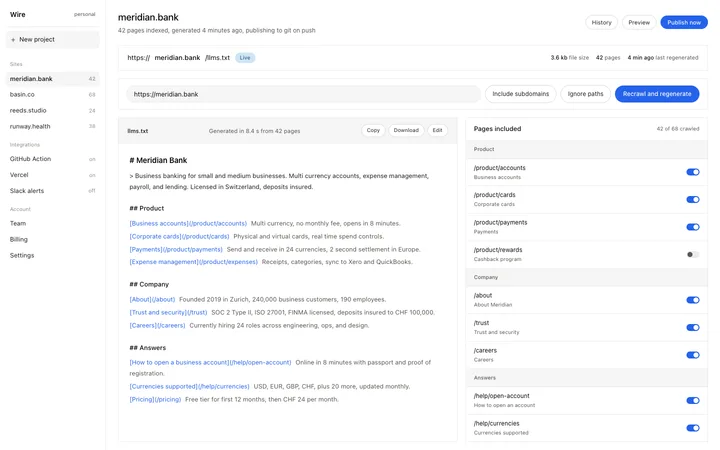
Clarity
llms.txt generator app template for SaaS sites
Dashboard · 892 copies
Get with licence
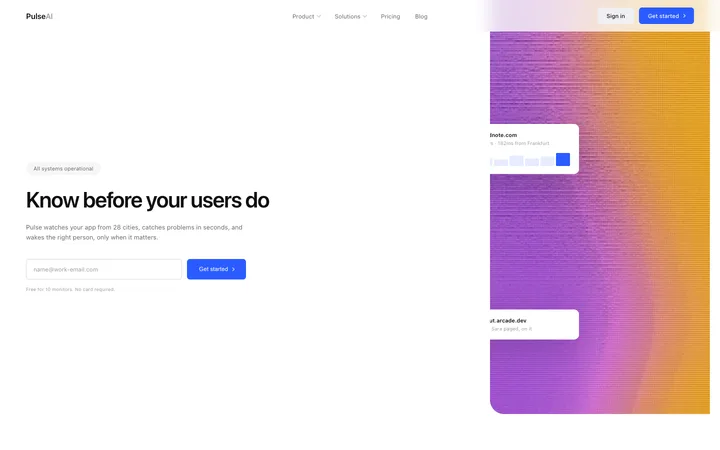
Flash
Monitoring SaaS landing page for uptime alerts
Dashboard · 38 copies
Get with licence
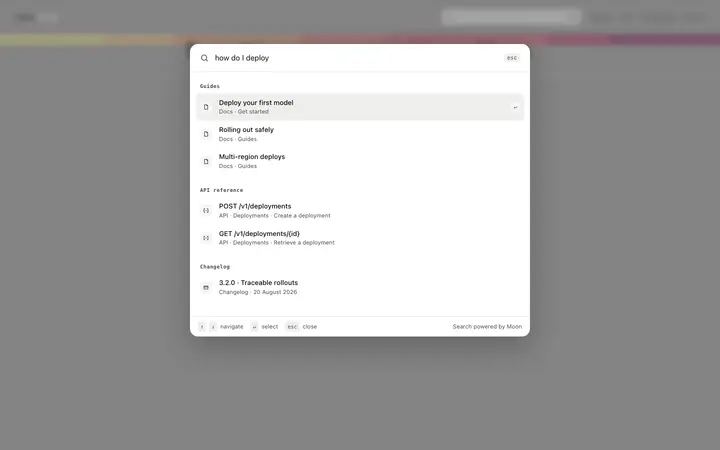
Ivory
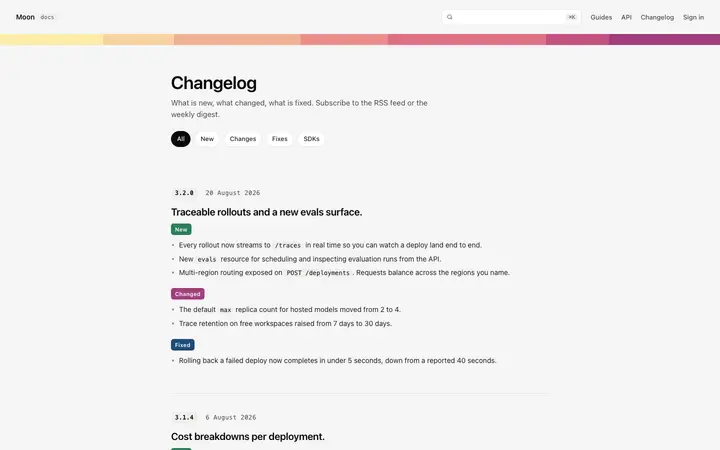
Documentation search page template for SaaS
Dashboard · 1,089 copies
Get with licence
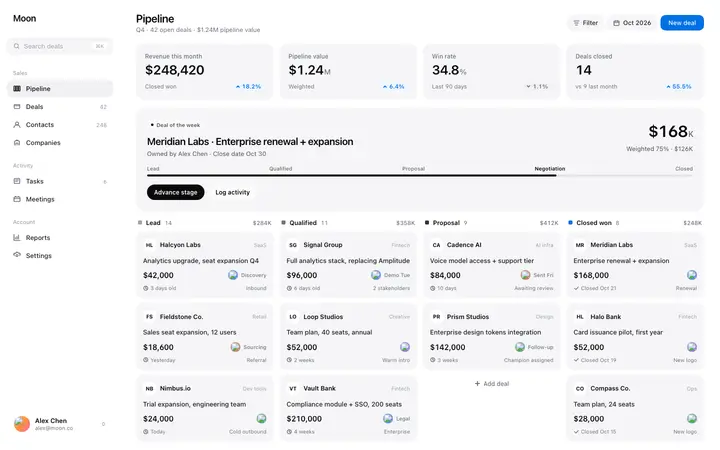
Quill
CRM dashboard template for SaaS sales teams
Dashboard · 2,080 copies
Get with licence
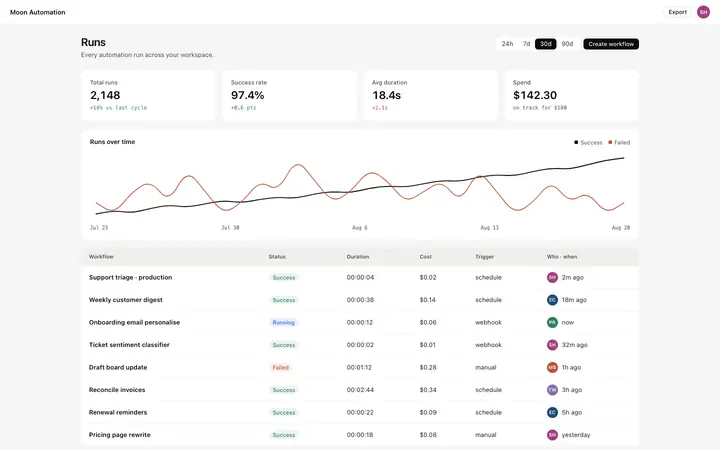
Prairie
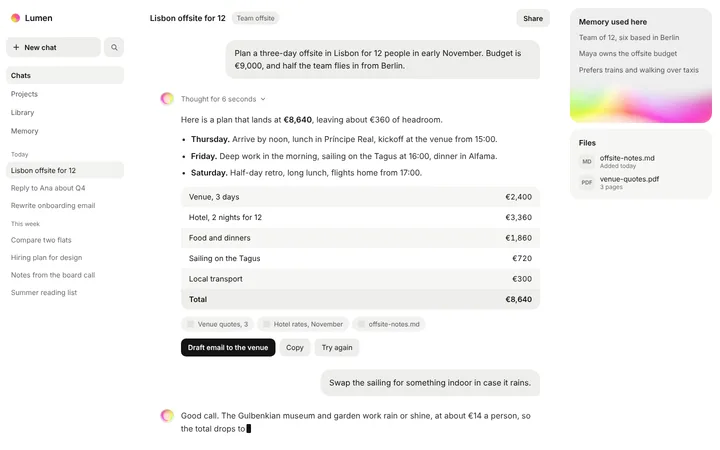
AI automation dashboard template for SaaS
Dashboard · 687 copies
Get with licence
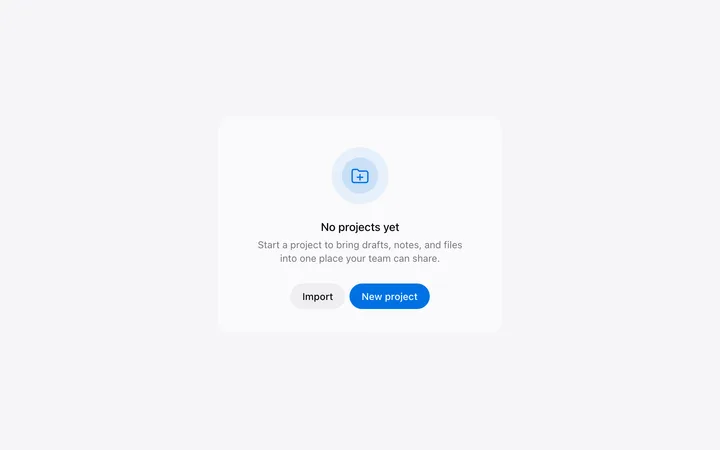
Swale
Empty state and no results template for SaaS
Dashboard · 47 copies
Get with licence
Meteor
Fintech SaaS landing page for business banking
Dashboard
Get with licence
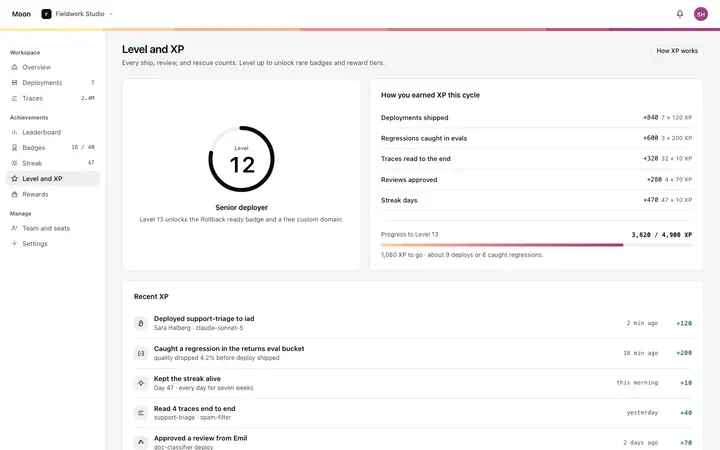
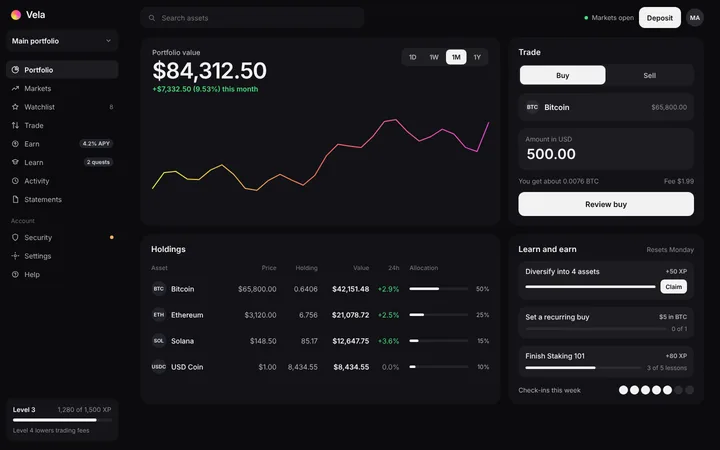
Nocturne
XP and levels dashboard template for SaaS apps
Dashboard · 2,897 copies
Get with licence
Zephyr
Onboarding checklist template for SaaS apps
Dashboard · 1,740 copies
Get with licence
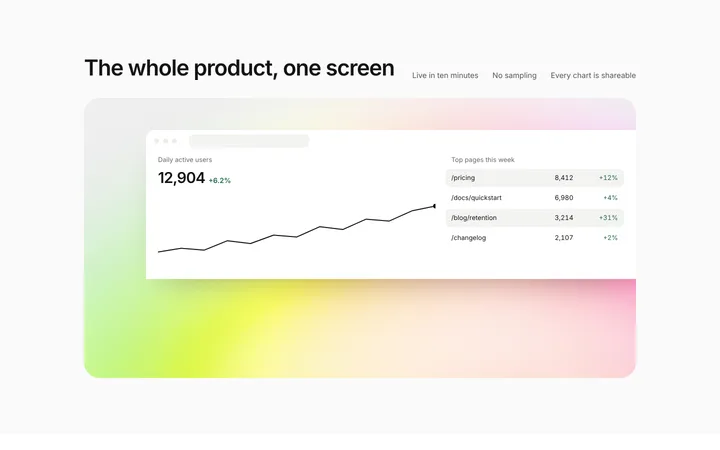
Encore
SaaS dashboard preview section on gradient
Dashboard
Get with licence
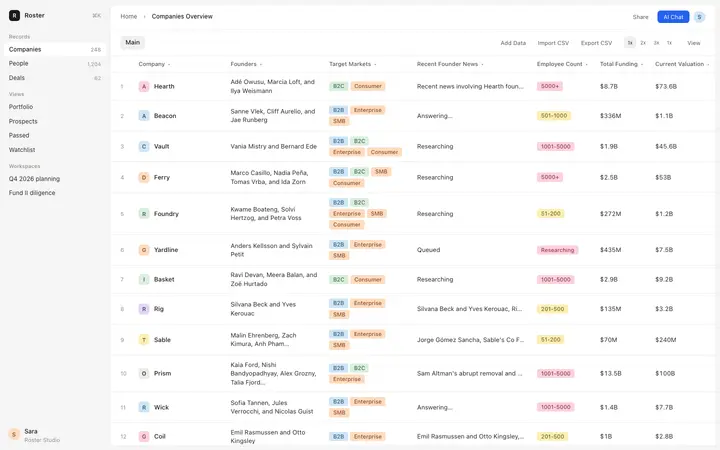
Cocoa
CRM companies table template for SaaS apps
Dashboard · 916 copies
Get with licence
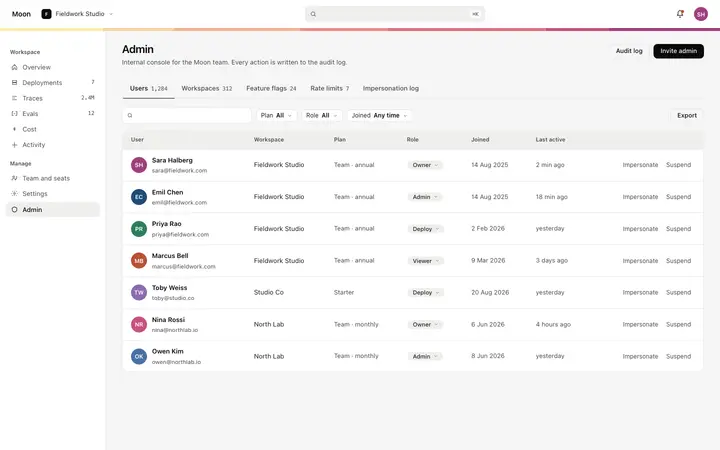
Lagoon
Admin dashboard template for SaaS apps
Dashboard · 2,547 copies
Get with licence
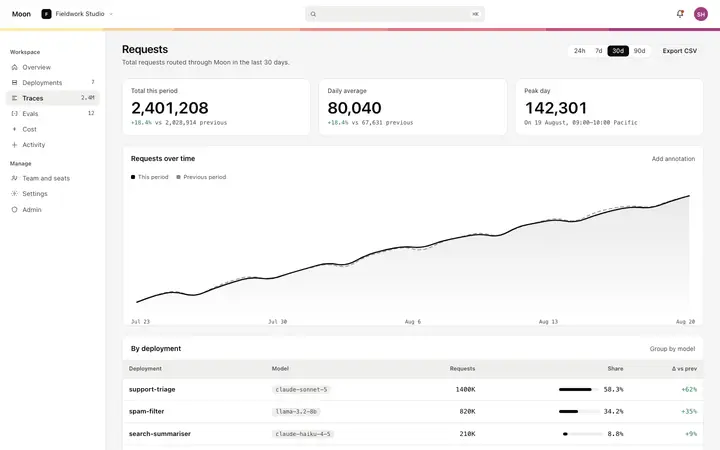
Indigo
Metric detail dashboard template for SaaS
Dashboard · 3,847 copies
Get with licence
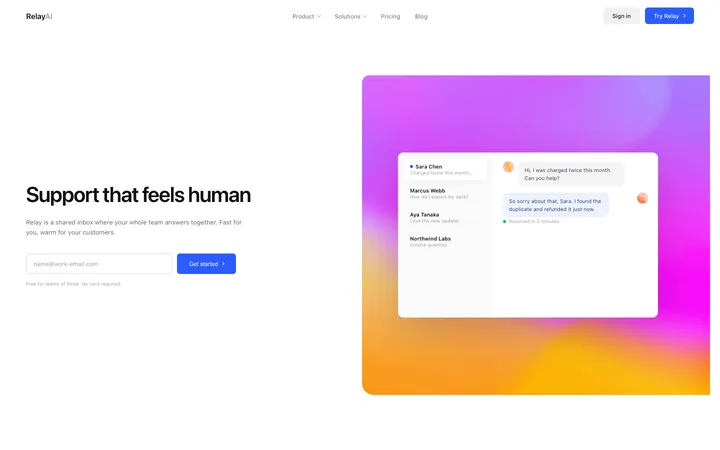
Relay
Customer support SaaS landing page for help desk
Dashboard · 51 copies
Get with licence
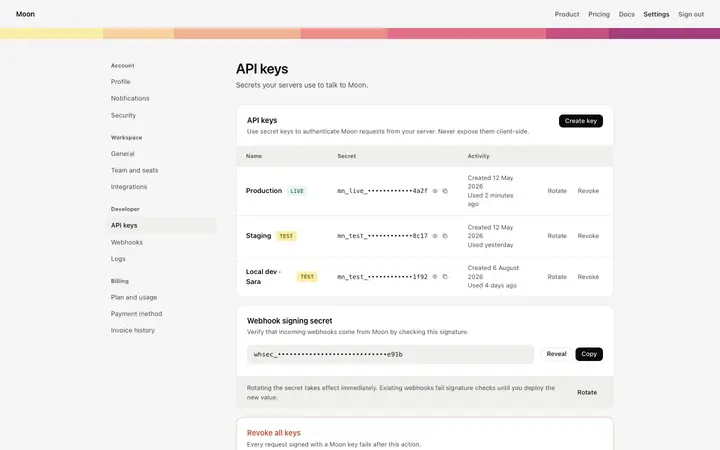
Delta
API keys page template for SaaS apps
Dashboard · 1,938 copies
Get with licence
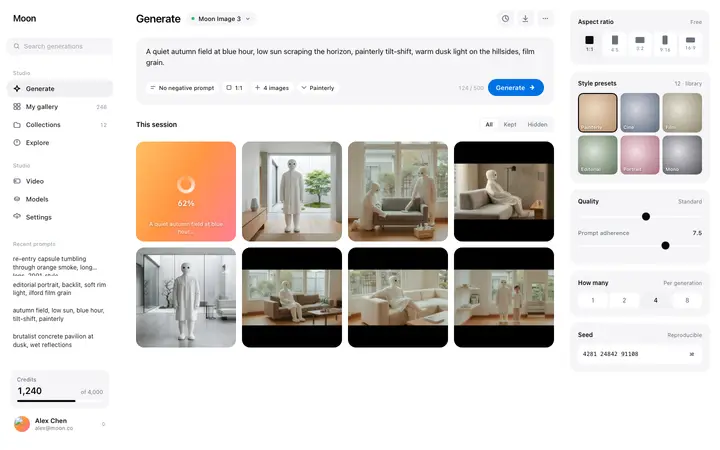
Opal
AI generation dashboard template for SaaS
Dashboard · 2,010 copies
Get with licence
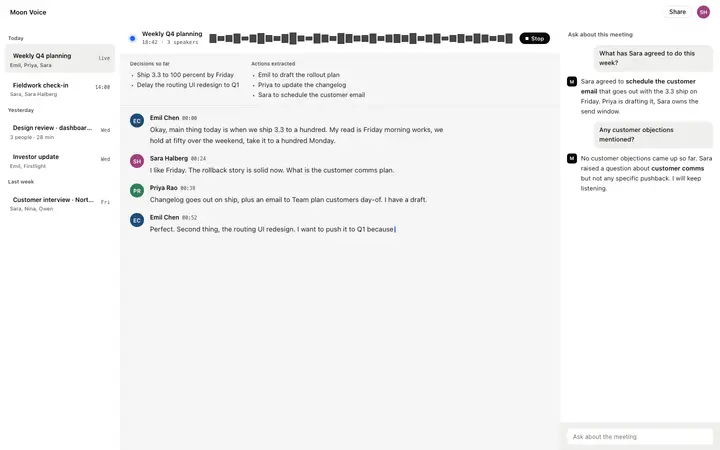
Knoll
AI meeting notes dashboard template for SaaS
Dashboard · 948 copies
Get with licence
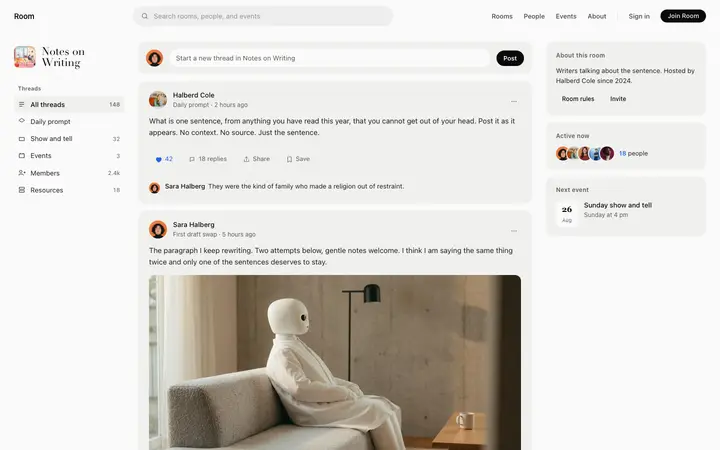
Room
Community feed template for forum and social SaaS
Dashboard · 768 copies
Get with licence
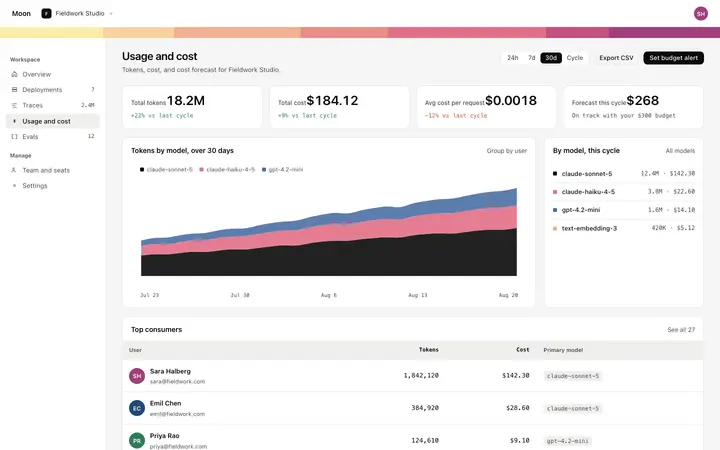
Encore
Token usage dashboard template for AI SaaS apps
Dashboard · 3,764 copies
Get with licence
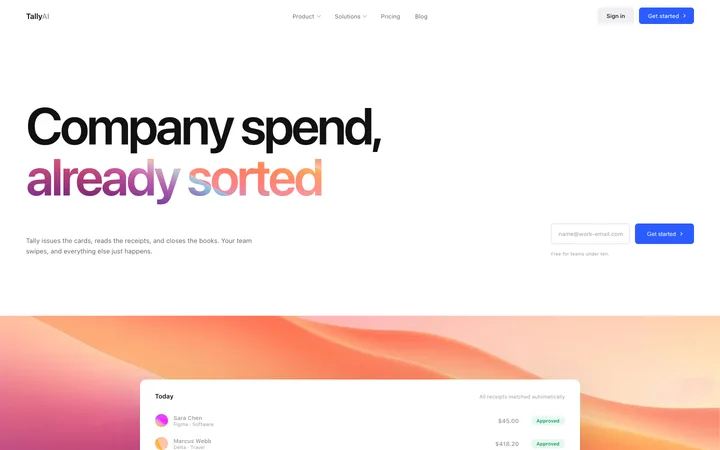
Tally
Finance SaaS landing page for company cards
Dashboard · 51 copies
Get with licence
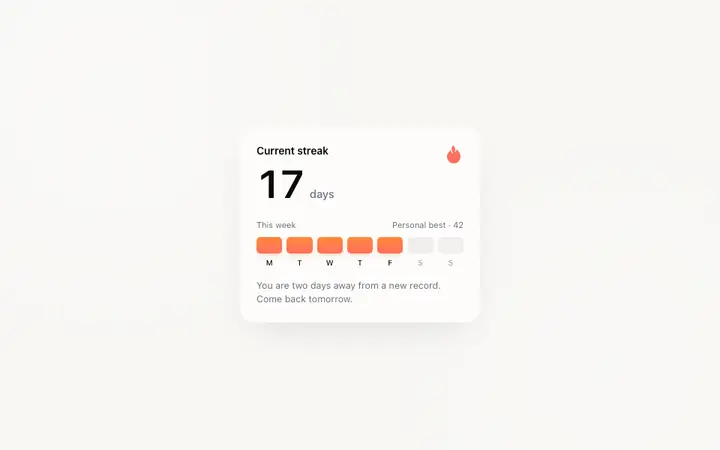
Horizon
Streak tracker dashboard template for consumer SaaS
Paste the dashboard template and ask v0 to build it as Next.js routes with shadcn components restyled to match.
v0 can add a database and sign in when you need real data; keep the layout from the template while it does.
How to use dashboard templates with v0
1
Pick a design
Choose a dashboard design above and open it to see it live.
2
Copy the template
Copy the template from its page. It is one HTML file with no dependencies.
3
Set up v0
Paste the template into your v0 prompt and ask for the same design as a React component.
4
Prompt, then refine
Paste it and describe your product. Then follow up with: "Recreate the pasted HTML as a React component. Keep its colours, font sizes and spacing; do not use the default shadcn styling."
What makes a good dashboard
Common types: analytics dashboards, admin panels, CRM views, AI app dashboards and finance dashboards, usually a sidebar, a top bar, stat cards, charts and a table.
One number that matters most
The key metric is the biggest thing on the screen.
A calm layout
Few colours, aligned cards and plenty of space between groups.
Useful when empty
New accounts see what to do first, not blank charts.
Common mistake: Every metric at the same size, so nothing stands out and the page reads as noise. SaaS dashboard design ideas →
Keeping the design in v0
v0 generates React components for Next.js, so it suits teams already on Next.js and shadcn/ui who want polished components to drop into their app.
What v0 builds
React components for Next.js, styled with Tailwind CSS and shadcn/ui.
Where the design goes
Paste the template into your v0 prompt and ask for the same design as a React component.
v0 and dashboards
v0 leans on its default shadcn/ui look, so custom colours and type can fade unless you ask to keep them. Paste the template again with your follow-up prompt if it starts to drift.
What to tell it
Keep the sidebar, card grid and chart styles from the template, then connect each card to your real data one at a time.
Not sure which dashboard design fits?
Ask Mon, the AI design assistant, describe your product and Mon suggests the dashboard design and how to prompt v0 with it.
Paste the template HTML into your v0 prompt at v0.dev and v0 generates a React component with Tailwind classes that matches the template design. Paste the template into your v0 prompt and ask for the same design as a React component.
What does v0 turn the template into?
React components for Next.js, styled with Tailwind CSS and shadcn/ui.
How do I stop v0 changing the design?
v0 leans on its default shadcn/ui look, so custom colours and type can fade unless you ask to keep them. A follow-up prompt that helps: "Recreate the pasted HTML as a React component. Keep its colours, font sizes and spacing; do not use the default shadcn styling."
What makes a good dashboard?
One number that matters most: the key metric is the biggest thing on the screen. A calm layout: few colours, aligned cards and plenty of space between groups. Useful when empty: new accounts see what to do first, not blank charts.
Any v0 tips for dashboards?
v0 leans on its default shadcn/ui look, so custom colours and type can fade unless you ask to keep them. Paste the template again with your follow-up prompt if it starts to drift.