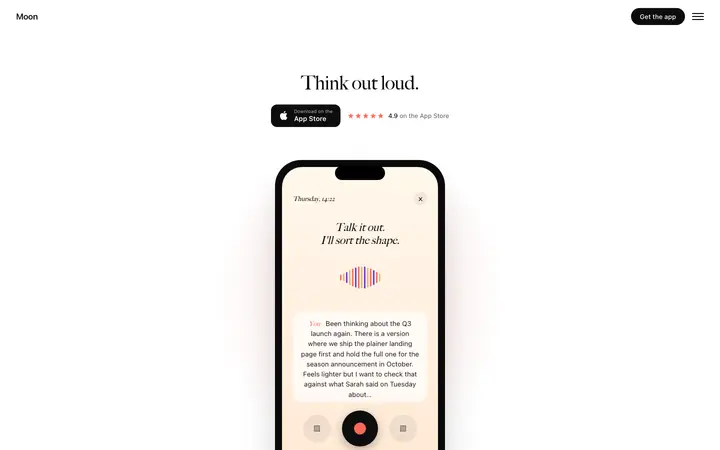
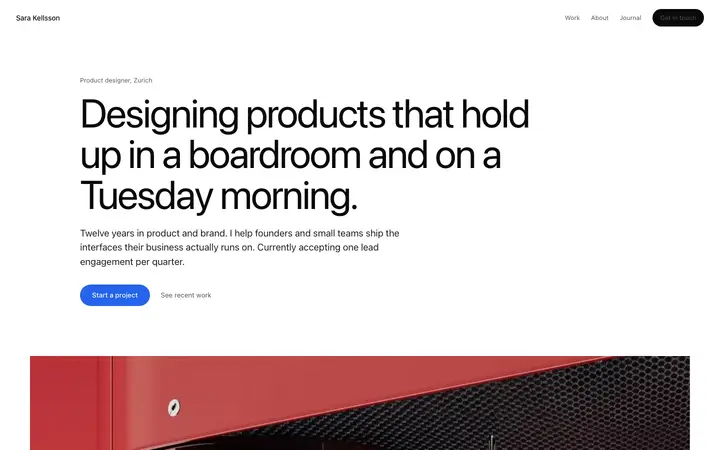
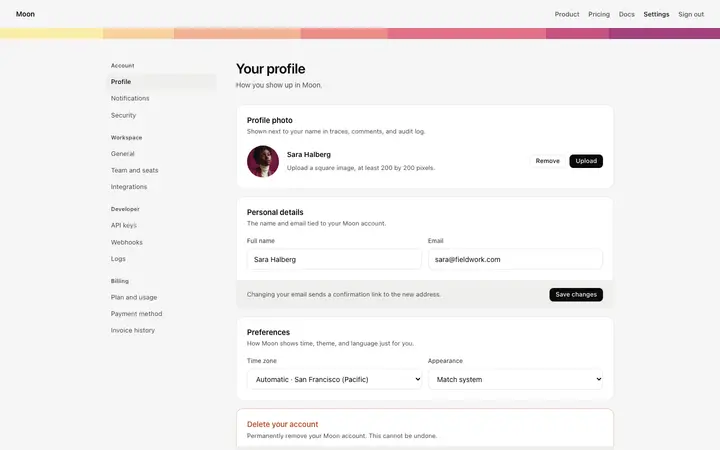
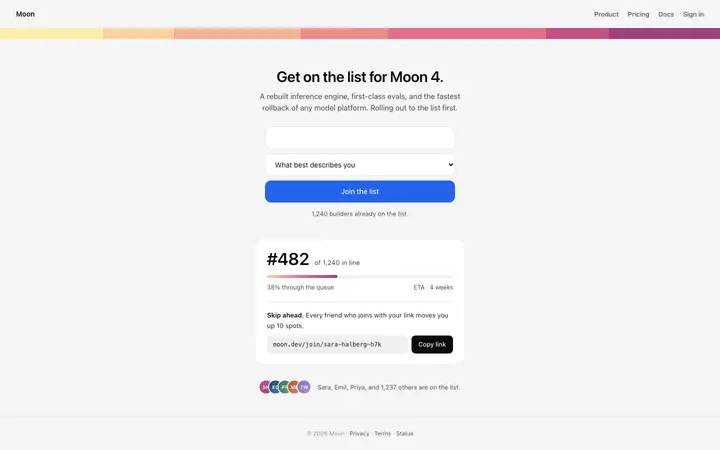
Copy-paste v0 prompts for landing pages, dashboards, pricing tables, login screens and AI chat UI, each paired with a design template so v0 generates components that look designed, not default shadcn.
v0 is great at clean React components, but without direction every v0 site looks the same. These v0 prompts give it a specific page structure and a BrowserMoon design template to restyle shadcn/ui to, so your landing page or dashboard looks like your brand and not the default.
How to use these v0 prompts
1
Pick the prompt for your page
Choose the v0 prompt for the page you are building, from a SaaS landing page to a login screen or an AI chat app.
2
Copy the template it uses
Each prompt is written to go with the template shown on its card. Copy that template, or any template from the v0 templates page.
3
Give v0 the design
I have pasted a BrowserMoon design template below. Use it as the visual reference: copy its fonts, spacing, colours, borders and corner radius into the Tailwind theme and the components.
4
Fill in the brackets and send
Replace the parts in brackets, like [product name] and [audience], with your own details. The prompt ends with: “Generate the page as one route with its components split into small files.”
Which v0 prompt to start with
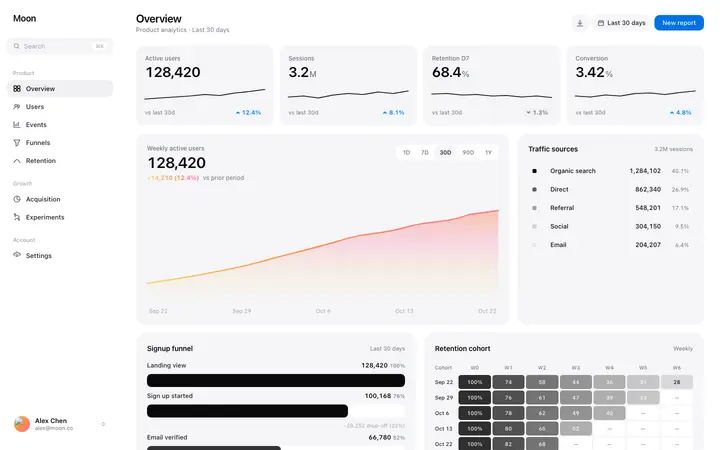
Start with the SaaS dashboard prompt if you are building an app, or the hero section prompt if you need a marketing page. v0 works best one block at a time, so build the first component, open it in your project, then prompt the next.
Why v0 needs a design in the prompt
v0 by Vercel generates React components with Tailwind CSS and shadcn/ui, and it is excellent at clean, working code. Its weakness is sameness: without a design reference, every v0 page uses the same default spacing, grey borders and black buttons.
Each prompt here tells v0 exactly which sections to build and hands it a BrowserMoon template to restyle the components to. You keep v0's clean Next.js code and get a design that belongs to your product.
What is inside every v0 prompt
Each prompt on this page is built from the same five parts. The page-specific part changes per prompt; the rest is written for how v0 works.
1. What to buildThe product, the audience and the outcome the page must deliver, in one or two sentences.
2. Every section, in orderEach section named with what goes in it, so nothing is left for the tool to invent.
3. The designI have pasted a BrowserMoon design template below. Use it as the visual reference: copy its fonts, spacing, colours, borders and corner radius into the Tailwind theme and the components.
4. The design ruleskeep one accent colour, use the template's type scale and spacing exactly, give every section generous white space, keep body text at least 15px, and make every layout work at 375px wide with no horizontal scroll.
5. The stack and how to finishBuild it with Next.js, Tailwind CSS and shadcn/ui components, restyled to match the template instead of the default shadcn look. Generate the page as one route with its components split into small files.
Tips for writing v0 prompts
Restyle shadcn/ui
Tell v0 to keep shadcn/ui for behaviour but restyle it to your template. That keeps the accessible components and removes the default look.
Ask for the theme first
Have v0 set the colours, fonts and radius in the Tailwind theme before building pages. Every later component then matches.
Build in blocks
v0 works best one section or page at a time. Generate the hero, then features, then pricing, each in its own prompt.
Paste screenshots too
v0 reads images. A screenshot of the template next to the code makes the match even closer.
What to ask v0 after the first prompt
Split this page into components: Hero, Features, Pricing and Footer, each in its own file.
Move every colour and font into the Tailwind theme so the rest of the app can reuse them.
Add a dark mode version that keeps the same layout and accent colour.
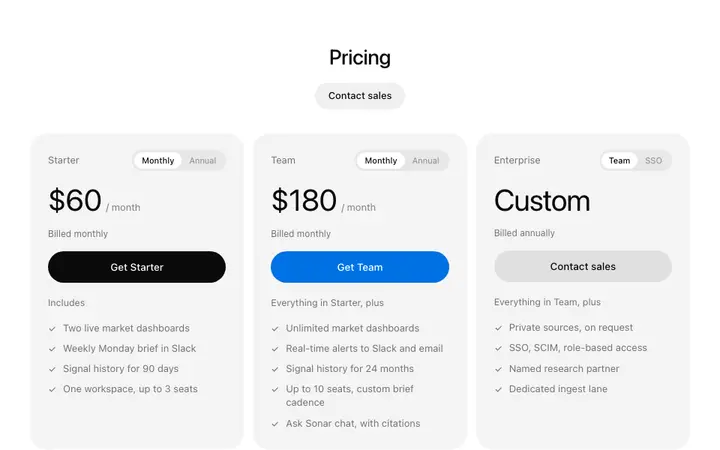
Make the pricing toggle and FAQ accordion work with real state.
Common v0 prompt mistakes
Accepting default shadcn styles
Tell v0 to restyle the shadcn components to the template, not to use them as they come.
Generating whole sites in one chat
Long v0 chats lose track of the design. Start a new chat per page and paste the template again.
Not using the project's instructions
Put your design rules in the v0 project instructions so every chat follows them.
Copying code without the theme
Install the generated theme and fonts too, or the component will look different in your app.
Who these v0 prompts are for
v0 is popular with developers and designers who work in Next.js and want UI they can drop into a real codebase. These v0 prompts are for anyone who likes v0's clean code but is tired of every generation looking like the same shadcn/ui starter.
More templates for these v0 prompts
A prompt says what to build; a template shows v0 what it should look like. These templates also fit the prompts above.
A good v0 prompt names the page, lists the sections, and gives a design reference to restyle shadcn/ui to. Without a reference, v0 falls back on the default shadcn look.
How do I stop v0 sites looking the same?
Paste a design template and tell v0 to move its fonts, colours, spacing and radius into the Tailwind theme. The components keep working, but look like your brand.
Can I use these prompts with v0's Design Mode?
Yes. Generate the page with the prompt, then use Design Mode for small changes to text, colour and spacing.
Do these prompts work for Next.js apps?
Yes. They ask v0 for Next.js routes and small component files, so you can copy the result into an existing Next.js project.
Can I install v0 components into my Next.js app?
Yes. Use v0's install command or copy the code. Ask v0 to put colours and fonts in your Tailwind config first so every component shares them.
Do these prompts work with shadcn/ui?
Yes. They ask v0 to keep using shadcn/ui components but restyle them to match the template, so you keep accessibility and get a custom look.