To get better design from v0, give it a real design to match and tell it what to keep, instead of asking it to make things modern or clean. v0 is excellent at turning a prompt into a working React page, but without a reference it falls back on its default look: shadcn/ui components, neutral greys and a familiar layout that thousands of other v0 projects share. This guide shows how to prompt v0 so the result looks designed, with v0 templates you can start from.
Quick answer: paste a design template or screenshot as the reference, name the parts you want, say which styles to keep, build one section at a time, and refine with short, specific follow-ups. The rest of this guide explains each step.
Why v0 designs look the same
v0 builds React components for Next.js with Tailwind CSS and shadcn/ui. Those are great building blocks, but their defaults are what every v0 project starts with. A prompt like "a modern landing page for my startup" gives v0 nothing specific to aim for, so it picks the most common choices. The fix is not a longer prompt; it is a concrete design and clear instructions about what to keep.
Step 1: Give v0 a real design to match
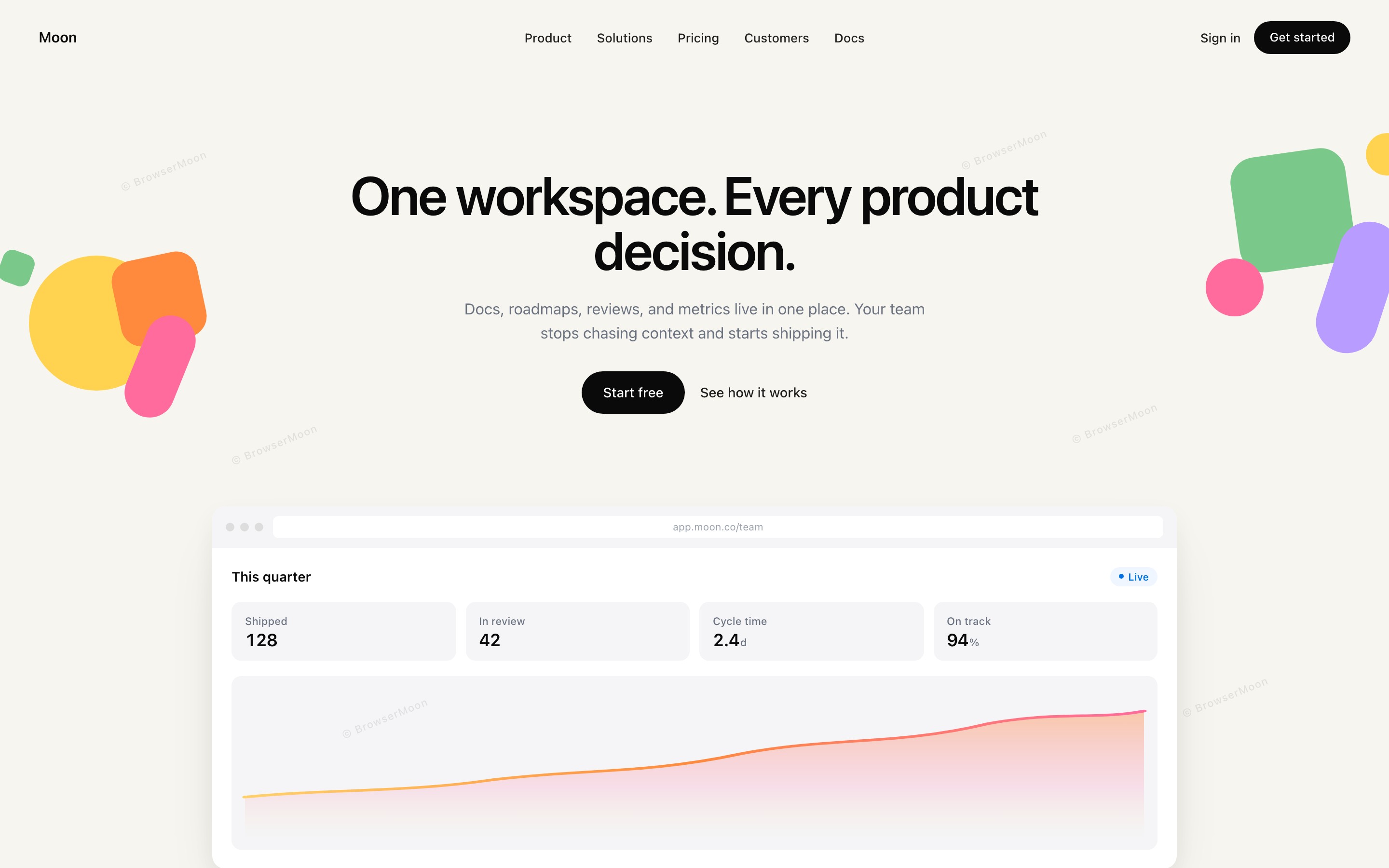
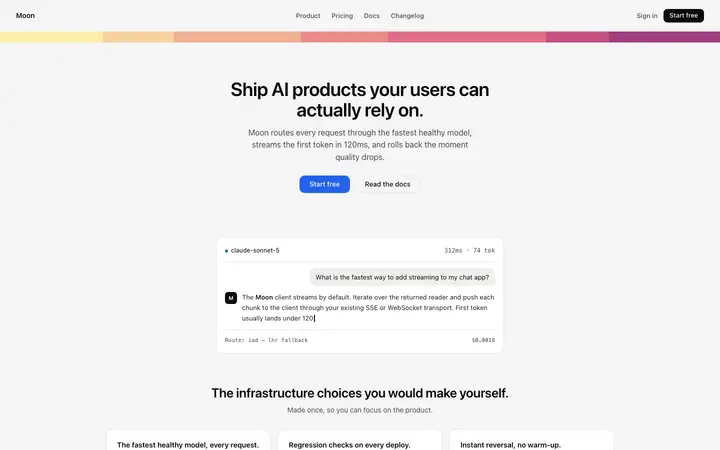
Paste an HTML design template, or attach a screenshot, and say: recreate this as a React component and keep its colours, font sizes and spacing exactly. A plain HTML template works especially well because v0 can read the exact values instead of guessing them from pixels. Pick a design close to your product from the v0 templates gallery, for example a v0 hero template or a v0 pricing template.
Step 2: Tell v0 what not to change
v0 leans on its default component styling unless you tell it otherwise. Add one line to every design prompt: do not use the default shadcn styling, keep the colours and type from the reference. If you want shadcn components underneath, say so, but ask v0 to restyle them to match the design. This one sentence does more for the result than any list of adjectives.
Example prompt: "Recreate the pasted HTML as a React component for a pricing section. Keep its colours, font sizes, spacing and the highlighted middle plan. Do not use the default shadcn look. Replace the plan names and prices with: Starter, Team, Enterprise."
Get 560+ design templates to paste into v0, plus prompts that keep every component on design.
Get a licenceStep 3: Use real design words
Name the pattern you want instead of describing a feeling: split hero, bento grid, three-tier pricing with a highlighted plan, sticky navbar, logo marquee. v0 knows these patterns, so naming them gets you closer on the first try. If you are not sure what a pattern is called, browse the website design ideas and use the names you see there.
Step 4: Build one section at a time
Ask for the hero first, then the features, then pricing, each in its own prompt. Small, focused prompts keep the design consistent; one huge prompt for a whole site is where details get lost. Once a section looks right, keep it and move on.
Step 5: Refine with short, specific follow-ups
"Make it better" gives v0 nothing to act on. "Make the headline shorter, increase the space above the pricing cards and make the main button the accent colour" does. Change one or two things per message, and check the result on a phone width before moving on.
5 common v0 design mistakes
1. No reference. Without a design, v0 picks its defaults. Always paste one.
2. Vague adjectives. Modern, clean and sleek mean nothing to a model. Name patterns and values.
3. Too much at once. A whole site in one prompt loses detail. Build section by section.
4. Mixed styles. If each section comes from a different reference, the page looks stitched together. Use one design family.
5. Placeholder copy. Lorem ipsum makes any design look unfinished. Give v0 your real headline and button text.
v0 prompts you can copy
Our v0 prompts follow these rules: one section per prompt, every element listed in order, and the design to keep. Pair them with a template and v0 has everything it needs. If you are deciding between tools, see Lovable vs v0 and BrowserMoon vs v0.
Not sure what your v0 page gets wrong? Get AI design feedback from Mon, the AI design assistant: describe the page and it tells you what to fix first.
Frequently asked questions
How do I make v0 designs look less generic?
Paste a real design as the reference, tell v0 to keep its colours, type and spacing, and ask it not to use the default shadcn styling.
Can I give v0 a screenshot to copy?
Yes. Attach a screenshot and ask v0 to match it. A plain HTML template is often more reliable because v0 can read the exact values.
What is the best prompt structure for v0?
One section per prompt: the pattern you want, the elements in order, the reference to match, what to keep, and your real copy.
Why does v0 always use shadcn/ui?
v0 builds with React, Tailwind CSS and shadcn/ui by default. You can keep those components but ask v0 to restyle them to your design.
Should I build a whole site in one v0 prompt?
No. Build section by section. Small prompts keep the design consistent and make problems easy to fix.
Related templates
v0 templates
560+ designs to paste into v0.
v0 prompts
Copy-paste prompts for every section.
v0 hero templates
Hero designs with v0 setup and tips.
v0 pricing templates
Pricing designs with v0 setup and tips.
Website design ideas
Real designs by page and section.
Stop AI UI looking generic
Why AI designs look the same and how to fix it.