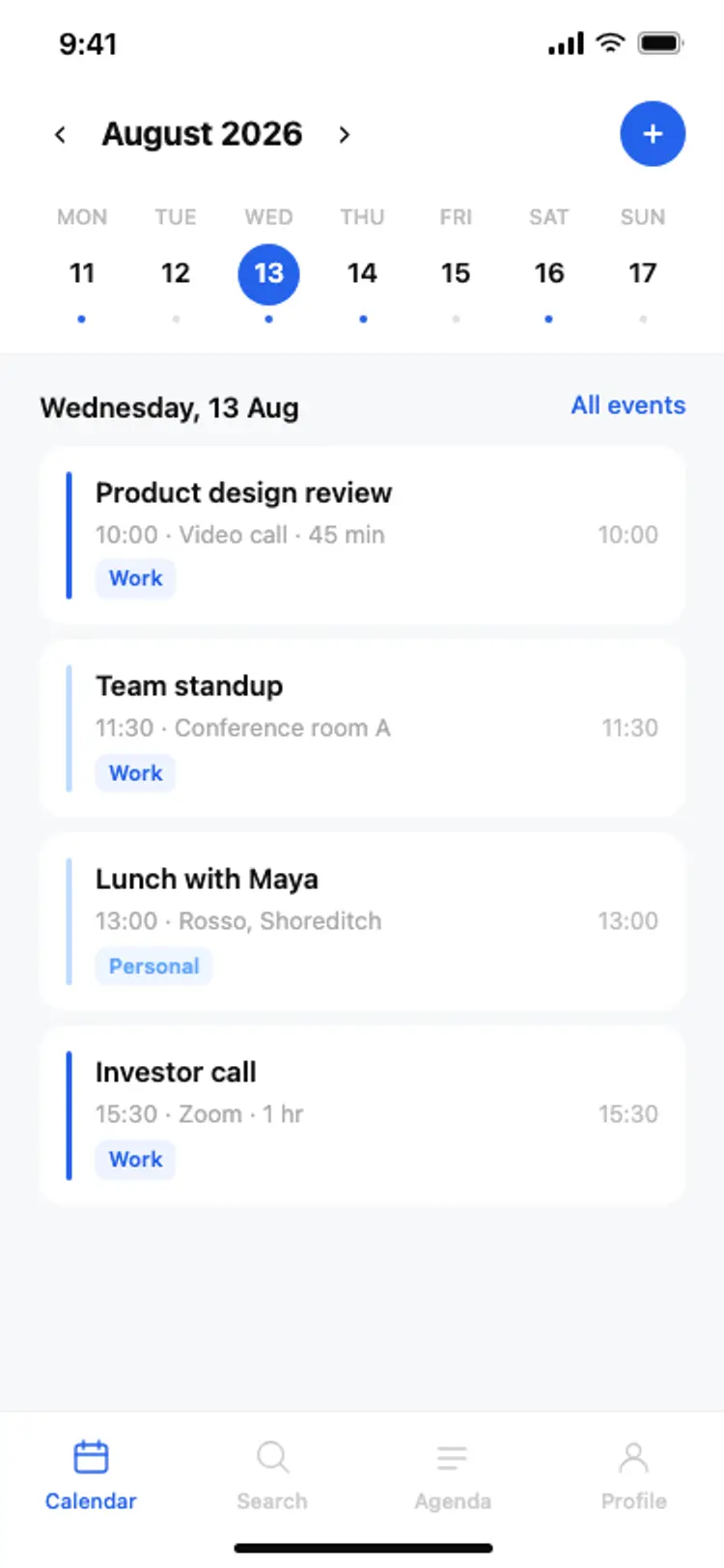
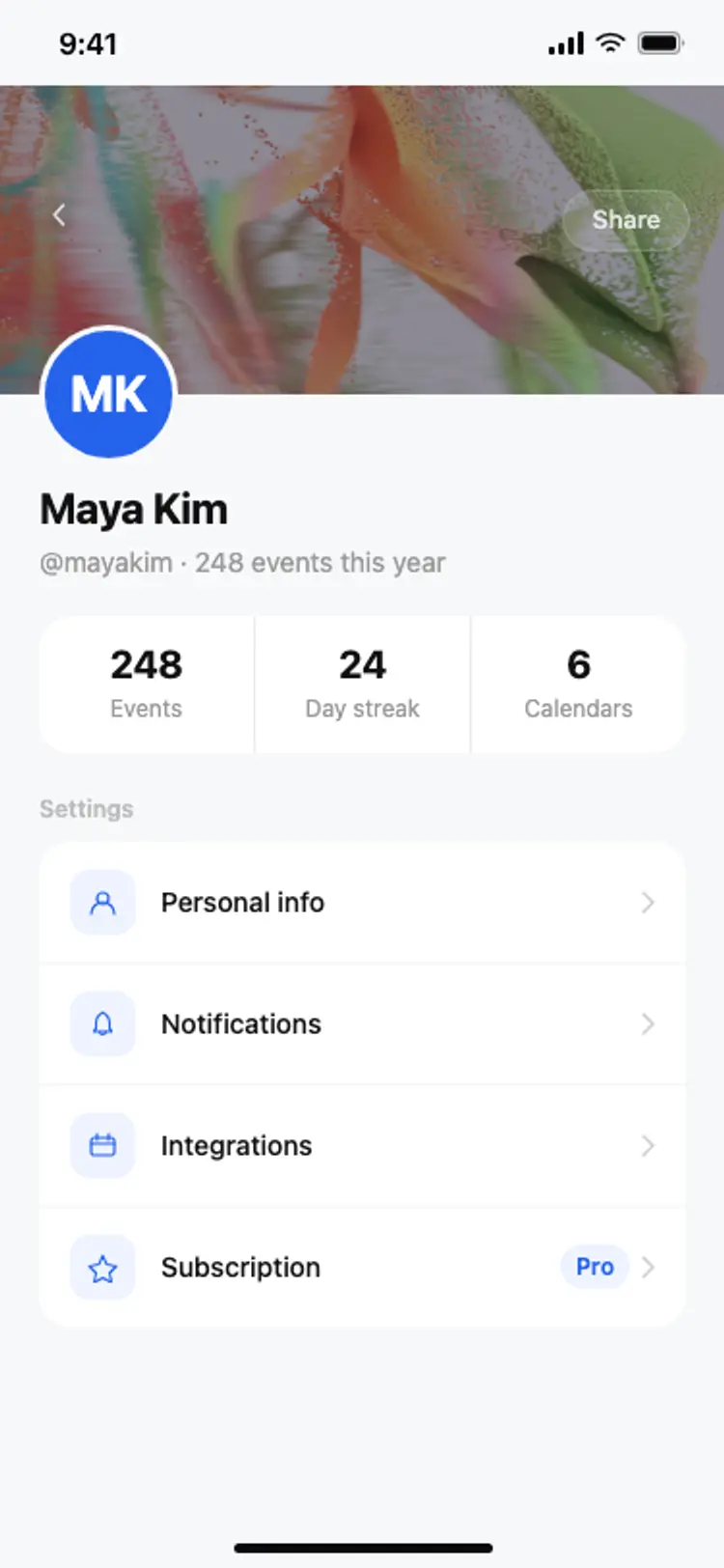
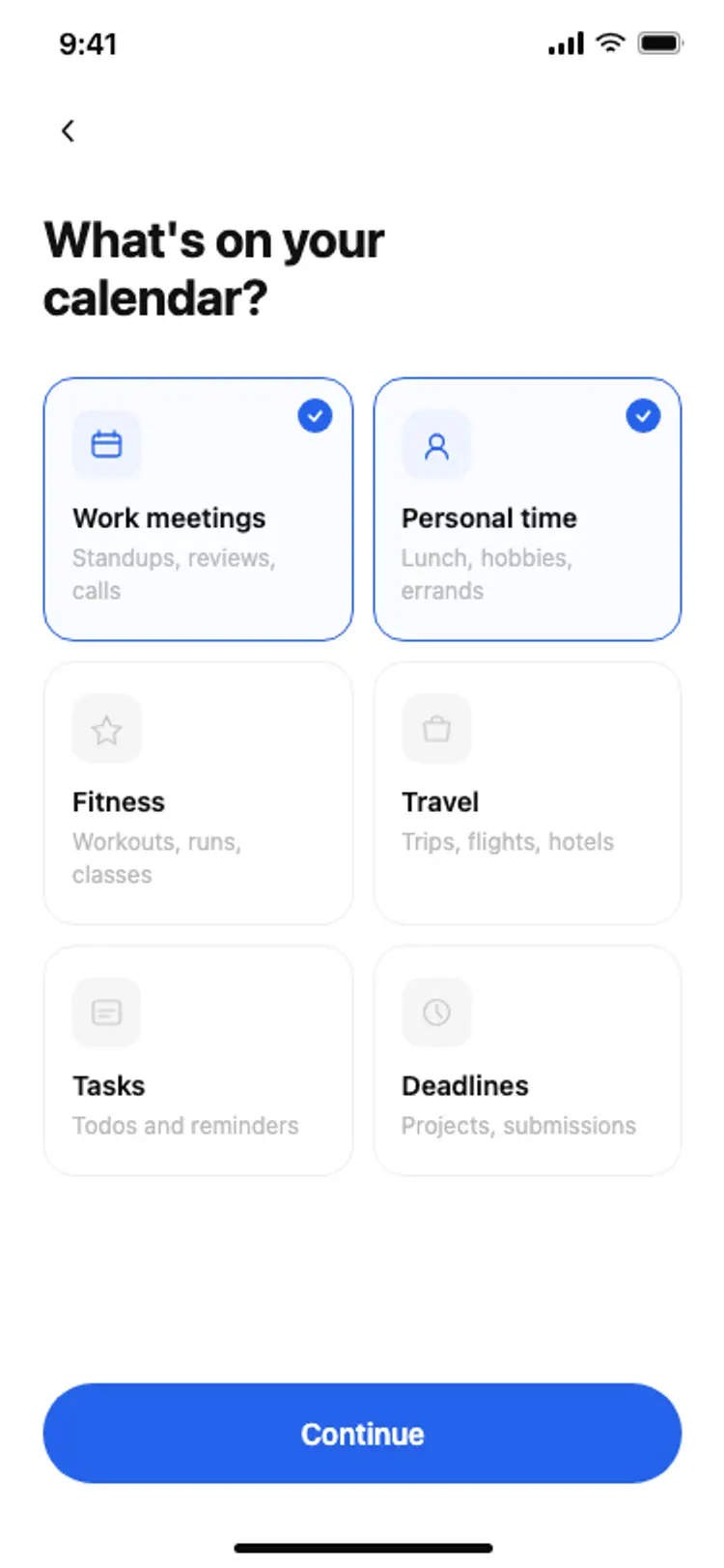
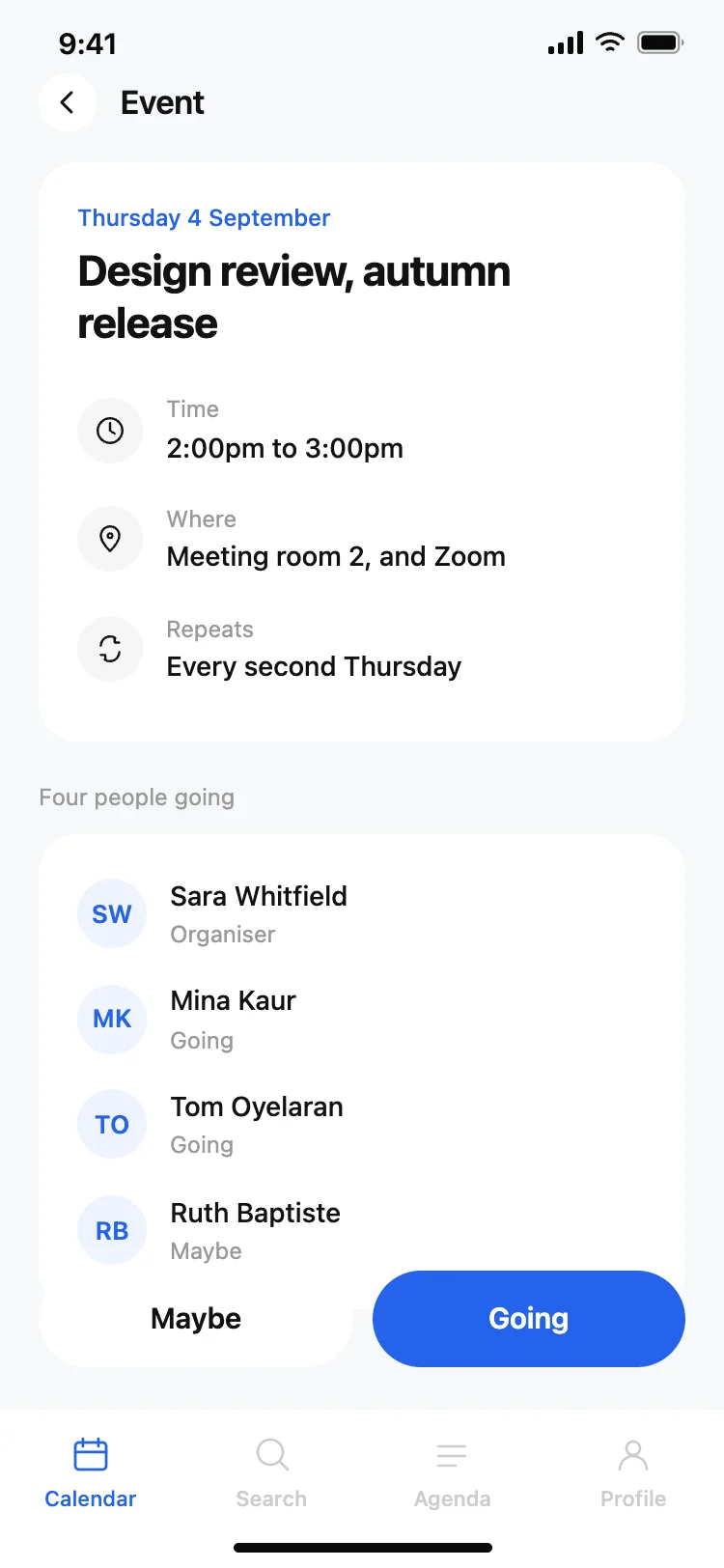
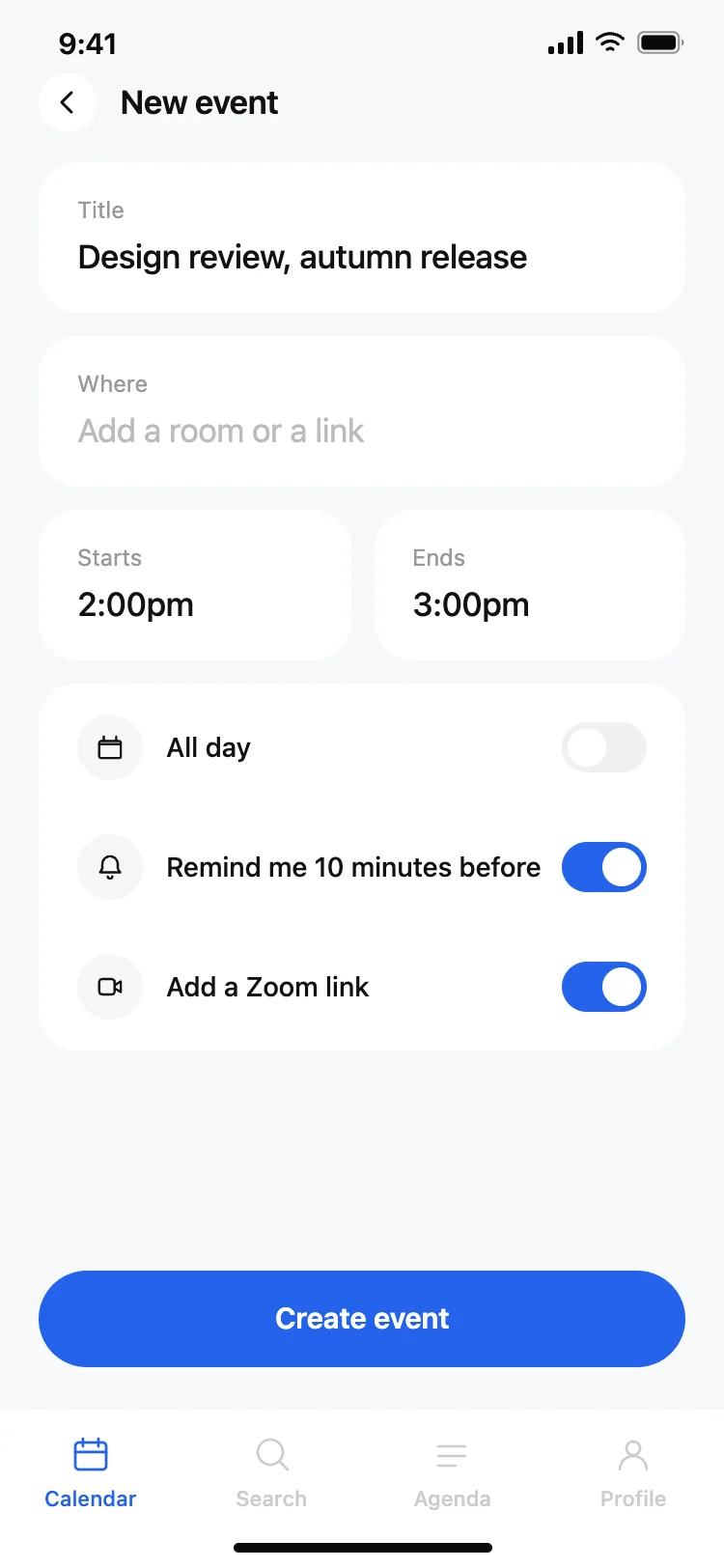
Best calendar and scheduling app screens for AI vibe coding: a month and agenda home, an event detail with attendees and repeat rules, a create event screen with sensible defaults, an onboarding flow, and a profile. Five screens sharing one design, so a scheduling app arrives whole. Copy any coding template and paste it into Replit, Lovable, Claude Code, Bolt, or Cursor.
A home that shows the day or the month, an event detail, and a way to create one. Everything else is settings, and a calendar that gets those three right is already usable.
When, where, who else, and whether it repeats, in that order. The attendee list needs a maybe state, which most designs leave out and which is the status that decides whether a meeting is worth keeping.
Paste them into Replit, Lovable, Claude Code, Bolt, or Cursor and ask for the Google Calendar API. Your AI coding tool handles the OAuth and maps events onto the rows.
Four: title, place, start and end. Everything else belongs behind toggles with sensible defaults already set, because every extra field is somewhere a person abandons the screen.