Calendar app profile screen template
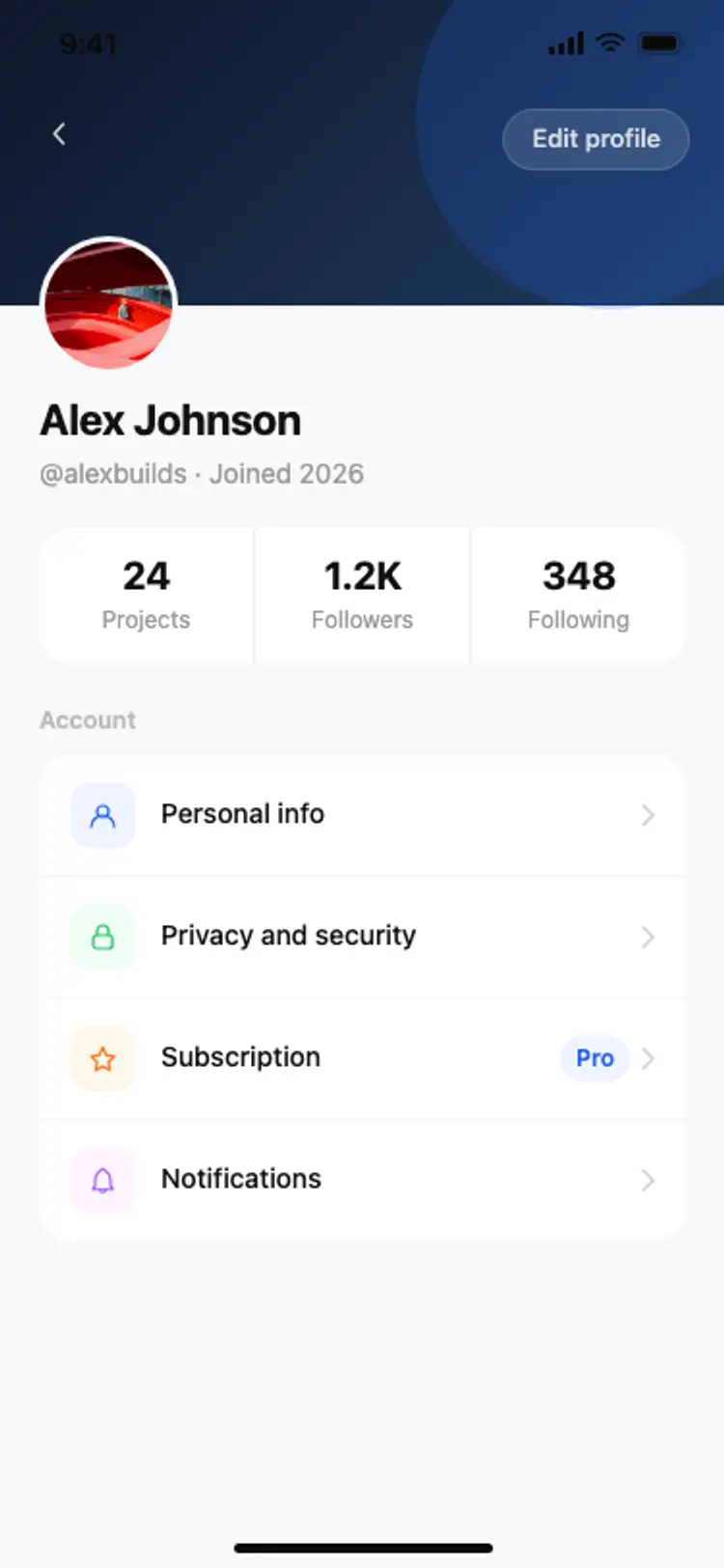
A calendar app profile screen for iOS and Android. Dark gradient header with an initials avatar, event count, day streak, and calendar stats, plus a settings list with all-blue icons for personal info, notifications, integrations, and a Pro subscription badge. Built for Bolt, Lovable, and Replit.
About this app template
Calendar app users check their profile to review their event history and manage account settings. This template covers both. A dark gradient header uses the same visual language as the calendar home screen for consistency. A monogram avatar sits in the centre of the header overlapping the body below. Three stats, total events, current day streak, and linked calendar count, appear in a grid beneath the user's name. Four settings rows follow with blue icons for personal info, notifications, calendar integrations, and subscription tier. The subscription row shows a Pro badge in blue. Paste it into Bolt, Lovable, or Replit and ask your AI to populate the stats from your user database and wire each settings row to its screen.
Build a full mobile app with this template design
A profile screen sets how the app treats avatars, stats, tabs, and settings rows, patterns that repeat across the product, so it can set the standard for every screen after it. Copy the template, paste it into Claude Code, Replit, Lovable, ChatGPT Codex, Bolt, or Cursor, and send this alongside it.
Paste into Claude Code, Replit, Lovable, Bolt, or Cursor
Common questions about this template
How do I show the user's real event count and streak on this screen?
Paste this template into Bolt, Lovable, or Replit and ask your AI to query your events table for a count of the current user's events and calculate the current day streak. Your AI fetches both values and renders them in the stat grid when the screen loads.
How do I wire the integrations row to a calendar sync screen?
Ask your AI to build a calendar integrations screen that lists connected services like Google Calendar and Outlook with toggle switches. Route the integrations row tap to that screen. Your AI handles the OAuth connection flow for each provider.
How do I add a sign-out option to this profile screen?
Add a row at the bottom of the settings list with a sign-out label and no icon background. Ask your AI to wire it to your auth provider's sign-out method and route the user to the sign-in screen on success.
Can I show a chart of the user's event frequency on this screen?
Yes. Ask your AI to add a bar chart or sparkline above the settings list showing events per week over the last month. Fetch the aggregated data from your events table grouped by week.
Use this template for
- ·Calendar and scheduling app profile screens for iOS and Android
- ·User account and settings screens for productivity apps
- ·Subscription and plan management screens with Pro badges
- ·Stats and streak displays for habit and time-tracking apps
More from the Calendar app set
All 5 screens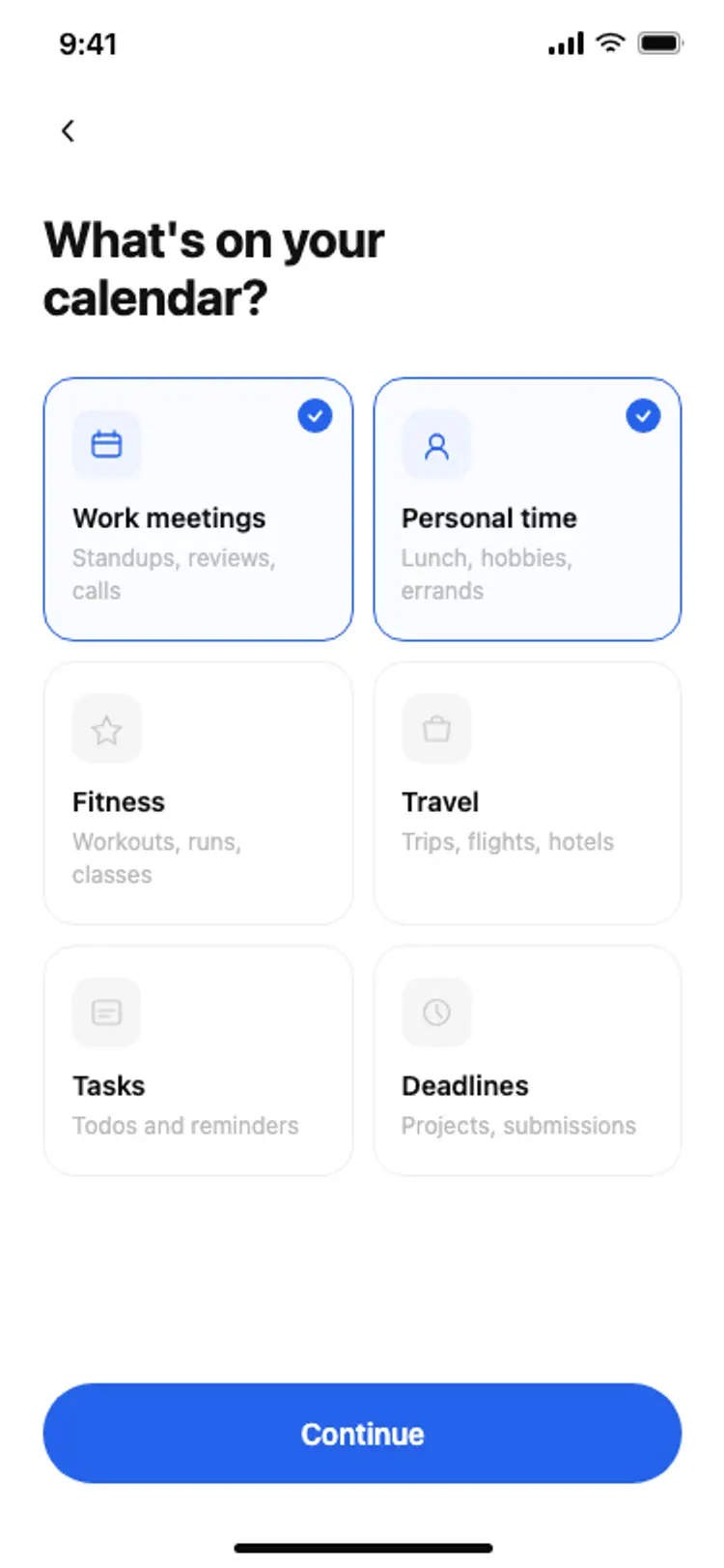
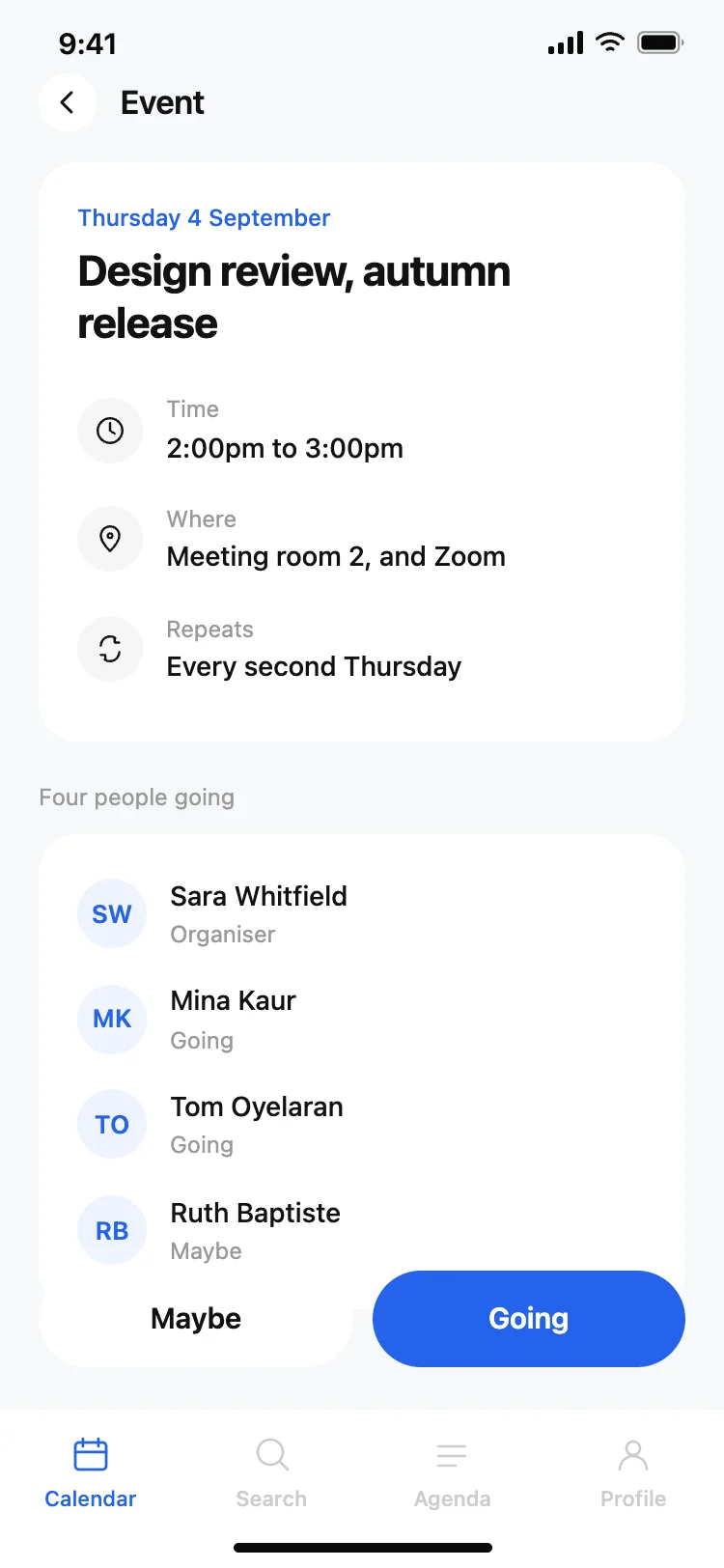
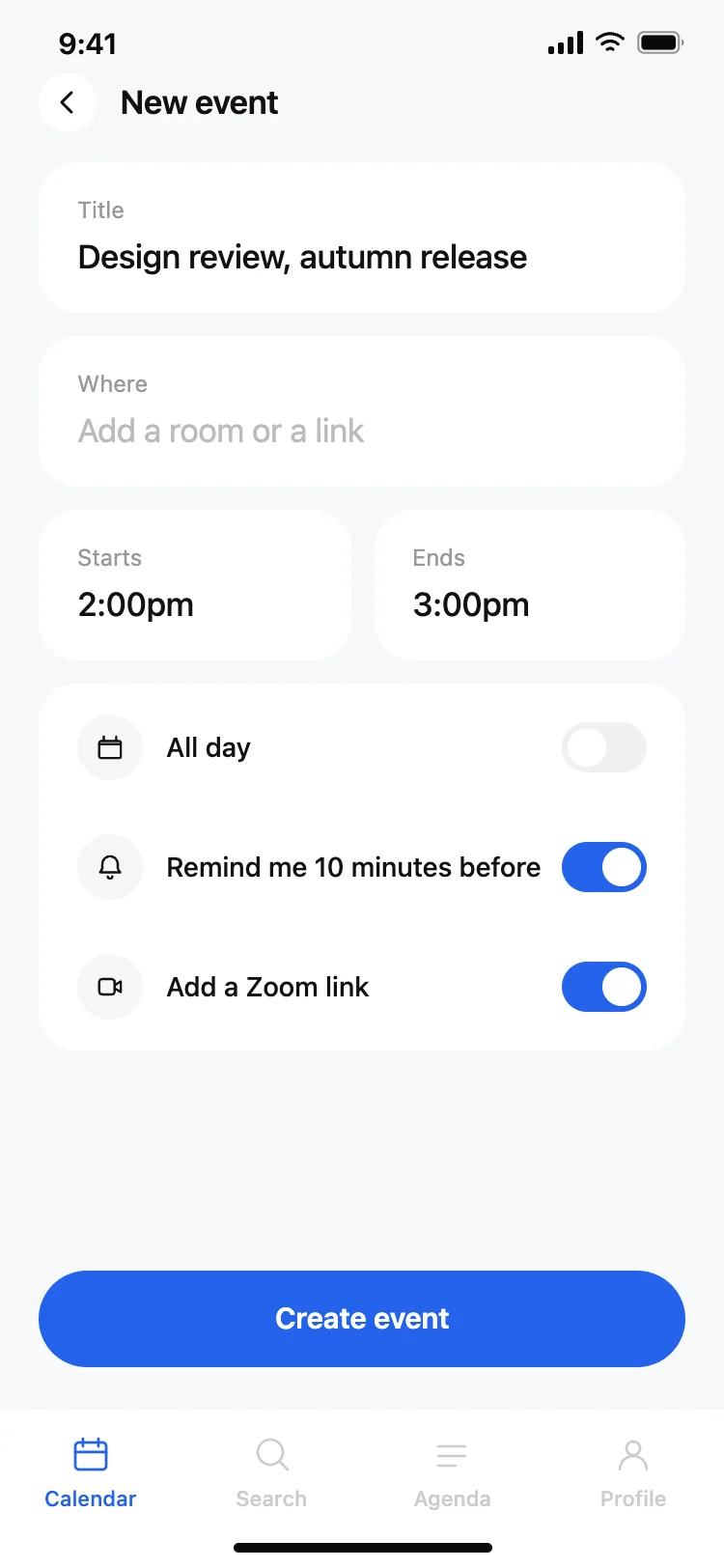
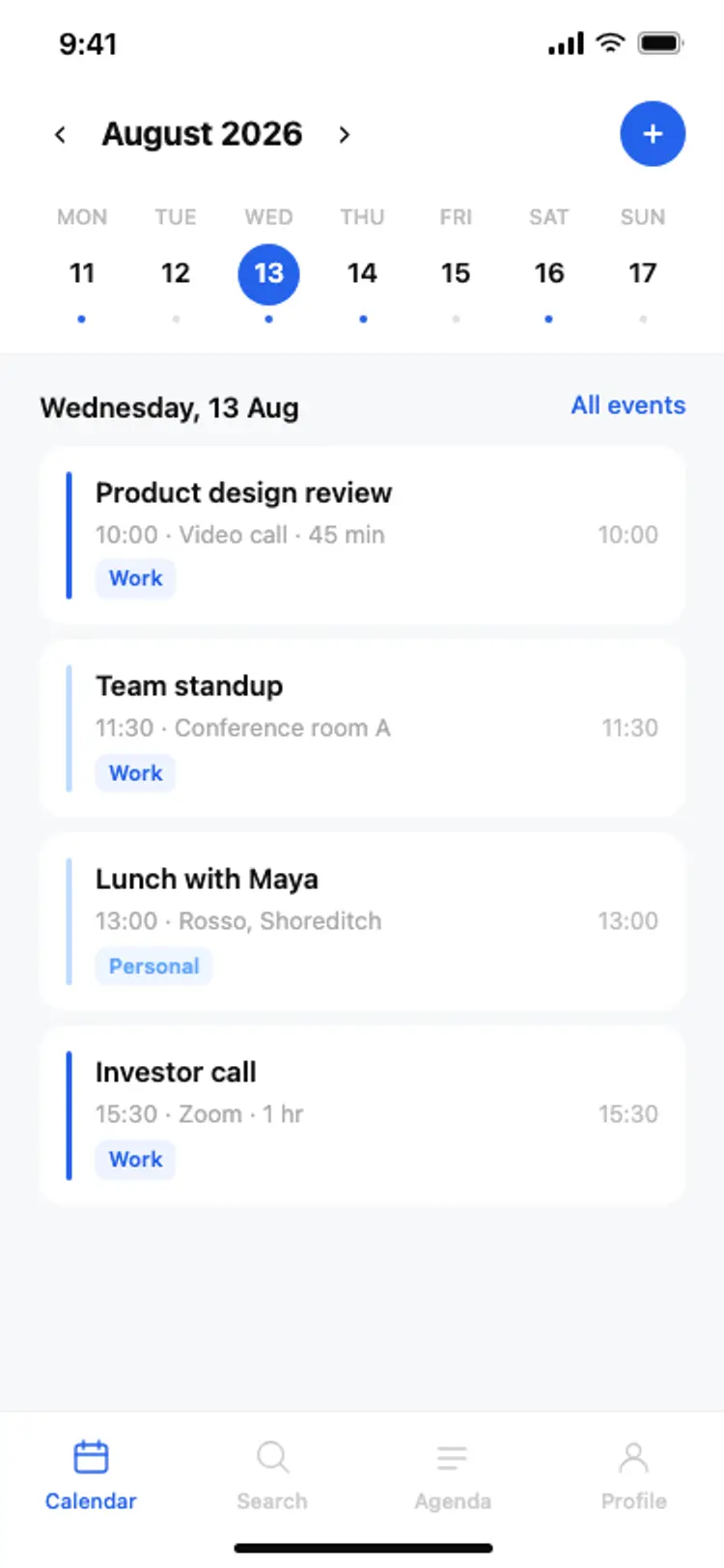
More profile app templates
View all
Other app templates you might like


See also
Browse app templates