Calendar app new event screen template
A create event screen for a calendar or scheduling app on iOS and Android. Title and location fields, a start and end time pair, and toggle rows for all day, reminders and adding a video link, with a single create action. Built for Bolt, Lovable, and Replit.
About this app template
Creating an event is the moment most calendar apps ask for too much. This template asks for a title, a place and two times, then puts everything else behind toggles that are already set sensibly: a reminder ten minutes before and a video link on, all day off. Each field sits in its own soft card with a small label above the value, so the screen reads as a set of decisions rather than a form. The placeholder text is a real instruction rather than a repeated label, and the create action is a single full width button rather than a save in a navigation bar where people miss it. No dividers, no separators, only cards and space. Paste it into Bolt, Lovable, or Replit and ask your AI to write the event to Google Calendar or your own database.
Build a full productivity app with this template design
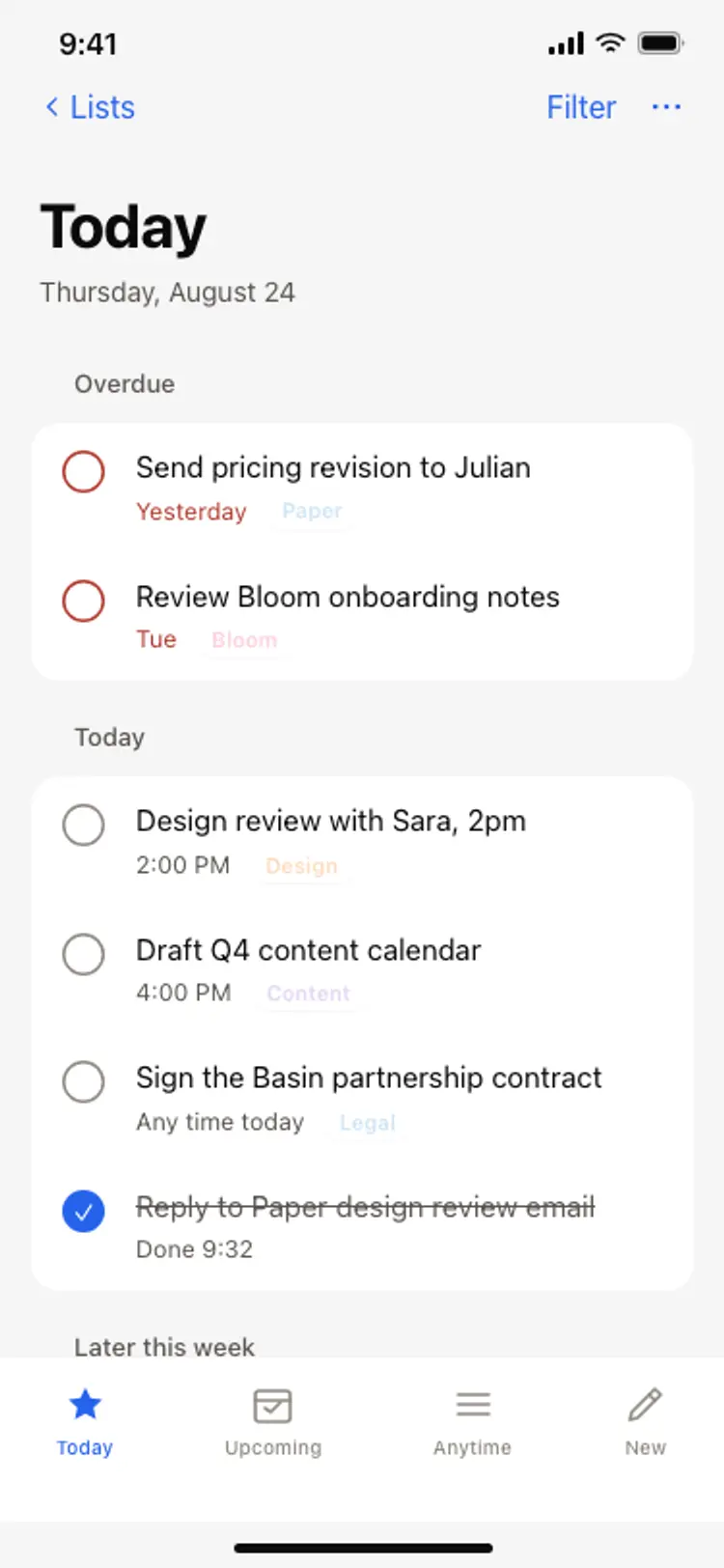
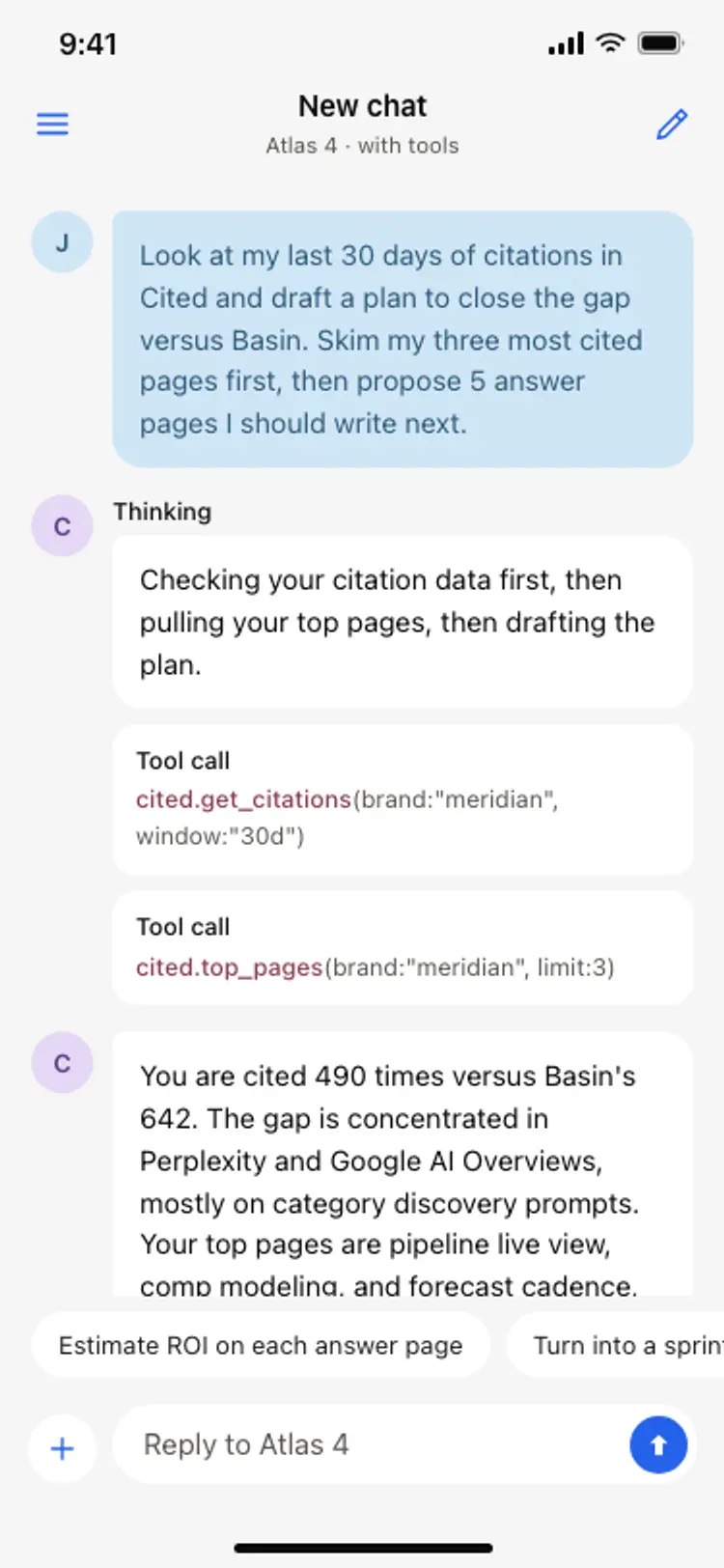
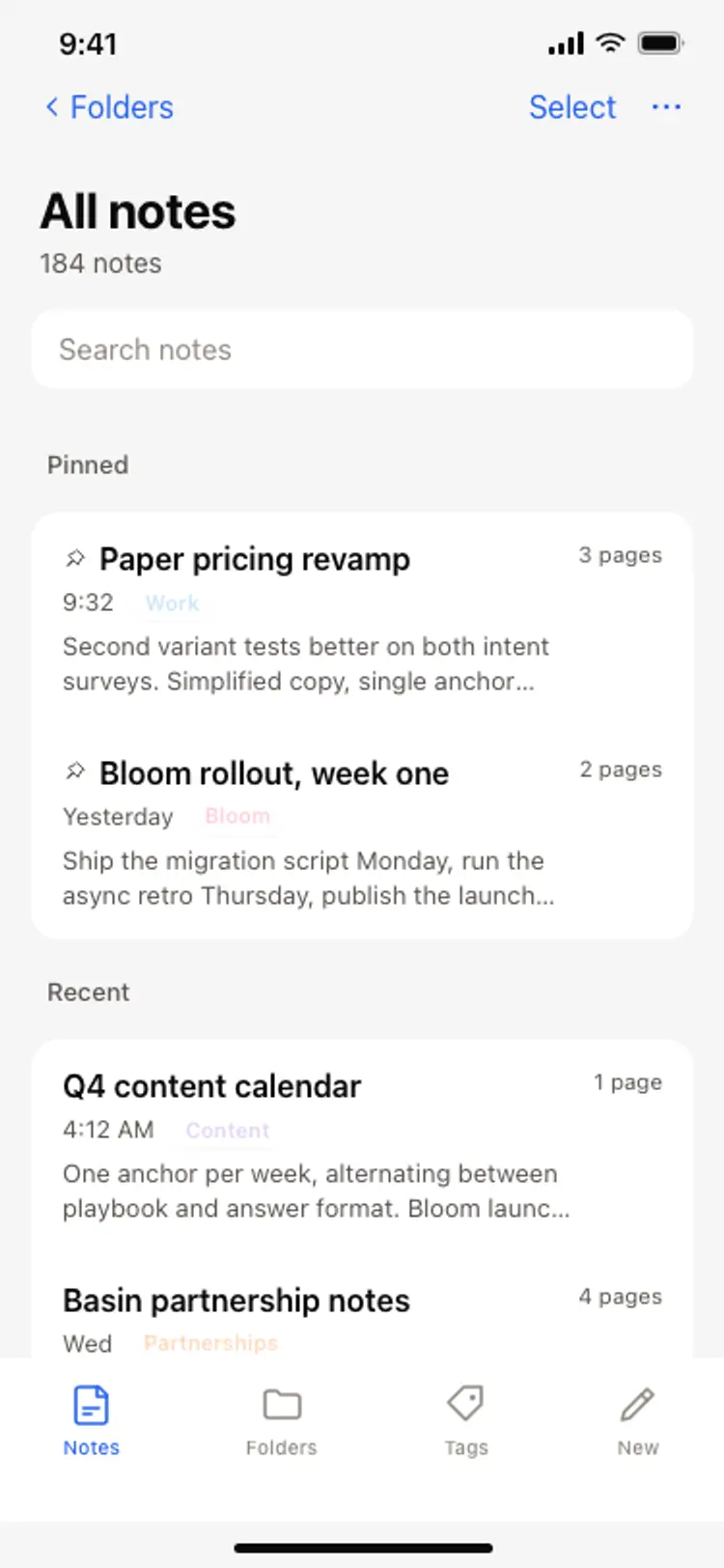
A productivity app is mostly lists, threads, and detail views built from the same row and spacing rules, so one screen can set the standard for every screen after it. Copy the template, paste it into Claude Code, Replit, Lovable, ChatGPT Codex, Bolt, or Cursor, and send this alongside it.
Paste into Claude Code, Replit, Lovable, Bolt, or Cursor
Common questions about this template
Why are the toggles switched on by default?
Because a reminder and a video link are what somebody wants almost every time. Defaults that match the common case remove taps, and the two that do not, like all day, start off.
How do I add a date and time picker?
Ask your AI to make the starts and ends cards open a native picker sheet. The cards are already sized for a value that changes, so the layout does not move.
Can I add attendee invitations to this screen?
Yes, as a fourth card under location. Keep it to a row of avatars with an add control rather than a full picker, so the screen stays short enough to complete in one pass.
Does it validate that the end time is after the start?
The template is the design rather than the logic. Ask your AI to add the check and show the message under the ends card, which is where somebody is looking when they get it wrong.
Use this template for
- ·Calendar app create event screen templates for iOS and Android vibe coding
- ·New event and booking form screens with toggles for Bolt and Lovable
- ·Scheduling app event creation templates for Replit and Cursor
- ·Appointment booking form screens for Claude Code and ChatGPT Codex
More from the Calendar app set
All 5 screens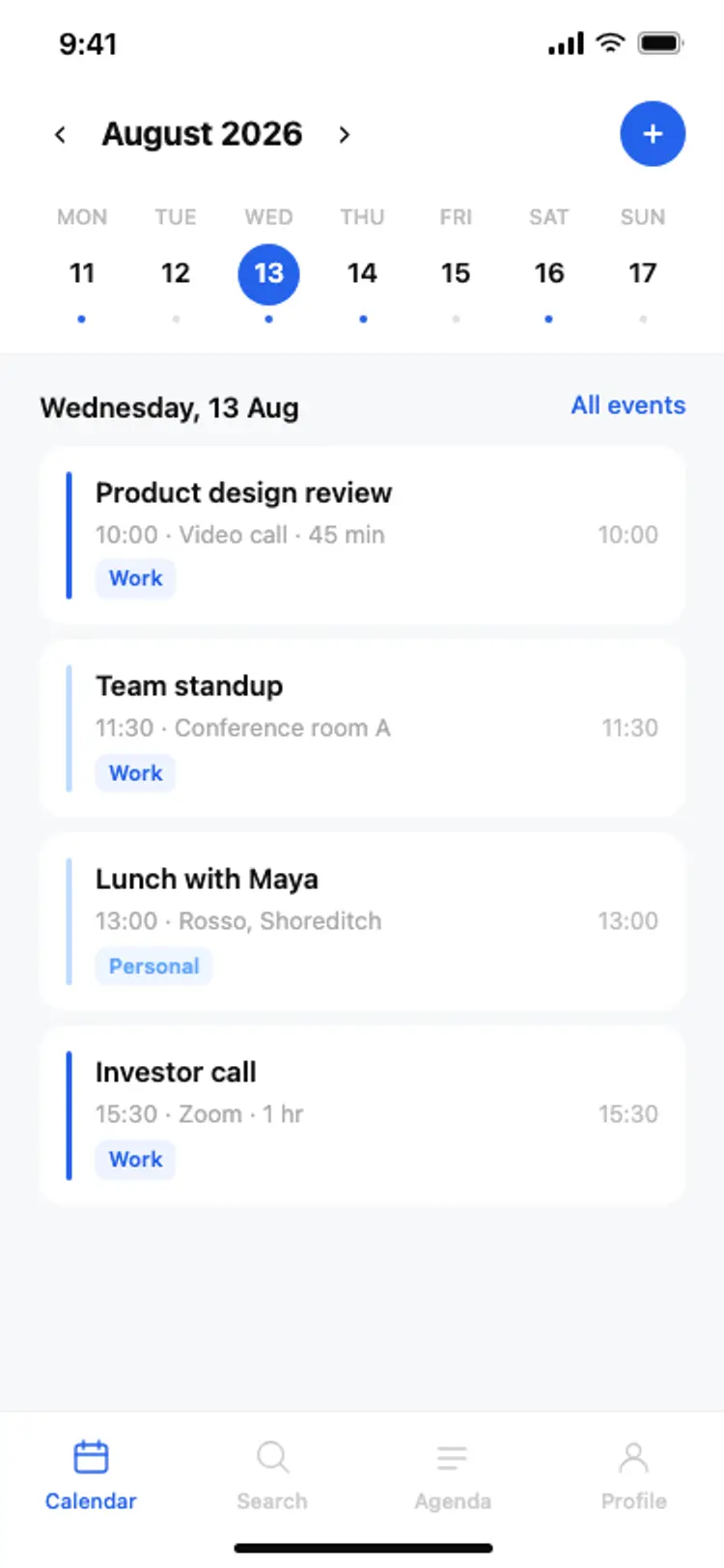
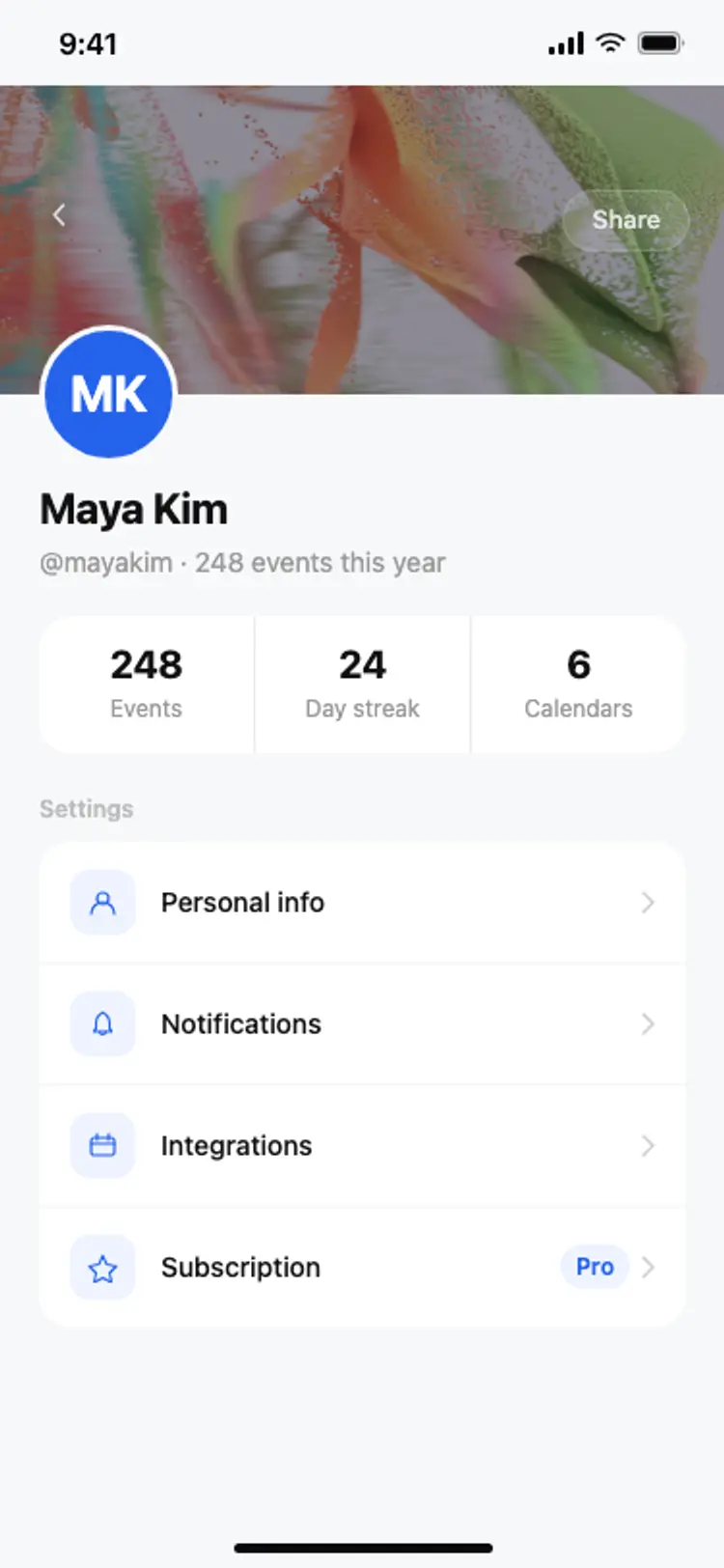
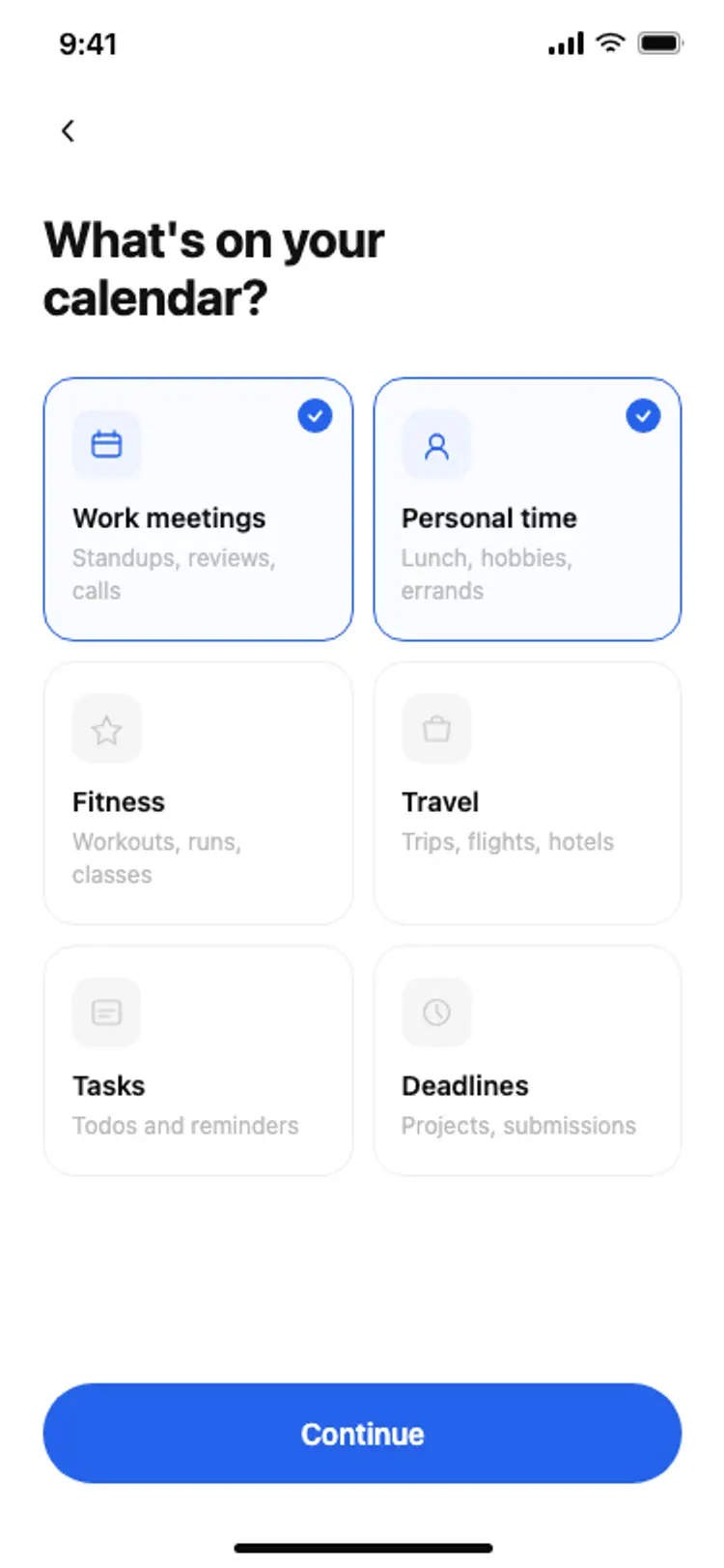
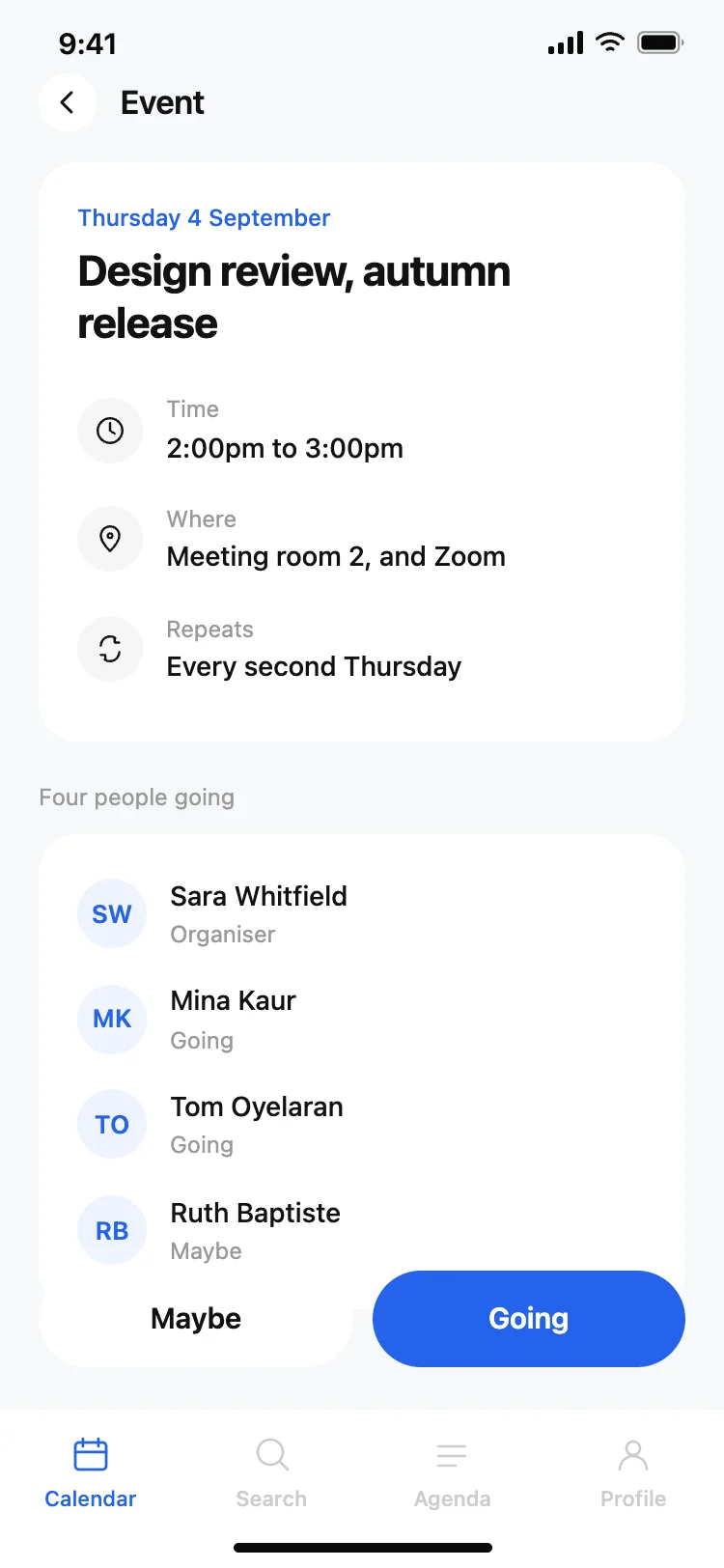
More productivity app templates
View all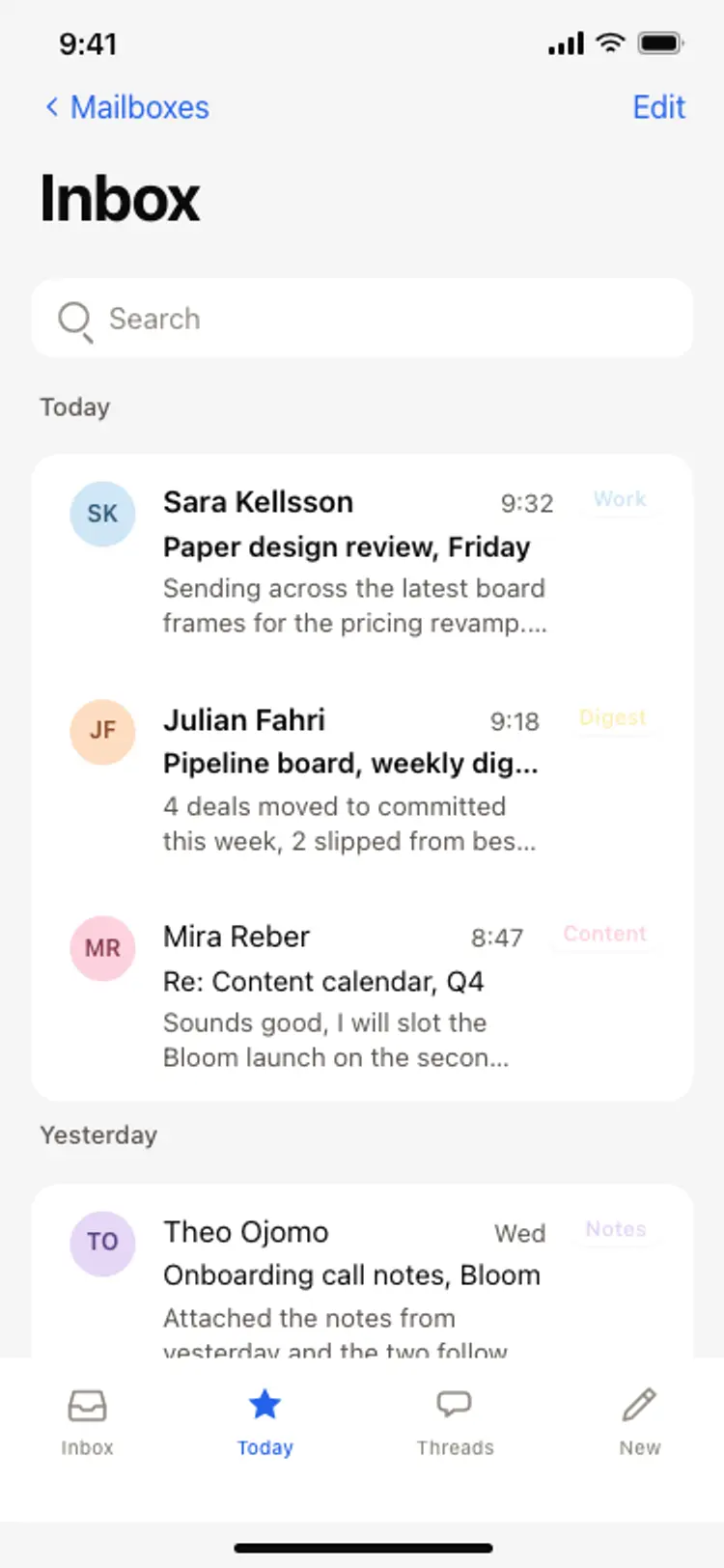
Other app templates you might like
See also
Browse app templates