Calendar app event detail screen template
A calendar event detail screen for iOS and Android. The event title with its date, time, location and repeat rule on quiet icon rows, an attendee list with initials avatars and going status, and a going or maybe action pair. Built for Bolt, Lovable, and Replit.
About this app template
An event screen has to answer four questions before anybody taps anything: when, where, who else, and does it repeat. This template puts all four on one card in that order, each on its own row with a small icon and a label above the value, so the screen scans rather than reads. The attendee list carries initials avatars with a status under each name, including maybe, which is the state most calendar designs forget and the one that changes whether a meeting happens. The two actions sit as a pair at the bottom, with going as the filled one. There are no dividers anywhere, only cards and space. Paste it into Bolt, Lovable, or Replit and ask your AI to wire it to Google Calendar or a Supabase events table.
Build a full productivity app with this template design
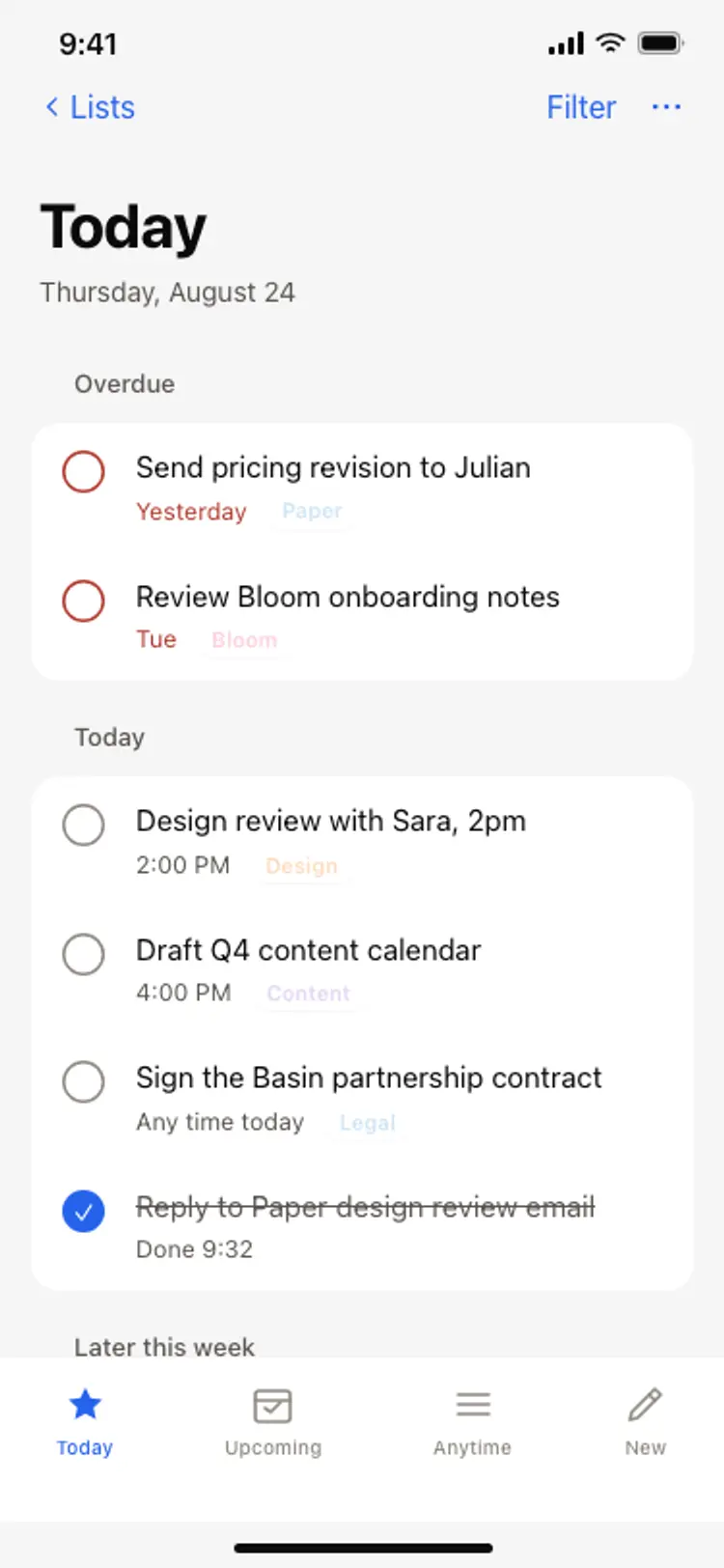
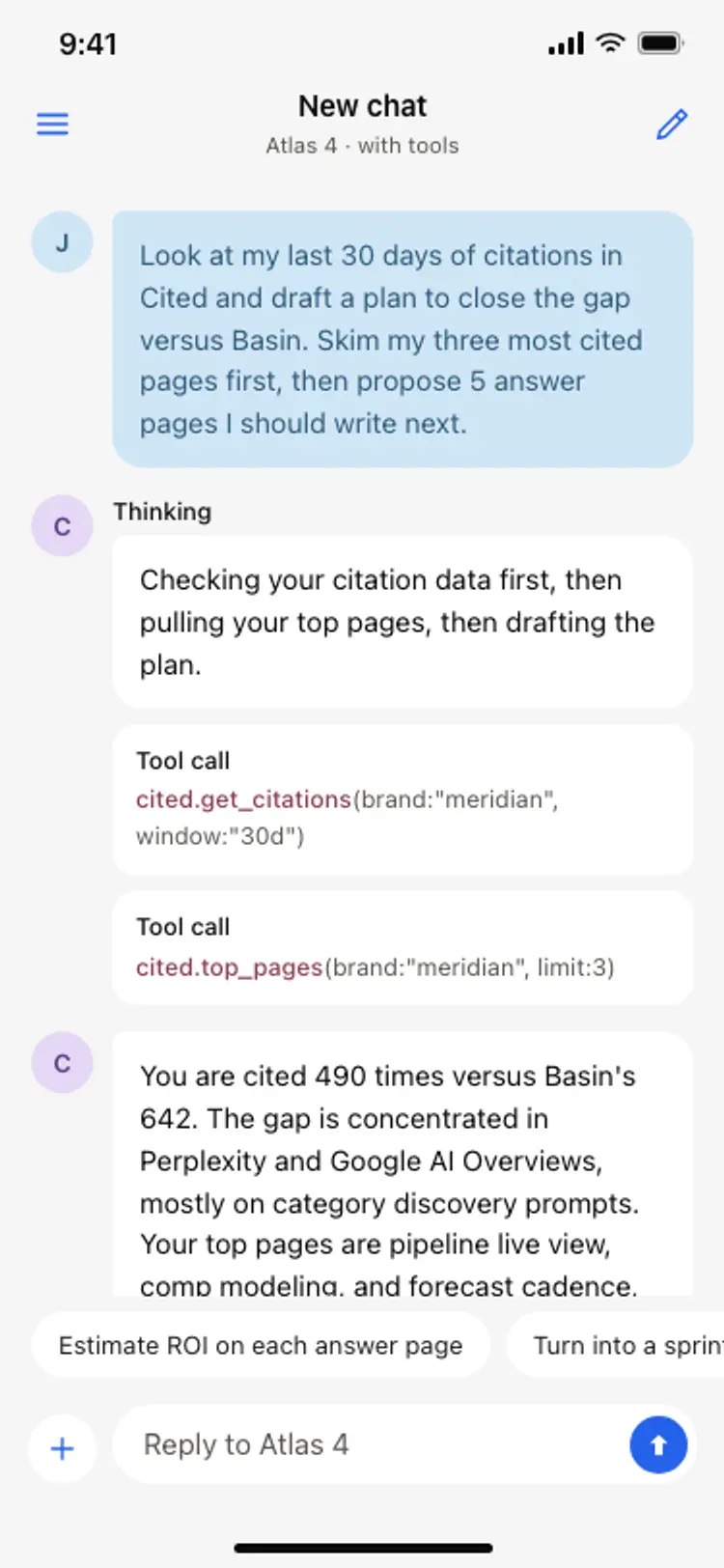
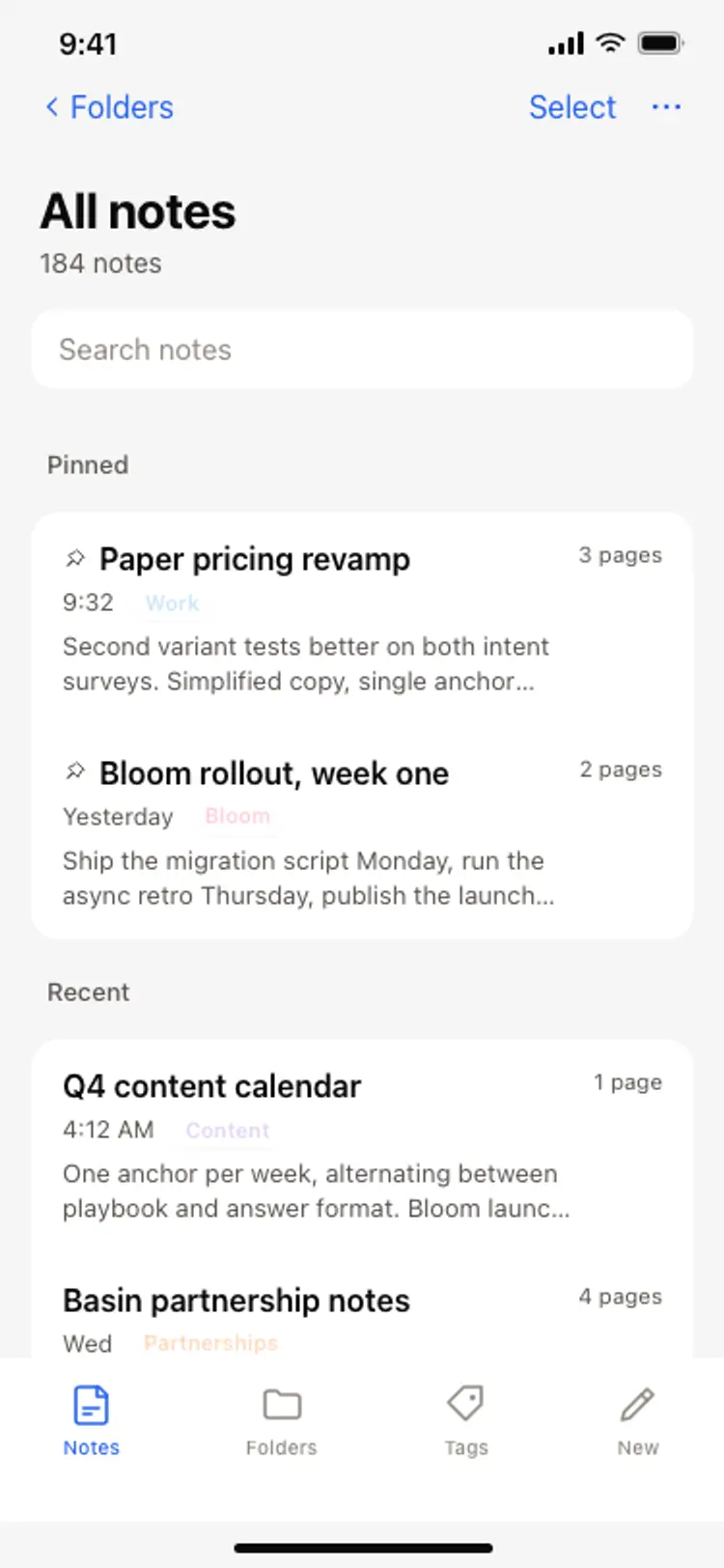
A productivity app is mostly lists, threads, and detail views built from the same row and spacing rules, so one screen can set the standard for every screen after it. Copy the template, paste it into Claude Code, Replit, Lovable, ChatGPT Codex, Bolt, or Cursor, and send this alongside it.
Paste into Claude Code, Replit, Lovable, Bolt, or Cursor
Common questions about this template
How do I connect this to a real calendar?
Paste it into Bolt, Lovable, or Replit and ask your AI to read the event from the Google Calendar API or a Supabase table, then map the title, start, end, location and attendees onto the rows.
Why do attendees show initials instead of photographs?
Because most calendar accounts do not have a photograph for every attendee, and a mixed row of photographs and fallbacks looks broken. Initials are consistent, and your AI can swap in photographs where they exist.
Can I add a join link for a video call?
Yes. The location row already carries a room and a link together. Ask your AI to make that row tappable and open the meeting URL.
Does the maybe state matter?
It is the most useful status on the screen. A meeting where three people have said maybe is a meeting that needs a message, and a design that hides that state hides the problem.
Use this template for
- ·Calendar app event detail screen templates for iOS and Android vibe coding
- ·Meeting detail screens with attendees and RSVP for Bolt and Lovable
- ·Scheduling app event screens with repeat rules for Replit and Cursor
- ·Booking and appointment detail templates for Claude Code and ChatGPT Codex
More from the Calendar app set
All 5 screens
More productivity app templates
View all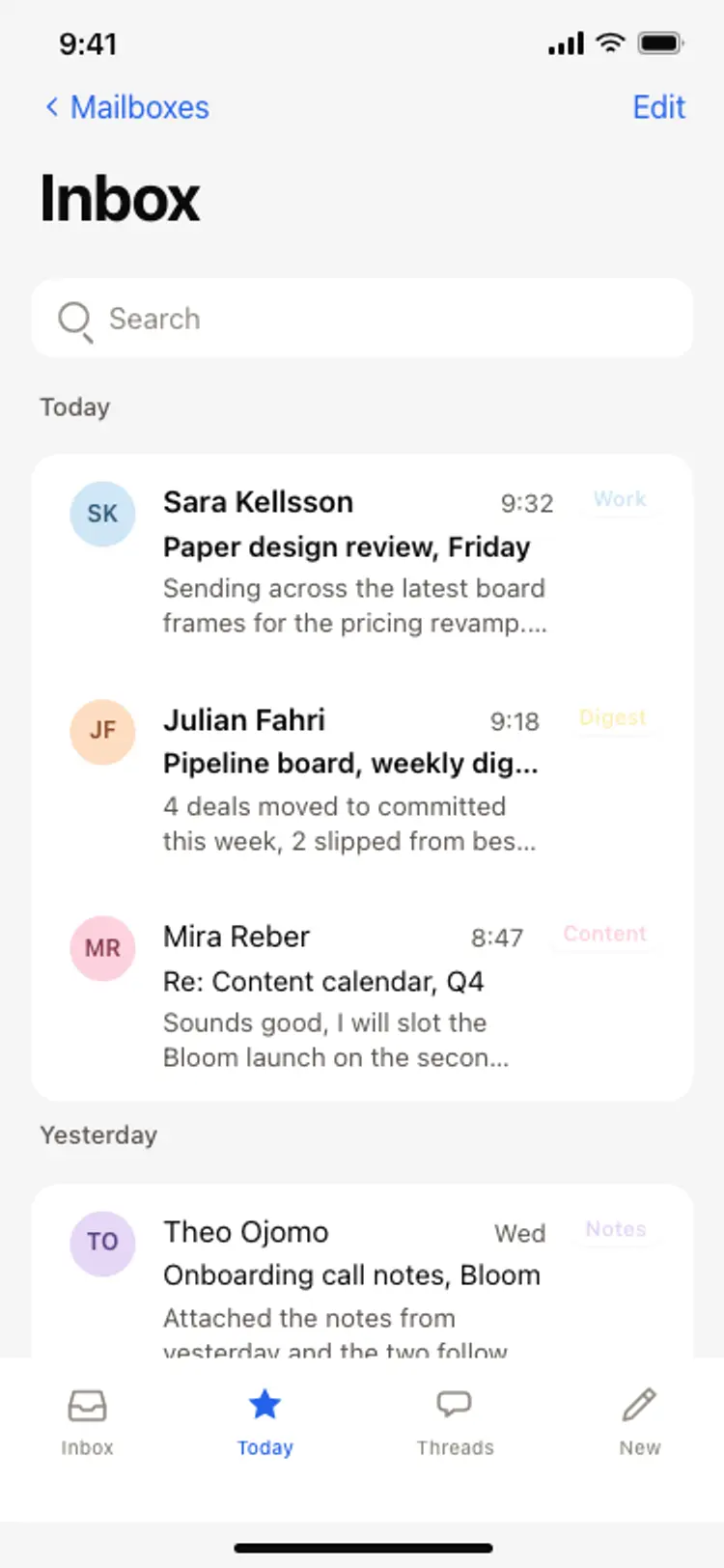
Other app templates you might like
See also
Browse app templates