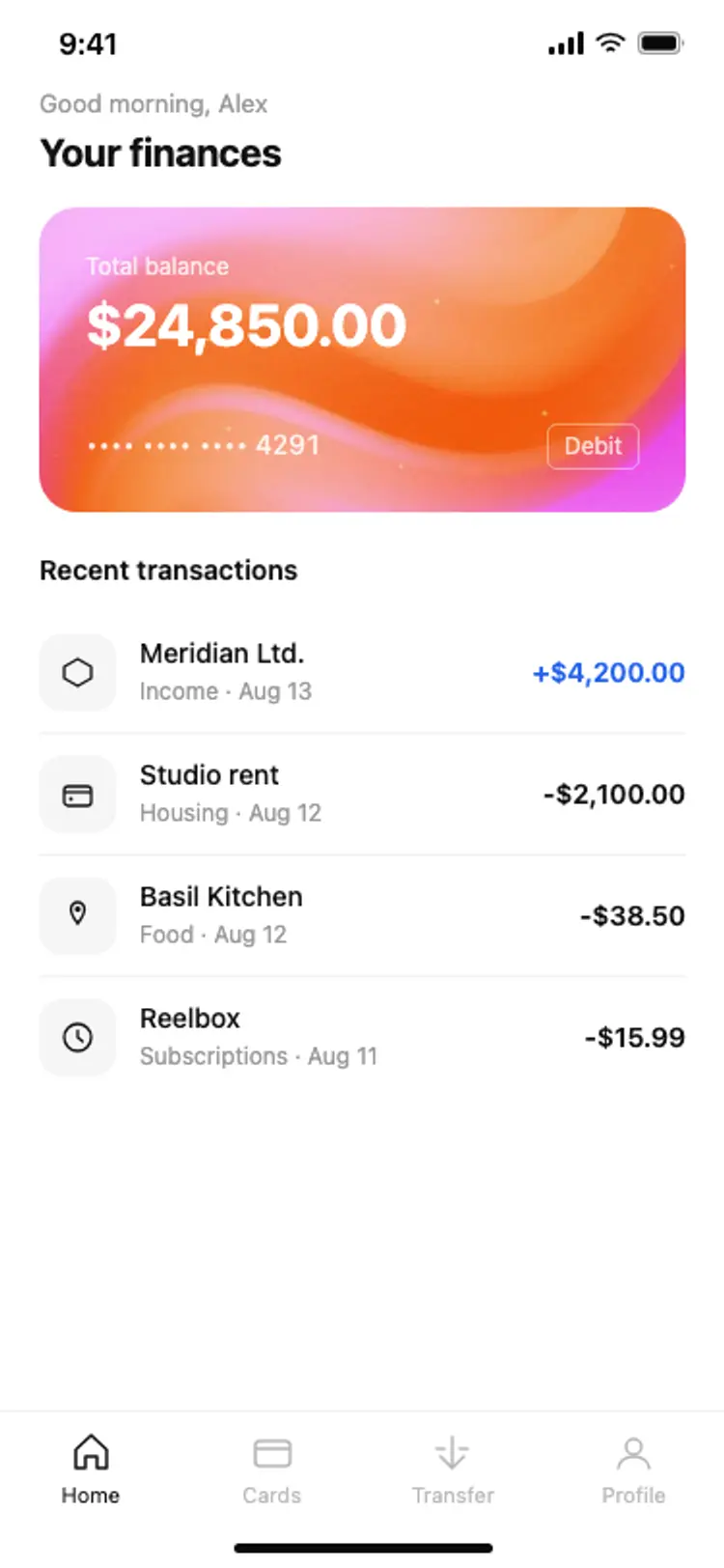
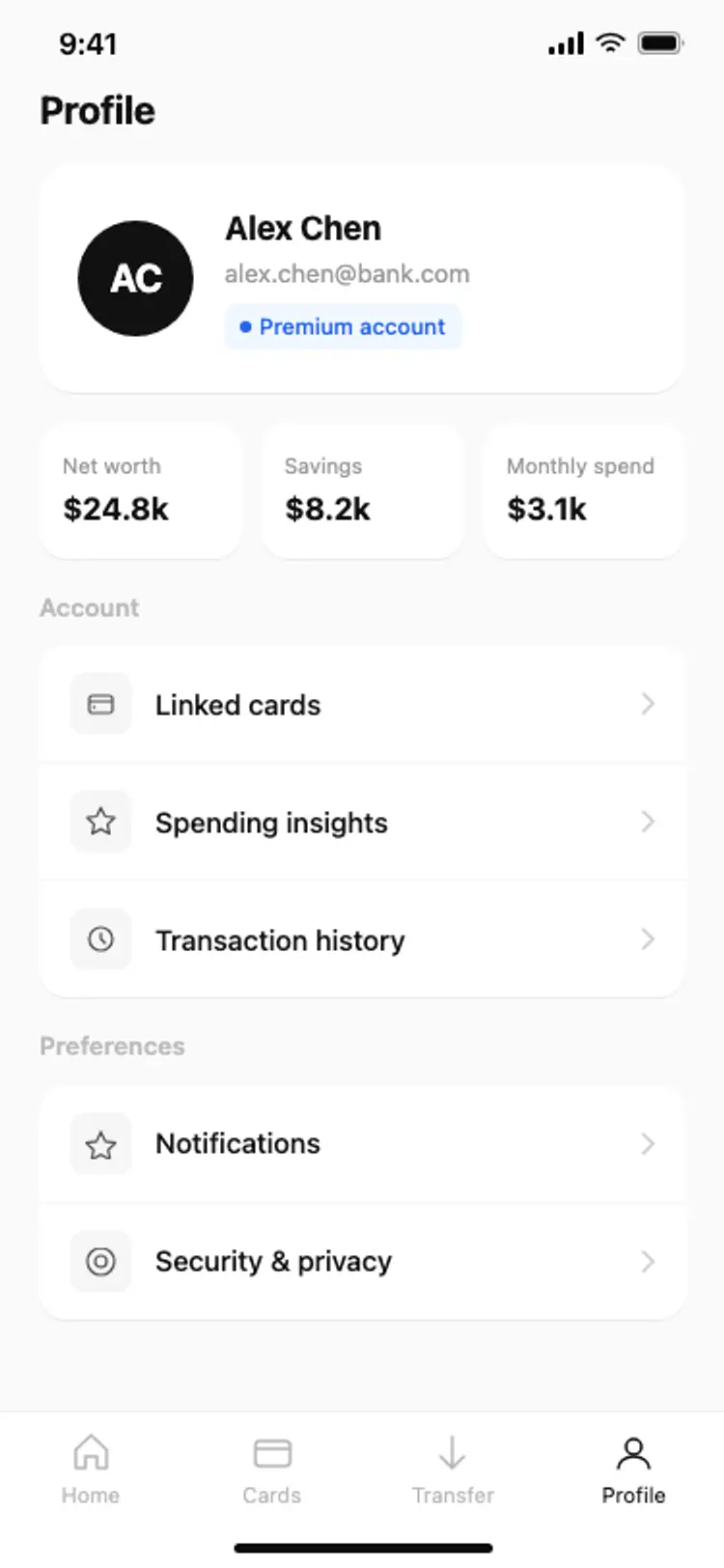
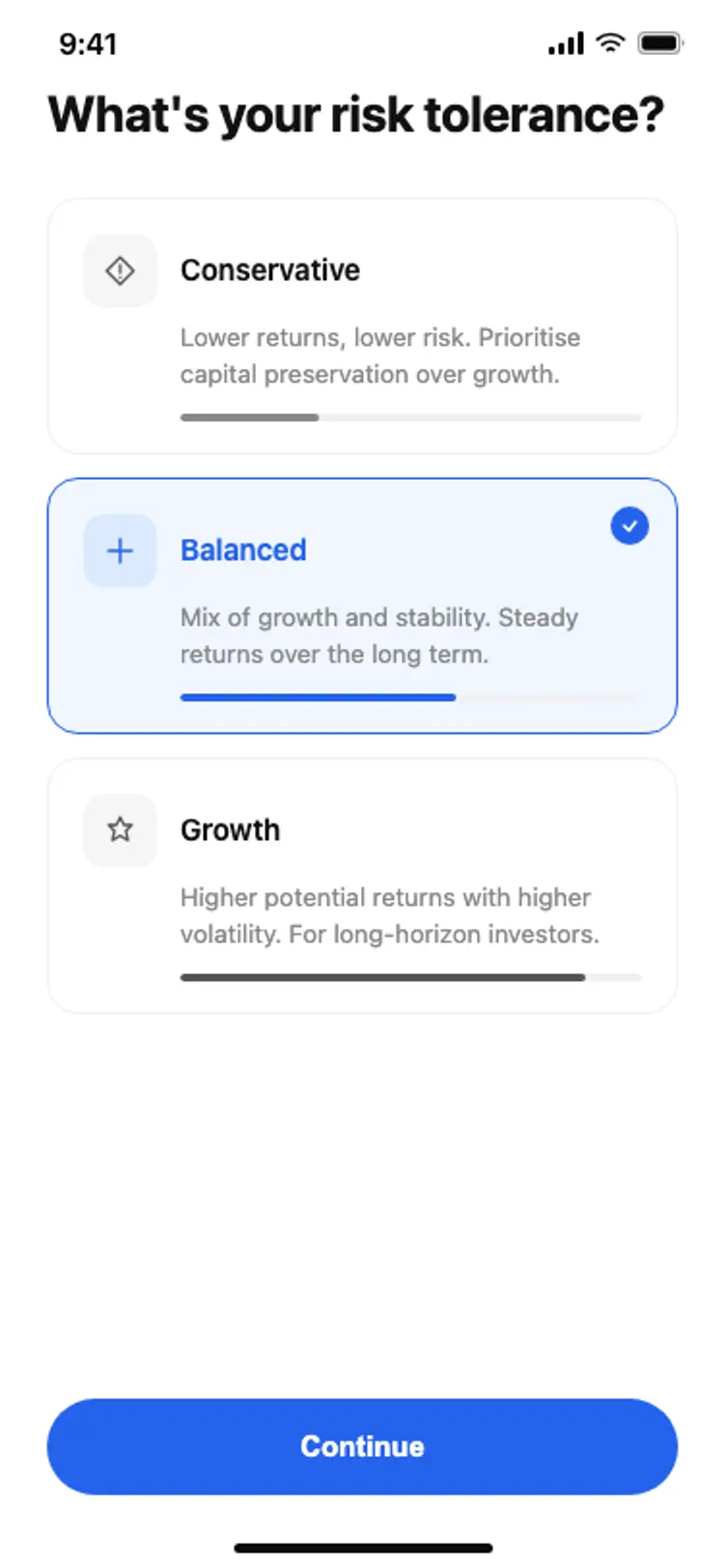
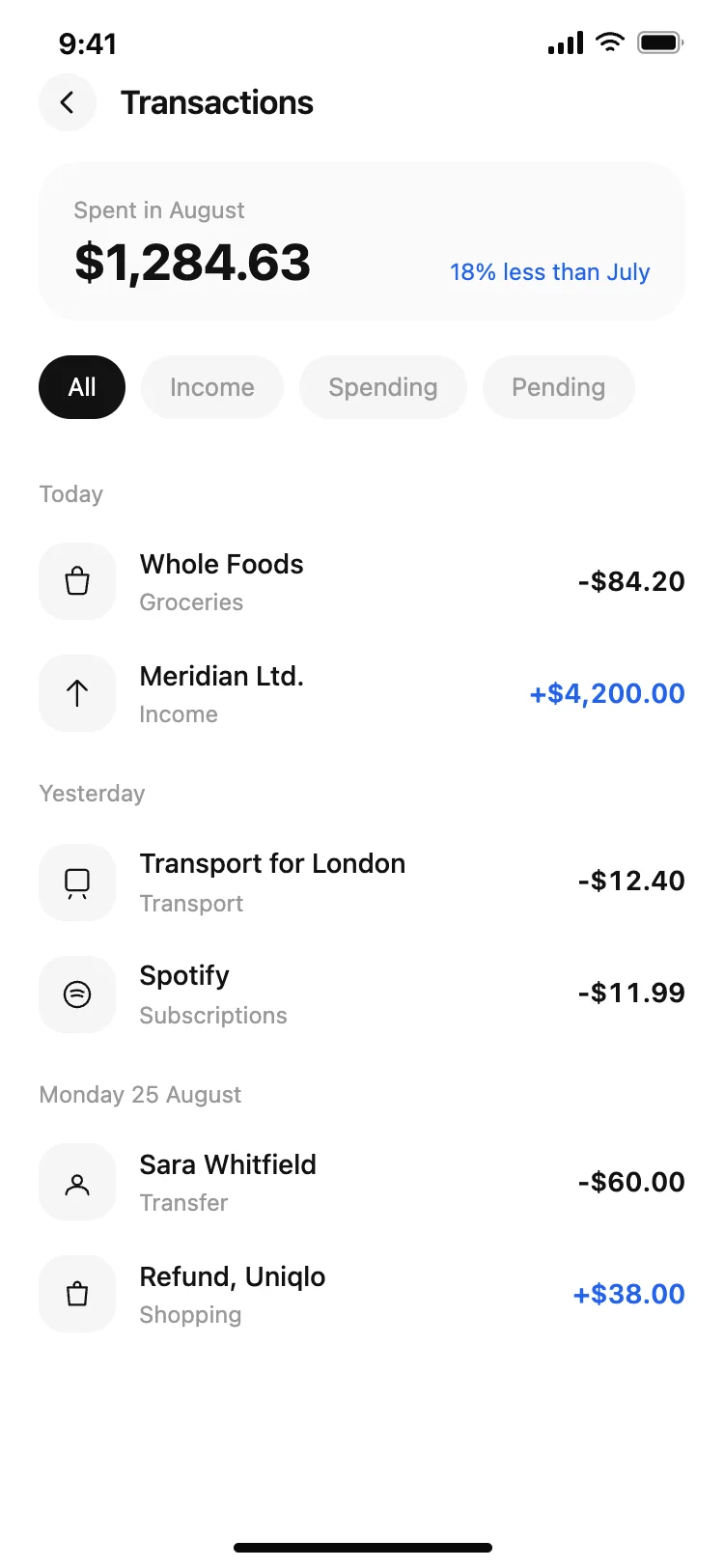
Best finance and banking app screens for AI vibe coding: a home screen with a balance card, a transaction list grouped by day, a monthly budget with a progress ring, an onboarding flow, and a profile. Five screens sharing one design, so a banking or money app arrives whole. Copy any coding template and paste it into Replit, Lovable, Claude Code, Bolt, or Cursor.
A home with the balance, a transaction list, and a budget. Those three answer how much do I have, where did it go, and how much is left, which is what somebody opens a finance app to find out.
Because people look for something they remember doing, and they remember when. A flat list of forty rows with a date on each is harder to scan than the same rows under today, yesterday and a date.
Paste them into Replit, Lovable, Claude Code, Bolt, or Cursor and name your provider. Plaid is the common one for accounts and transactions, and your AI coding tool maps the response onto the rows.
Sparingly. These screens use one accent for credits and leave the numbers to carry the rest. A budget screen that turns red every month is one people stop opening, which defeats the point.