Finance app monthly budget template
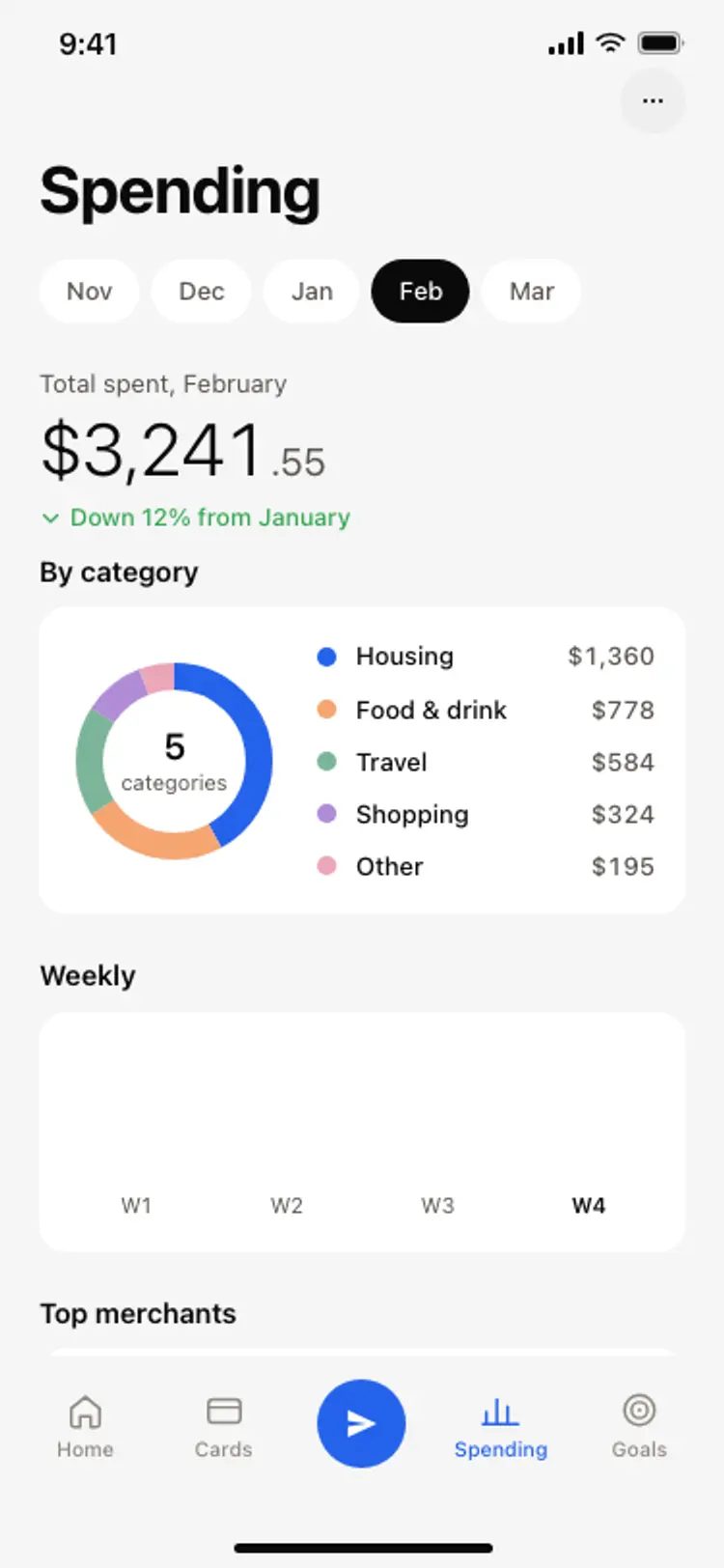
A monthly budget screen for a finance or banking app on iOS and Android. A progress ring showing spent against budget, days remaining, and category rows with spend against limit on quiet progress tracks. Built for Bolt, Lovable, and Replit.
About this app template
A budget screen has one job: answer whether there is money left, before anything else. This template opens with a progress ring carrying the amount spent, the budget it sits inside, and the days remaining underneath, so the answer arrives in about a second. Below it, each category shows what has been spent against its limit on a quiet track, with the numbers doing the work rather than a set of alarm colours. There are no dividers and no red warning states, because a budget that shouts at somebody every month stops being opened. Month navigation sits above the ring for looking backwards. Paste it into Bolt, Lovable, or Replit and ask your AI to compute the categories from a real transaction feed and store the limits per user.
Build a full banking or fintech app with this template design
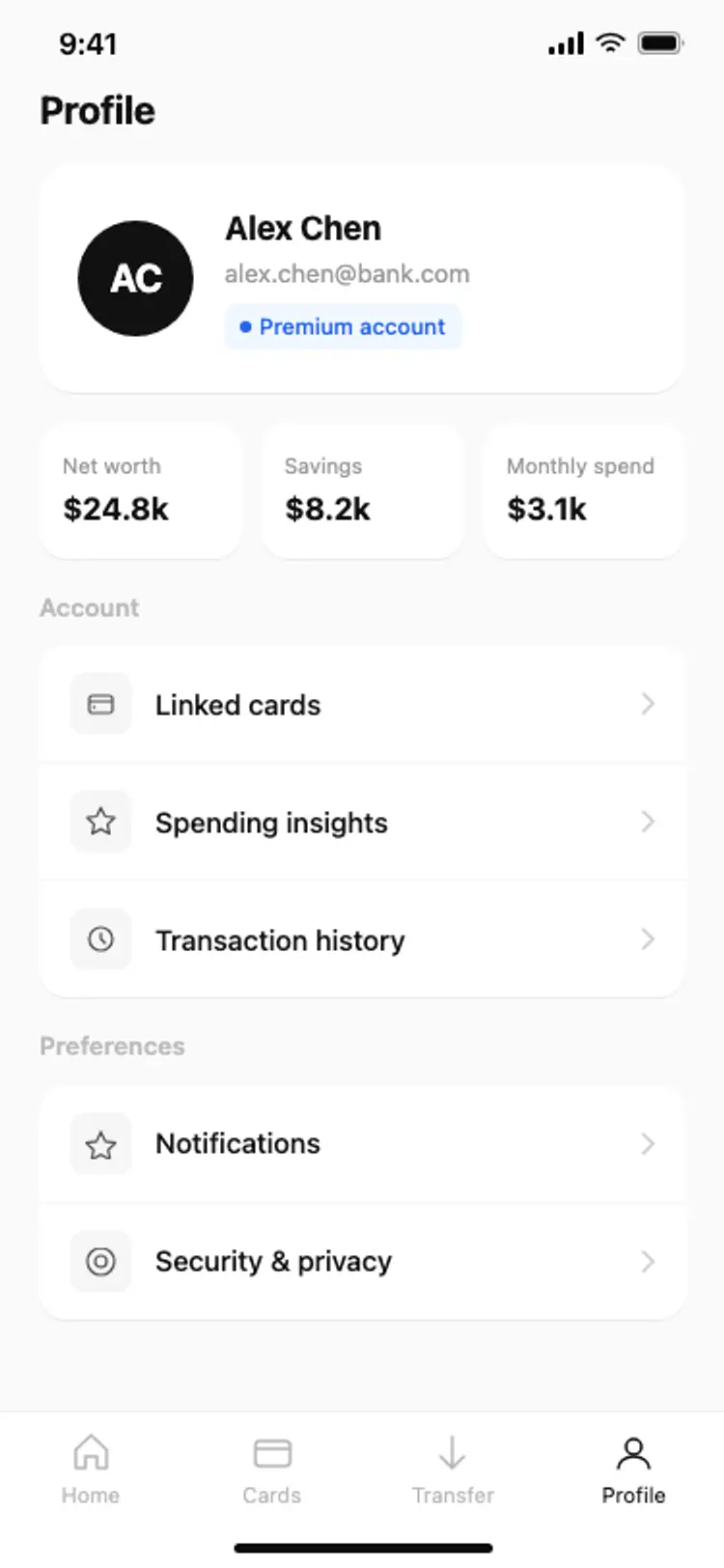
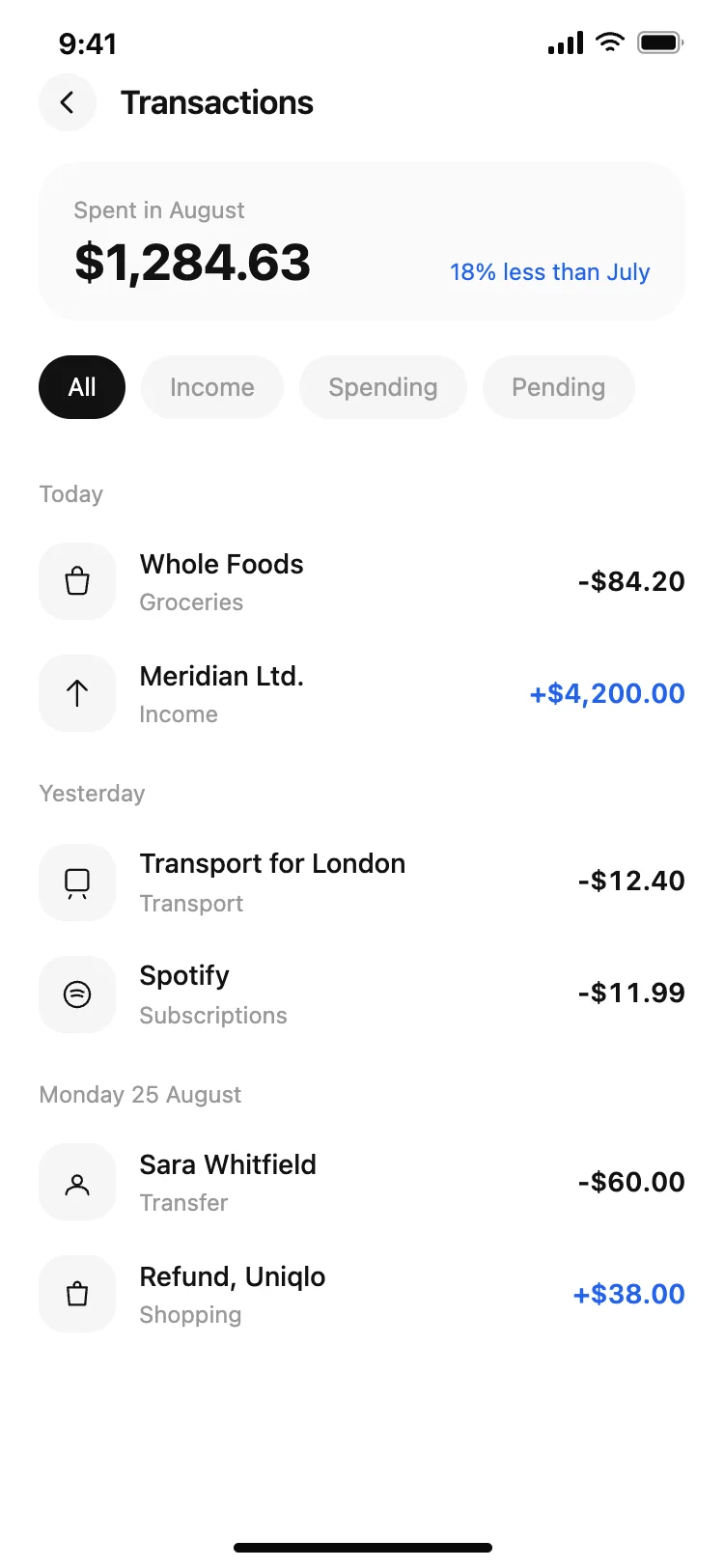
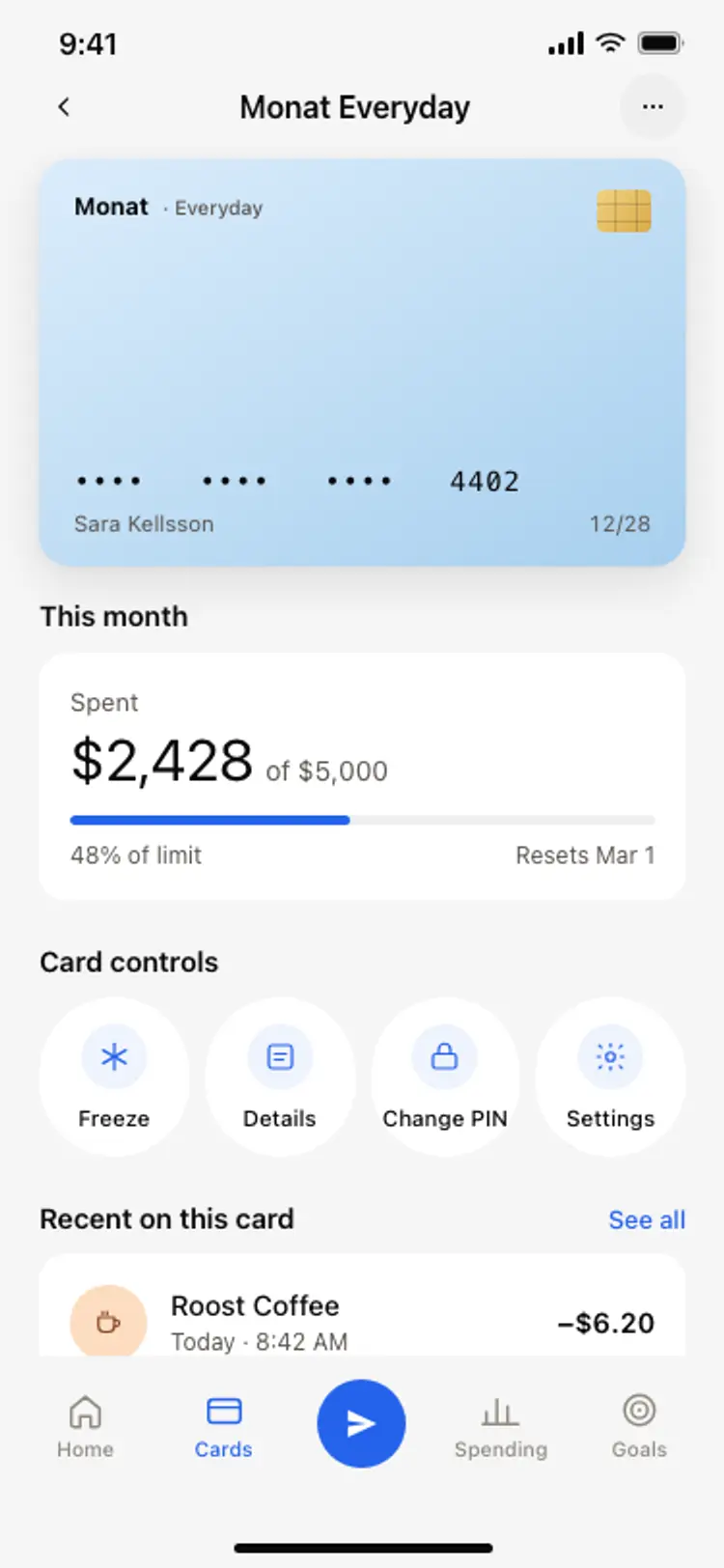
A finance app repeats balances, cards, transaction rows, and progress across many screens, so one screen can set the standard for every screen after it. Copy the template, paste it into Claude Code, Replit, Lovable, ChatGPT Codex, Bolt, or Cursor, and send this alongside it.
Paste into Claude Code, Replit, Lovable, Bolt, or Cursor
Common questions about this template
How is the progress ring built?
As an SVG circle with a stroke dasharray and dashoffset, rotated so it starts at the top. There is no chart library, so it stays in the single file and your AI can change the value by editing one number.
Should categories turn red when they go over budget?
This template deliberately does not. The numbers already say it, and a screen that alarms every month is one people stop opening. If you want it, ask your AI to add a single accent colour to the track for over budget categories only.
How do I calculate the category totals?
Group the transaction feed by category for the current month and sum it. Ask your AI to do it in a selector so the screen stays presentational and the same figures can drive a widget.
Does it work for a shared or household budget?
Yes. Ask your AI to add an avatar row above the ring and filter the categories by member. The layout has room without changing the spacing.
Use this template for
- ·Finance app budget screen templates for iOS and Android vibe coding
- ·Monthly spending limit screens with a progress ring for Bolt and Lovable
- ·Personal finance category budget screens for Replit and Cursor
- ·Money management app budget templates for Claude Code and ChatGPT Codex
More from the Finance app set
All 5 screens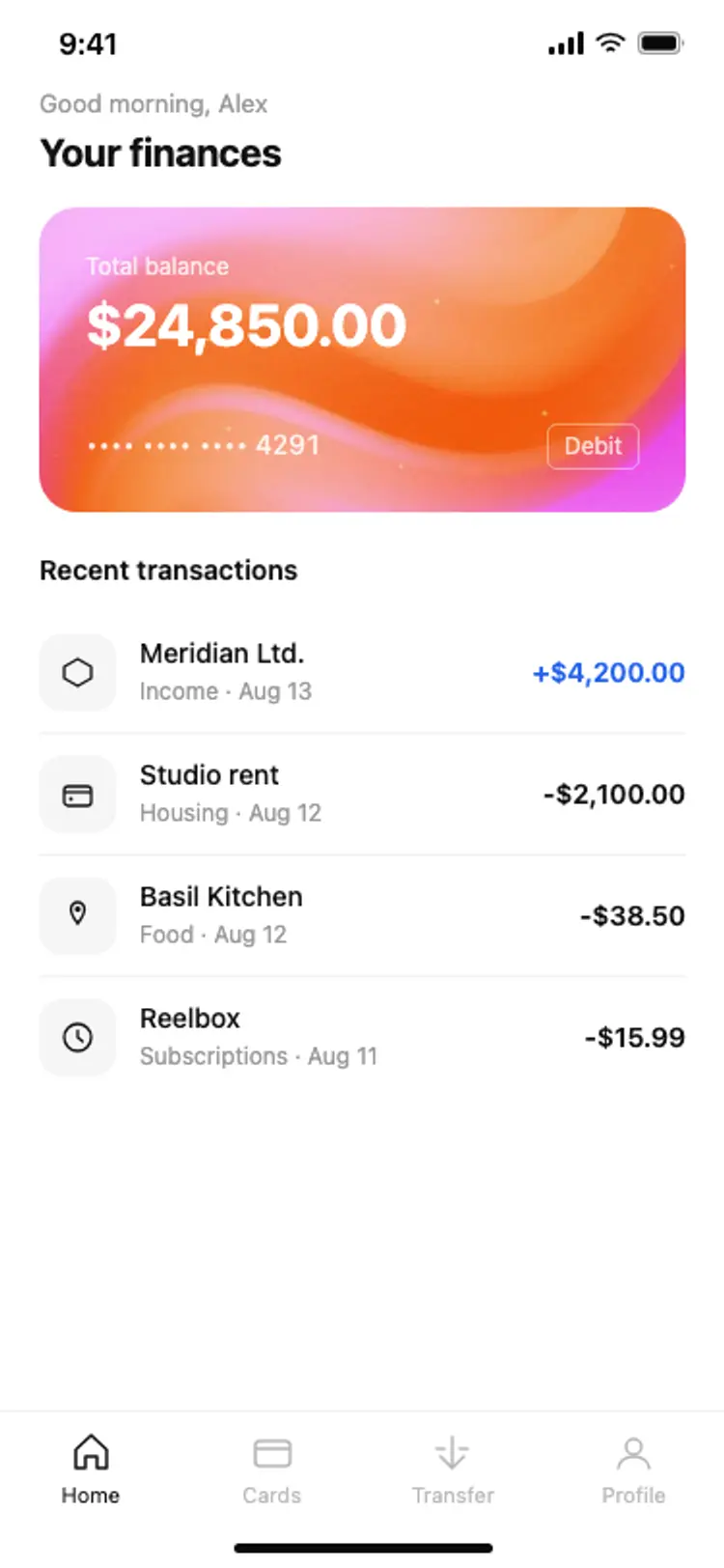
More finance app templates
View all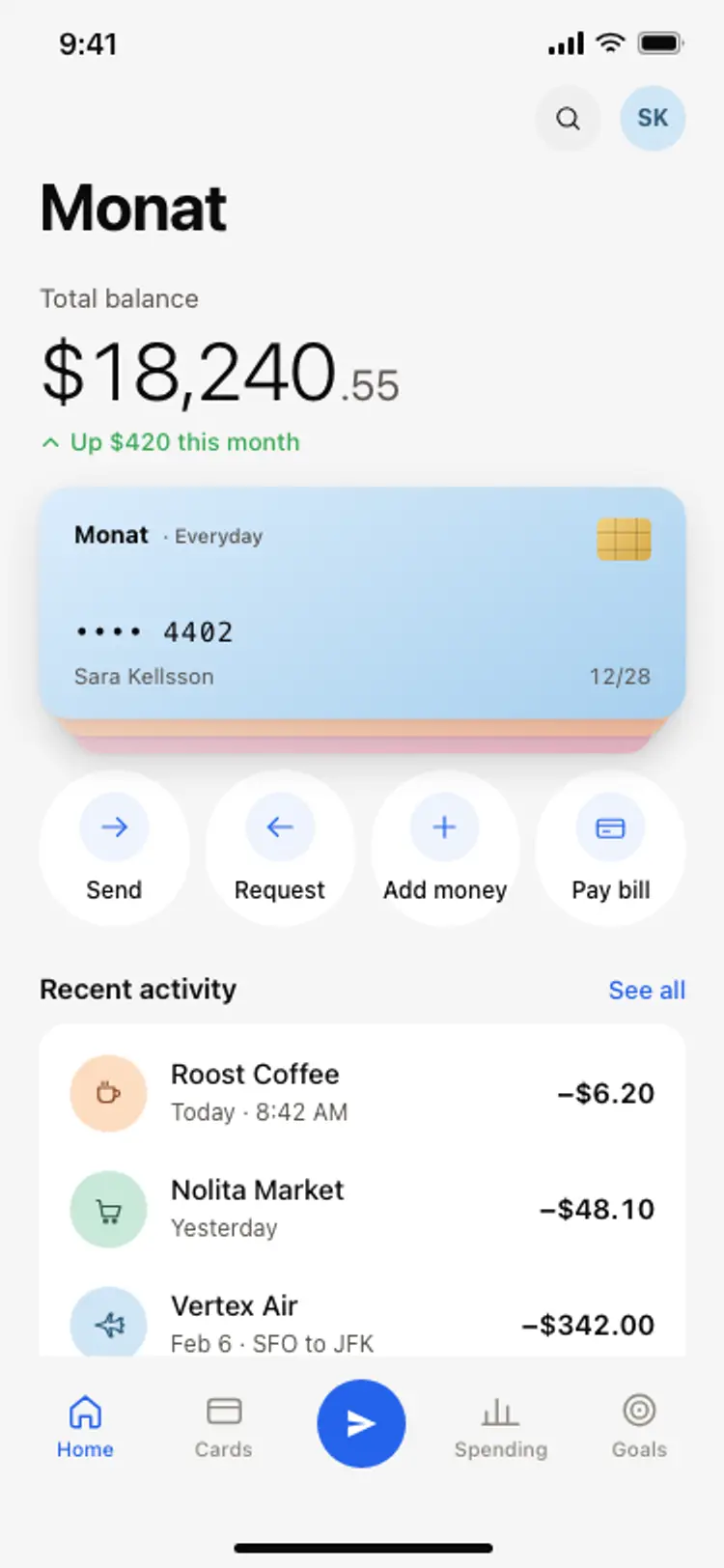
Other app templates you might like

See also
Browse app templates