Finance app home: balance card template
A finance and banking app home screen for iOS and Android. Balance card carrying the account total, a masked card number, and a recent transactions list with merchant icons and debit/credit amounts. Bottom tab bar with Home, Cards, Transfer, and Profile. Built for Bolt, Lovable, and Replit.
About this app template
The home screen is the most important screen in any finance app: it needs to surface the user's balance at a glance and make recent activity scannable in under two seconds. This template opens with a greeting header and a full-width balance card that uses a warm gradient image as its background, exactly the approach used by Stripe and modern neobanks. White type sits over the gradient with the total balance in large numerals, a masked card number, and a Debit badge. Below the card, four recent transactions each have a merchant icon in a rounded square, a merchant name, category, date, and a right-aligned amount coloured blue for credits and black for debits. The bottom tab bar has four tabs with SVG icons. Paste it into Bolt, Lovable, or Replit and ask your AI to connect Plaid for real transaction data or Supabase for a mock dataset.
Build a full mobile app with this template design
A home screen carries the type scale, spacing, and card style a user sees more than any other surface, so it can set the standard for every screen after it. Copy the template, paste it into Claude Code, Replit, Lovable, ChatGPT Codex, Bolt, or Cursor, and send this alongside it.
Paste into Claude Code, Replit, Lovable, Bolt, or Cursor
Common questions about this template
How do I connect real transaction data to this screen?
Paste this template into Bolt, Lovable, or Replit and ask your AI to fetch transactions from Plaid, Stripe, or your own Supabase transactions table. Replace the static rows with a mapped list component and pass the real merchant name, amount, and date from your API response.
How do I change the gradient card image?
The balance card uses a CSS background-image pointing to a hosted gradient. Swap the URL for any hosted image or gradient CSS value. Stripe-style cards work well with subtle grain textures or soft colour-field images at 16:10 ratio.
How do I add a spend-vs-budget indicator below the balance?
Ask your AI to add a thin progress bar row between the balance card and the transactions list. Pass the monthly budget and total spent as props and calculate the fill percentage. Add a colour-change at 80% and 100% to signal when the user is close to their limit.
Can I use this template for a crypto wallet home screen?
Yes. Replace the balance label with Portfolio value, update the transaction icons to show token symbols, and change the DEBIT badge to the relevant token ticker. Ask your AI to fetch live prices from a public API and calculate the portfolio total in real time.
Use this template for
- ·Finance and banking app home screen templates for iOS and Android vibe coding
- ·Neobank and fintech app home screens with balance cards for Bolt and Lovable
- ·Mobile wallet home screens with recent transaction lists
- ·Stripe-style gradient card UI for banking and payments apps
More from the Finance app set
All 5 screens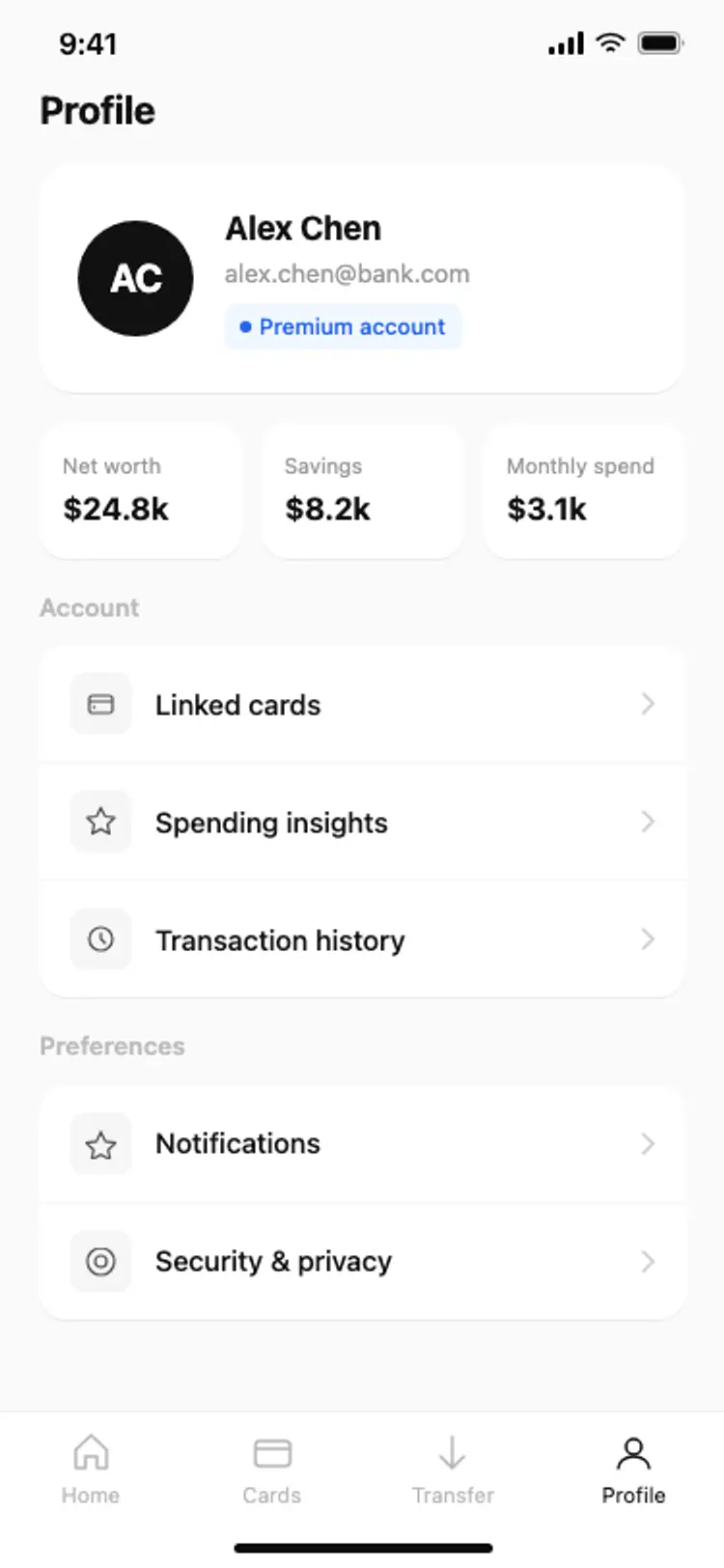
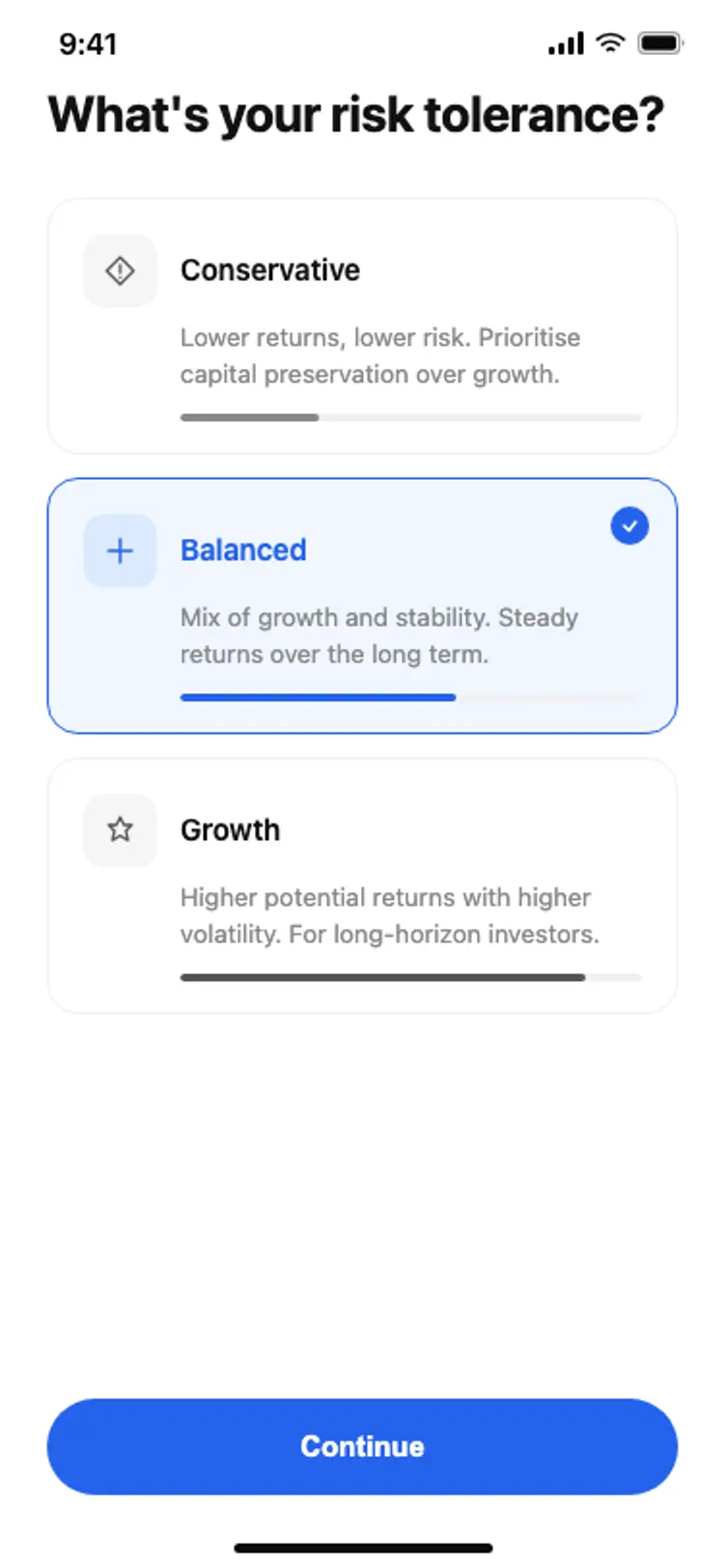
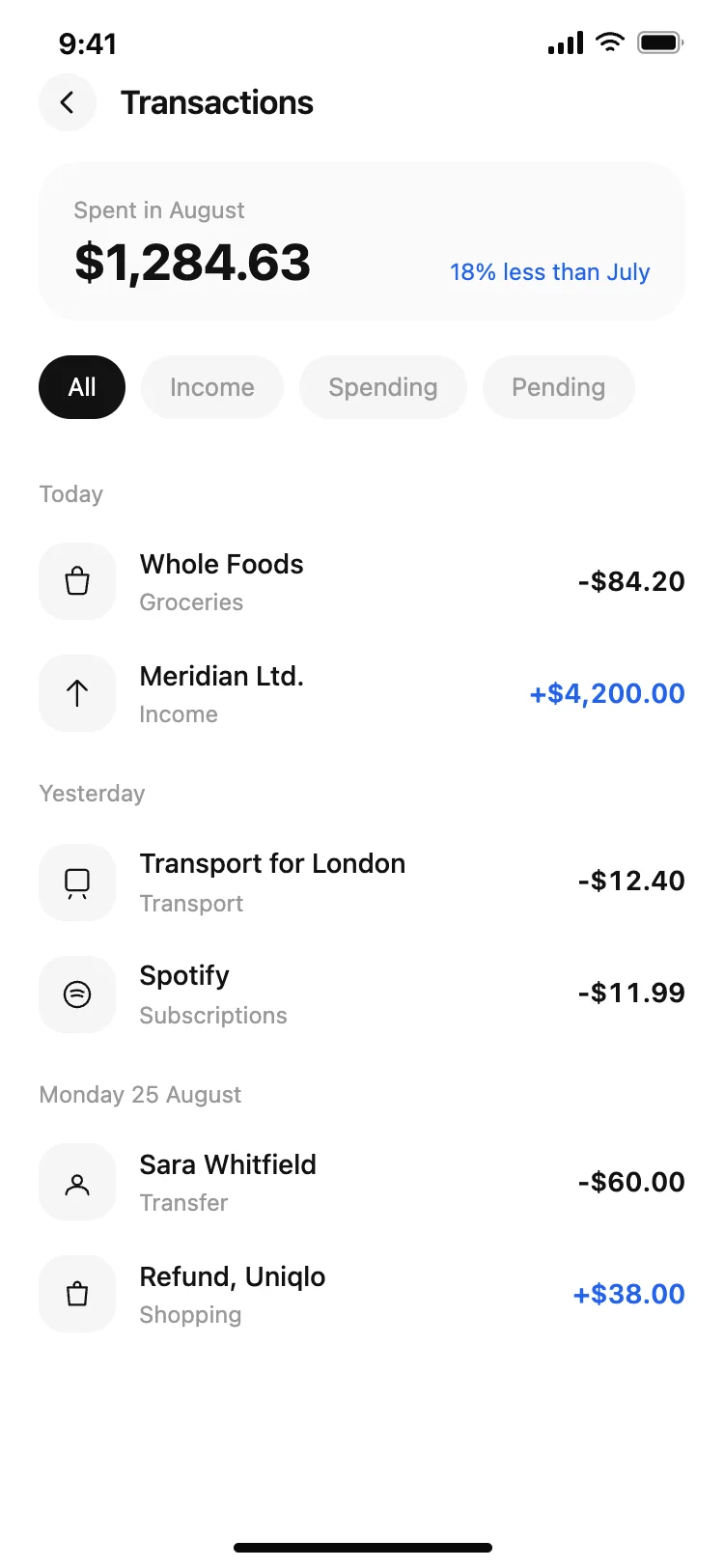

More home app templates
View all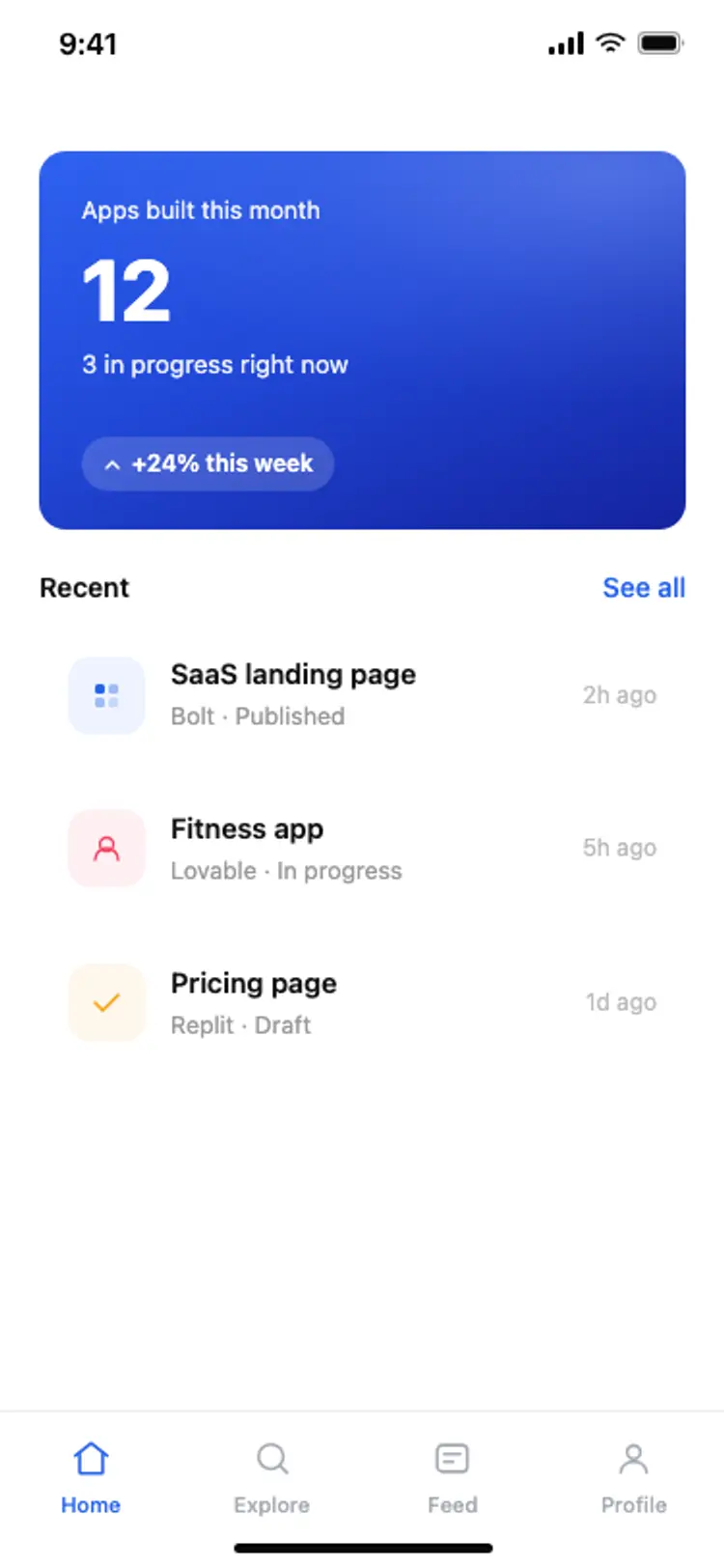
Other app templates you might like
See also
Browse app templates