Finance app onboarding: risk preference template
A finance and banking app onboarding step for iOS and Android, asking the user to set their risk tolerance. Step 2 of 3 progress indicator, a What is your risk tolerance headline, and three option cards: Conservative, Balanced pre-selected in blue, and Growth. Each card has an icon, a title, a description, and a coloured fill bar showing relative return potential. Blue Continue button pinned at the bottom. Built for Bolt, Lovable, and Replit.
About this app template
Matching a user's risk profile at onboarding is one of the highest-leverage moments in any investment or savings app. This screen walks users through their risk preference with three clear options: Conservative, Balanced, and Growth. Each card has a rounded icon, a bold title, a one-line description, and a subtle fill bar that visualises how much return potential each option carries. Balanced is pre-selected in blue with a filled checkmark badge, the choice most users make. The two-dot progress indicator sits at the top to show this is step 2 of 3. The blue Continue button is pinned to the bottom. Paste this into Bolt, Lovable, or Replit and ask your AI to make the cards tappable, save the selection to the user profile, and route to the next onboarding step on Continue.
Build a full mobile app onboarding flow with this template design
An onboarding flow is a run of screens a new user sees back to back, which makes any inconsistency between them obvious, so one onboarding screen can set the standard for every screen after it. Copy the template, paste it into Claude Code, Replit, Lovable, ChatGPT Codex, Bolt, or Cursor, and send this alongside it.
Paste into Claude Code, Replit, Lovable, Bolt, or Cursor
Common questions about this template
How do I save the selected risk profile to the user's account?
Paste this template into Bolt, Lovable, or Replit and ask your AI to add a click handler on each card that sets the selected state. When the user taps Continue, save the selected value (conservative, balanced, or growth) to a user_profiles table in Supabase or your preferred database.
How do I use the risk profile to personalise the home screen?
After saving the preference, ask your AI to fetch the user's risk profile on the home screen and display a recommended portfolio allocation below the balance card. Conservative users see a bond-heavy split, growth users see an equity-heavy split.
How do I add a fourth option like Aggressive growth?
Duplicate one of the card divs, update the icon, title, description, and fill bar width, and add the new value to your data model. The flex column layout expands naturally without adjusting any spacing.
Can I use this preference picker for other personalisation steps?
Yes. Swap the headline and card content for any preference set: investment horizon, monthly savings target, or primary financial goal. The card layout, progress indicator, and pinned CTA work for any multi-step onboarding flow.
Use this template for
- ·Finance app onboarding risk preference screens for iOS and Android
- ·Investment and savings app user preference selection steps
- ·Neobank onboarding flows with personalisation steps for Bolt and Lovable
- ·Multi-step financial onboarding screens for vibe coding with Replit
More from the Finance app set
All 5 screens

More onboarding app templates
View allNews app onboarding screen
News app onboarding screen
Onboarding
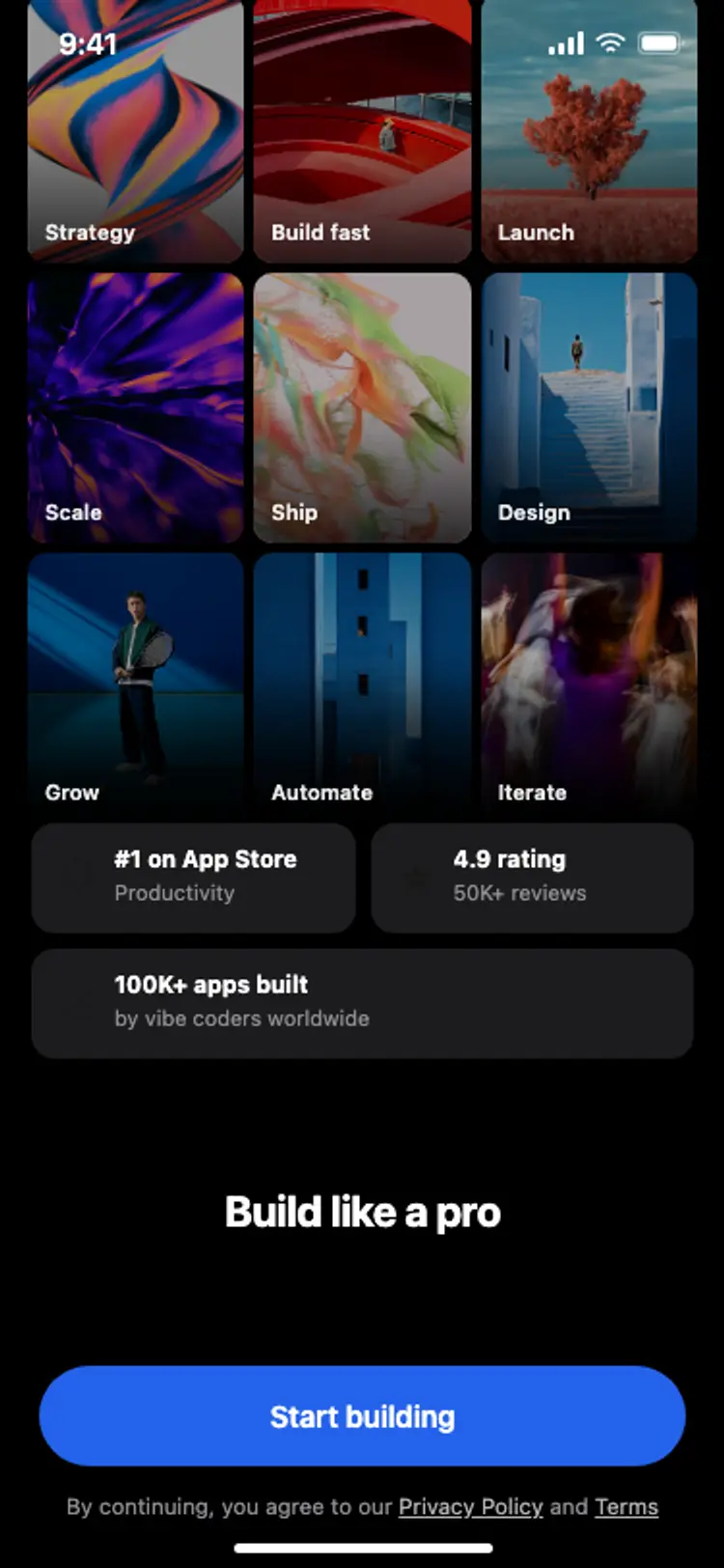
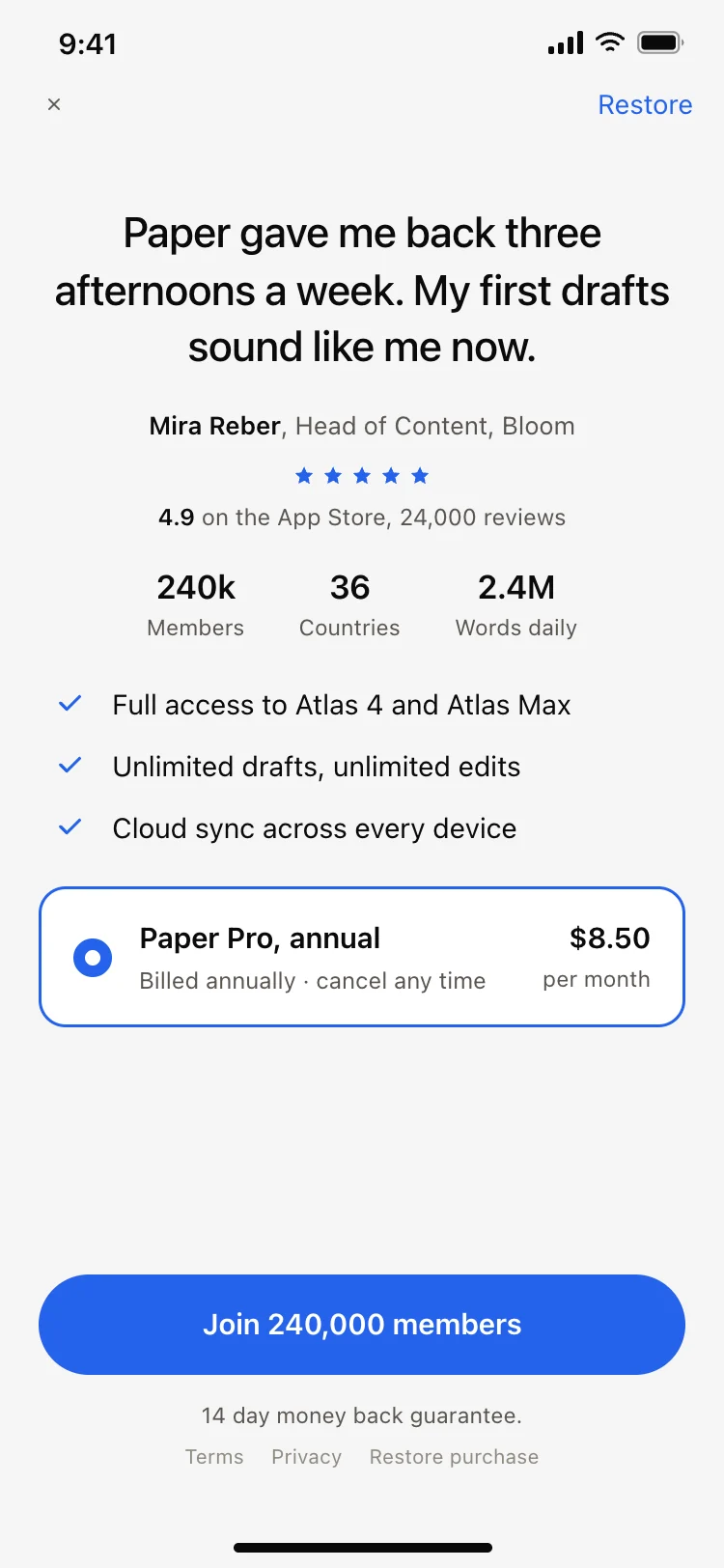
Onboarding with social proof
Onboarding with social proof
Onboarding
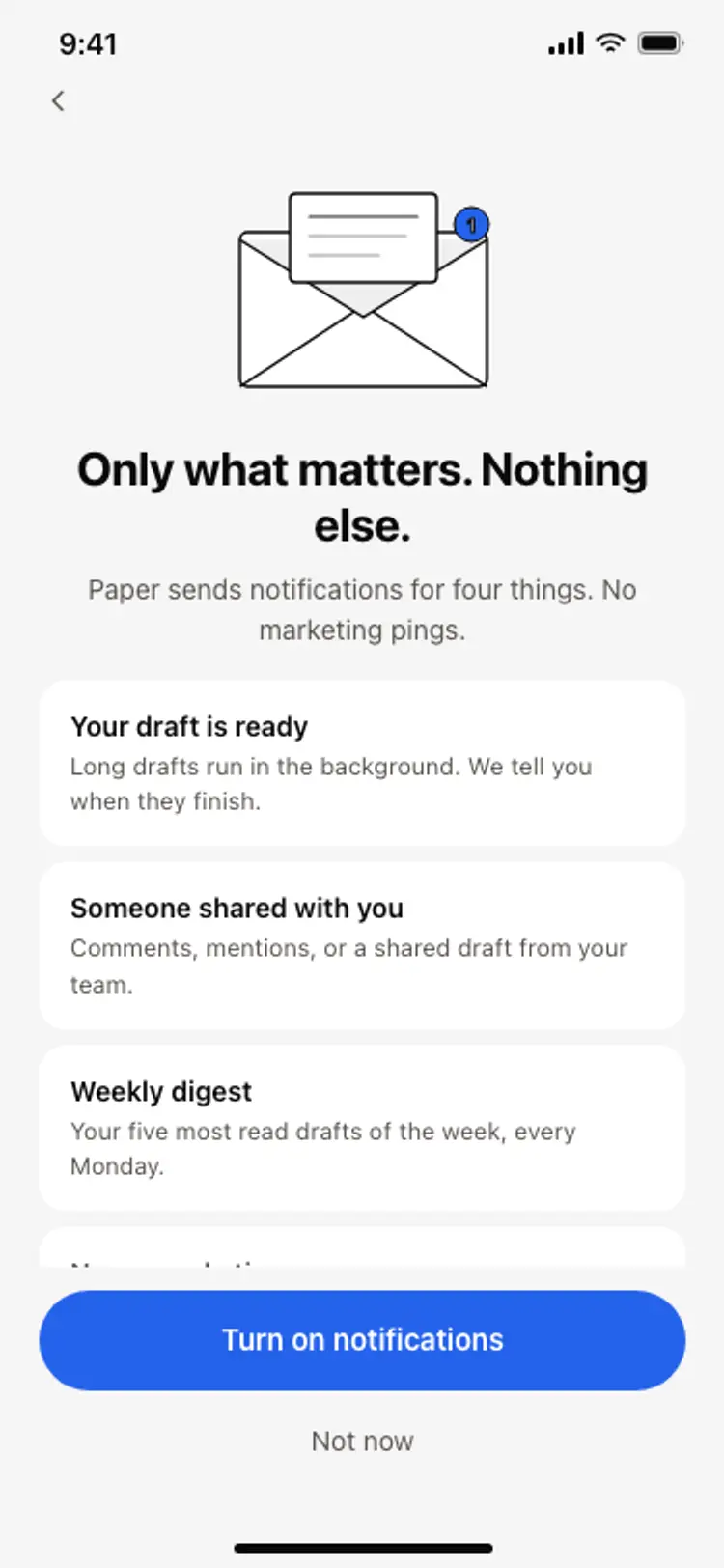
Notification preferences screen
Notification preferences screen
Onboarding
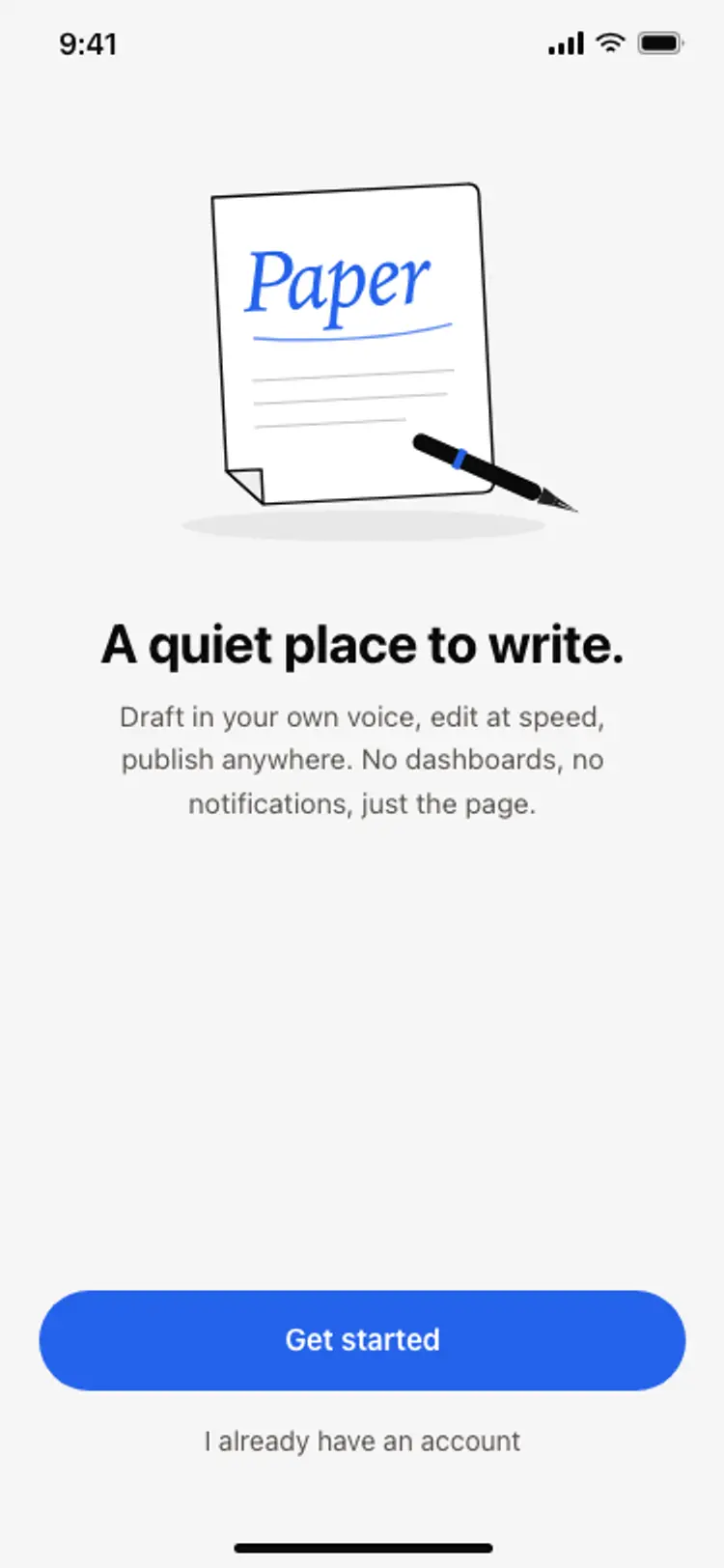
App onboarding welcome screen
App onboarding welcome screen
Onboarding
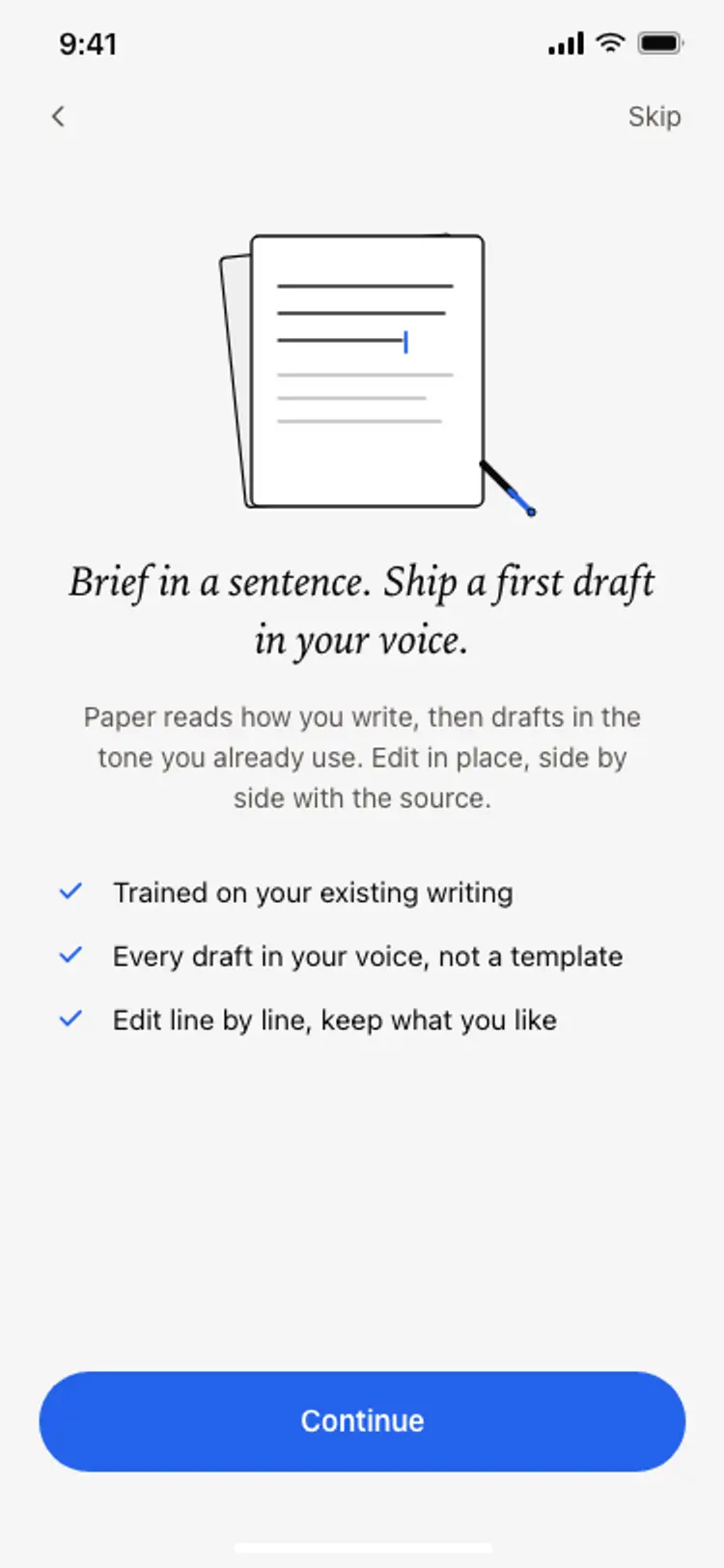
Onboarding benefits screen
Onboarding benefits screen
Onboarding
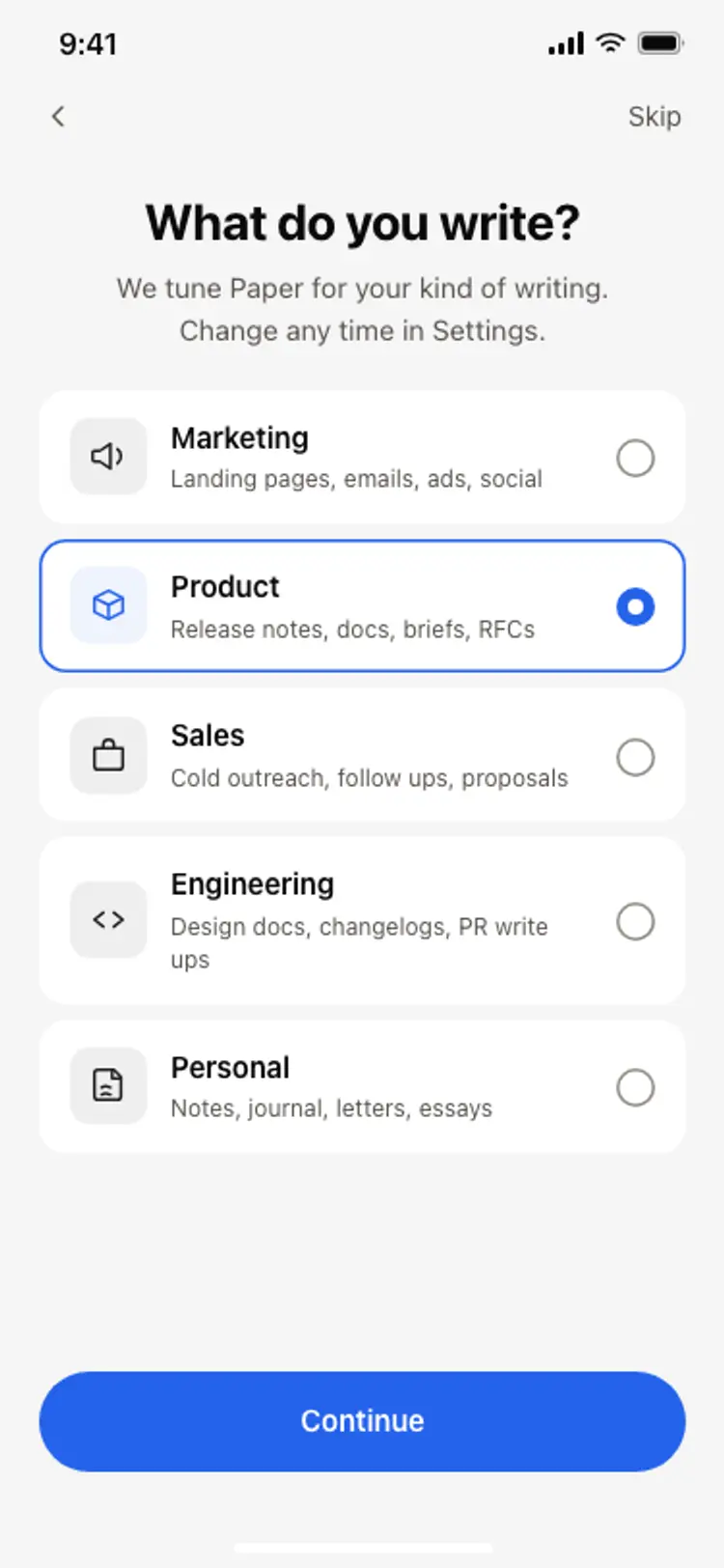
Onboarding role picker
Onboarding role picker
Onboarding
Other app templates you might like
See also
Browse app templates