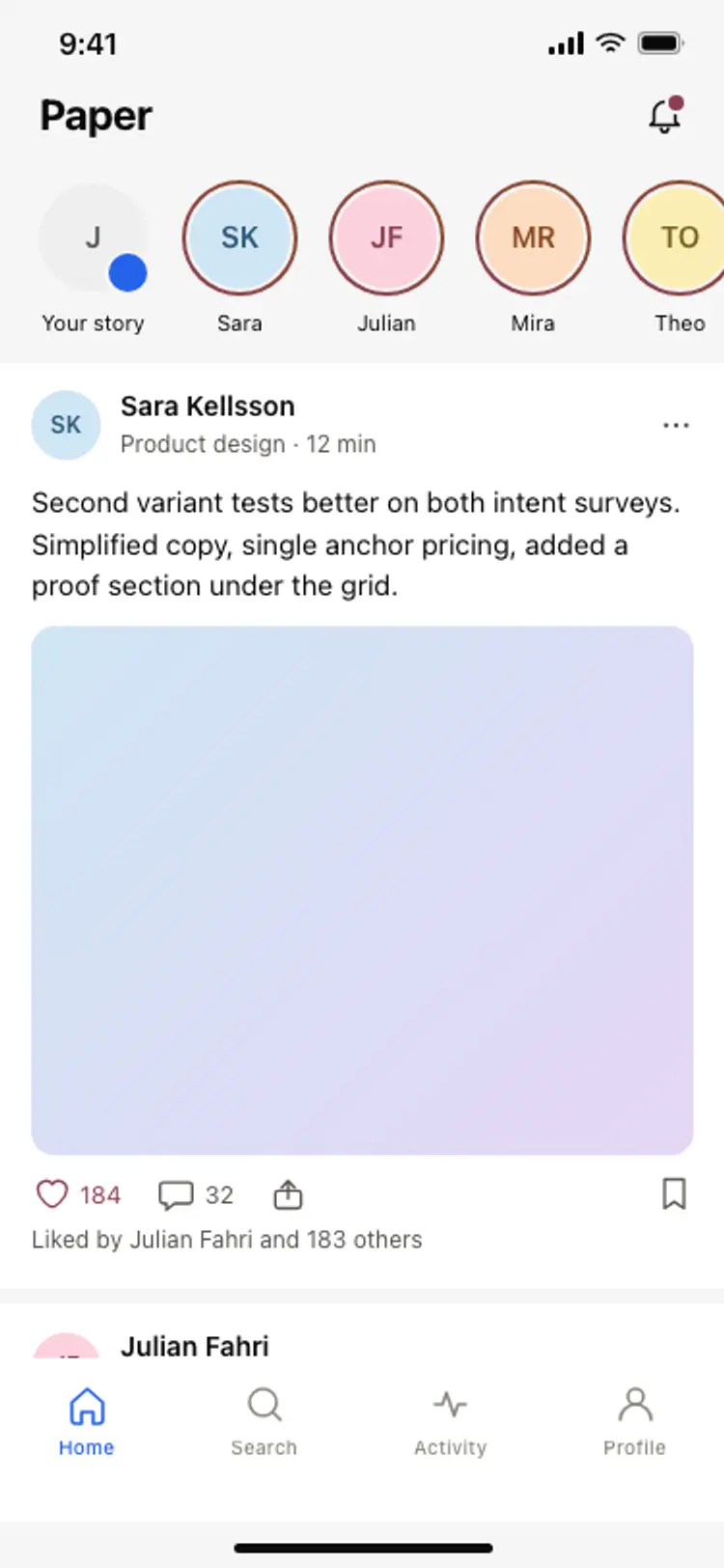
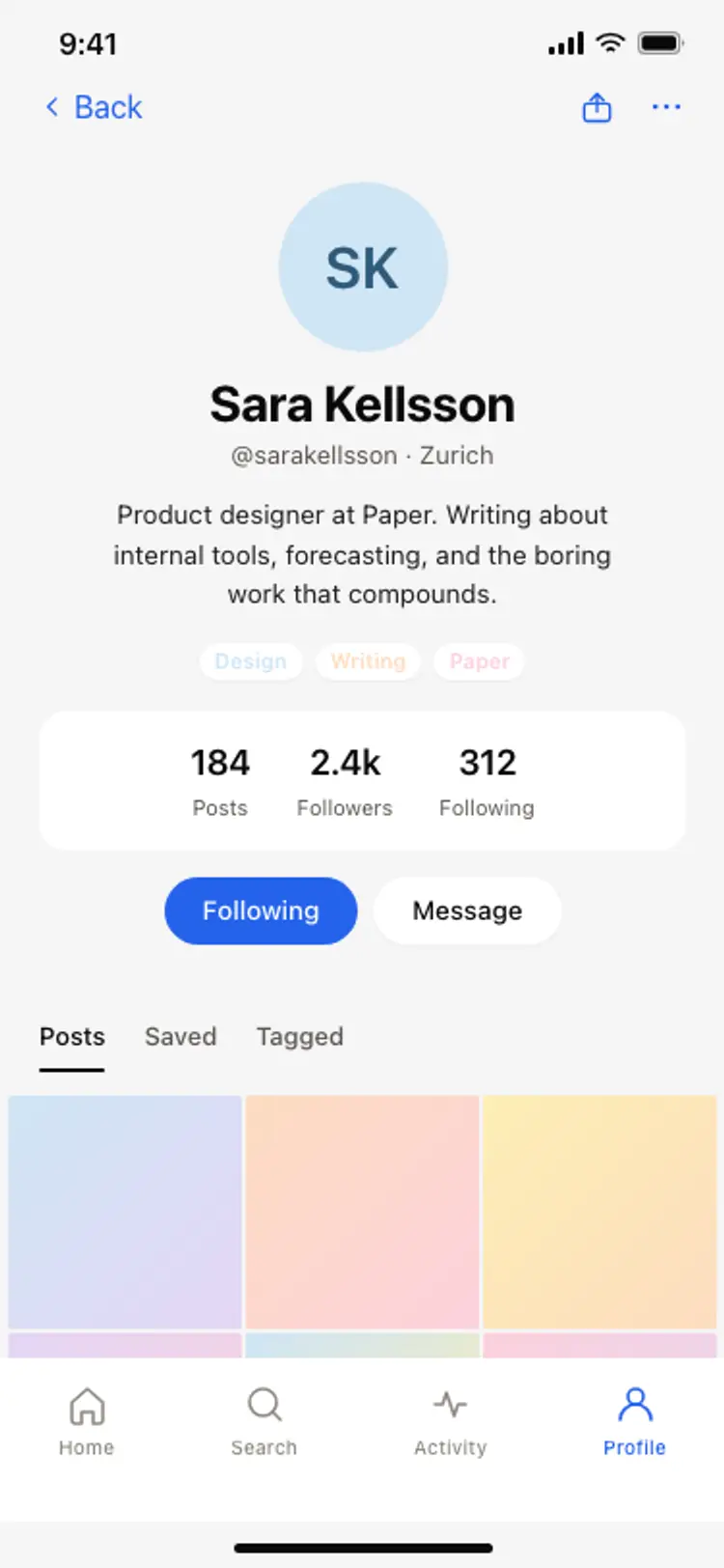
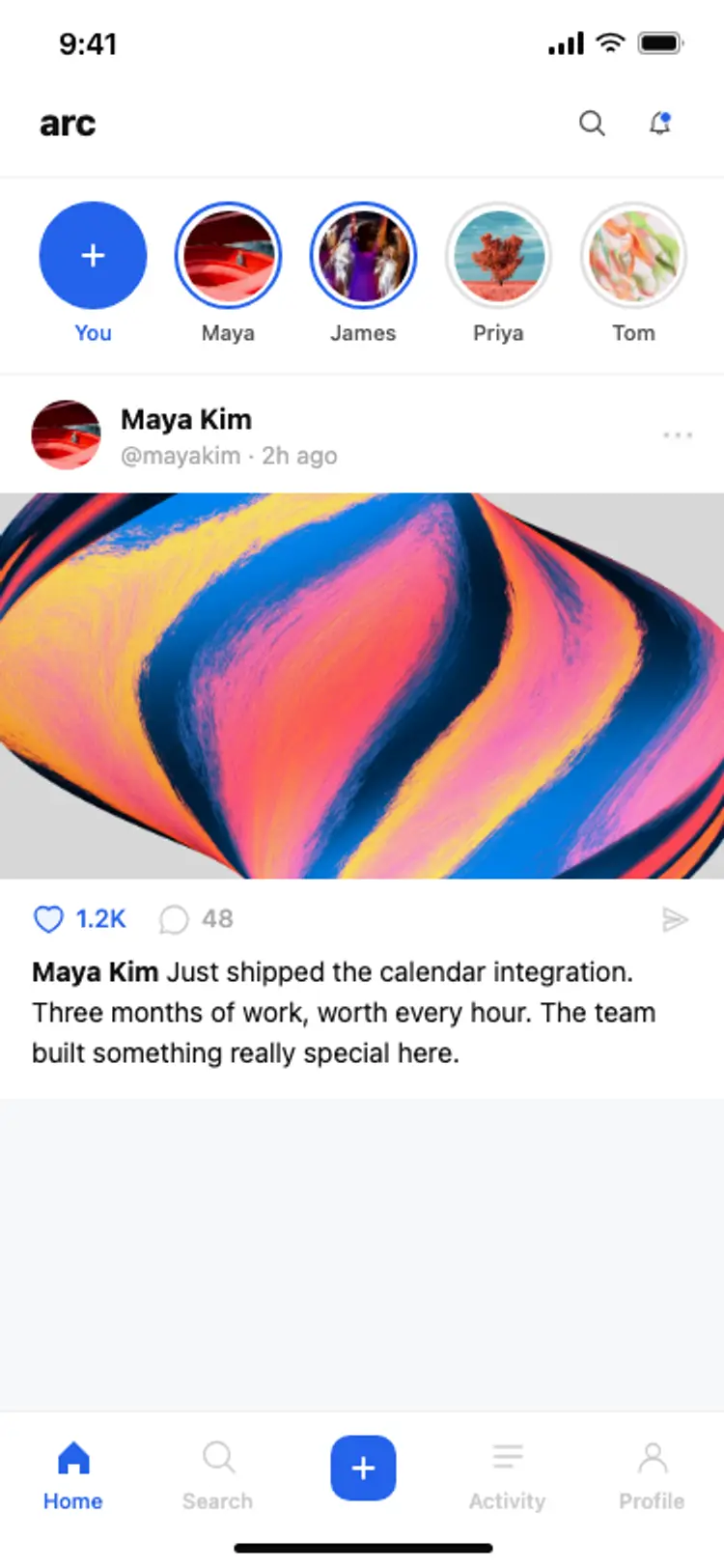
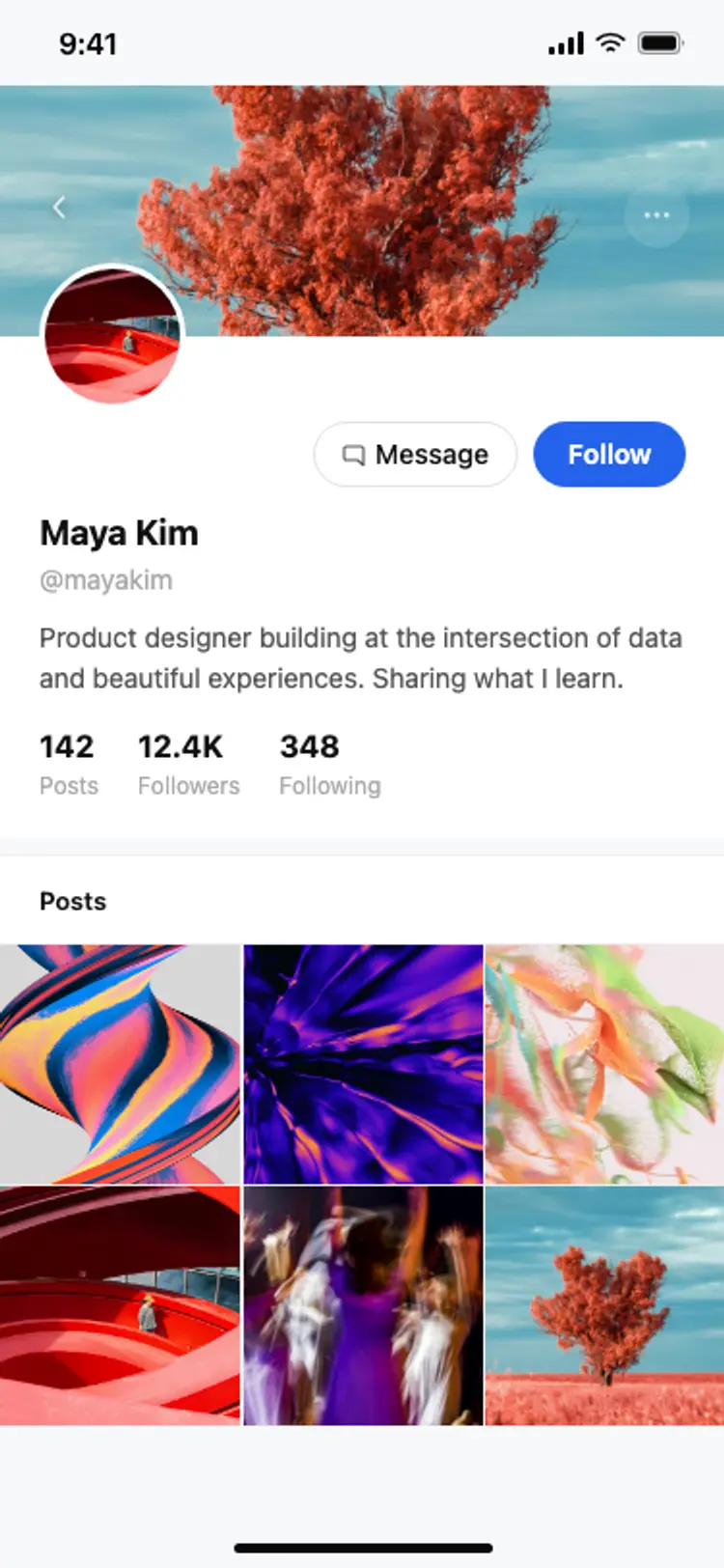
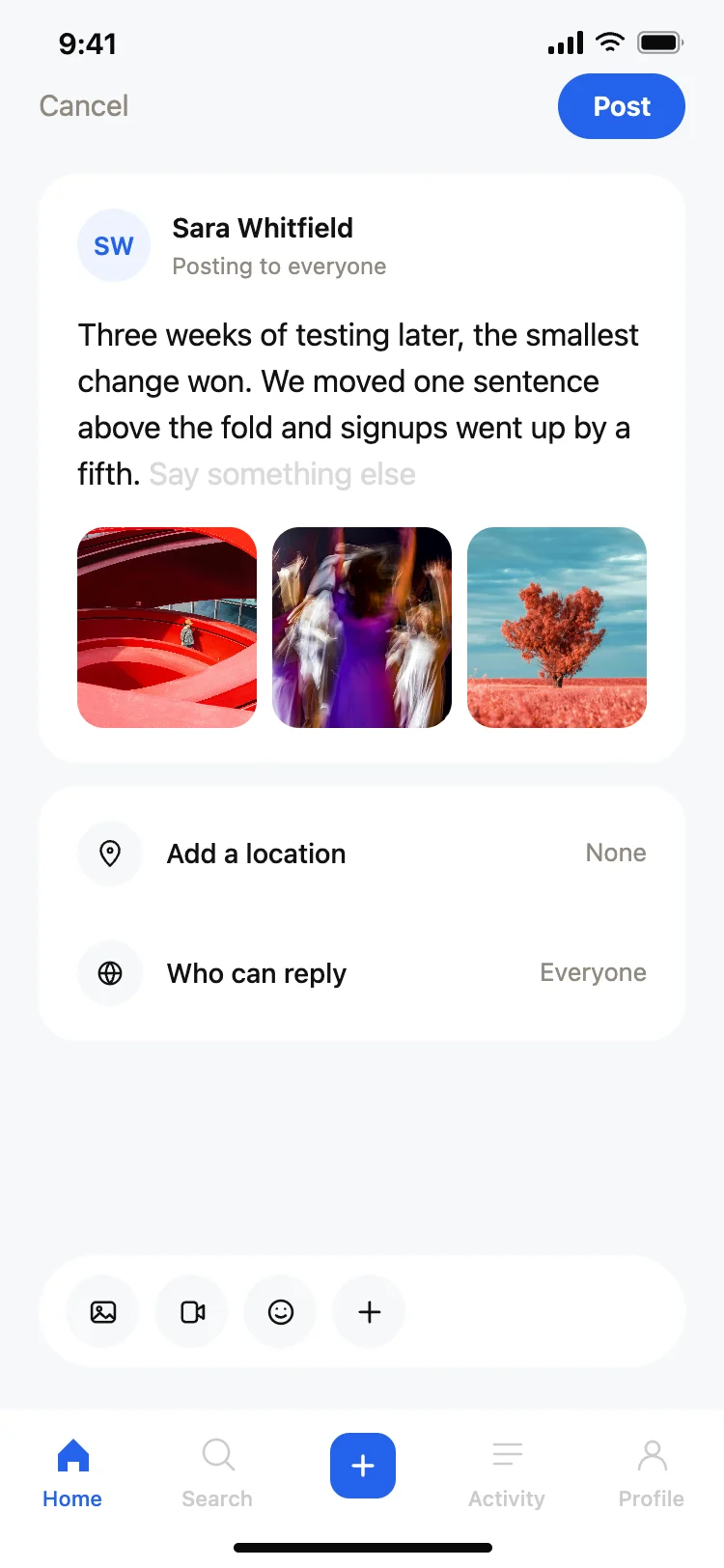
Best social and creator app screens for AI vibe coding: a feed home, a story feed, a creator profile, a personal profile, and a compose screen with media and reply permissions. Five screens sharing one design, so a social or community app arrives whole. Copy any coding template and paste it into Replit, Lovable, Claude Code, Bolt, or Cursor.
A feed, a profile, and a way to post. Stories and a creator view come next, and this family has all five so the app does not arrive with a gap where posting should be.
The writing area first, with the audience stated above it. Posting to the wrong audience is the mistake people most regret, and it happens when that setting lives somewhere else on the screen.
Initials, unless every account has a photograph. A row mixing photographs with fallbacks looks broken, which is why these screens use initials throughout and leave photographs to the posts.
Paste the compose screen into Replit, Lovable, Claude Code, Bolt, or Cursor and name your storage. Supabase storage and S3 are both a single instruction, and the three media wells hold the returned URLs.