Social media profile screen app template
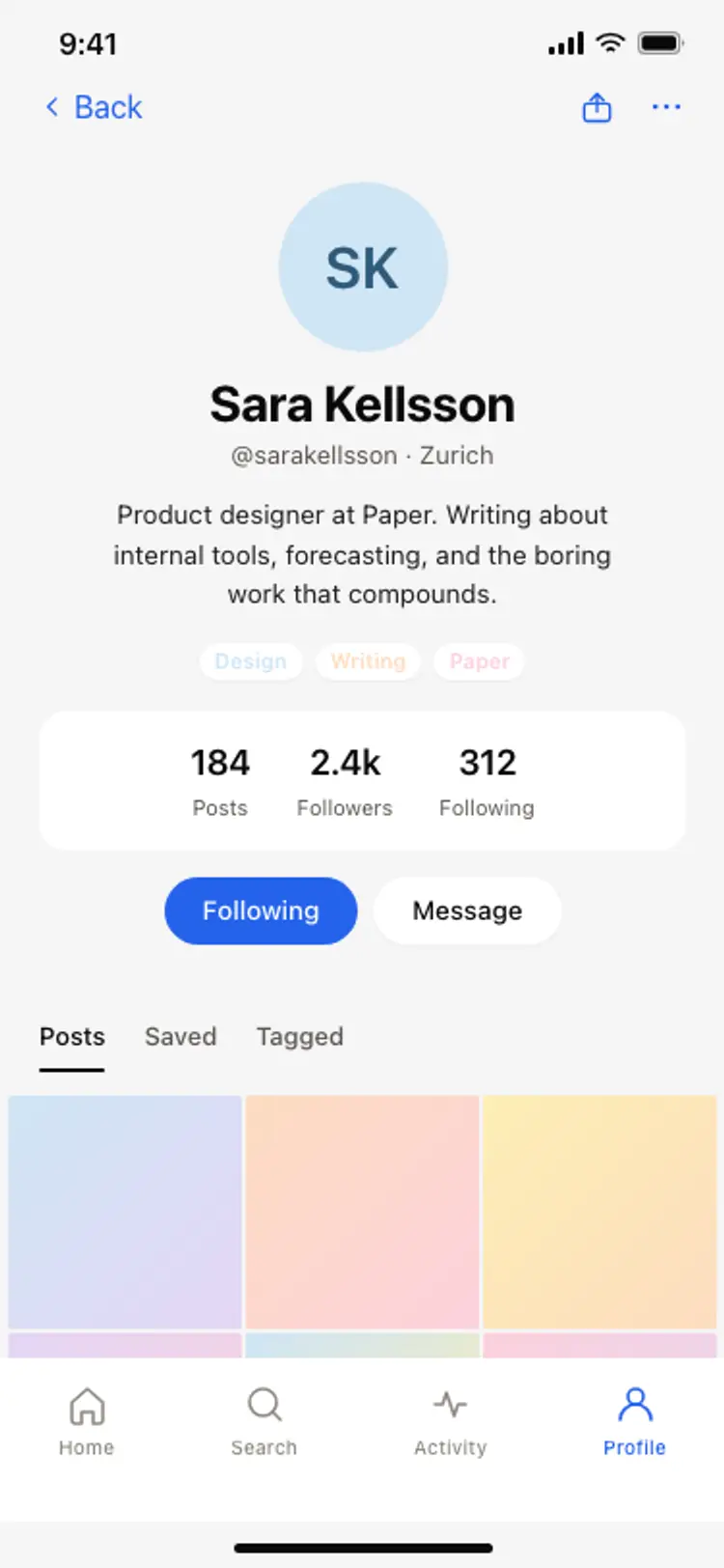
A social media app profile screen for iOS and Android. Blue gradient cover photo, circular avatar with a follow and message button row, bio, post and follower stats, and a three-column posts grid with blue gradient thumbnails. Use it for creator profiles, public social accounts, and community member pages. Built for Bolt, Lovable, and Replit.
About this app template
The creator profile is the screen that turns a visitor into a follower. This template gives you the full layout. A blue gradient cover spans the top, with back and more buttons floating above it. A blue circle avatar positioned halfway between the cover and the white body below carries the user's initial. Two buttons sit top-right: a Message option with an outline and a blue Follow button. Below, the creator's name, handle, a one-sentence bio, and post, follower, and following counts complete the profile header. A Posts tab leads into a three-column thumbnail grid with blue gradient tiles ready for real images. Paste it into Bolt, Lovable, or Replit and ask your AI to populate the profile from your user table and the grid from the post list.
Build a full mobile app with this template design
A mobile app is many screens a user moves between quickly, which makes any inconsistency obvious, so one screen can set the standard for every screen after it. Copy the template, paste it into Claude Code, Replit, Lovable, ChatGPT Codex, Bolt, or Cursor, and send this alongside it.
Paste into Claude Code, Replit, Lovable, Bolt, or Cursor
Common questions about this template
How do I load real posts into the grid on this profile screen?
Paste this template into Bolt, Lovable, or Replit and ask your AI to fetch the user's posts from your database, ordered by created_at descending. Your AI maps the first nine posts into the three-column grid and swaps the gradient tiles for real thumbnails.
How do I make the follow button update in real time?
Ask your AI to add a follow toggle handler that writes to a follows table in Supabase or Firebase and updates the button label between Follow and Following with an optimistic state change. The follower count updates after the write confirms.
How do I add tabs for Posts, Reposts, and Likes on the profile?
Ask your AI to add a tab row below the stats with three labels. Each tab filters the grid to the corresponding post type. The active tab gets a bottom border in blue. Your AI adds the filter logic to the database query.
Can I use this profile layout for a B2B creator or brand account?
Yes. Replace the personal bio with a company description, swap the avatar initial for a logo image, and remove the following count if it is not relevant. Ask your AI to add a website link row below the bio.
Use this template for
- ·Social media and creator profile screens for iOS and Android
- ·Public user profile pages for social and community apps
- ·Follower and following count displays for network apps
- ·Post grid screens for photo and content sharing apps
More from the Social app set
All 5 screens
More social app templates
View all
Other app templates you might like

See also
Browse app templates