CRM companies table template for SaaS apps
CRM companies table template for sales SaaS, customer platforms, and any product tracking accounts. Use it as the records view where a team works through contacts, accounts, or leads. Use this AI template with Claude Code, Replit, Lovable, ChatGPT Codex, Bolt, Cursor, or another coding tool.
About this vibe coding template
CRM companies table template for SaaS products designed for a list of customers. It fits sales tools, customer relationship platforms, account management software, and any product whose users spend the day moving through records. Use it as the main list view. Sales teams judge a CRM on how quickly they can find one account and how little it takes to update it, so the list is the product. Minimal design. It works in Claude Code, Replit, Lovable, ChatGPT Codex, Bolt, and Cursor.
Build a full SaaS app or admin dashboard with this template design
A SaaS app or admin dashboard is dozens of screens sharing one shell, so one dashboard template can set the standard for the navigation, the spacing, and the card design on every screen after it. Copy the template, paste it into Claude Code, Replit, Lovable, ChatGPT Codex, Bolt, or Cursor, and send this alongside it.
Paste into Claude Code, Replit, Lovable, Bolt, or Cursor
Common questions about this template
What is a CRM companies table template?
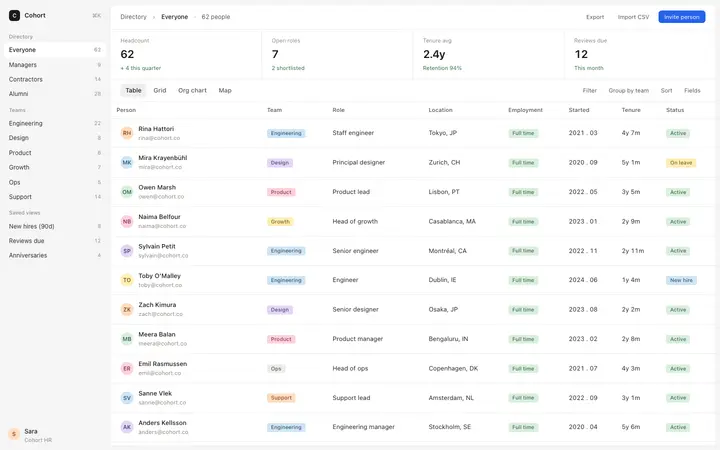
A CRM companies table is the main records view in a customer relationship management SaaS. This template shows a filterable table of company records with company name, industry, owner, last activity, and status, inside a workspace sidebar layout.
What does this CRM companies table template include?
It is modelled on modern workspace CRM tools with a light grey chrome, a plain sidebar with no icons, and soft pastel chips for tags and statuses. The aesthetic is minimal and data dense without feeling cluttered.
Can I add a contact detail panel to this CRM template?
Yes. Paste it into Claude Code, Replit, Bolt, or Lovable and ask the tool to add a detail panel that opens when you click a row. Describe the fields you want: contacts, notes, deals, activity timeline, and so on.
Which vibe coding tools work with this CRM table template?
Claude Code, Replit, Lovable, ChatGPT Codex, Bolt, and Cursor. Paste it in, describe your CRM data fields and sidebar sections, and the tool builds a working records view around the layout.
Use this AI coding template for
- ·CRM companies table template for a SaaS customer relationship management tool
- ·Filterable records list template for a contacts, accounts, or leads view
- ·Workspace dashboard template for vibe coding a CRM
- ·HTML company database table for Claude Code, Replit, or Bolt
Works with every vibe coding tool
More from the Business dashboard set
6 templates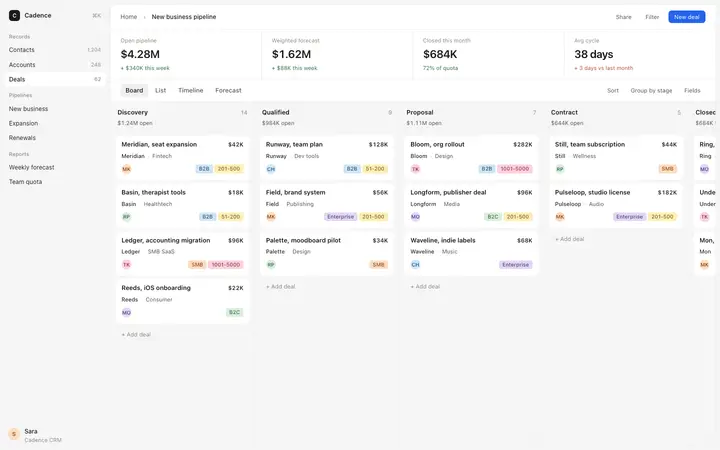
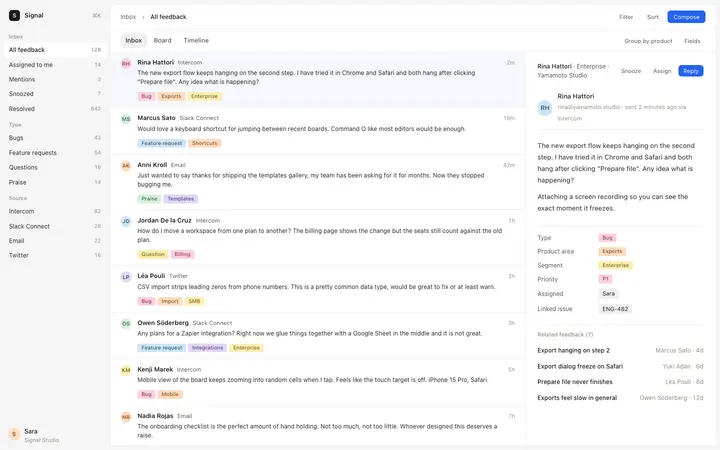
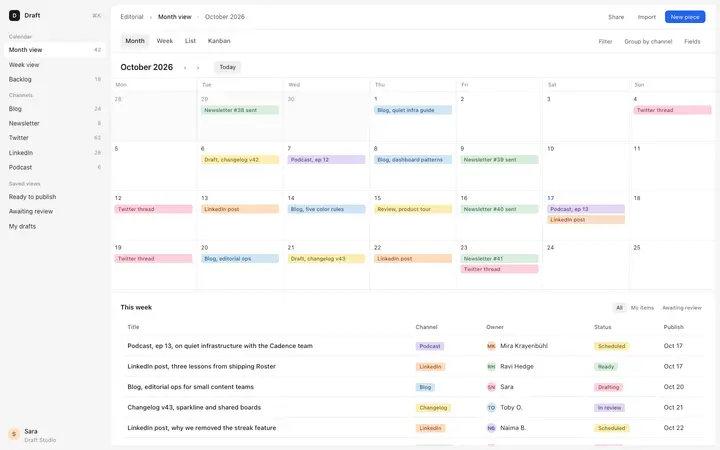
More SaaS templates
View all


More vibe coding dashboard templates
View all
Other templates you might like