Content calendar dashboard template for SaaS
Editorial calendar dashboard template with a content schedule, status tags, author assignments, and a monthly grid view in a light workspace layout. A minimal tool for vibe coding a content calendar, publishing planner, or editorial process SaaS. Use this editorial calendar template with Claude Code, Replit, Lovable, ChatGPT Codex, Bolt, Cursor, or another coding tool.
About this vibe coding template
Editorial calendar dashboard template for SaaS content and marketing teams. The main panel shows a monthly calendar grid with content items placed on their publish date. Each item shows a title, status chip, and author. A list view alongside the calendar shows all items with title, type, status, author, and scheduled date columns. A sidebar holds workspace navigation with sections for calendar, content, team, and settings. Status chips use soft pastels for draft, review, scheduled, and published. The design is a light grey workspace with minimal chrome and no sidebar icons.
Build a full SaaS app or admin dashboard with this template design
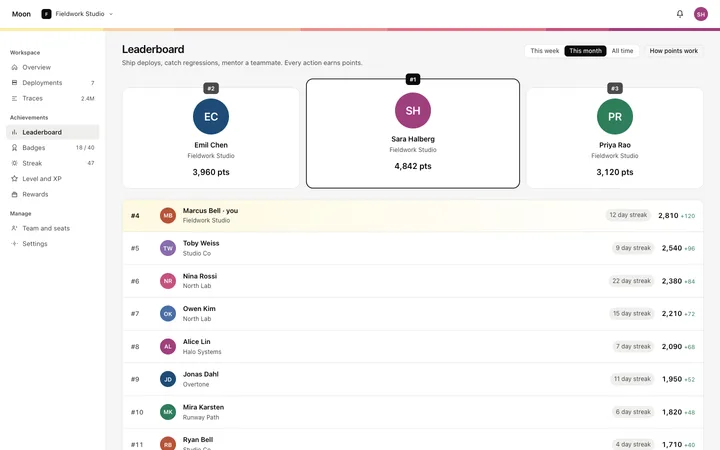
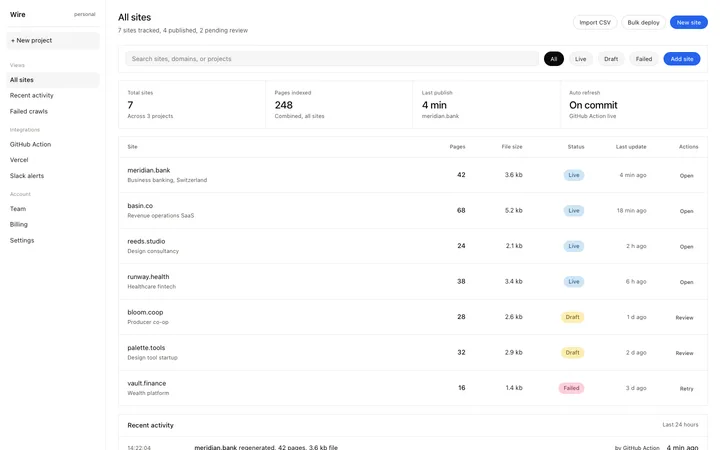
A SaaS app or admin dashboard is dozens of screens sharing one shell, so one dashboard template can set the standard for the navigation, the spacing, and the card design on every screen after it. Copy the template, paste it into Claude Code, Replit, Lovable, ChatGPT Codex, Bolt, or Cursor, and send this alongside it.
Paste into Claude Code, Replit, Lovable, Bolt, or Cursor
Common questions about this template
What is an editorial calendar dashboard template?
An editorial calendar shows a SaaS content team what is scheduled, who is writing it, and what stage each piece is in. This template includes a monthly calendar grid, a list view, and status chips for draft, review, scheduled, and published.
What content statuses does the editorial calendar template support?
Draft, review, scheduled, and published, each with a soft pastel chip. Paste it into a vibe coding tool and describe your process stages to replace or add statuses, such as ideation, outline, or approved.
Can I add a content detail panel to this editorial calendar template?
Yes. Paste it into Claude Code, Replit, Bolt, or Lovable and ask the tool to add a detail sidebar or modal that opens when you click a content item, with fields for brief, keywords, publish channel, and notes.
Which vibe coding tools work with this editorial calendar template?
Claude Code, Replit, Lovable, ChatGPT Codex, Bolt, and Cursor. Paste it in and describe your content types, team roles, and publishing channels to build a working content calendar.
Use this AI coding template for
- ·Editorial calendar dashboard template for a content team or publishing SaaS
- ·Content calendar template with monthly grid and status chips
- ·Publishing planner dashboard for vibe coding a content scheduling tool
- ·HTML editorial schedule template for Claude Code, Bolt, or Lovable
Works with every vibe coding tool
More from the Business dashboard set
6 templates
More SaaS templates
View all

More vibe coding dashboard templates
View all
Other templates you might like