Empty state template for SaaS dashboards
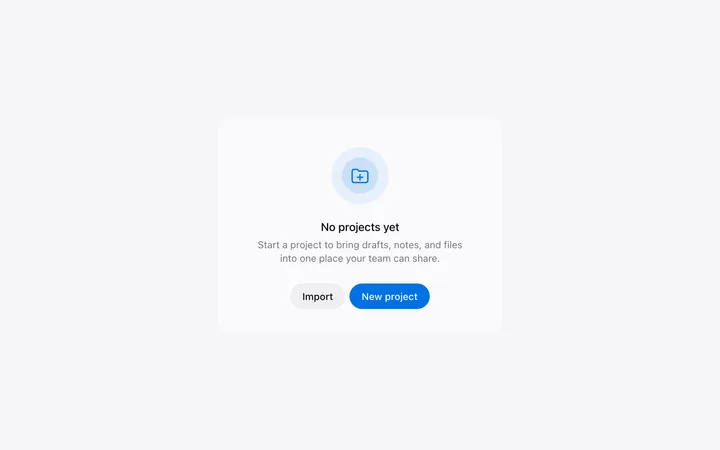
Interactive empty state template for SaaS dashboards. It covers the first run experience, with quick start tiles and a clear call to action for the screen a new user sees before there is any data. Use this AI template with Claude Code, Replit, Lovable, ChatGPT Codex, Bolt, Cursor, or another coding tool.
About this vibe coding template
Interactive empty state template for SaaS dashboards, developer tools, and admin interfaces. A first run experience for a new account or workspace where no data exists yet. This is the same dashboard overview screen in its state before any data exists. The KPI tiles show placeholder dashes with an empty label. The empty state headline focuses on the user's first action, not the absence of data. A good empty state for onboarding tells the user where to go, not that nothing is there yet. Minimal design. Paste it into Claude Code, Replit, Lovable, ChatGPT Codex, Bolt, or Cursor and replace the headline, description, the two CTA labels, and the three quick start tile titles and links with your own first run experience.
Build a full SaaS onboarding flow with this template design
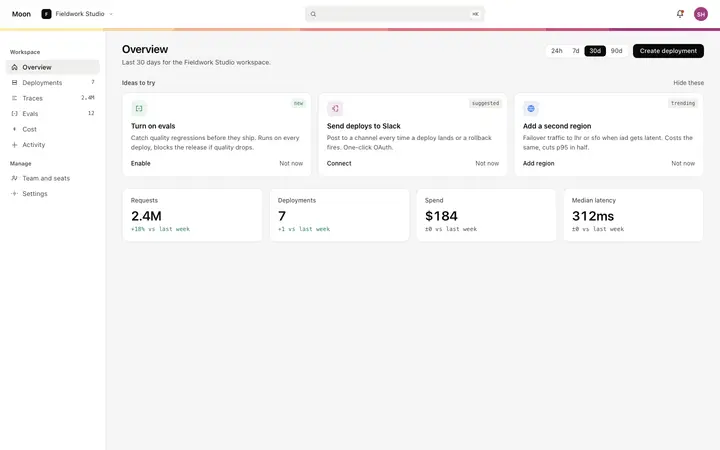
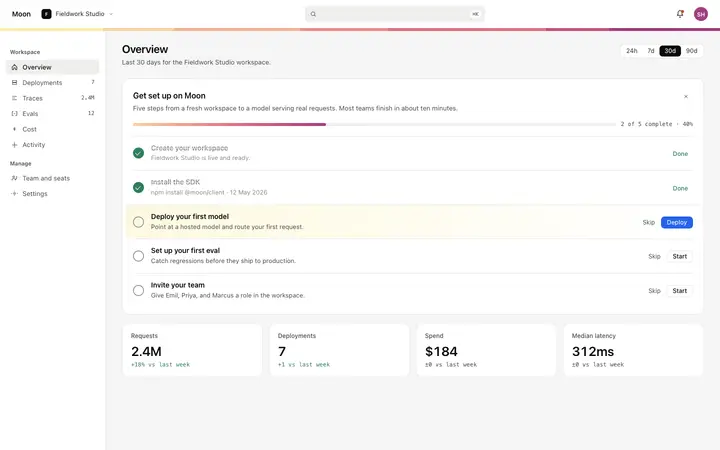
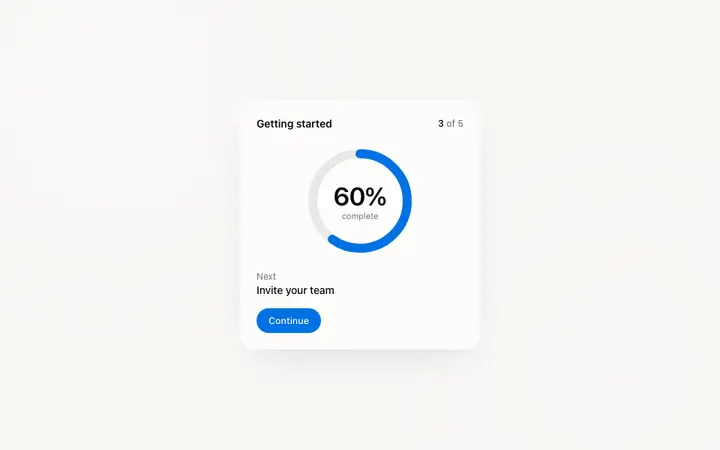
A SaaS onboarding flow is a sequence of welcome, setup, and activation screens that only works when each step looks like the last, so one onboarding template can set the standard for every screen after it. Copy the template, paste it into Claude Code, Replit, Lovable, ChatGPT Codex, Bolt, or Cursor, and send this alongside it.
Paste into Claude Code, Replit, Lovable, Bolt, or Cursor
Common questions about this template
What does this empty state template include?
An SVG illustration as the primary visual, a headline directing the user to their first action, a description paragraph, two CTA buttons for creating an entity or importing a template, three quick start tiles with titles and template links, and KPI tiles showing placeholder dashes.
How is this empty state different from the filled dashboard overview?
The empty state is the same screen layout as the dashboard overview but in its state before any data exists. The KPI tiles show placeholder dashes, the chart area is replaced by a centered illustration and headline, and the activity feed area is replaced by quick start tiles. The two templates form a pair: the empty state shows to new users, and the dashboard overview shows once their first entity exists.
What should the headline say in a SaaS dashboard empty state template?
The headline should name the user's first action, not the absence of data. 'Ship your first deployment' works. 'No deployments yet' does not. Frame the empty state as an entry point, not a dead end.
What goes in the quick start tiles of a SaaS dashboard empty state template?
Three of the most common starting points for a new user in the relevant context. Each tile has a short title describing the use case and a link to the relevant starter template or prefilled form. Three distinct options reduce the blank page hesitation that causes new users to leave without taking an action.
Which tools work with this empty state template?
Claude Code, Replit, Lovable, ChatGPT Codex, Bolt, and Cursor. Paste it in and replace the headline, description, the two CTA labels, and the three quick start tile titles and links with your own first run experience.
How do I build a full SaaS onboarding flow with this template?
Start by pasting this coding template into Claude Code, Replit, Lovable, ChatGPT Codex, Bolt, or Cursor as your reference design. Then name each page of the SaaS onboarding flow you want built, and every one comes back matching the template you started from.
Use this AI coding template for
- ·Empty state template for a SaaS dashboard or overview screen
- ·First run experience template with SVG illustration and quick start tiles for SaaS
- ·Dashboard empty state with CTA buttons and starter template links for onboarding
- ·Vibe coding empty state template
Works with every vibe coding tool
More from the Product onboarding set
5 templates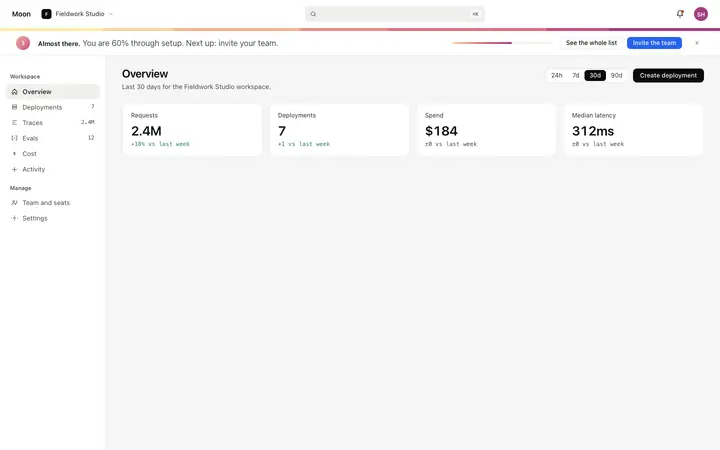
More onboarding templates
View all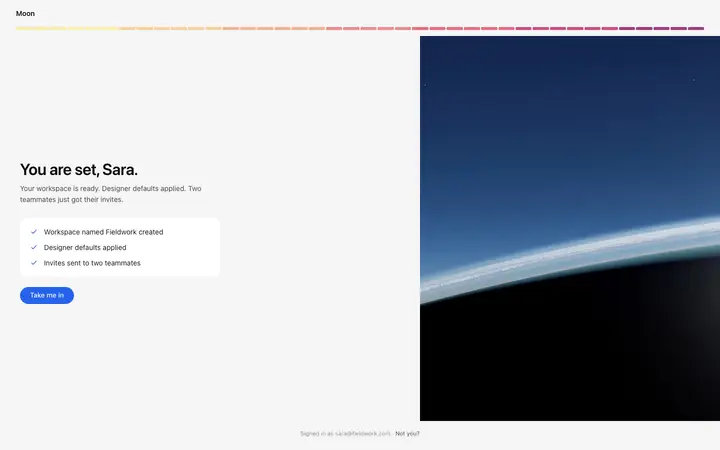
More vibe coding SaaS templates
View all

Other templates you might like