Signup page template for SaaS and web apps
Interactive signup page template for SaaS products and web apps. Minimal design. This is the standard centered signup form. For a split screen layout see the split sign up template. Use this AI template with Claude Code, Replit, Lovable, ChatGPT Codex, Bolt, Cursor, or another coding tool.
About this vibe coding template
Interactive signup page template for SaaS products, web apps, and B2B tools. A divider below the form leads to social signup options for Google and GitHub. A login link at the top of the card sends returning users to the login page. This is the standard centered signup form where the auth fields take the full width of the screen. After a user creates an account, the email verification page template covers the next step in the auth flow. Use it as the signup page in any SaaS auth flow, new user registration screen, or product trial sign up. Minimal design. Paste it into Claude Code, Replit, Lovable, ChatGPT Codex, Bolt, or Cursor and describe the app name, the fields you want, and the social providers you want.
Build a full SaaS login and signup flow with this template design
A SaaS login and signup flow covers the login page, signup page, password reset, and email verification screens that all need to match, so one auth template can set the standard for every screen after it. Copy the template, paste it into Claude Code, Replit, Lovable, ChatGPT Codex, Bolt, or Cursor, and send this alongside it.
Paste into Claude Code, Replit, Lovable, Bolt, or Cursor
Common questions about this template
What does this signup page template include?
A minimal centered auth form with name, email, and password inputs with a visibility toggle, a create account button, a terms and privacy acceptance link, social signup for Google and GitHub, and a login link for returning users.
How does this signup page differ from the split sign up template?
This is the standard centered form where the signup fields take the full width of the screen. The split sign up template places the auth form on one side with a brand image on the other. Use the centered form when you want the signup to feel clean and focused on the form itself.
Which templates make up the auth kit?
Six templates cover the complete auth flow for a SaaS or web app: the login page for returning users, the signup page for new accounts, the forgot password page to request a password reset link, the reset password page to set a new password, the email verification page to confirm a new account, and the two factor authentication page for 2FA and OTP verification. For a split screen login layout with a brand image alongside the form, the split sign in and split sign up templates cover the same auth flow. For a social first login with Google and Apple buttons above the email form, the social sign in template is the starting point.
Does the signup page link to the email verification screen?
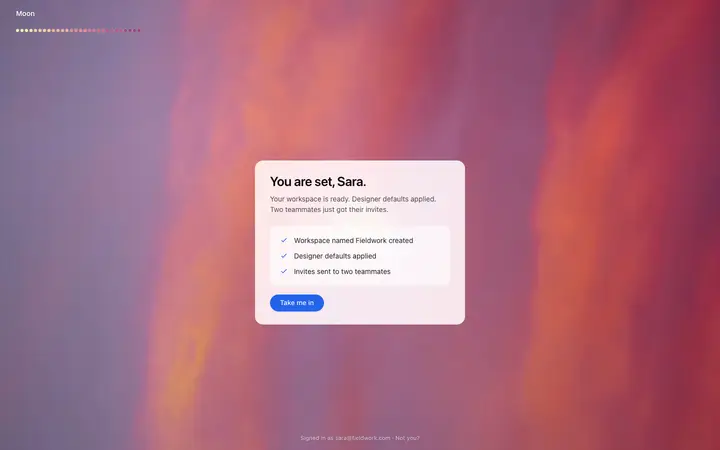
Yes. After a user submits the signup form, the next step in the auth flow is email verification. The email verification page template covers the confirmation screen that follows, where the user is told to check their inbox for a verification link.
Which vibe coding tools work with this signup page template?
Claude Code, Replit, Lovable, ChatGPT Codex, Bolt, and Cursor. Paste it in and describe the app name, the fields you want, and the social providers you want.
How do I build a full SaaS login and signup flow with this template?
Use this template as the first page of the SaaS login and signup flow, then ask your AI coding tool for the rest. Claude Code, Replit, Lovable, Bolt, and Cursor can all read the design and repeat it across the rest of your pages.
Use this AI coding template for
- ·Signup page template for a SaaS product or web app
- ·Centered auth form with name, email, password, and social signup options
- ·Minimal signup page with login link and terms acceptance
- ·Vibe coding SaaS signup page template
Works with every vibe coding tool
More forms templates
View all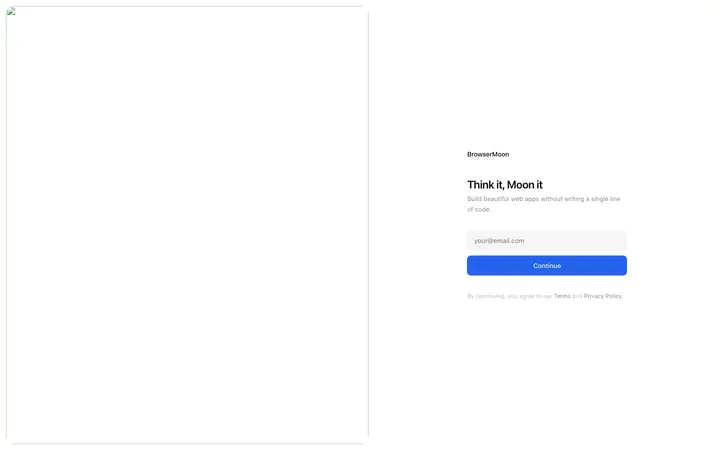
More vibe coding SaaS templates
View all



Other templates you might like