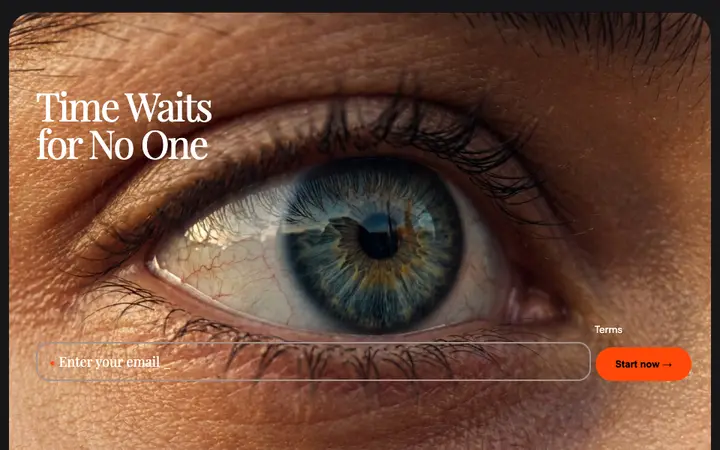
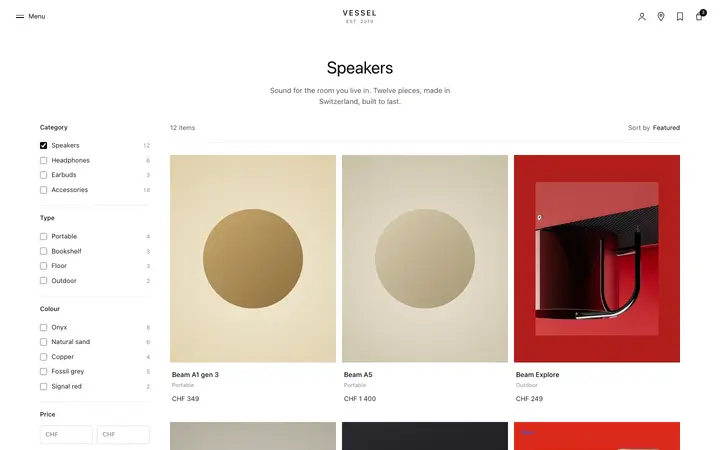
Popover and tooltip template for SaaS apps
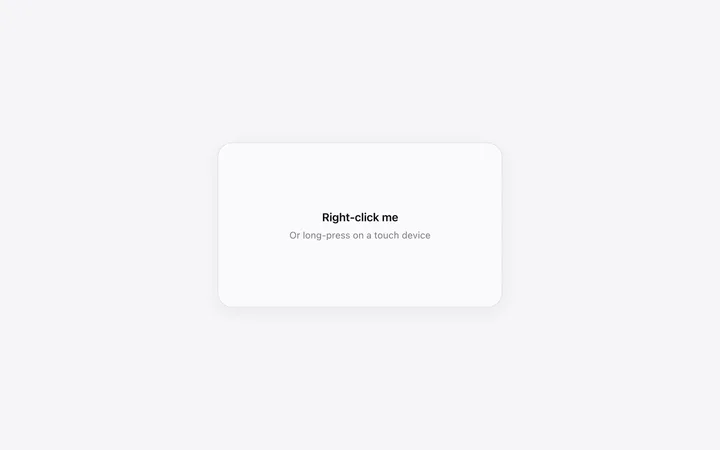
Popover and tooltip template for SaaS products explaining something where the question comes up. It answers in place and gets out of the way, so nobody leaves the page to find out what a thing means. Use this AI template with Claude Code, Replit, Lovable, ChatGPT Codex, Bolt, Cursor, or another coding tool.
About this vibe coding template
Popover and tooltip template for SaaS apps that need to explain part of an interface without cluttering it. Some things need a sentence: what a metric counts, what a setting does, what a status means. Putting that sentence on the page permanently makes everything noisier for the people who already know. Putting it a hover or a tap away serves both. This positions itself against the edges of the window, so it stays readable near a corner and never runs off the screen. Minimal design with glassmorphism.
Build a full SaaS landing page or website with this template design
A SaaS landing page or website is multiple pages that need to feel like one professional site, so one well built coding template can set the standard for every page after it. Copy the template, paste it into Claude Code, Replit, Lovable, ChatGPT Codex, Bolt, or Cursor, and send this alongside it.
Paste into Claude Code, Replit, Lovable, Bolt, or Cursor
Common questions about this template
What is the difference between a tooltip and a popover?
A tooltip is a short label on hover. A popover holds more, stays until dismissed, and can contain links or controls. Same idea, different weight.
Do tooltips work on touch devices?
There is no hover on a touch screen, so anything essential must not live in one. Use a tap to open for content that matters, and keep tooltips to detail people can do without.
Where should a tooltip appear?
In a SaaS interface, beside the thing it explains, flipping to the other side when it would otherwise run past the edge of the window. A tooltip half off screen is worse than none.
Which tools work with this tooltip template?
Claude Code, Replit, Lovable, ChatGPT Codex, Bolt, and Cursor. Paste it in and describe what needs explaining.
Use this AI coding template for
- ·Explaining a metric on a SaaS dashboard
- ·Help text beside a setting or a form field
- ·Detail on hover in a data heavy product
- ·Tooltips for vibe coding in Claude Code, Lovable, or Bolt
Works with every vibe coding tool
More minimal templates
View all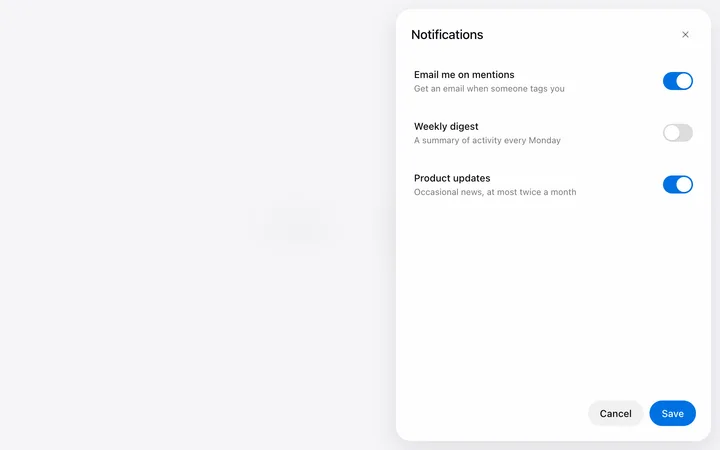
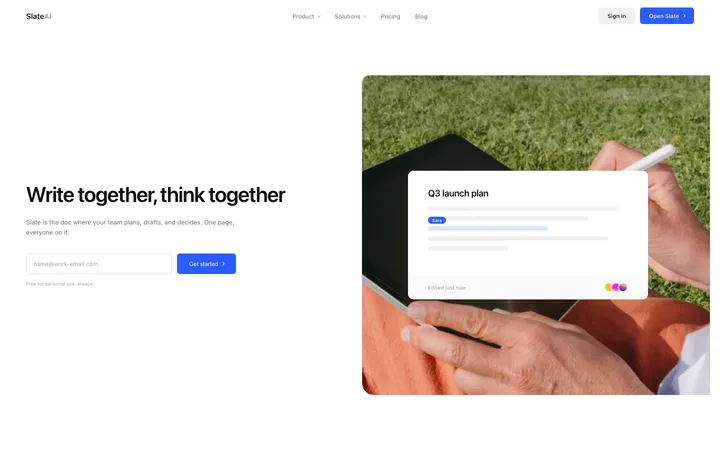

More vibe coding modals templates
View all
Other templates you might like