Command palette template for SaaS web apps
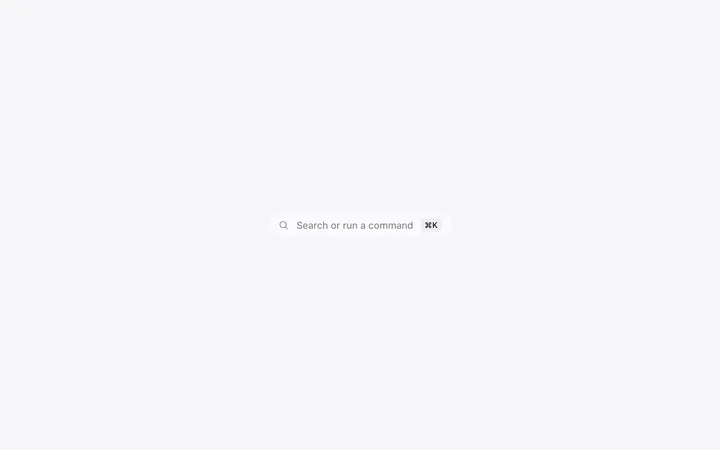
Command palette template for SaaS web apps, developer tools, and AI apps that people navigate with the keyboard. Use it in dashboards, admin panels, project management tools, and any product with a deep feature set. Use this AI template with Claude Code, Replit, Lovable, ChatGPT Codex, Bolt, Cursor, or another coding tool.
About this vibe coding template
Command palette template for SaaS products where people work fast and reach for the keyboard first. Made for developer tools, dashboards, admin panels, project management apps, internal tools, AI agent platforms, and any web app with a deep feature set. Add it across a logged in product so every screen is reachable from every other screen. It works for teams whose power users have outgrown the navigation and for builders who want an early product to feel finished. Works in Claude Code, Replit, Lovable, ChatGPT Codex, Bolt, and Cursor. Minimal design.
Build a full SaaS app or admin dashboard with this template design
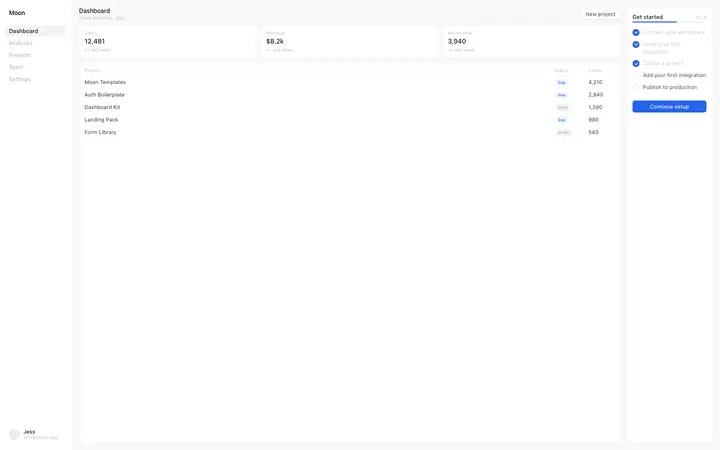
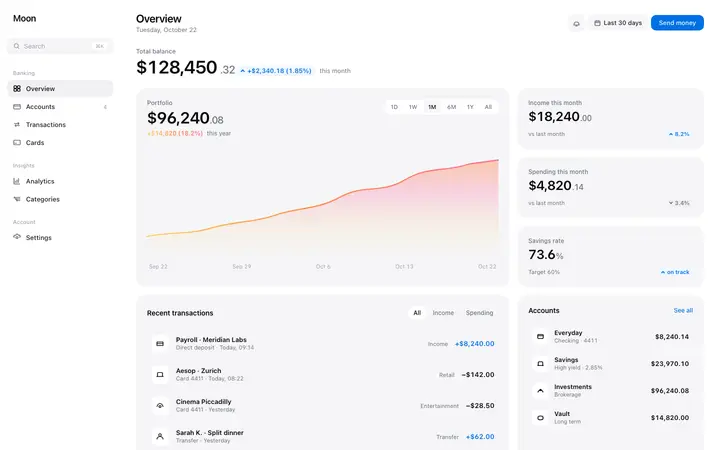
A SaaS app or admin dashboard is dozens of screens sharing one shell, so one dashboard template can set the standard for the navigation, the spacing, and the card design on every screen after it. Copy the template, paste it into Claude Code, Replit, Lovable, ChatGPT Codex, Bolt, or Cursor, and send this alongside it.
Paste into Claude Code, Replit, Lovable, Bolt, or Cursor
Common questions about this template
Which SaaS products need a command palette?
Developer tools, dashboards, admin panels, and any product with enough features that navigating by mouse gets slow. Technical audiences expect one.
When should a SaaS web app add a command palette template?
Once the feature set outgrows what fits in the navigation. That is usually the point where power users start asking for shortcuts.
Can I add my own actions to the palette in this template?
Yes. Tell your AI coding tool which actions your product supports and it will populate the list and wire each one up.
What makes a command palette template worth building into a SaaS app?
It gives every feature a single, predictable way in, which keeps a growing product usable as it adds surface area. For technical buyers it also signals that the product was built by people who use software seriously.
How do I build a full SaaS app or admin dashboard with this template?
Use this template as the first page of the SaaS app or admin dashboard, then ask your AI coding tool for the rest. Claude Code, Replit, Lovable, Bolt, and Cursor can all read the design and repeat it across the rest of your pages.
Use this AI coding template for
- ·Command palette for a SaaS dashboard or web app
- ·Keyboard navigation for a developer tool
- ·Quick search inside an AI agent platform
- ·Vibe coding command palette template for a web app
Works with every vibe coding tool
More modals templates
View all

More vibe coding dashboard templates
View all
Other templates you might like