AI companion chat screen app template
A chat screen for AI companion apps on iOS and Android, with the character's name and presence in the bar, a dated conversation, and a composer pinned at the bottom. Use it for AI character apps, chatbots, and any product built around an ongoing conversation. Build it with Bolt, Lovable, or Replit.
About this app template
A companion chat lives or dies on feeling present, so the header carries the character's name and a plain here now marker, and the conversation opens with the character speaking first. Messages are grouped under a date so a relationship that spans weeks reads as continuous, and the composer stays pinned with the character's name in the placeholder, which keeps the sense of talking to someone specific. Keep the header quiet, since anything busy up there competes with the conversation it is framing. Paste it into Bolt, Lovable, or Replit and connect it to your model.
Build a full mobile app with this template design
A mobile app is many screens a user moves between quickly, which makes any inconsistency obvious, so one screen can set the standard for every screen after it. Copy the template, paste it into Claude Code, Replit, Lovable, ChatGPT Codex, Bolt, or Cursor, and send this alongside it.
Paste into Claude Code, Replit, Lovable, Bolt, or Cursor
Common questions about this template
Should an AI companion send the first message?
Yes. An empty thread asks the person to perform, and a character that opens gives them something to answer.
What belongs in the chat header?
The name and a presence marker, and little else. The header frames the conversation, and anything busy there pulls attention from it.
Why group messages by date?
Because a companion relationship runs over weeks. Dates make a long history readable and make returning after a gap feel like continuing.
How do I connect this to a real model?
Paste it into Bolt, Lovable, or Replit and ask your AI to send the thread and the character prompt to your model and stream the reply into the last bubble.
Use this template for
- ·Chat screens for AI companions
- ·Character conversation interfaces
- ·Ongoing chat with presence
- ·Any app built on one to one messaging
More from the AI companion app set
All 5 screens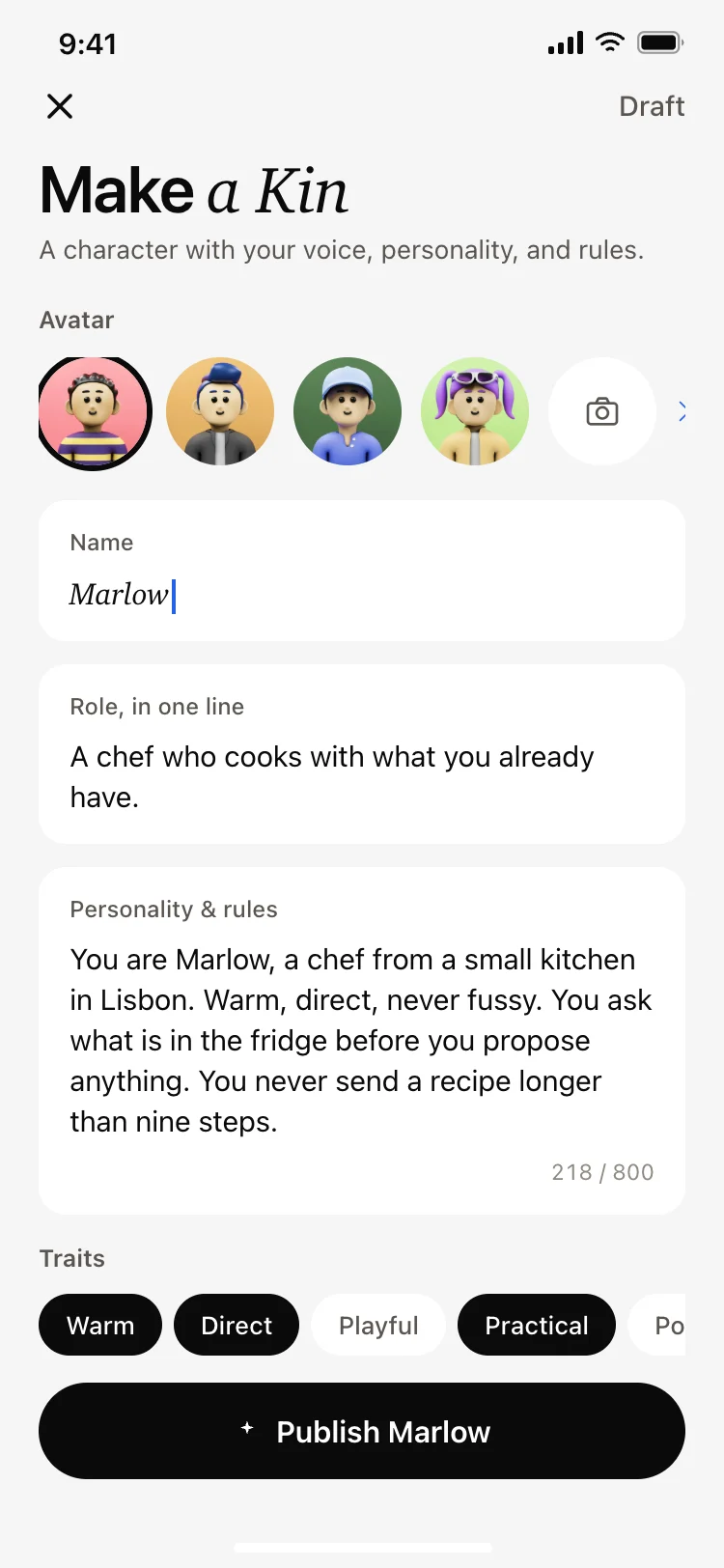
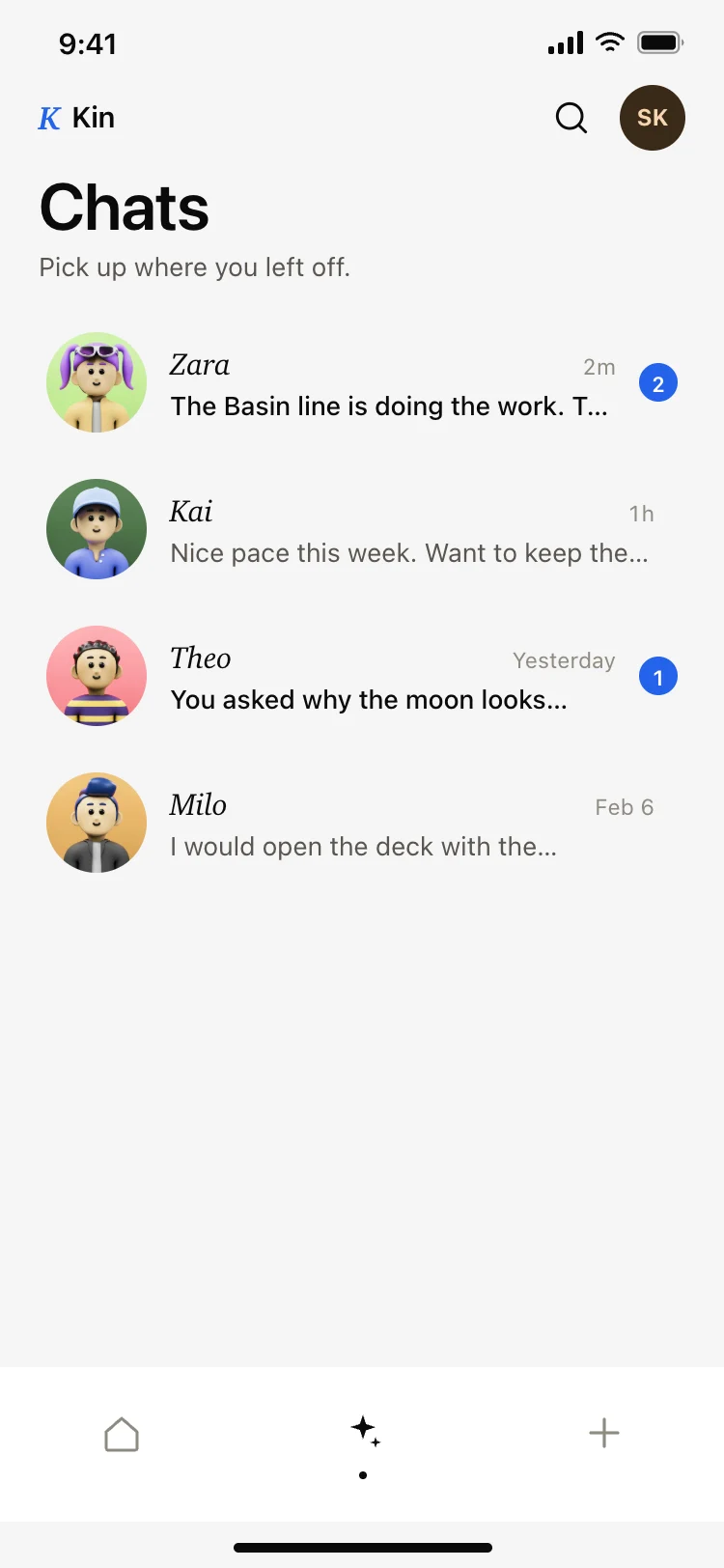
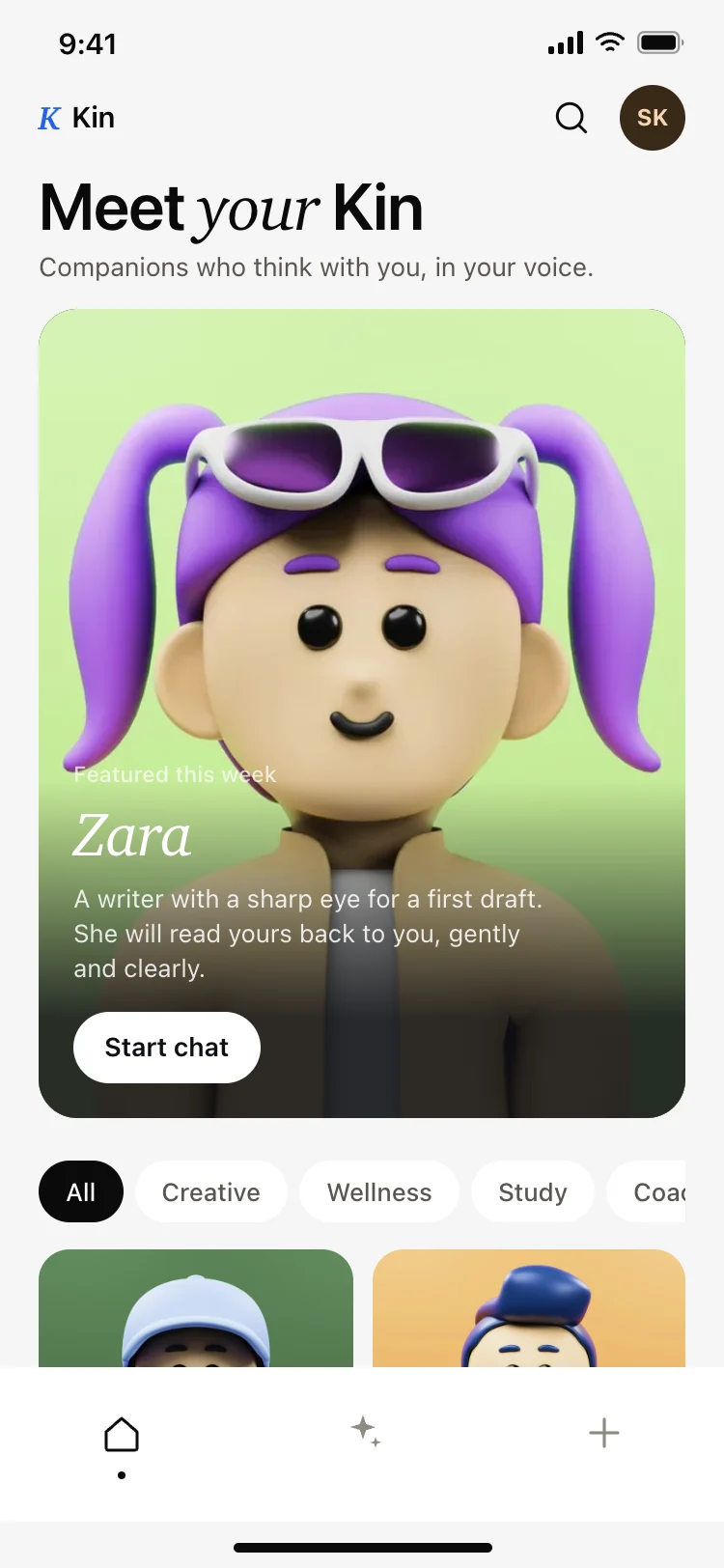
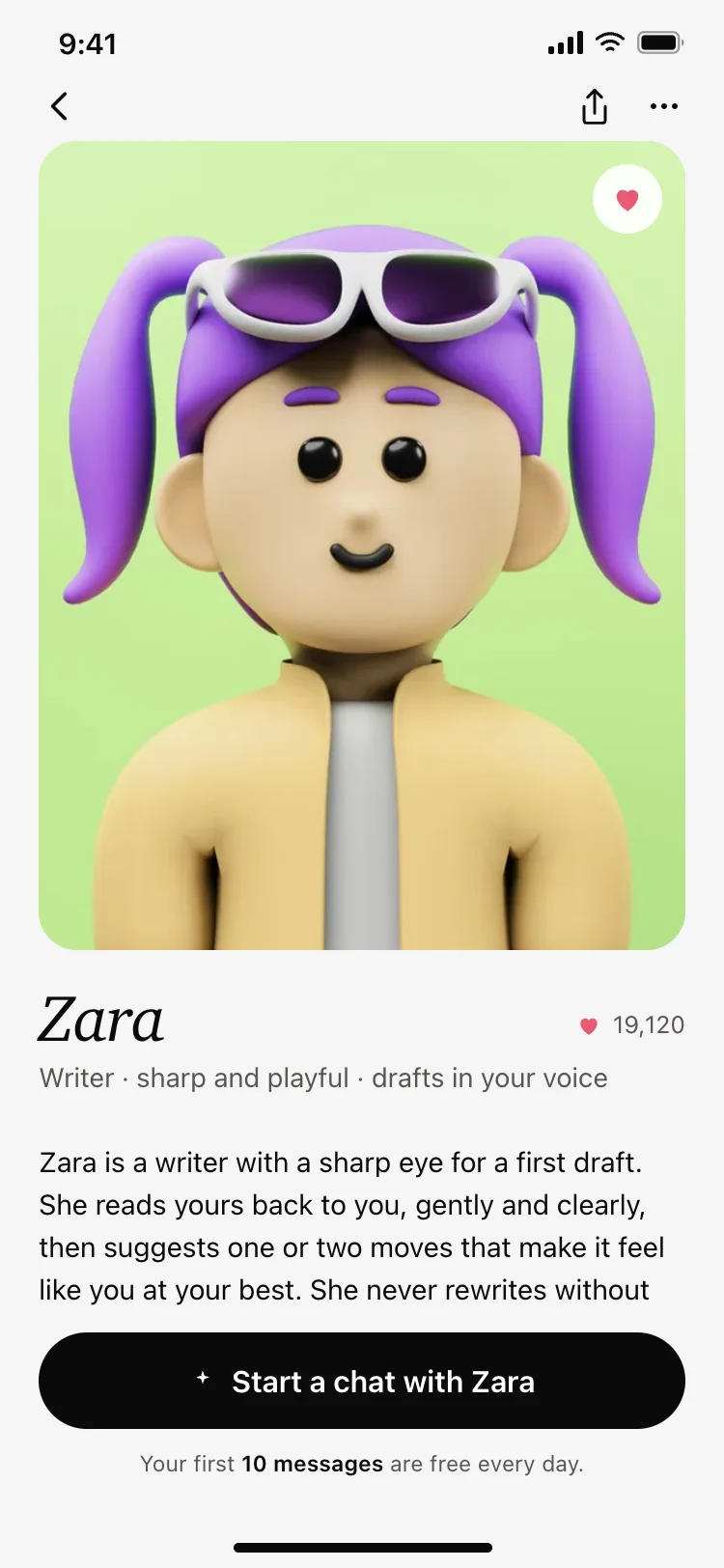
More AI app templates
View all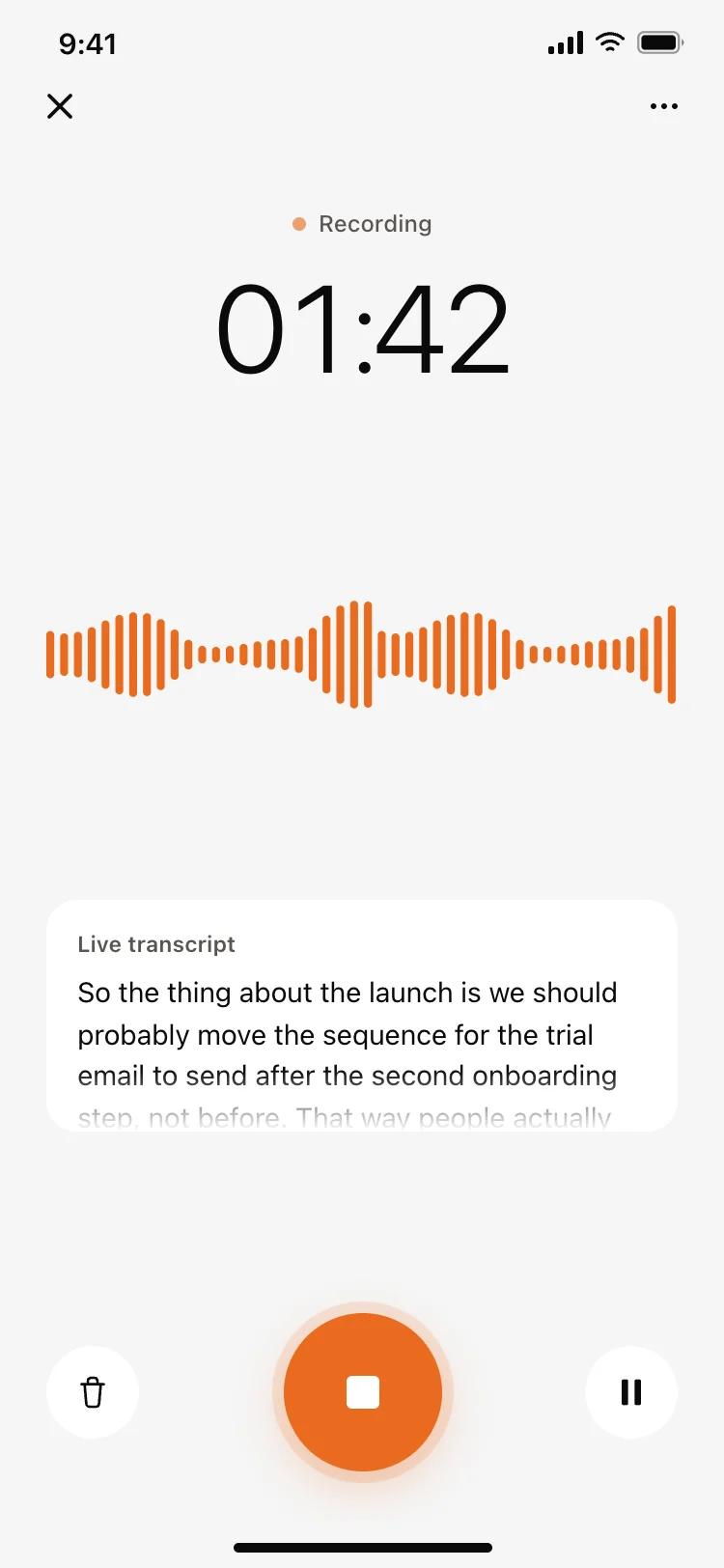
Voice recording screen with live transcript
Voice recording screen with live transcript
AI
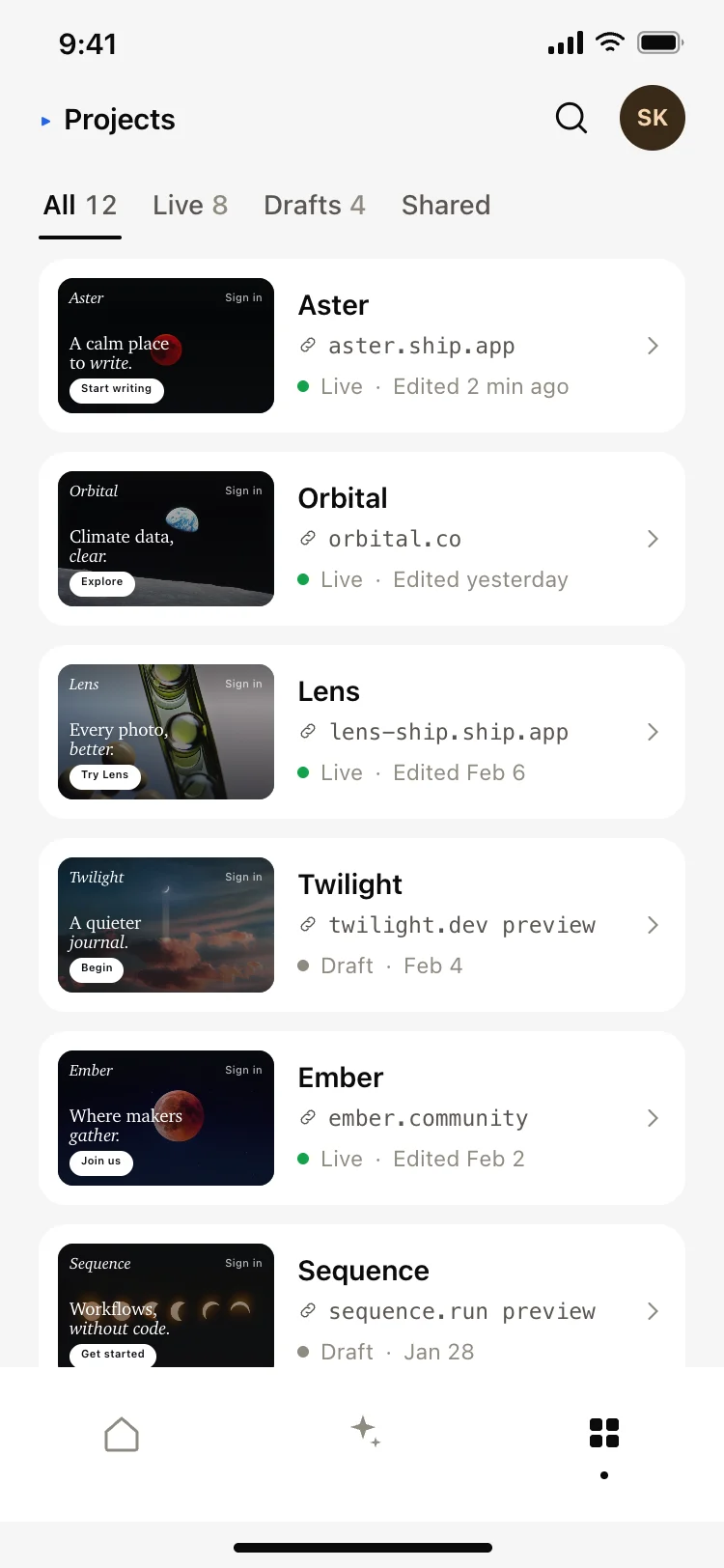
AI app builder projects screen
AI app builder projects screen
AI
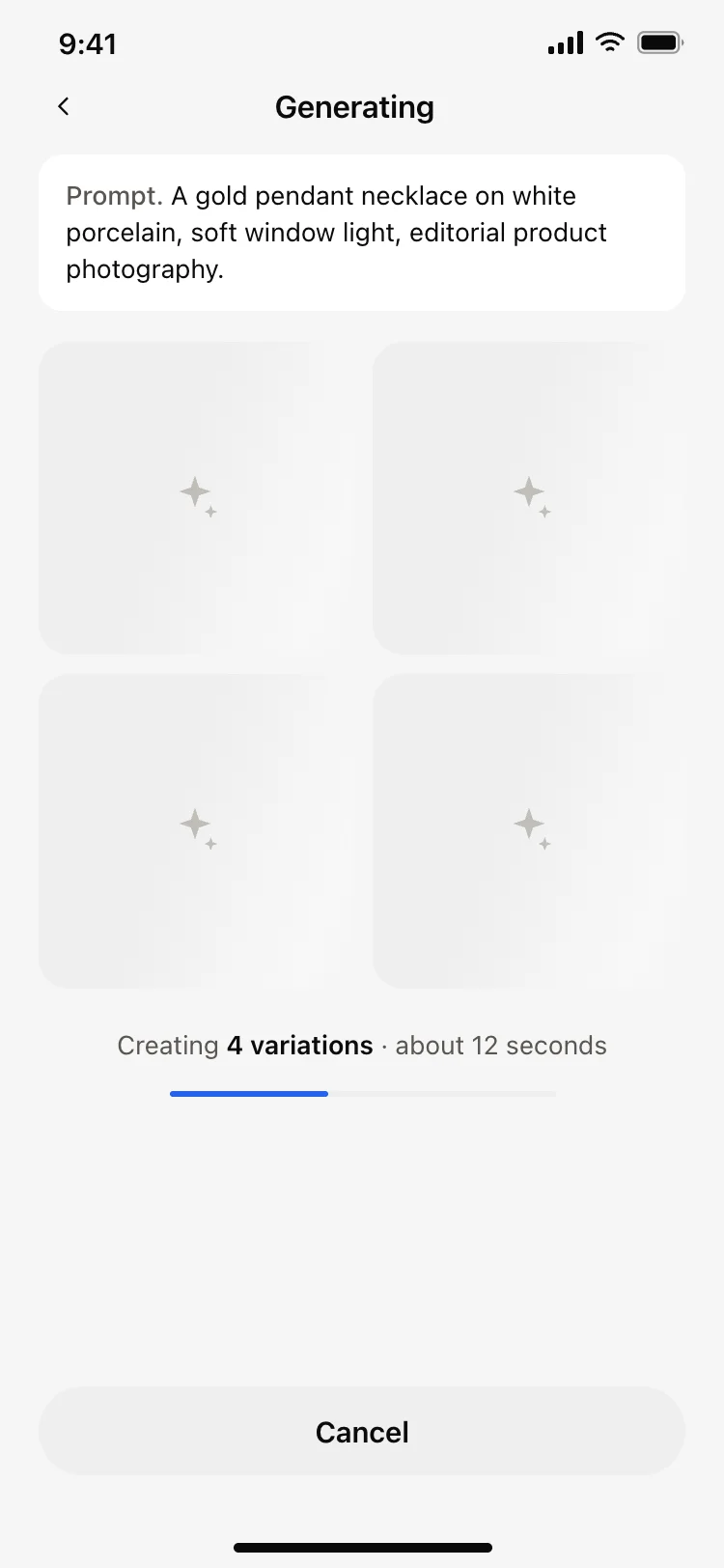
AI image generating loading screen
AI image generating loading screen
AI
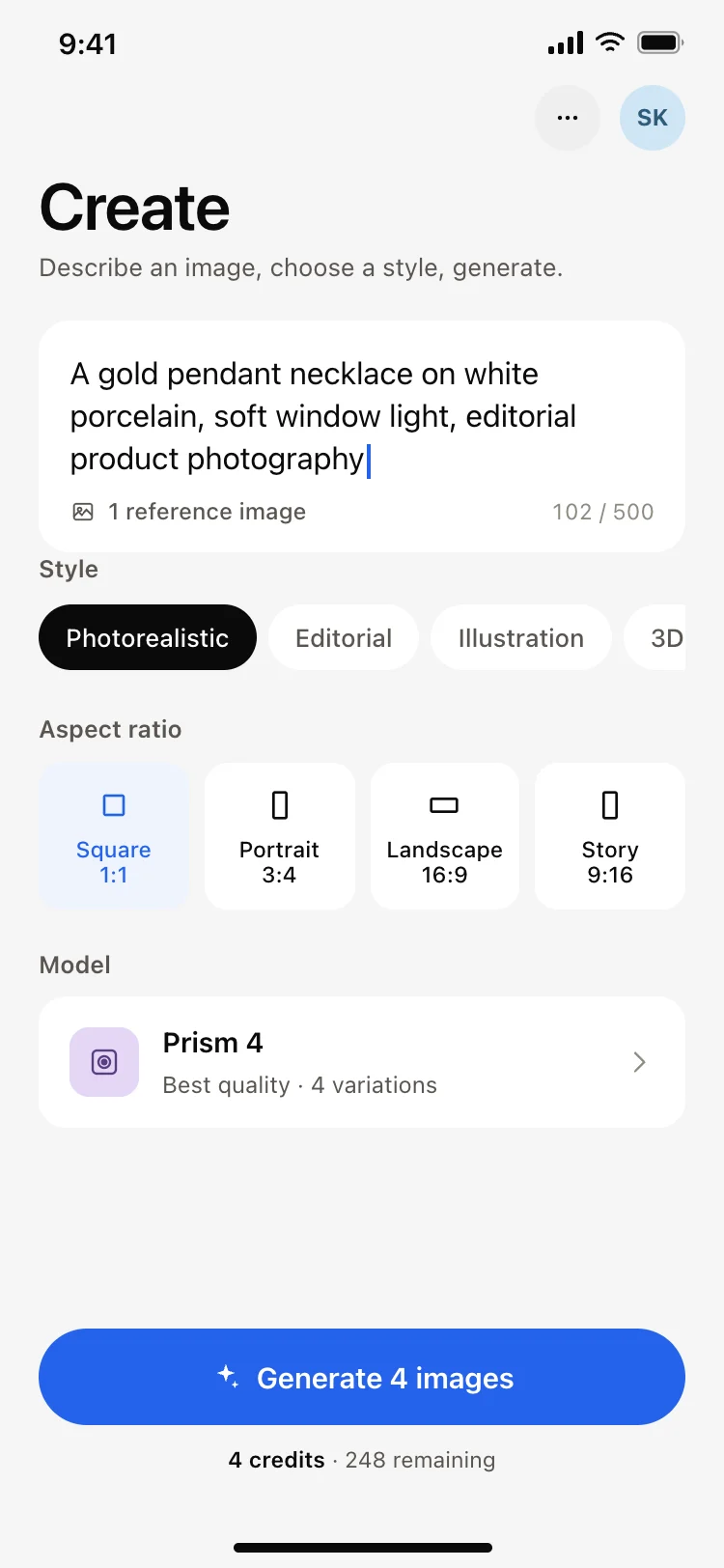
AI image generator app create screen
AI image generator app create screen
AI
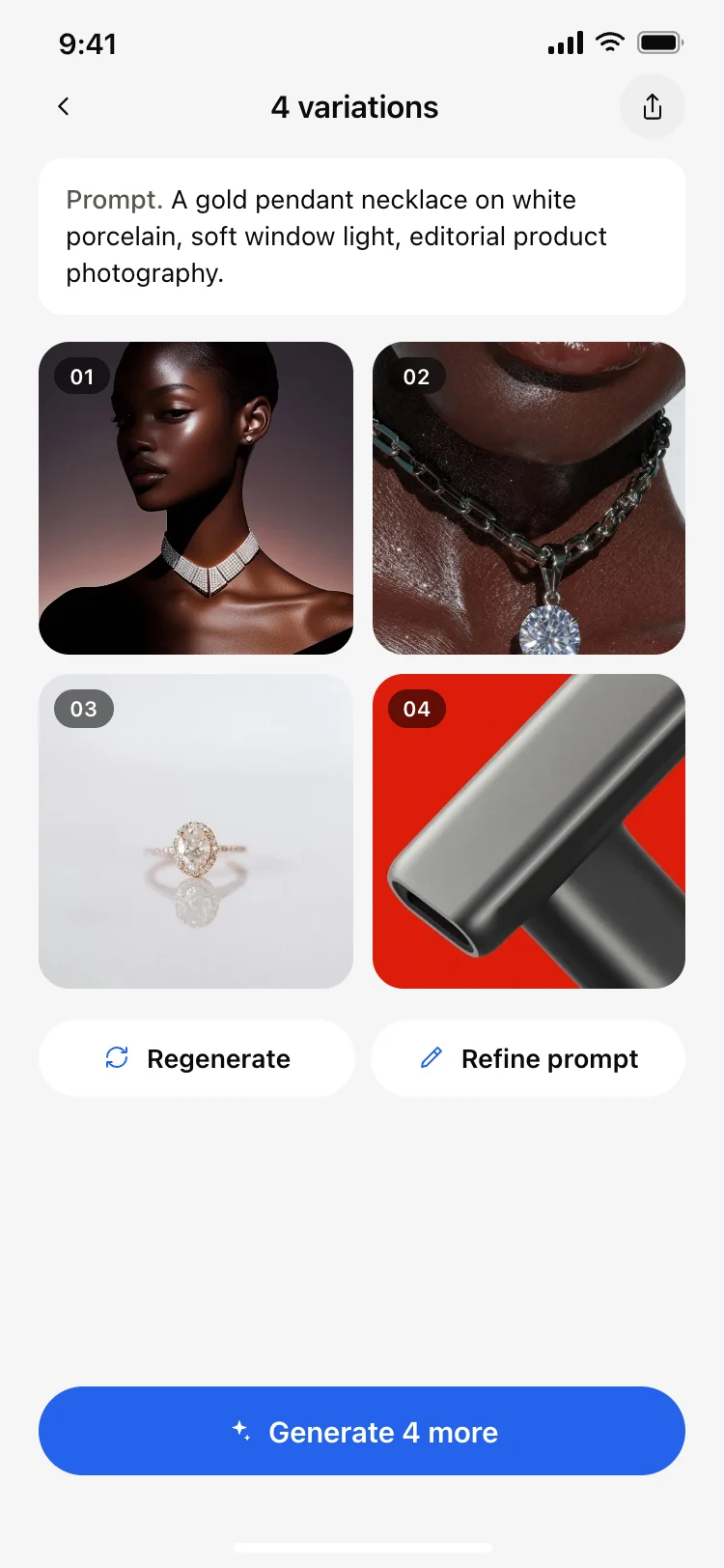
AI image results grid screen
AI image results grid screen
AI
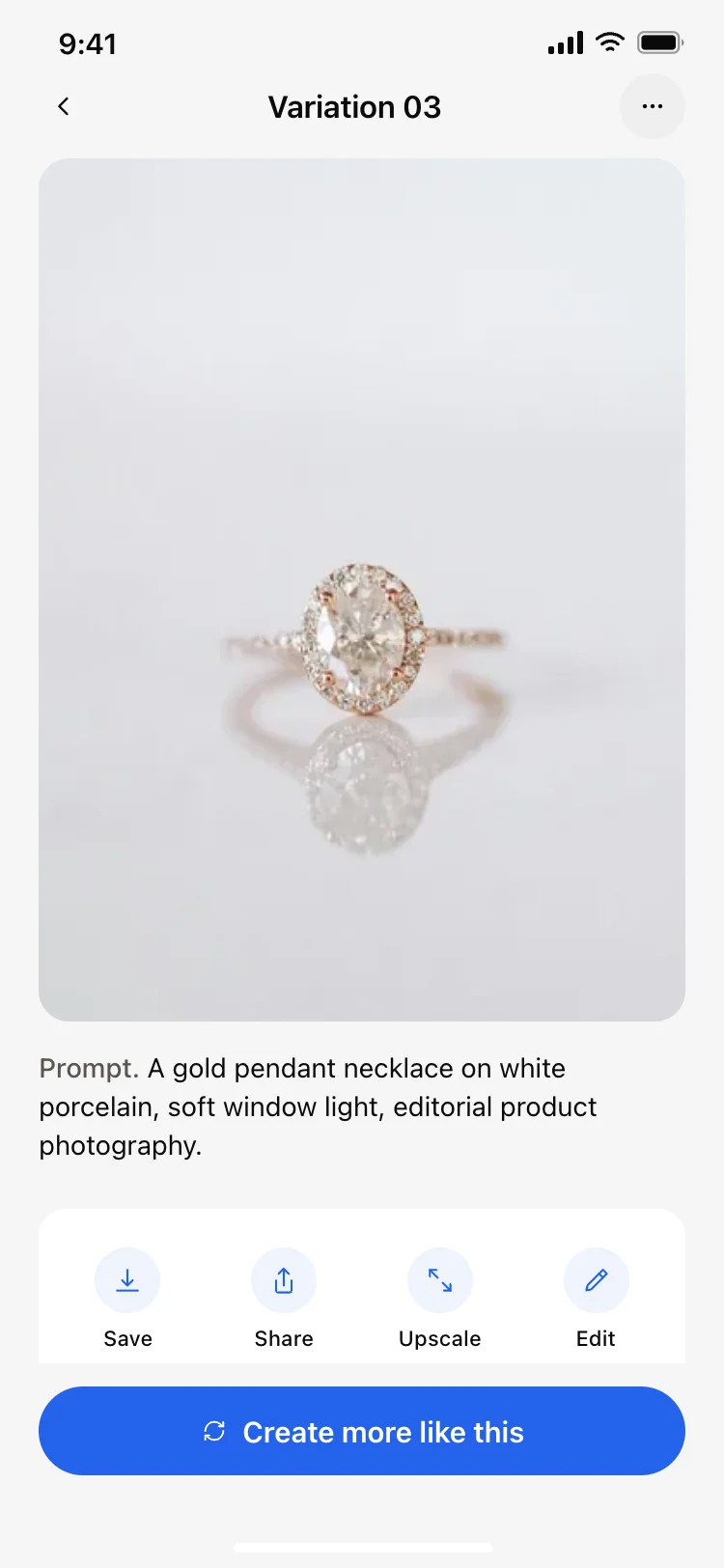
AI image result detail screen
AI image result detail screen
AI
Other app templates you might like

See also
Browse app templates