Notes app onboarding screen template
An onboarding splash screen for a notes or to-do app on iOS and Android. A serif headline, category cards and a start button. Built for productivity apps where the first impression is the download-to-retention moment. Build it in Bolt, Lovable, or Replit.
About this app template
The onboarding screen of a notes app has to do two things: show what the app looks like when it is full, and make the person tap Start. This template does both. The serif headline reads like stationery, the four pastel category cards underneath preview the colour coding the app uses for Work, Errands, Meetings and Habits, and the round start button is the only tap target. No tutorial carousel, no permission prompt, no sign-up gate. Paste it into Bolt, Lovable or Replit and ask your AI to navigate to the notes home screen on tap.
Build a full mobile app with this template design
A splash screen is the first frame of the product and sets the tone everything else is judged against, so it can set the standard for every screen after it. Copy the template, paste it into Claude Code, Replit, Lovable, ChatGPT Codex, Bolt, or Cursor, and send this alongside it.
Paste into Claude Code, Replit, Lovable, Bolt, or Cursor
Common questions about this template
Should I add a sign-up step before the notes screen?
No. Let people use the app first and ask for an account when they have something to lose, usually after the third or fourth note. Gating the first screen behind sign-up is the biggest single cause of drop-off in productivity apps.
Can I change the category names and colours?
Yes. Ask your AI to rename the cards and change the background colours. The four-card layout works for any set of categories: Work, Personal, Shopping, Health, or whatever your app uses.
What if I want a dark theme?
Ask your AI to swap the background to near-black, the text to white, and the category cards to darker tints of the same hues. The serif headline and the round start button hold in both themes.
Use this template for
- ·Notes app and to-do app onboarding screens for iOS and Android vibe coding
- ·Productivity app splash screens and first-launch templates for Bolt and Lovable
- ·Task organiser welcome screens with category previews
- ·Minimal onboarding templates for note-taking and journaling apps
More from the Notes app set
All 2 screens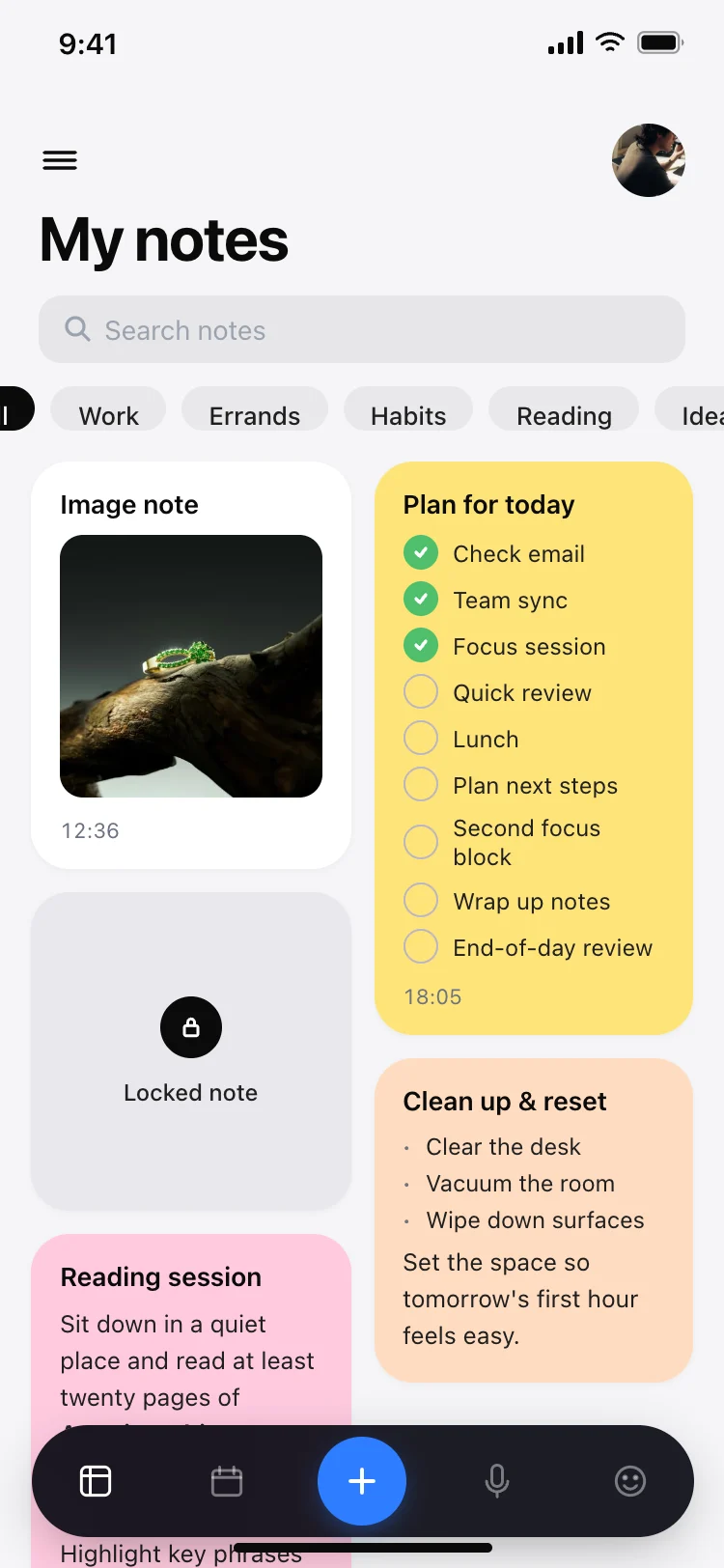
More splash app templates
View all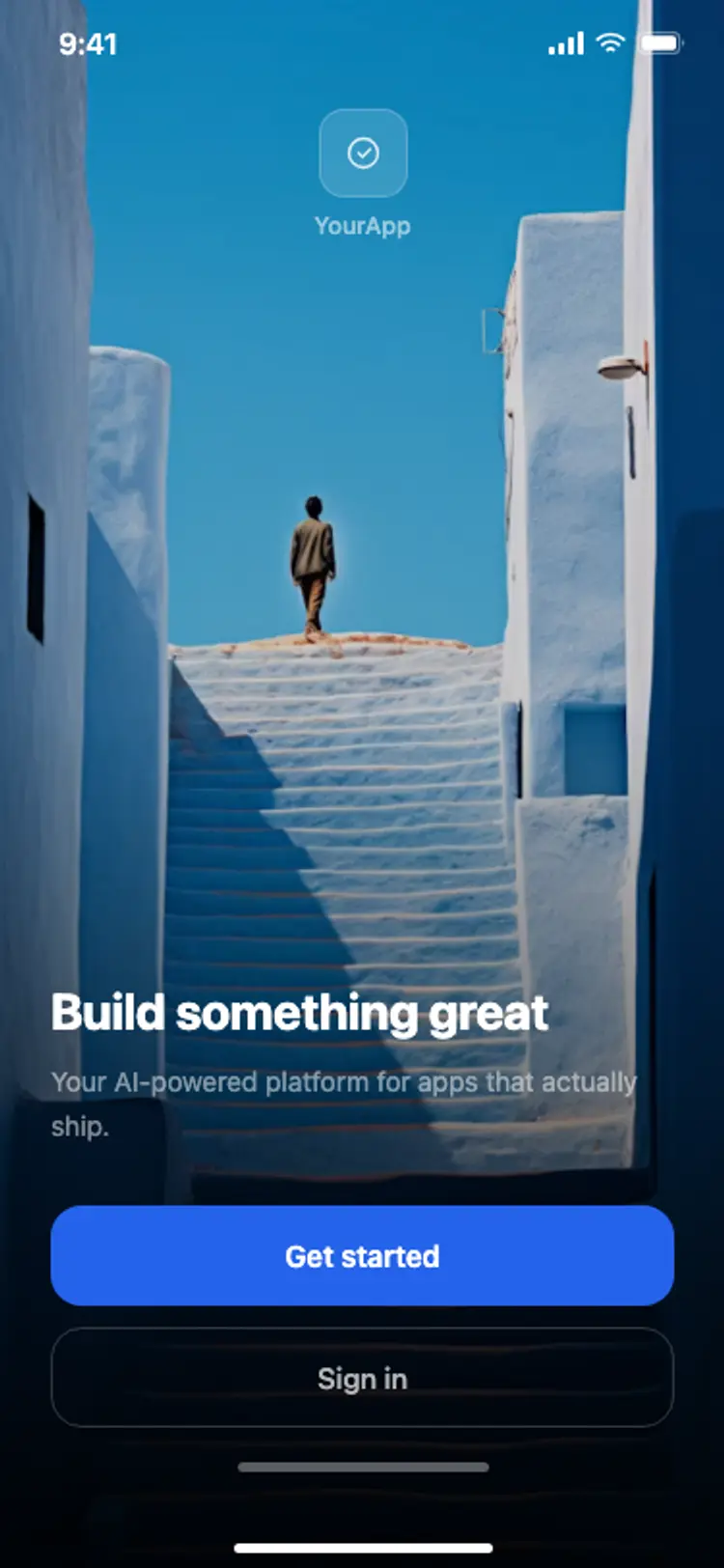
Other app templates you might like

See also
Browse app templates