Notes app home screen template
A home screen for a notes app on iOS and Android with a masonry grid, search, colour-coded cards and a checklist. Built for productivity and note-taking apps where scanning many notes quickly is the core interaction. Build it in Bolt, Lovable, or Replit.
About this app template
The home screen of a notes app is a search problem: people have dozens or hundreds of notes and they need to find the right one in two seconds. This template solves it with a large title, a search bar, horizontal filter chips, and a two-column masonry grid of colour-coded cards. The grid includes a text note, an image note, a locked note, a checklist with completed items, and a task card with bullets. The floating dark tab bar at the bottom carries a blue FAB for new notes. Paste it into Bolt, Lovable or Replit and ask your AI to read notes from a local database or Supabase.
Build a full mobile app with this template design
A home screen carries the type scale, spacing, and card style a user sees more than any other surface, so it can set the standard for every screen after it. Copy the template, paste it into Claude Code, Replit, Lovable, ChatGPT Codex, Bolt, or Cursor, and send this alongside it.
Paste into Claude Code, Replit, Lovable, Bolt, or Cursor
Common questions about this template
How do I add real notes to the grid?
Ask your AI to read notes from a local SQLite database, Supabase or Sanity. Pass the title, body, colour, timestamp and type through, and the grid will fill in naturally.
Should the masonry grid be two or three columns?
Two columns on a phone, three on a tablet. Two columns let each card carry enough text to be scannable; three columns make the cards too narrow to read body text.
How does the locked note work?
Ask your AI to gate the locked card behind Face ID, Touch ID or a PIN. The template shows the visual state; the authentication is a single API call on both iOS and Android.
Can I use this for a journaling app?
Yes. The masonry grid, search and colour coding work for journal entries, mood logs, gratitude lists and any app where people write short pieces and return to them later.
Use this template for
- ·Notes app home screen templates for iOS and Android vibe coding
- ·Masonry grid note-taking app UI for Bolt, Lovable and Replit
- ·Colour-coded checklist and to-do app home screens
- ·Search and filter screens for productivity and journaling apps
More from the Notes app set
All 2 screens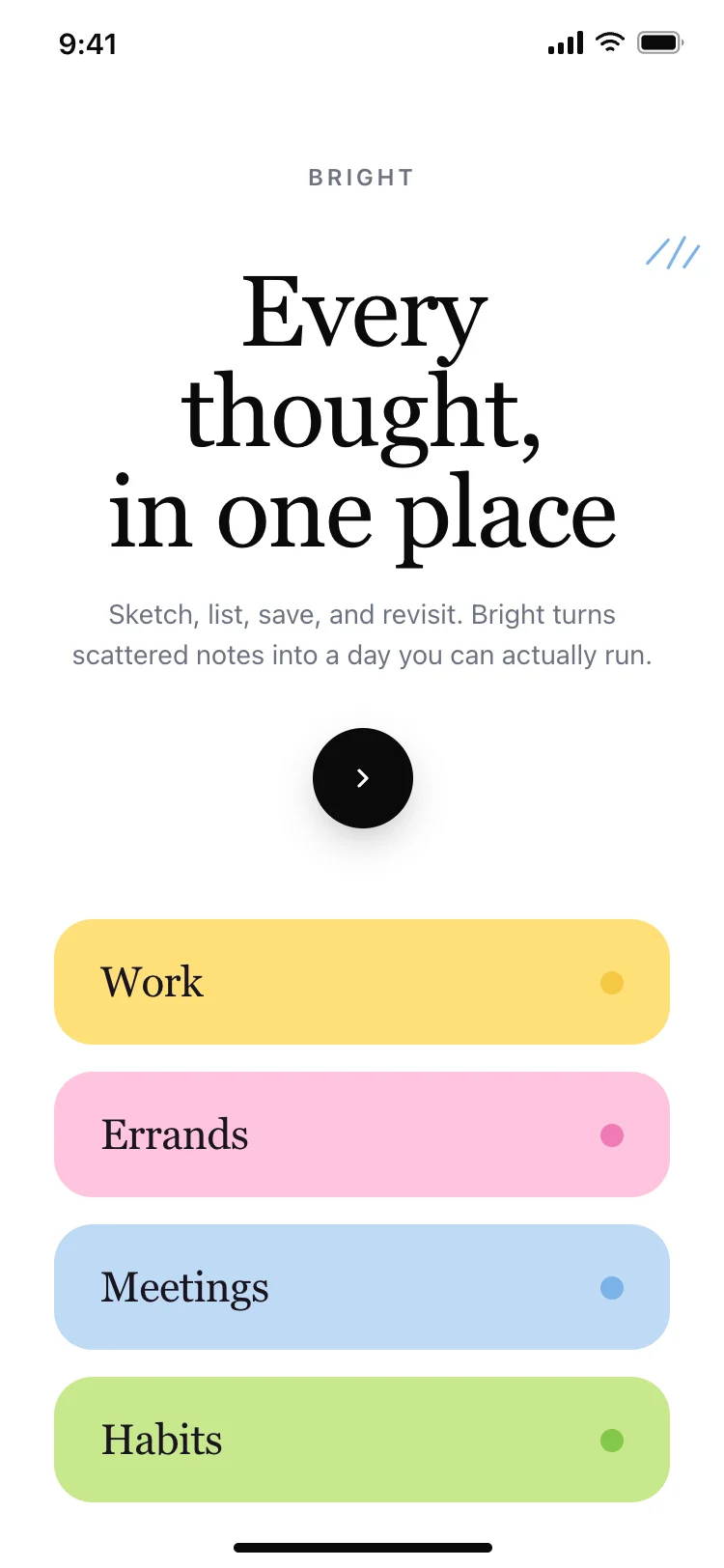
More home app templates
View all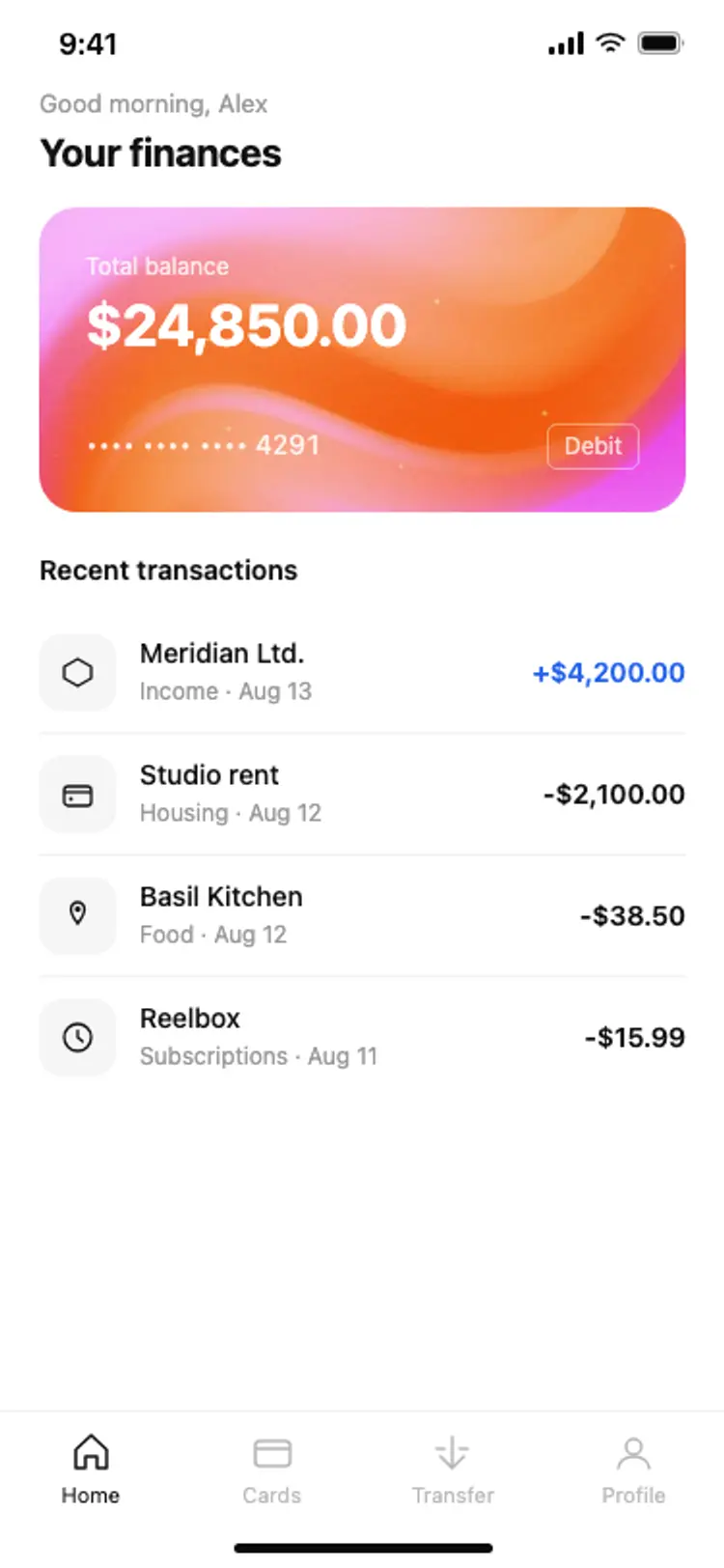
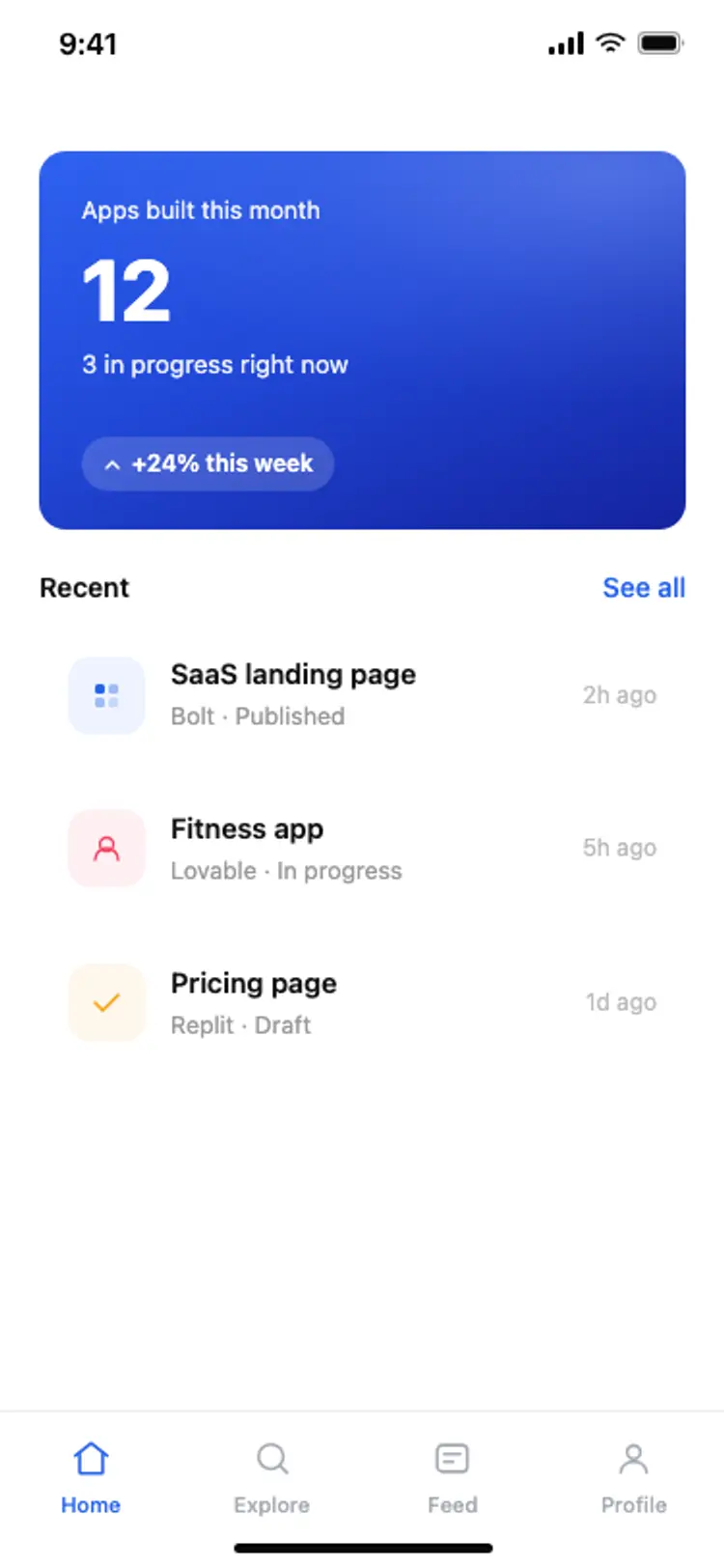
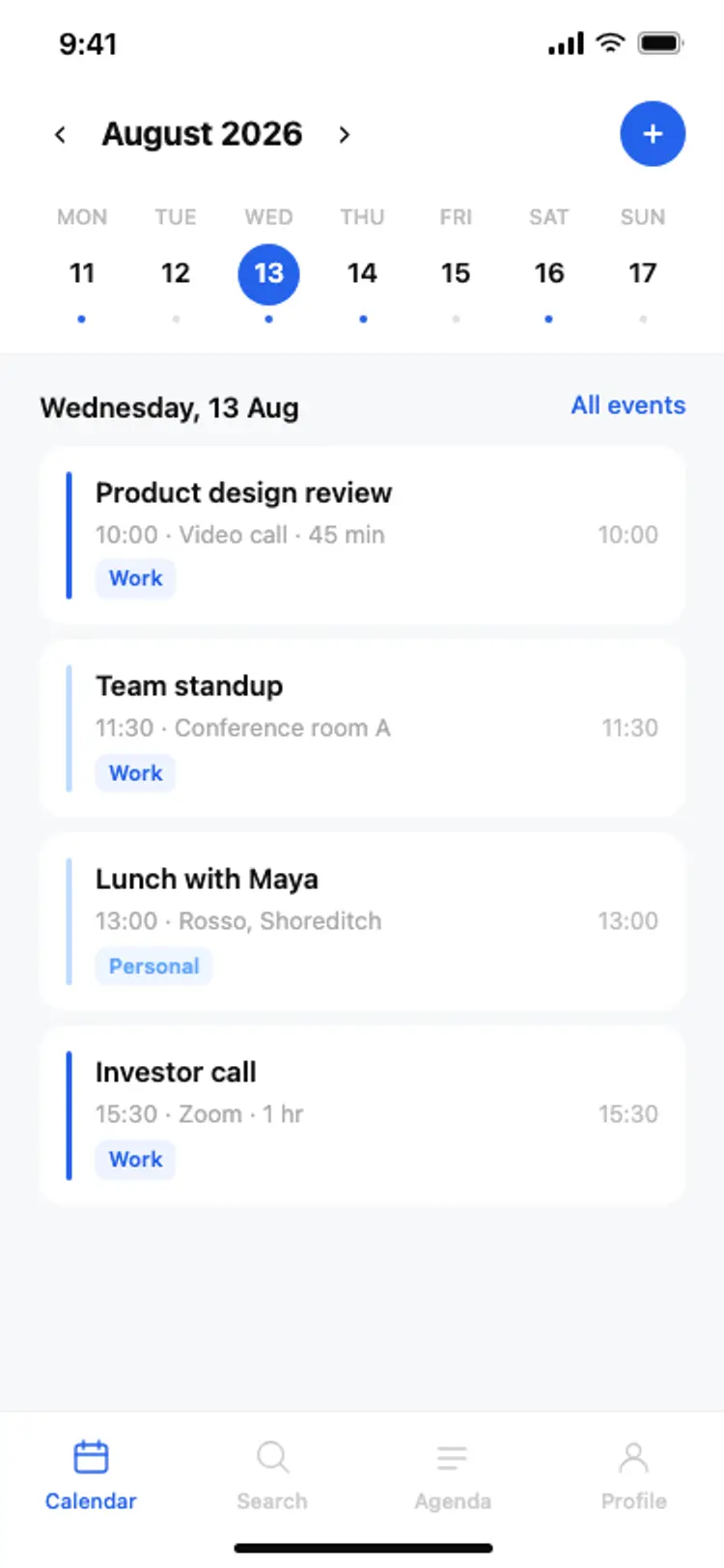
Other app templates you might like

See also
Browse app templates