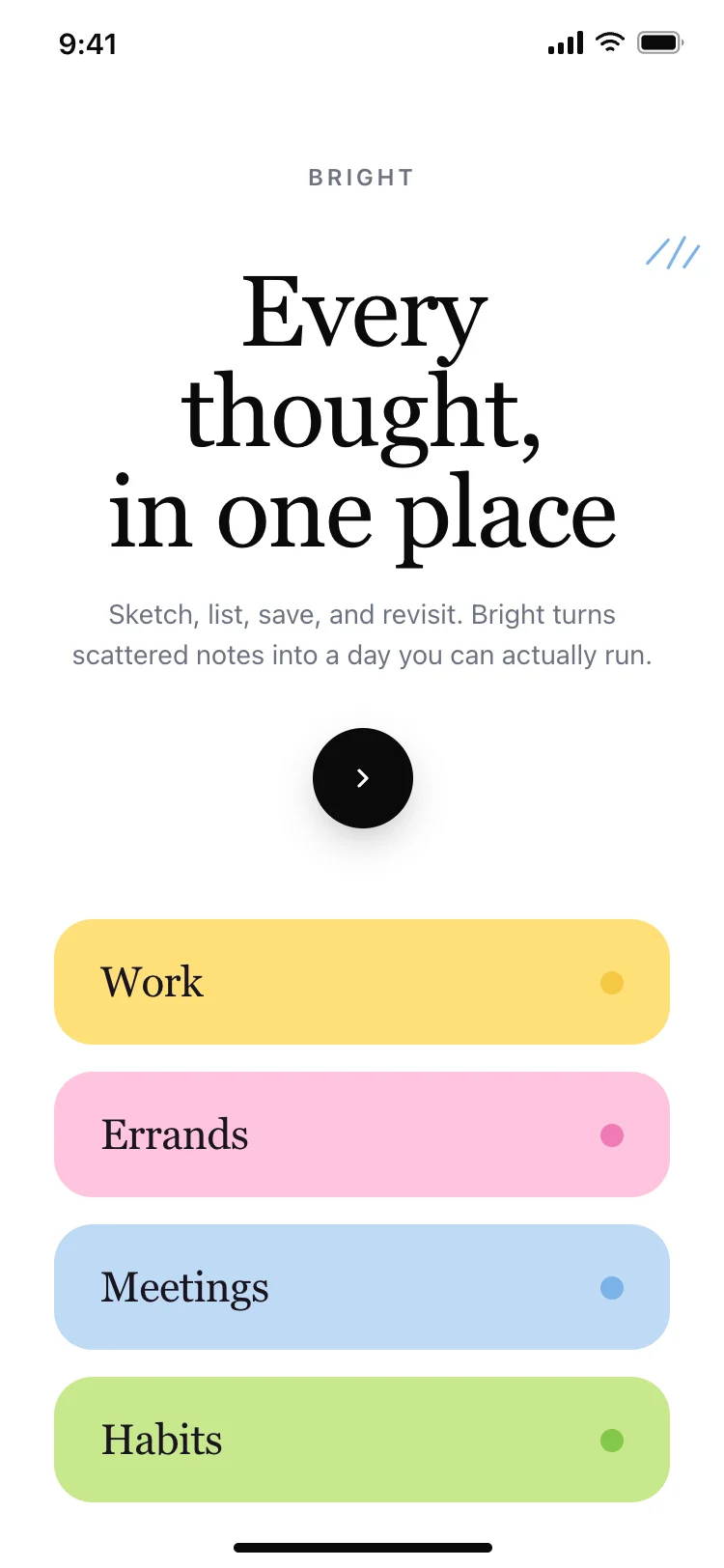
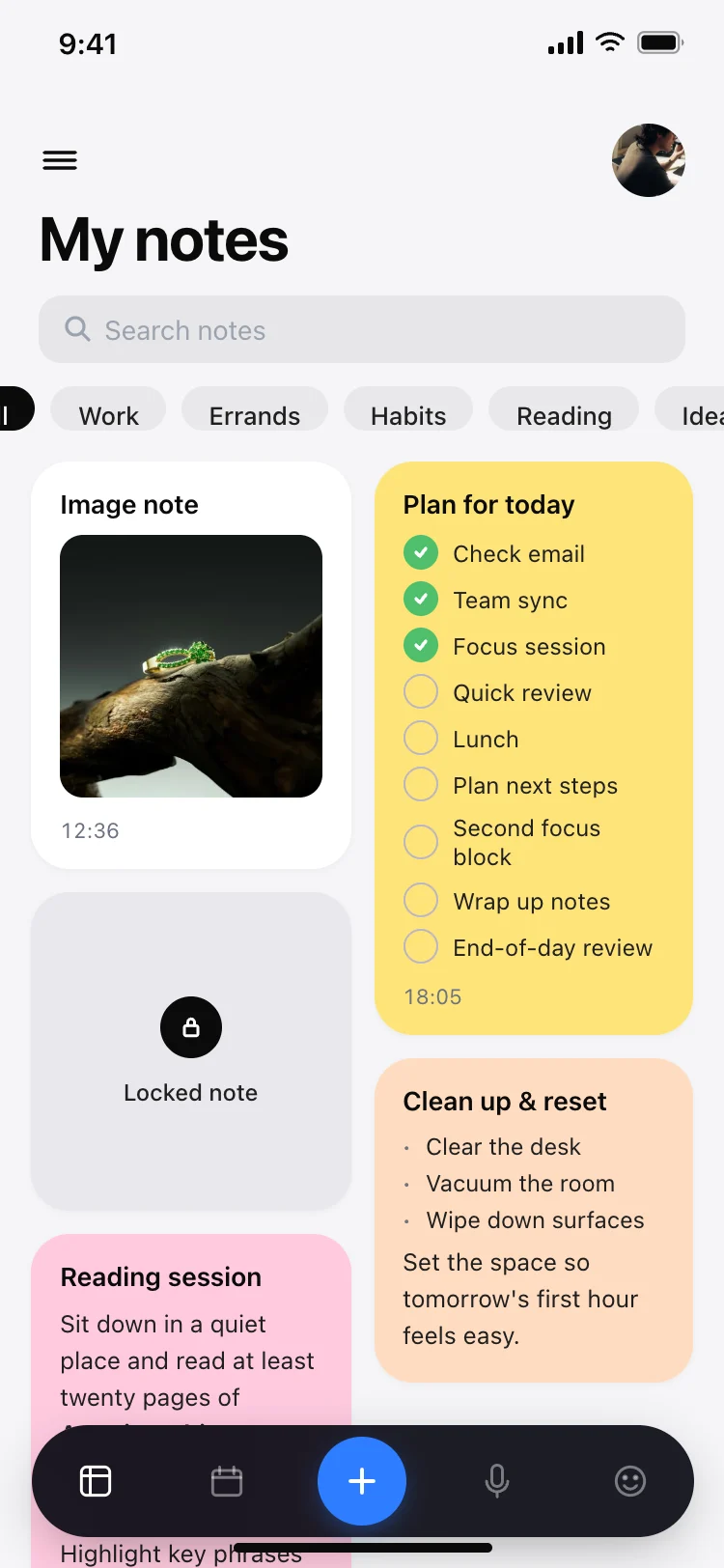
Best notes and to-do app screens for AI vibe coding: an onboarding splash with category previews, and a home screen with a masonry grid, search, colour-coded cards, checklists and a locked note. Two screens sharing one light design, so a note-taking or productivity app arrives whole. Copy any coding template and paste it into Replit, Lovable, Claude Code, Bolt, or Cursor.
An onboarding screen and a home grid. The onboarding shows what the app looks like when it is full, and the home grid is where people spend all their time. These two are the minimum viable notes app.
A grid, two columns on a phone, three on a tablet. A list only shows titles, and people recognise their notes by colour and shape faster than by reading the first line.
Paste the home screen into Replit, Lovable, Claude Code, Bolt, or Cursor. The search bar and filter chips are already there. Ask your AI to filter the grid by the active chip and the search query.
Yes. The masonry grid, colour coding and checklist cards work for journal entries, mood logs, gratitude lists and any app where people write short pieces and return to them later.