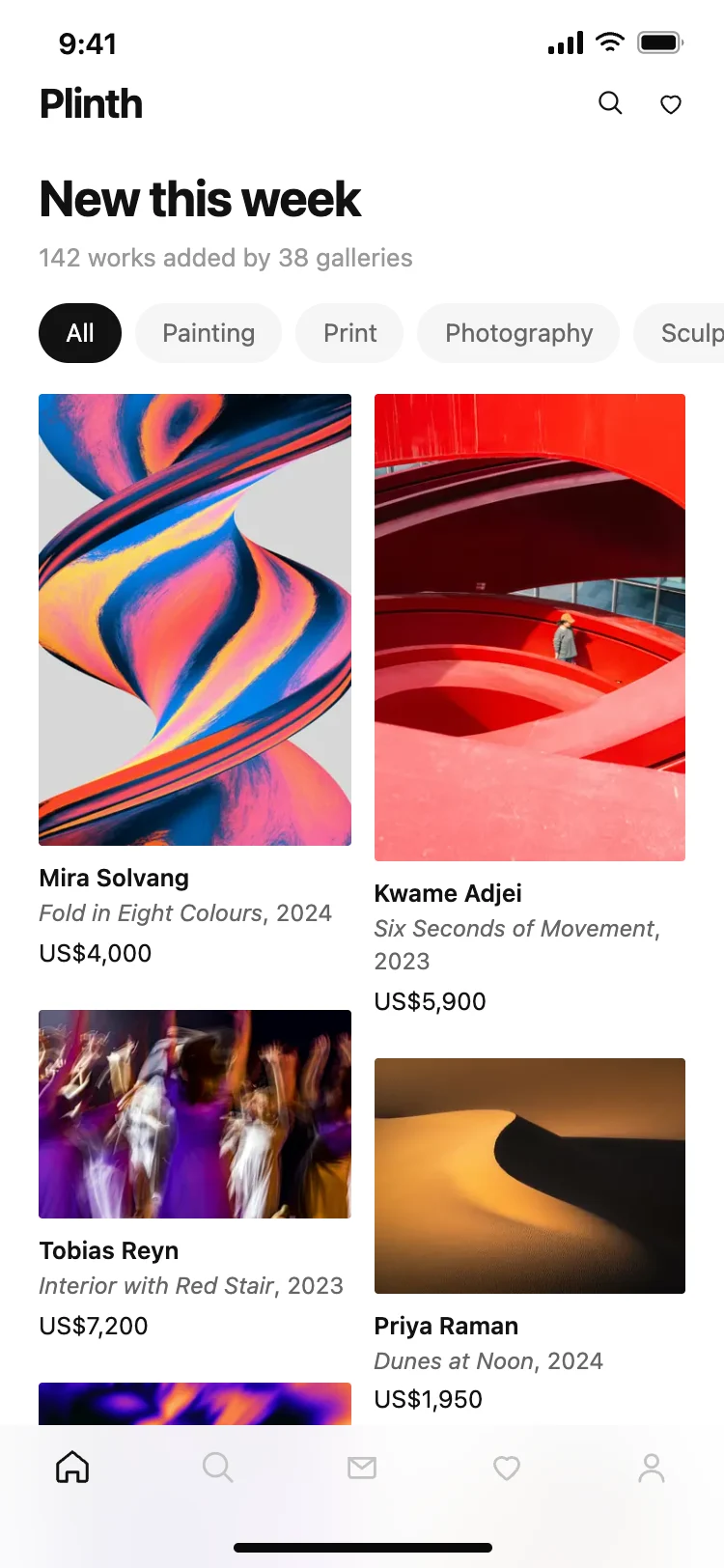
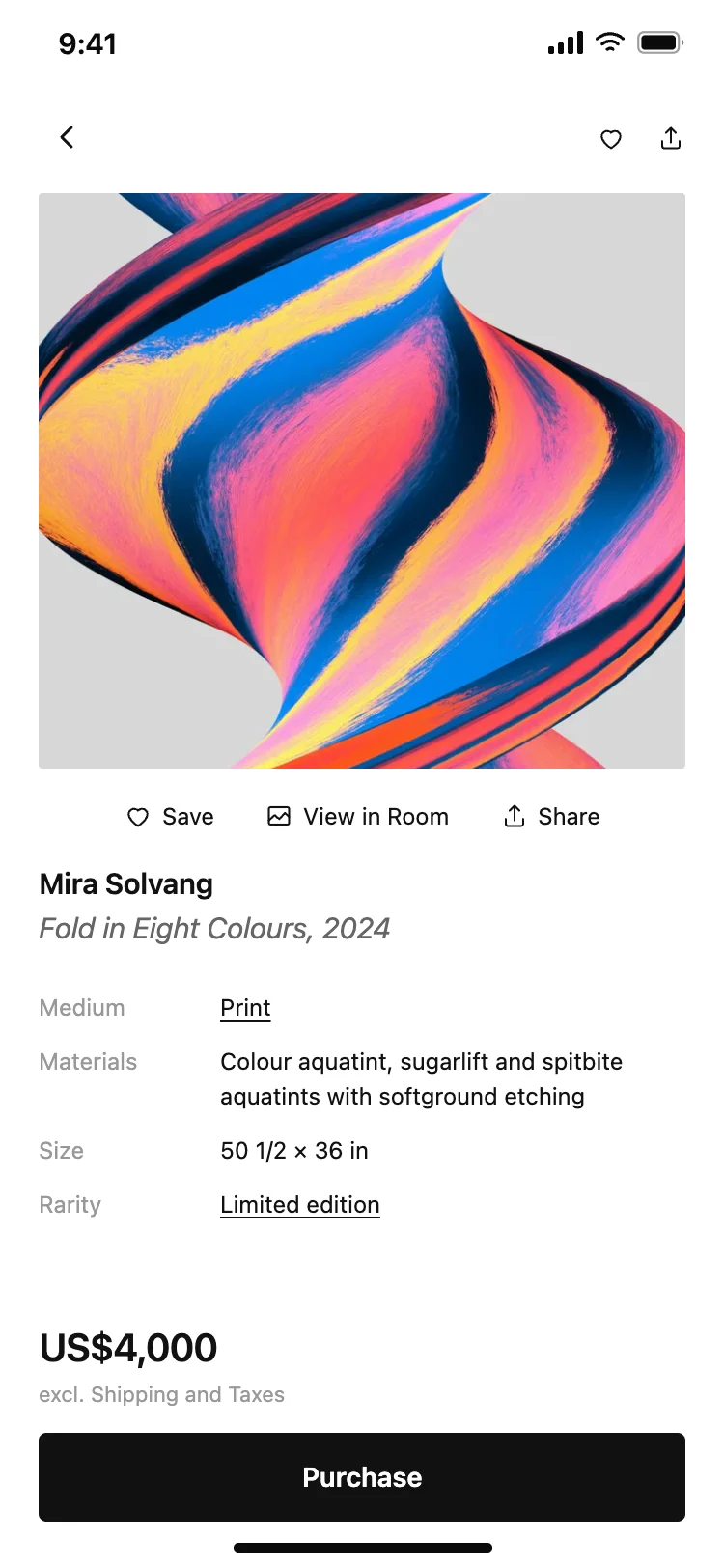
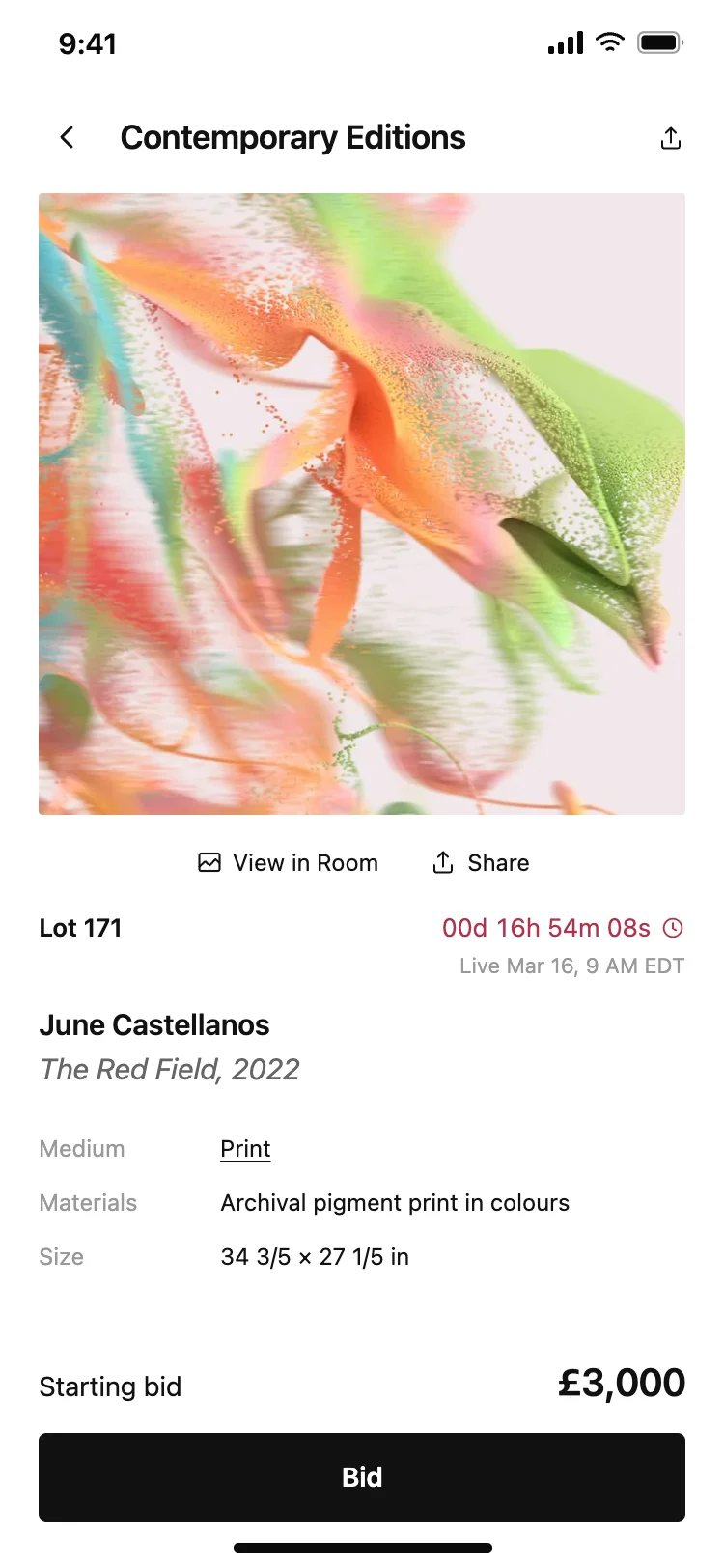
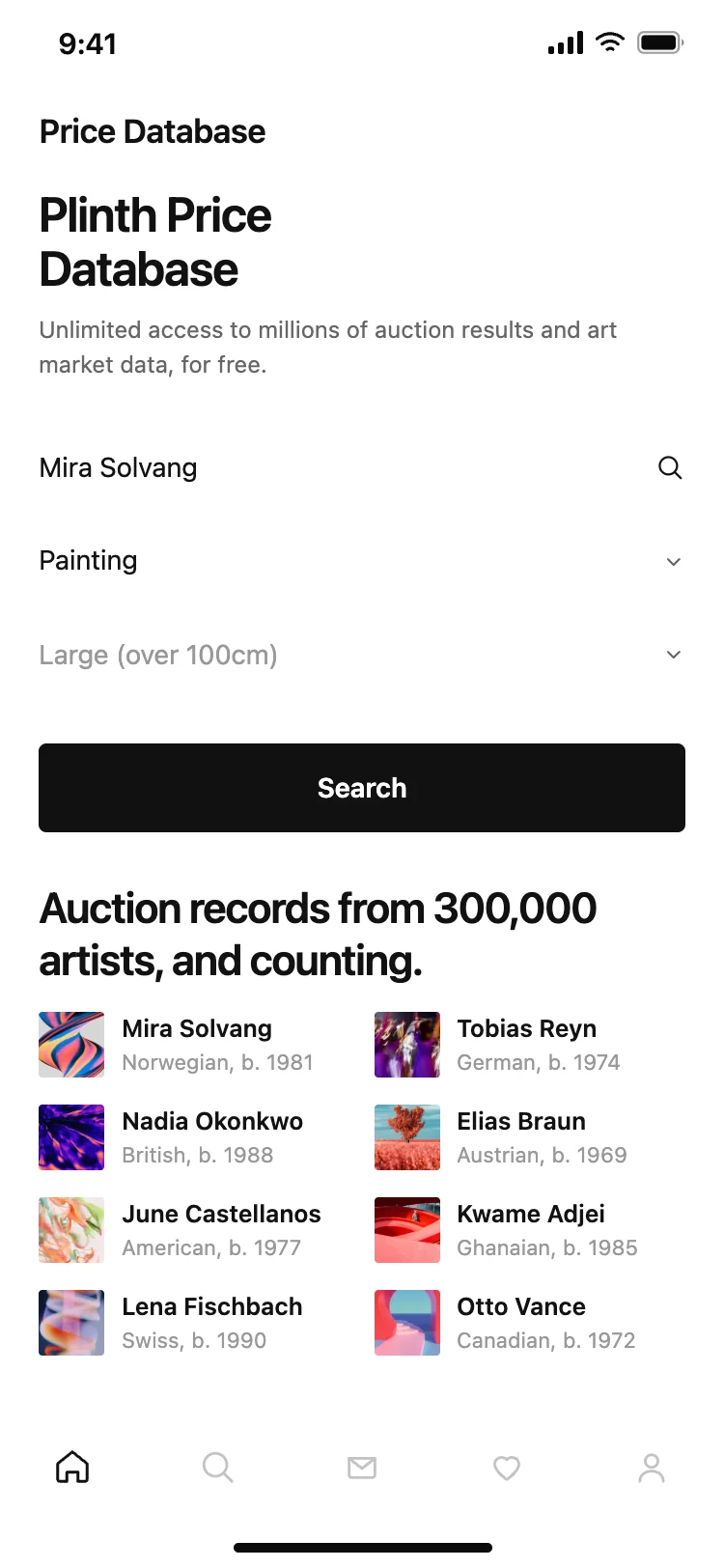
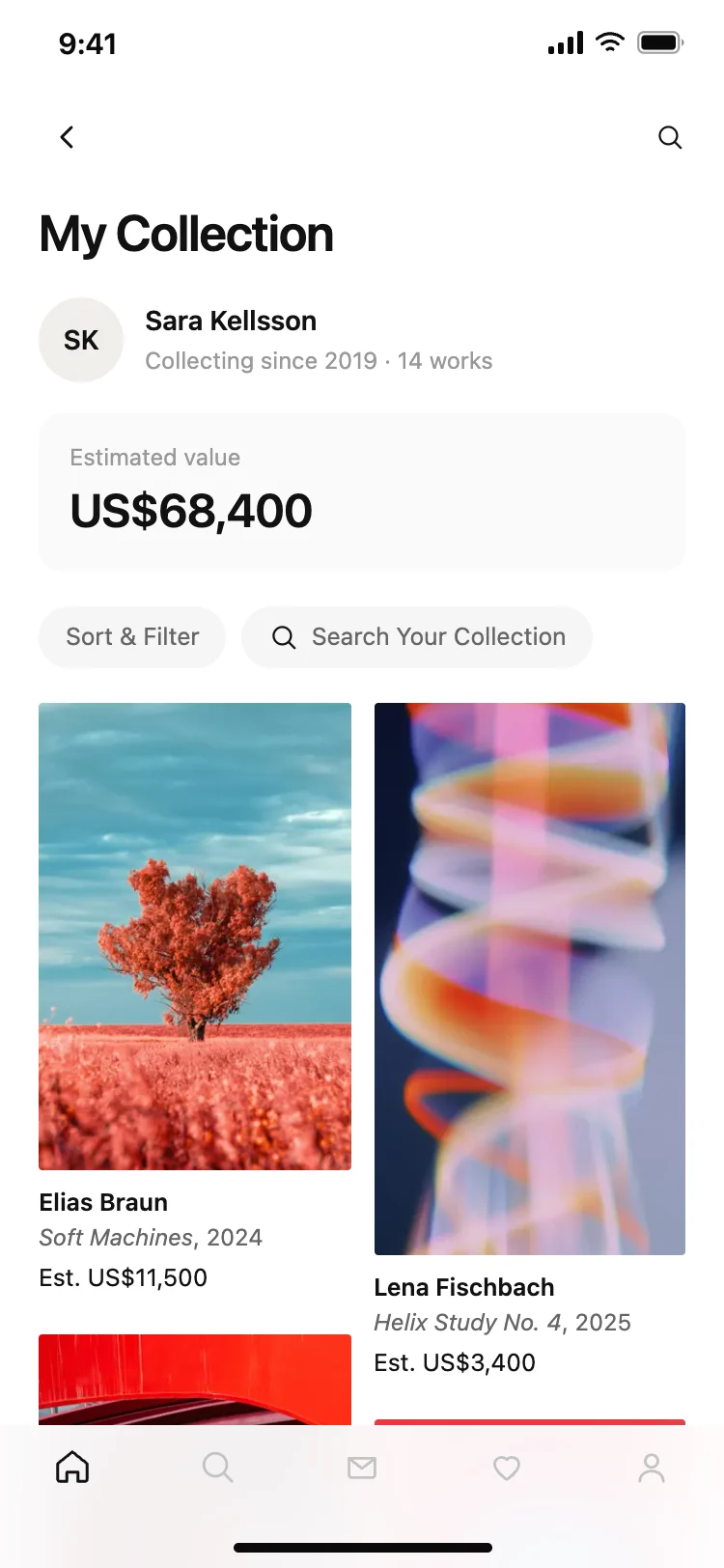
Best art marketplace and gallery app screens for AI vibe coding: a home for browsing new work, an artwork detail that carries the sale, an auction lot with a closing time, a price database for research, and a personal collection with current values. Five screens sharing one design, so a gallery, auction or collector app arrives whole. Copy any coding template and paste it into Replit, Lovable, Claude Code, Bolt, or Cursor.
Browsing, one work in full, and a way to buy it. Research and a personal collection come next, and they are what bring somebody back between purchases, which is why this family has all five.
It is the only screen a buyer reads properly. Medium, size, edition and condition decide the sale, and anything missing from that list becomes an email rather than an order.
Yes. Watches, wine, rare books, design objects and trading cards all sell the same way: individually photographed items, individually valued, with provenance mattering more than a spec sheet.
Paste them into Replit, Lovable, Claude Code, Bolt, or Cursor and ask for Stripe or a native payment sheet. Drive any auction countdown from the server rather than the device clock, which is the mistake that causes disputes at the close.