Art marketplace app home screen template
A home screen for an art marketplace or online gallery app on iOS and Android. Built for galleries, print shops, artist collectives and any marketplace selling original work or limited editions, where browsing is most of what people come to do. Build it in Bolt, Lovable, or Replit.
About this app template
Art buying happens by looking, so the home screen of a marketplace app carries more weight than it does almost anywhere else. This screen is written for galleries selling online, print editions, photography sellers, artist collectives and the growing number of marketplaces built by one or two people rather than by an auction house. It works for adjacent catalogues too, where the object is the argument: design objects, rare books, vintage furniture, collectible prints. Paste it into Bolt, Lovable or Replit and ask your AI to read inventory from Supabase, Sanity or Shopify, and it will fill in around what is already there rather than inventing a layout of its own.
Build a full mobile app with this template design
A home screen carries the type scale, spacing, and card style a user sees more than any other surface, so it can set the standard for every screen after it. Copy the template, paste it into Claude Code, Replit, Lovable, ChatGPT Codex, Bolt, or Cursor, and send this alongside it.
Paste into Claude Code, Replit, Lovable, Bolt, or Cursor
Common questions about this template
How do I connect real inventory to this screen?
Paste it into Bolt, Lovable or Replit and ask your AI to read works from Supabase, Sanity or a Shopify catalogue. Pass the artist, the title, the year and the price through, and keep the image at its own proportions rather than cropping every work to a square.
Should prices be shown before somebody taps in?
Yes, for anything under about ten thousand. Hiding the price is a gallery habit that costs online sellers enquiries, because most people will not ask. Reserve price on request for the top of the range where the conversation is the point.
How do I add filters by medium or price?
Ask your AI to make the filter row drive a query rather than a client-side filter, so the list stays fast once the catalogue passes a few hundred works. Medium, price band and availability are the filters people actually use.
Can I use this for something other than art?
Yes. It suits any catalogue where the photograph is doing the selling and the objects are not the same shape as each other: design pieces, rare books, vintage furniture, prints and plates.
Use this template for
- ·Art marketplace and online gallery app home screens for iOS and Android vibe coding
- ·Artwork browsing and discovery screens for galleries and print sellers
- ·Collectibles and limited edition marketplace app templates for Bolt and Lovable
- ·Catalogue home screens for design objects, photography and rare goods
More from the Art marketplace app set
All 5 screens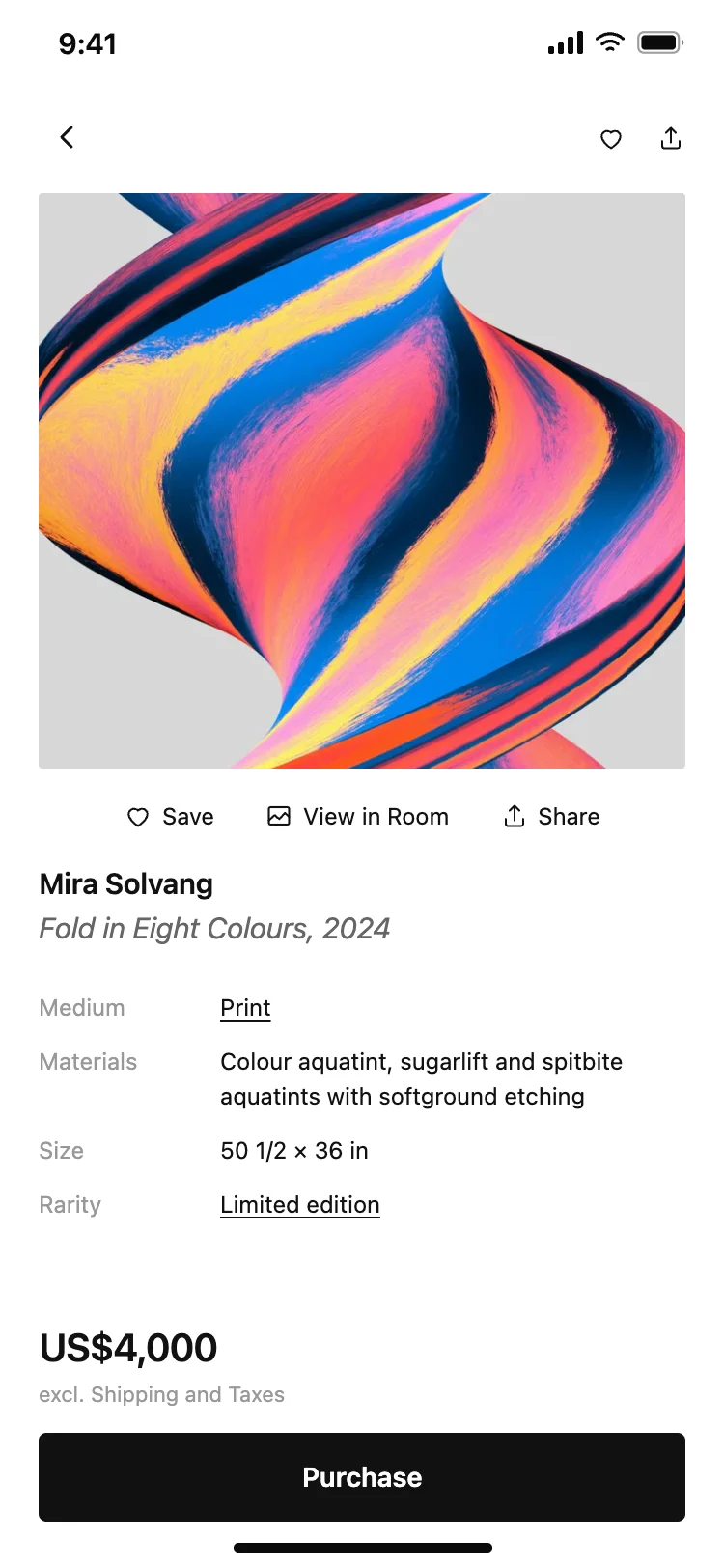
Art marketplace app artwork detail screen
Art marketplace app artwork detail screen
Detail
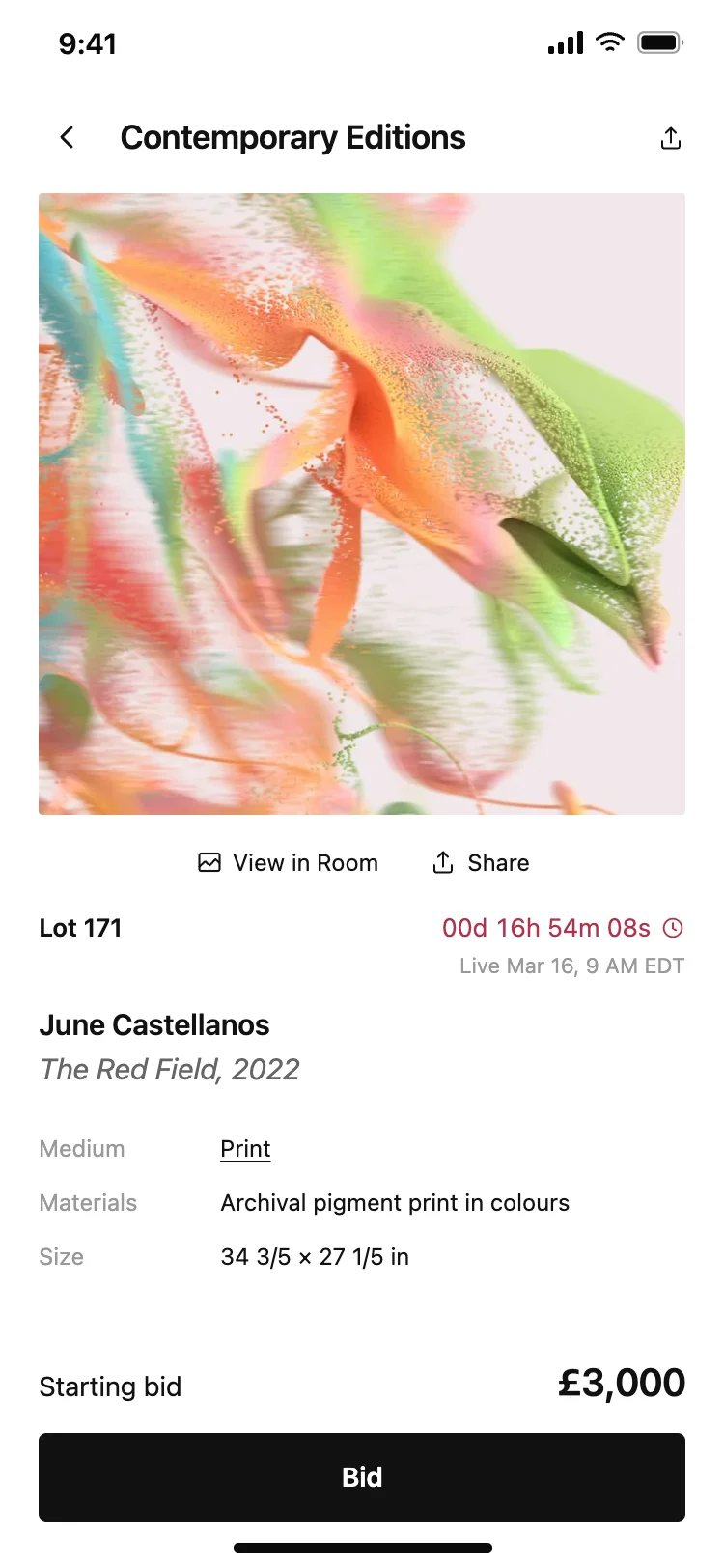
Art auction app lot and bidding screen
Art auction app lot and bidding screen
Detail
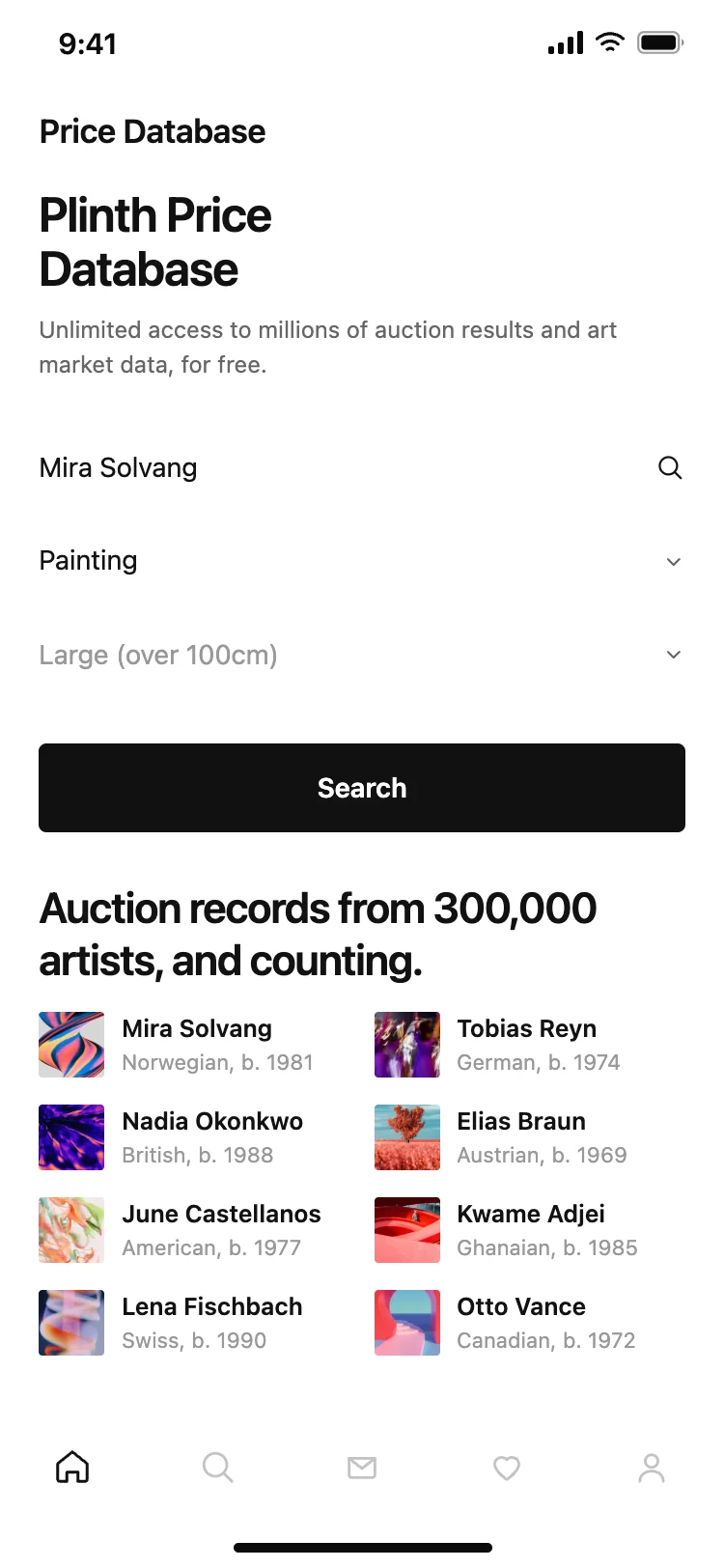
Art price database and auction results search screen
Art price database and auction results search screen
Search
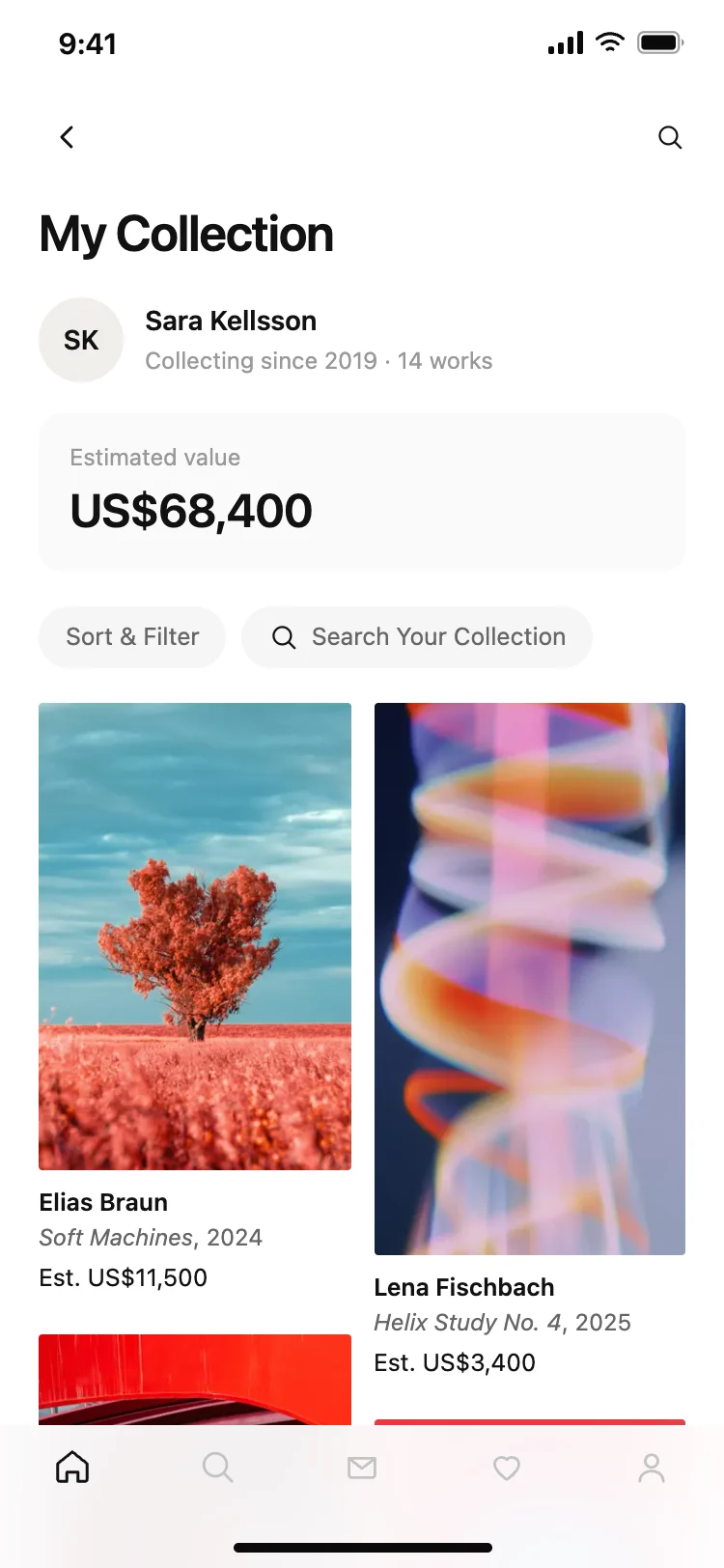
Art collection and portfolio app screen
Art collection and portfolio app screen
Profile
More home app templates
View all
Other app templates you might like

See also
Browse app templates