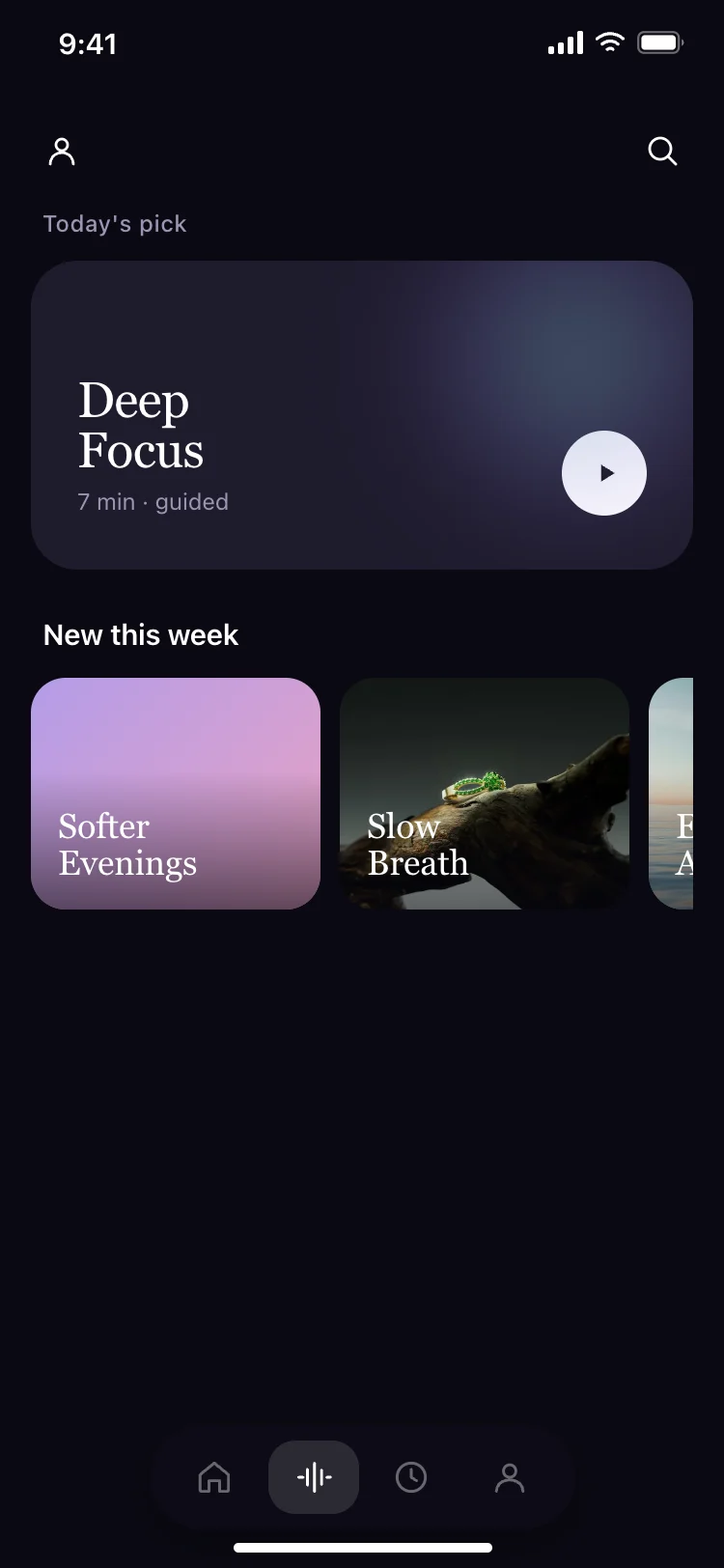
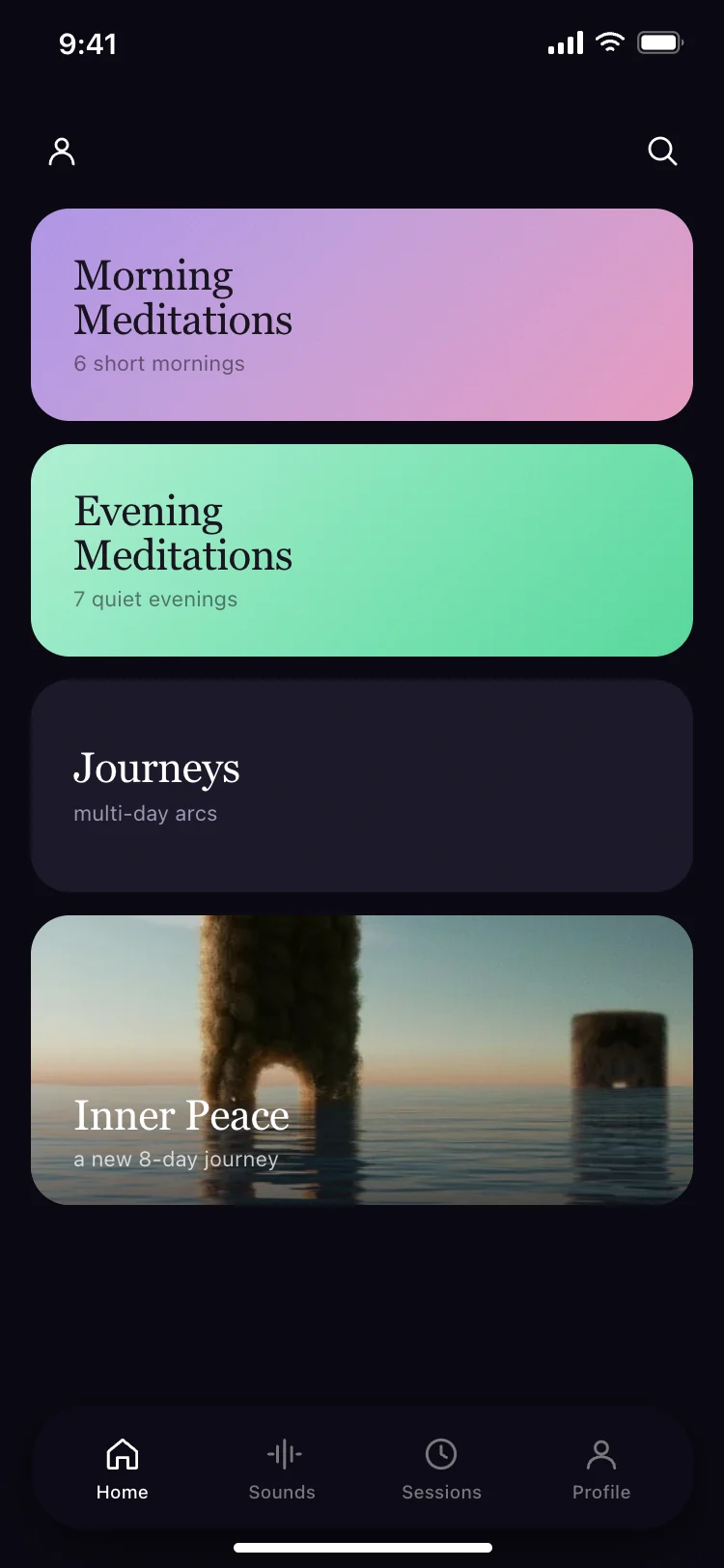
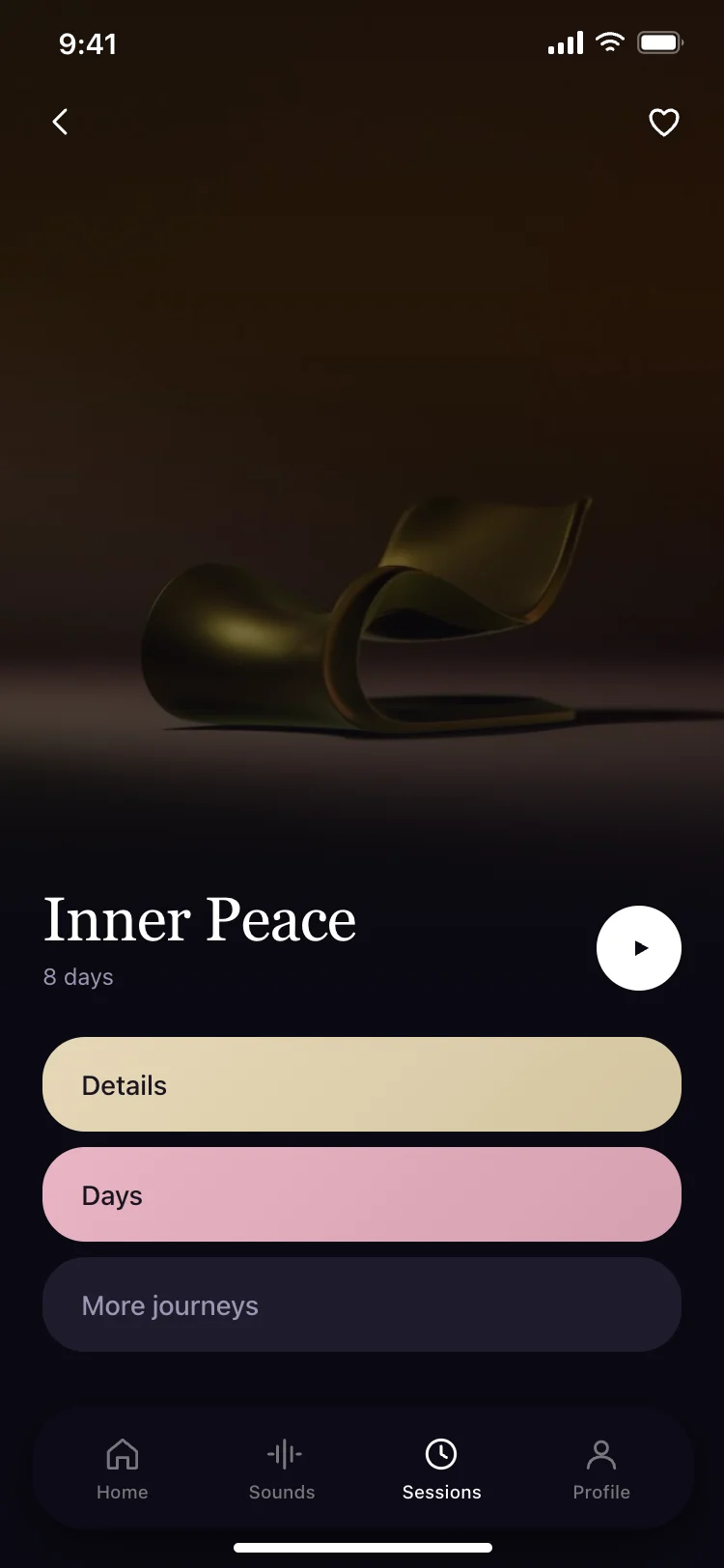
Best meditation and mindfulness app screens for AI vibe coding: a home with session categories and a landscape photograph, a session detail with a play button and journey info, and a daily pick with new sessions. Three screens sharing one dark design, so a wellness or guided meditation app arrives whole. Copy any coding template and paste it into Replit, Lovable, Claude Code, Bolt, or Cursor.
A home with categories, a session player, and a daily recommendation. Those three cover browsing, playing and returning, which is the whole lifecycle of a meditation app.
Dark. Most people use meditation apps in bed or in a dim room, and a white screen in that context is a flashlight. These templates use a near-black background with white text and muted lavender secondary colours.
Paste the session detail screen into Replit, Lovable, Claude Code, Bolt, or Cursor and ask for a Howler.js or native audio player behind the play button. The button is already positioned and sized.
Yes. The card structure works for any content organised by time of day or mood: breathing exercises, sleep stories, ASMR, sound baths, journaling prompts. Rename the categories and the rest holds.