Meditation app home screen template
A home screen for a meditation or mindfulness app on iOS and Android. Designed for wellness startups, yoga studios and any guided meditation app where the first screen decides whether someone opens it a second time. Build it in Bolt, Lovable, or Replit.
About this app template
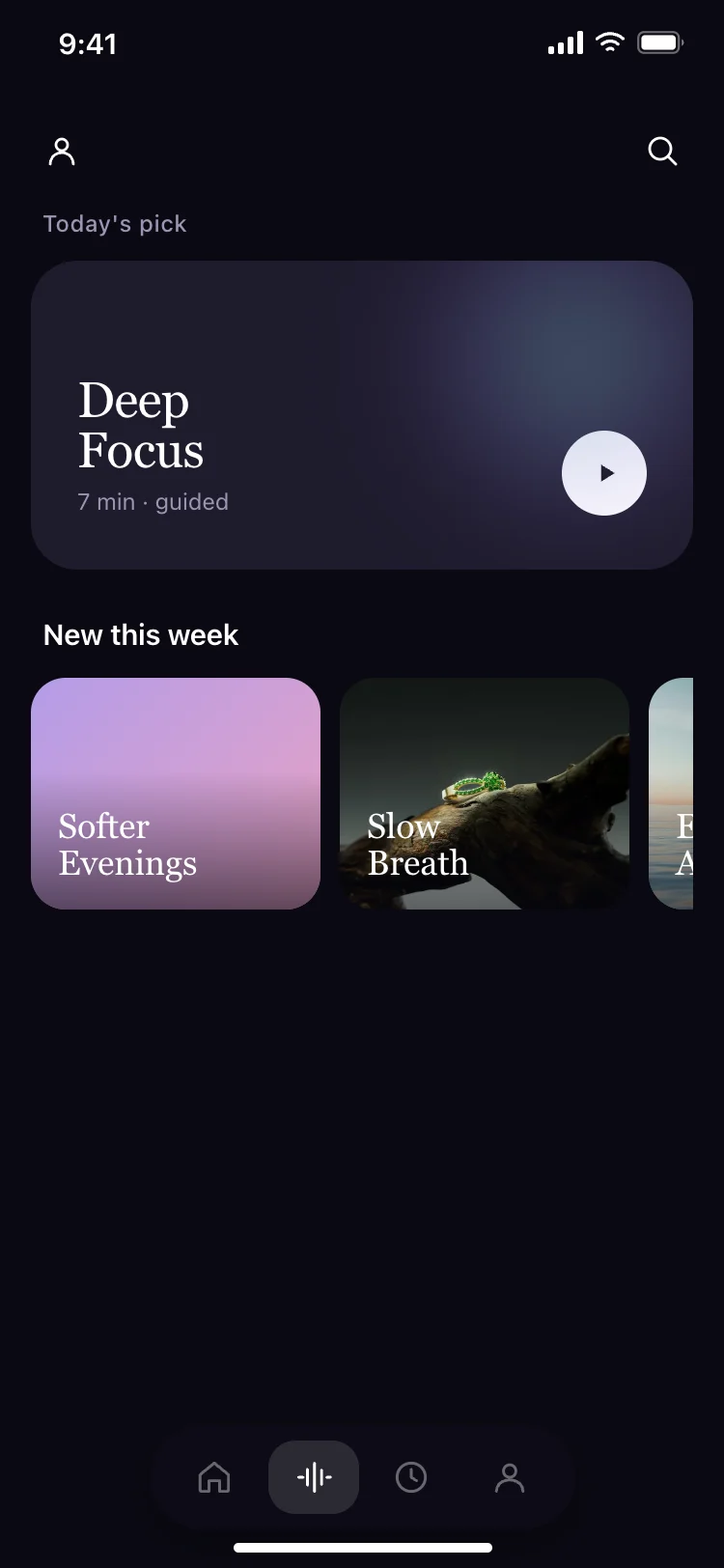
Meditation apps live or die by the home screen. If somebody opens the app and sees a wall of text or a settings panel, they close it and never come back. This template puts the sessions where the thumb is: morning meditations, evening wind-downs, multi-day journeys and a featured programme with a landscape photograph that makes the screen feel like a destination. The floating tab bar carries Home, Sounds, Sessions and Profile, the four tabs every mindfulness app ships with. Paste it into Bolt, Lovable or Replit and ask your AI to read sessions from Supabase or Sanity, and it will wire the cards to real content without inventing its own layout.
Build a full mobile app with this template design
A mobile app is many screens a user moves between quickly, which makes any inconsistency obvious, so one screen can set the standard for every screen after it. Copy the template, paste it into Claude Code, Replit, Lovable, ChatGPT Codex, Bolt, or Cursor, and send this alongside it.
Paste into Claude Code, Replit, Lovable, Bolt, or Cursor
Common questions about this template
How do I connect real meditation sessions to this screen?
Paste it into Bolt, Lovable or Replit and ask your AI to read sessions from Supabase, Sanity or your CMS. Pass the title, duration, category and thumbnail through, and keep the category card order Morning first because most people open the app in the morning.
Should I show session durations on the home screen?
Yes. Duration is the single most useful piece of information on a meditation home screen because it answers the question the person is actually asking: do I have time for this right now?
Can I use this for a breathing or sleep app?
Yes. The card structure works for any content organised by time of day or mood: breathing exercises, sleep stories, ASMR, sound baths, journaling prompts. Rename the categories and the rest holds.
What if I want a light theme instead of dark?
Ask your AI to swap the background to white, the text to dark, and the tab bar to a light blur. Dark is the convention for meditation apps because people use them in bed, but a light version works for daytime wellness apps.
Use this template for
- ·Meditation and mindfulness app home screens for iOS and Android vibe coding
- ·Guided meditation app templates for wellness startups using Bolt and Lovable
- ·Yoga and breathing app home screen UI for AI coding tools
- ·Mental health app category browsing screens for mobile development
More from the Meditation app set
All 3 screens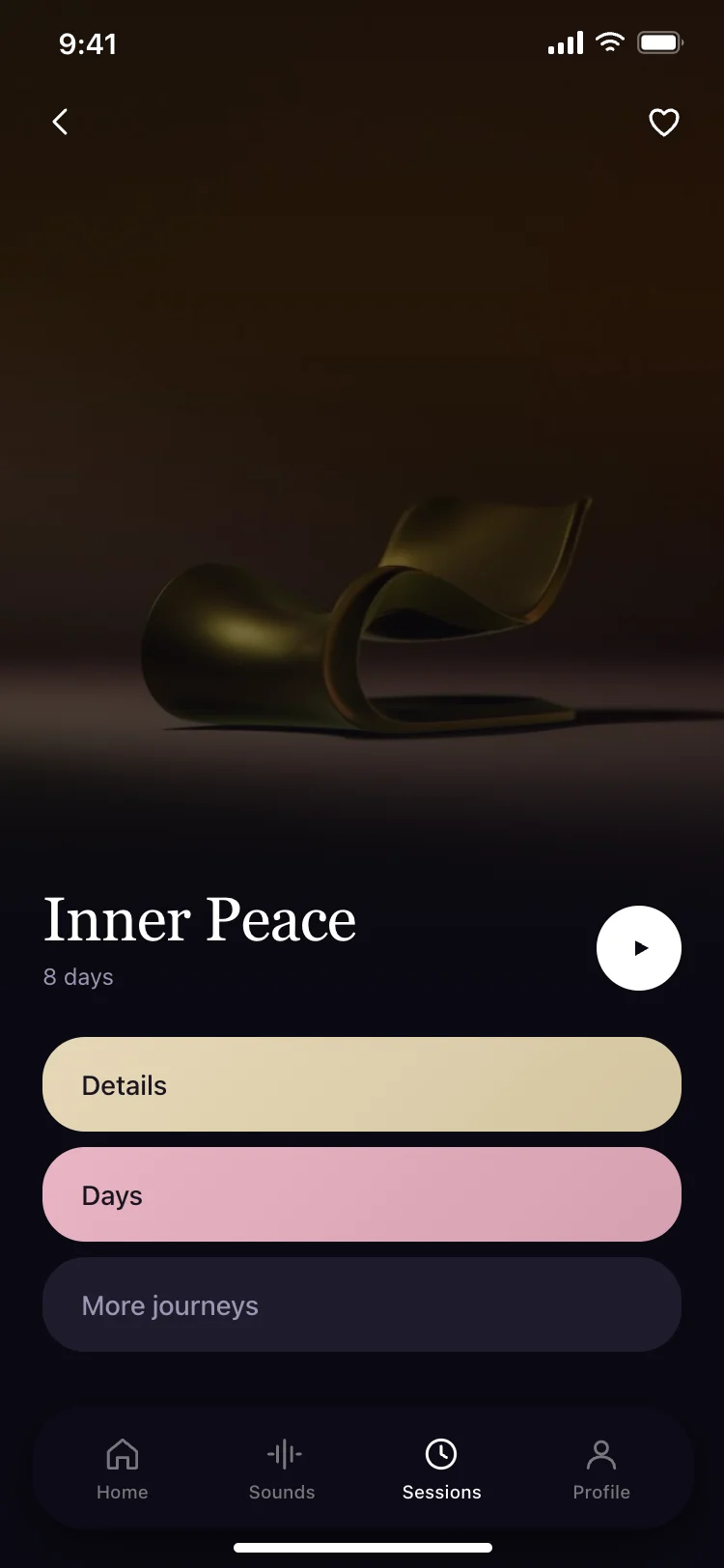
More fitness app templates
View all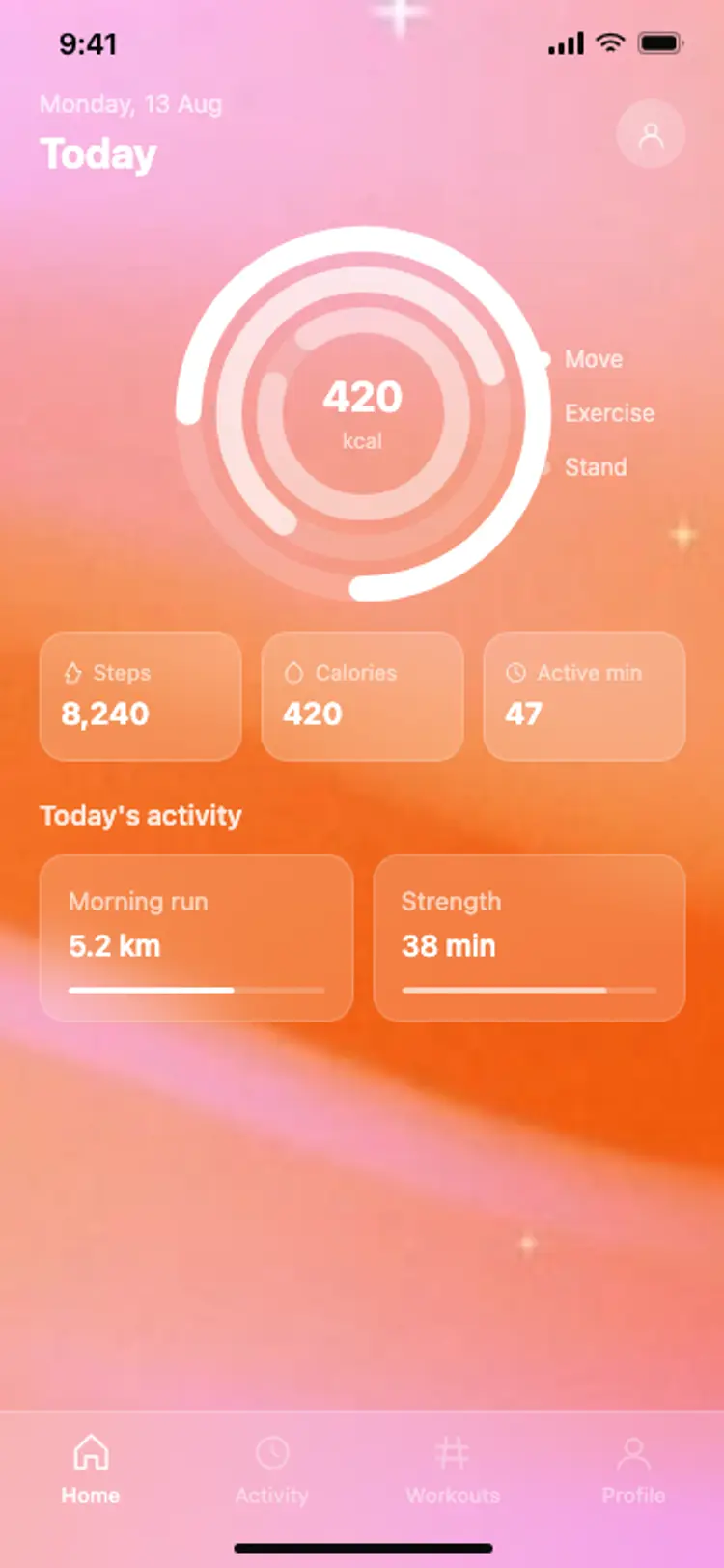
Fitness app home: activity rings
Fitness app home: activity rings
Fitness
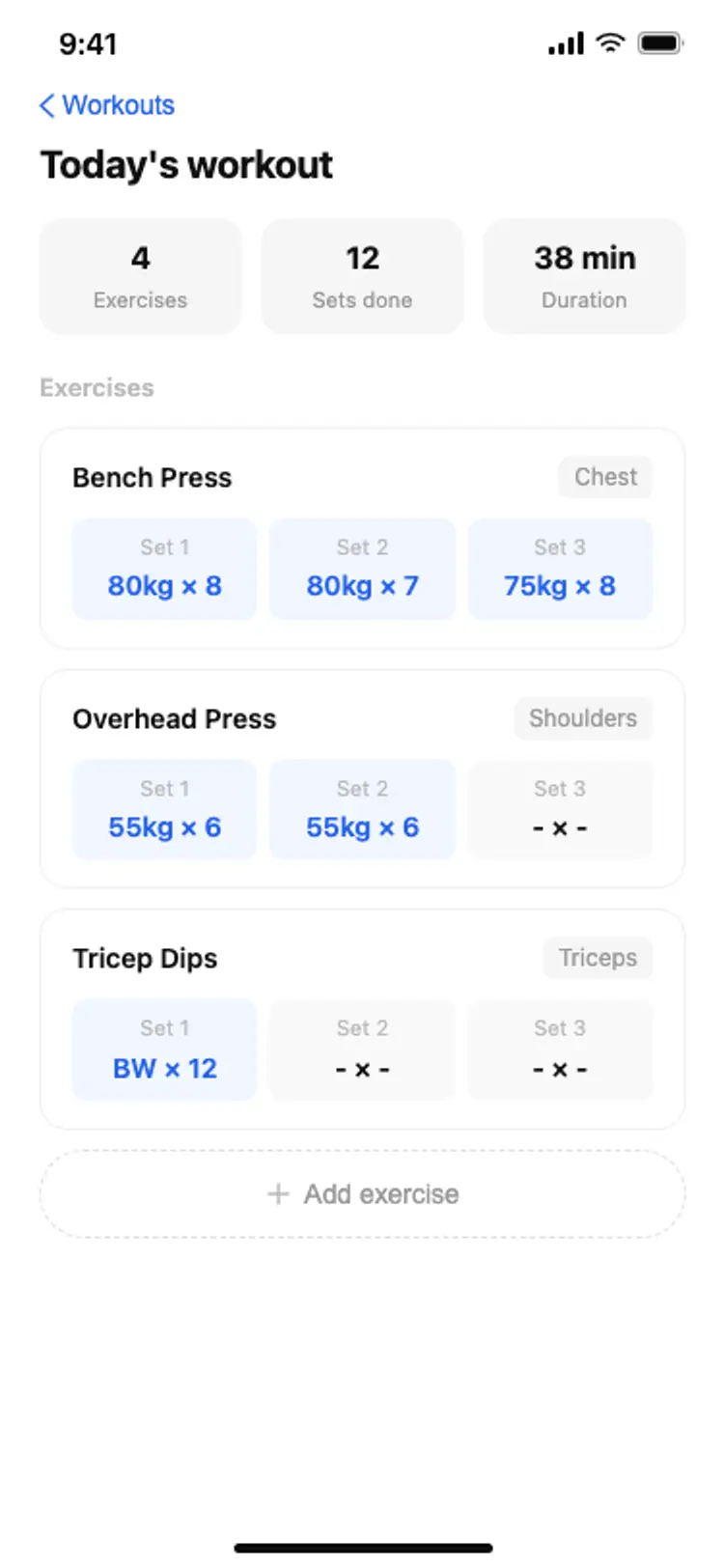
Fitness app workout log
Fitness app workout log
Fitness
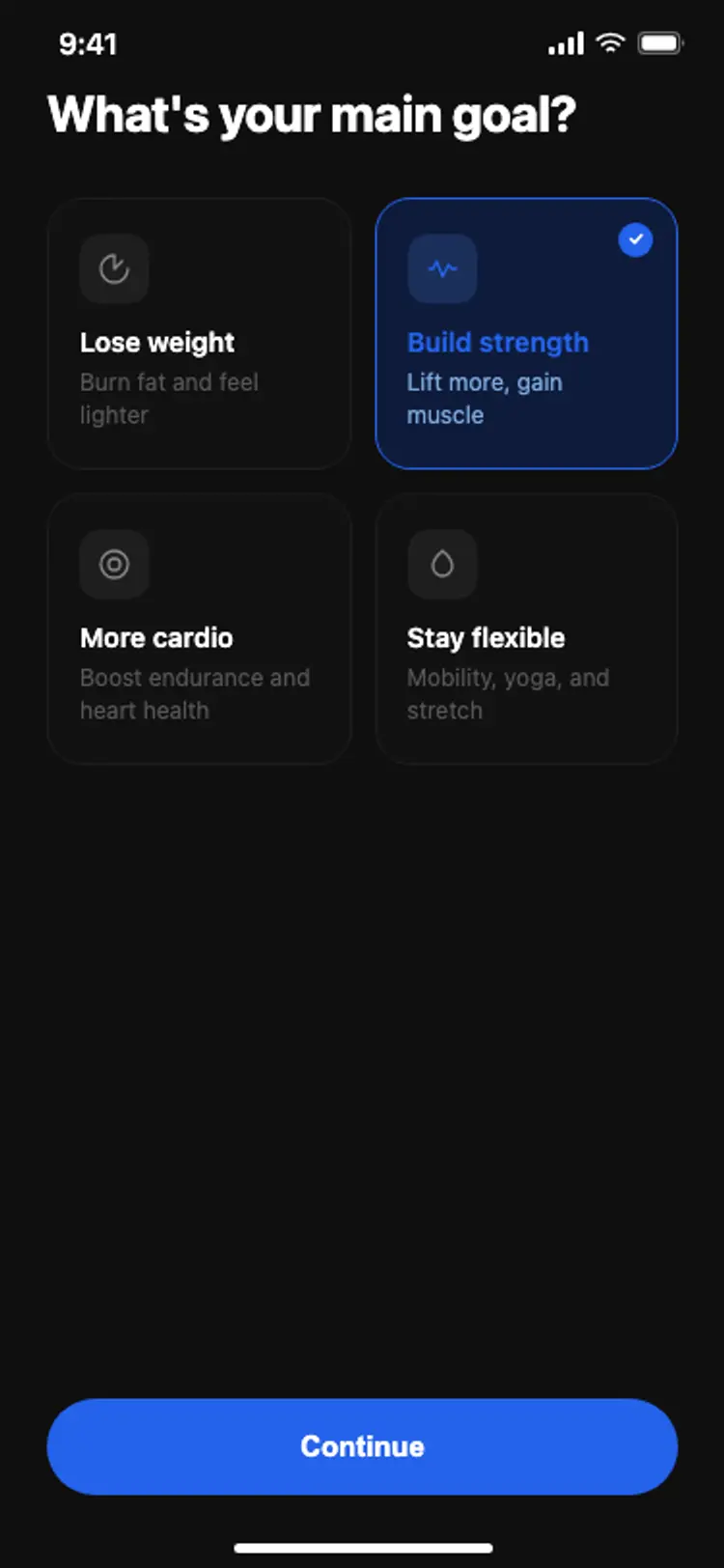
Fitness app onboarding: goal selection
Fitness app onboarding: goal selection
Fitness
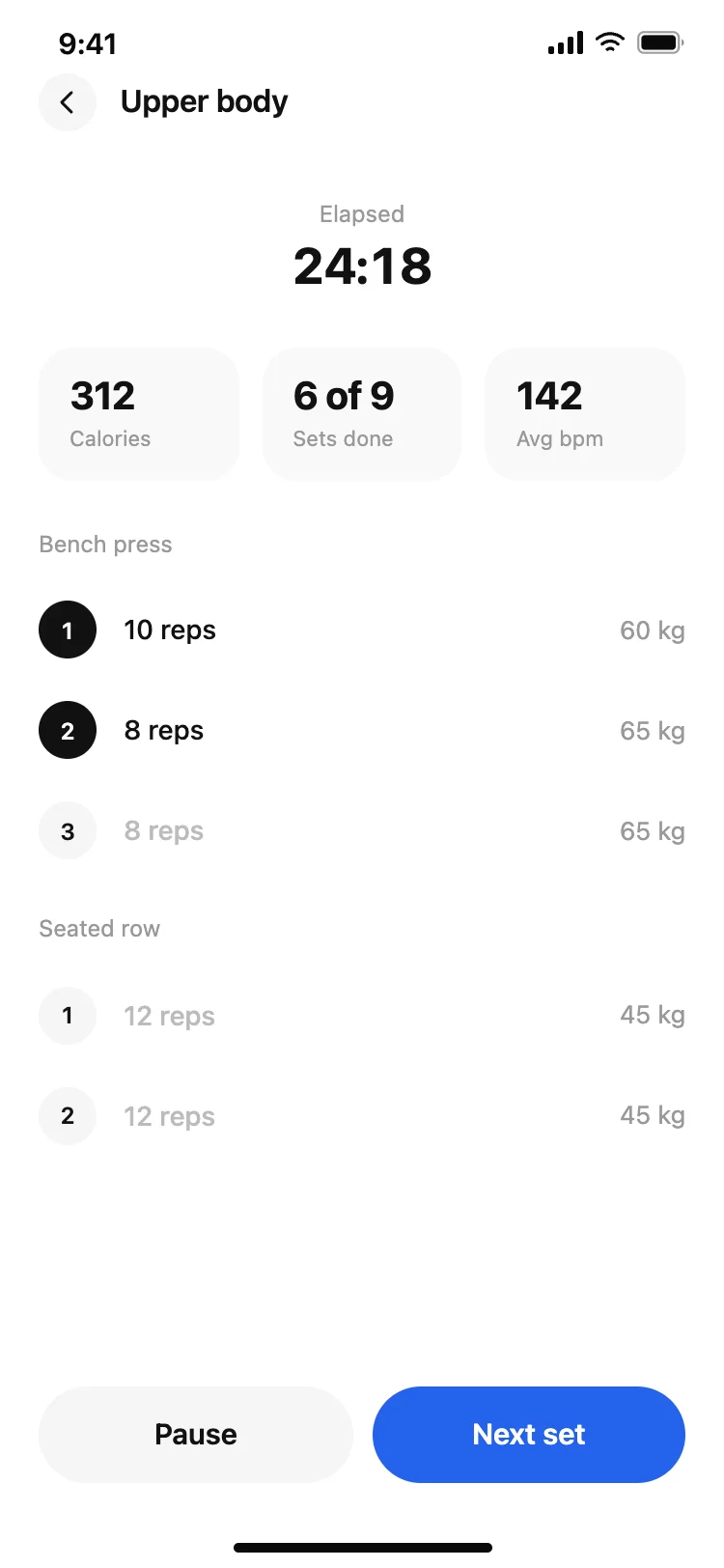
Fitness app active workout screen
Fitness app active workout screen
Fitness
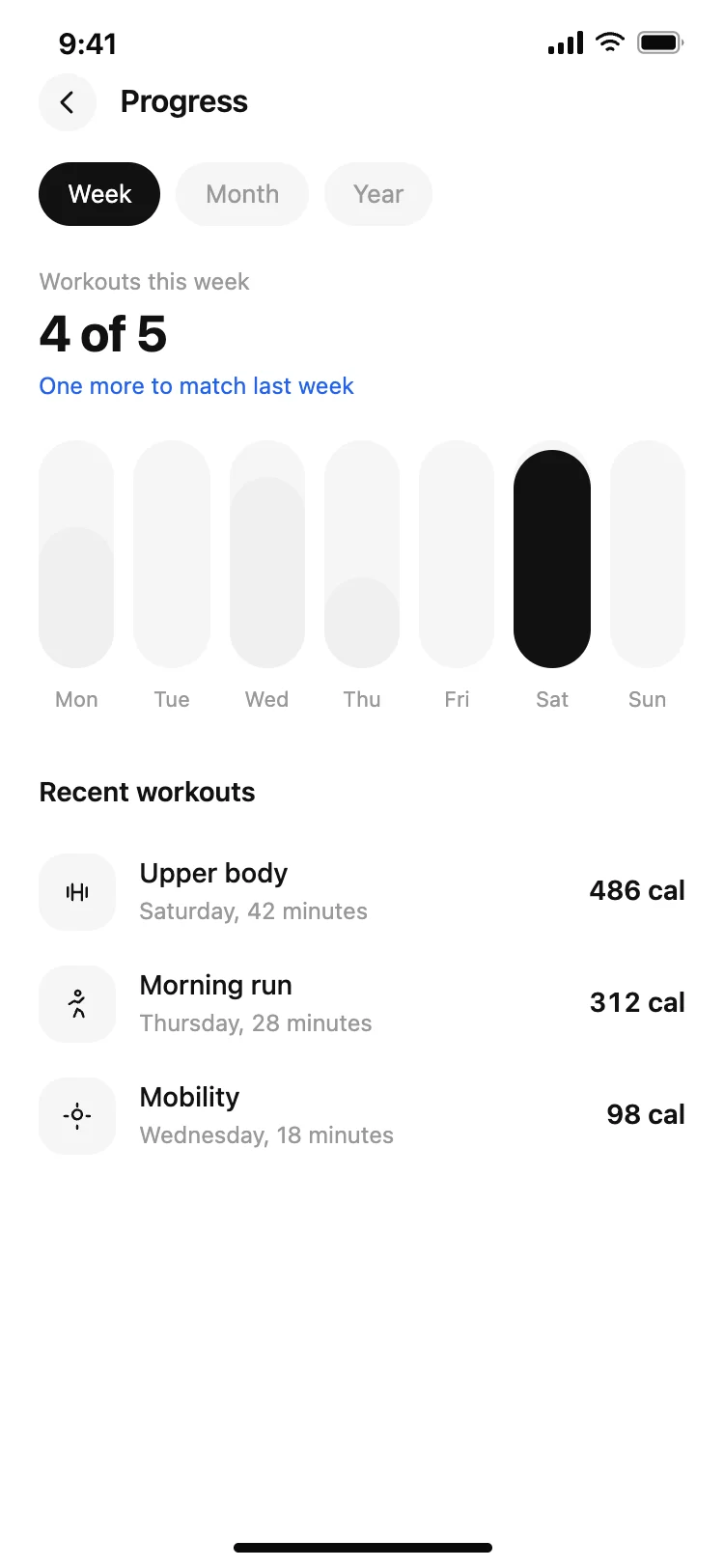
Fitness app progress screen
Fitness app progress screen
Fitness
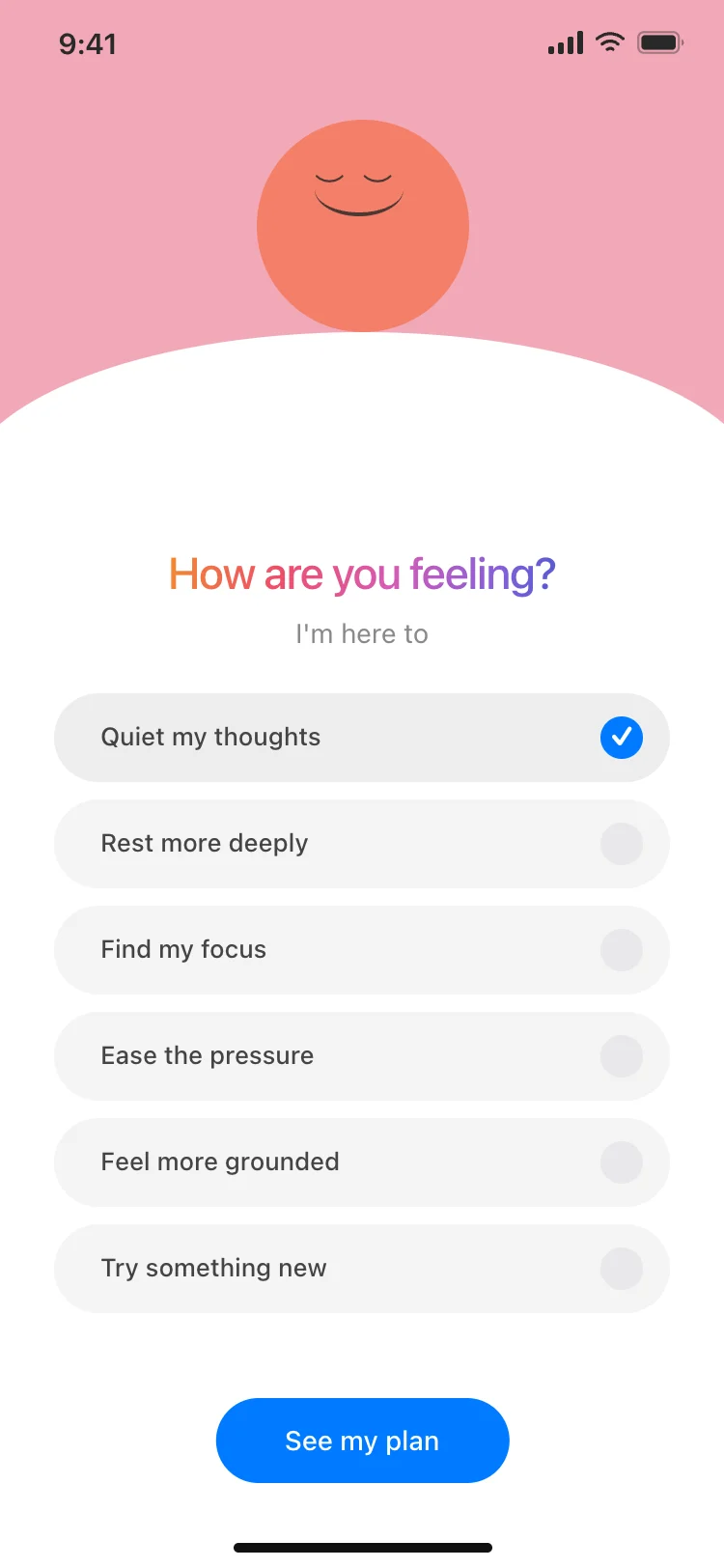
Wellness app onboarding goals screen
Wellness app onboarding goals screen
Fitness
Other app templates you might like
See also
Browse app templates