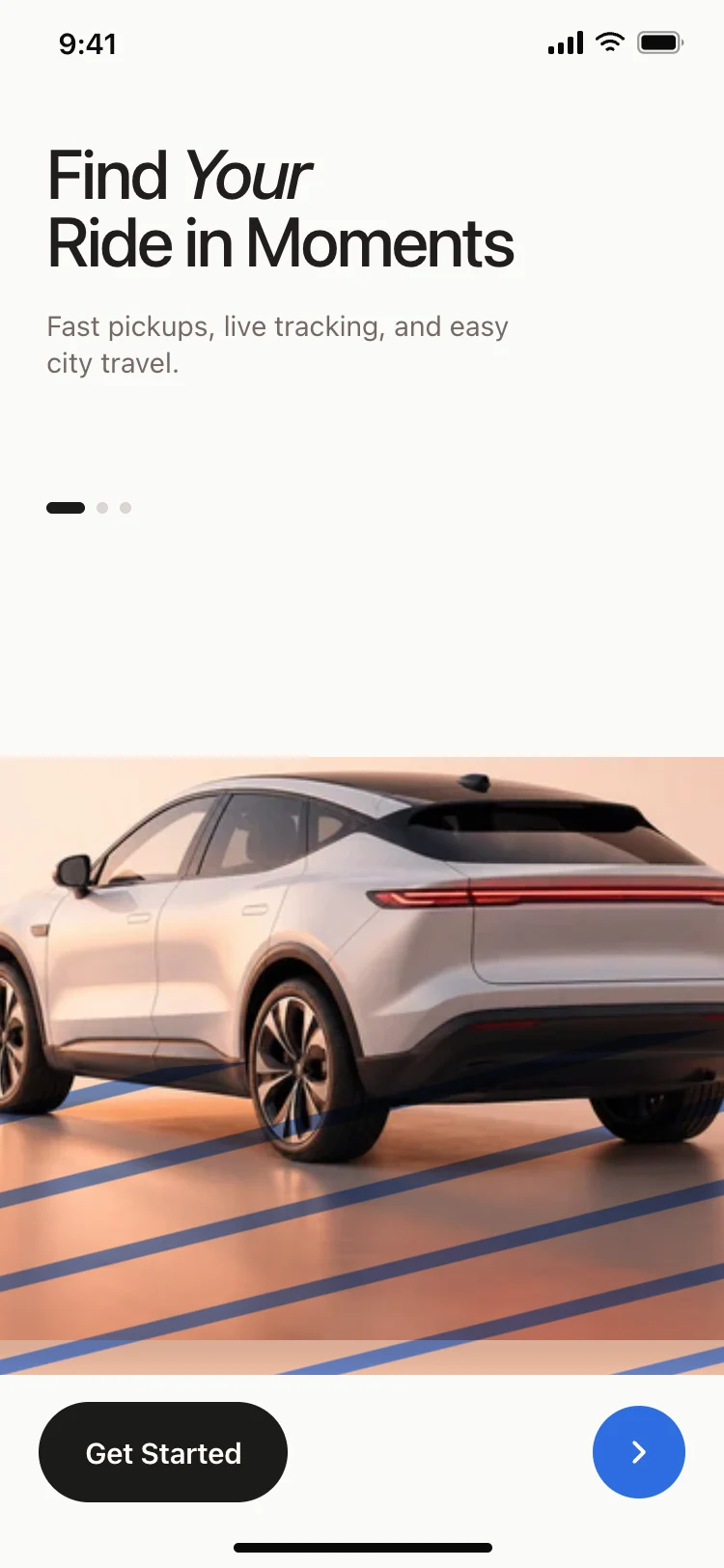
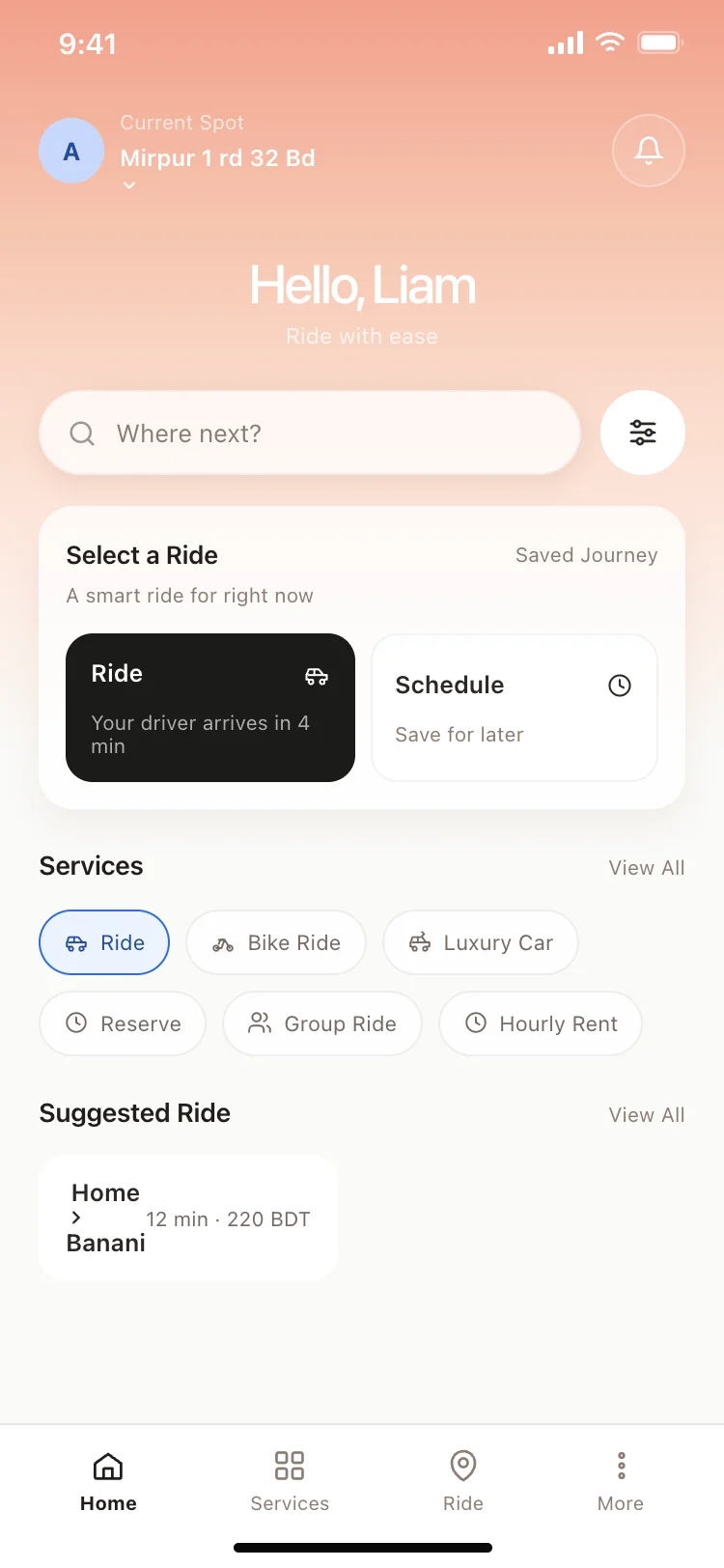
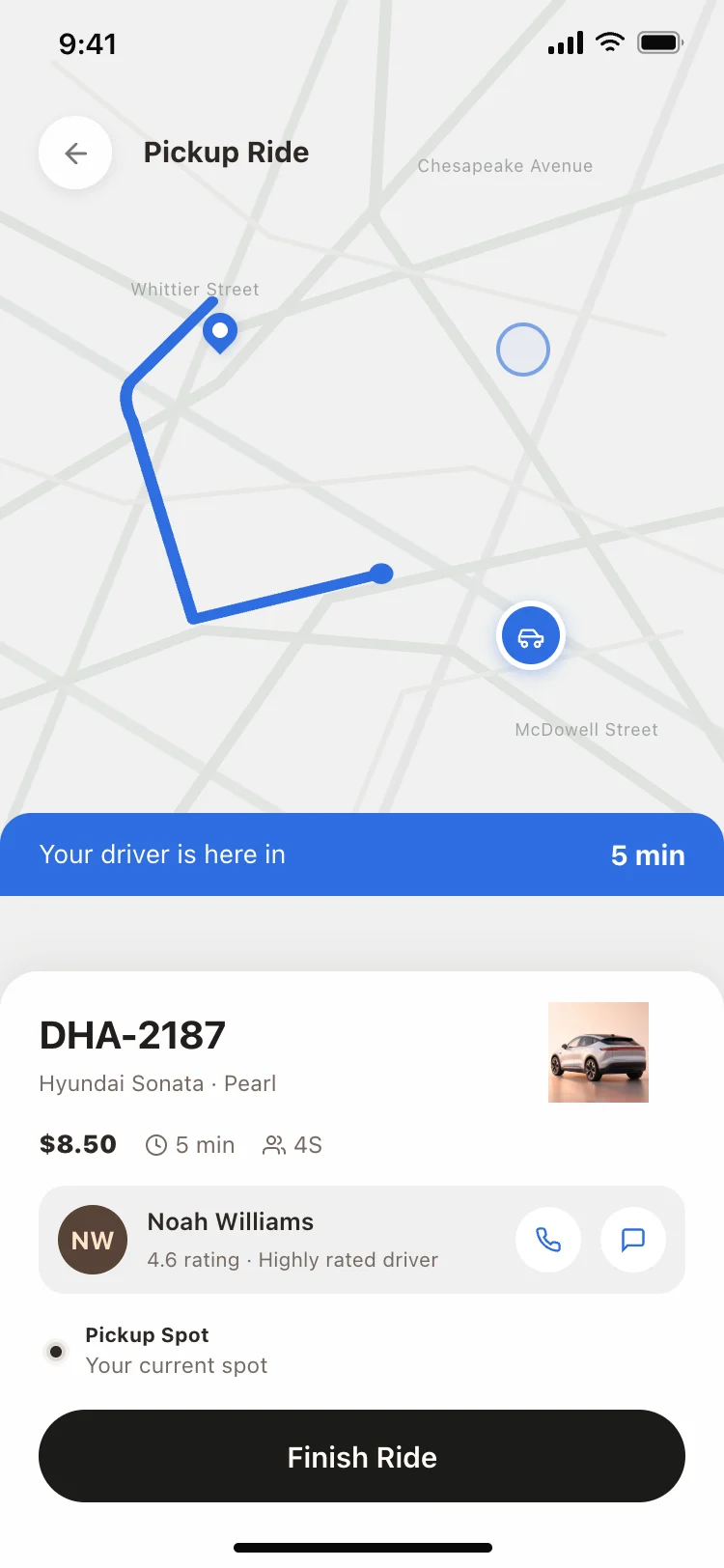
Best ride hailing and taxi app screens for AI vibe coding: an onboarding screen that sets up the value, a home screen with search, ride options and a services grid, and a driver tracking screen with a live map, ETA, and driver card. Three screens sharing one design, so a ride booking, taxi, or car service app arrives whole. Copy any coding template and paste it into Replit, Lovable, Claude Code, Bolt, or Cursor.
Onboarding, a home screen for booking, and a tracking screen for the ride in progress. These three cover the full trip lifecycle from first open to drop off.
The search bar, because where are you going is always the first question. Ride options and services sit below it because they are chosen after the destination, not before.
Yes. A delivery tracking screen follows the same pattern: a map with a route, an ETA, and the courier details. Swap the vehicle for a bike or scooter icon and the flow is the same.
Paste them into Replit, Lovable, Claude Code, Bolt, or Cursor and ask for a maps provider like Mapbox or Google Maps, a routing engine for ETAs, and a WebSocket layer for live driver positions.