Ride hailing app onboarding screen template
A ride hailing onboarding screen for iOS and Android, showing the tagline, a car visual, and a Get Started button that opens the booking flow. Use it for ride apps, taxi products, and any on-demand transport service. Build the full flow with Bolt, Lovable, or Replit.
About this app template
The onboarding screen is the first thing someone sees after installing a ride app, and it has one job, which is to get them to the home screen. This design keeps it to a headline, a sentence, and a button. The car visual sits in the middle because that is what the app does, and the progress dots show this is one of a short sequence, which lowers the effort of continuing. Skip anything that asks for input here because the person has not decided to stay yet. Paste it into Bolt, Lovable, or Replit and connect the button to your home screen.
Build a full mobile app with this template design
A mobile app is many screens a user moves between quickly, which makes any inconsistency obvious, so one screen can set the standard for every screen after it. Copy the template, paste it into Claude Code, Replit, Lovable, ChatGPT Codex, Bolt, or Cursor, and send this alongside it.
Paste into Claude Code, Replit, Lovable, Bolt, or Cursor
Common questions about this template
What should a ride app onboarding screen show?
The value proposition in one line, a visual of the service, and a single button. Anything else adds friction before the person has decided to stay.
How many onboarding steps should a ride app have?
Three or fewer. The progress dots signal that the sequence is short, which makes people more likely to finish it than if the count is unknown.
Should onboarding ask for permissions?
Not on the first screen. Location and notification permissions convert better when asked in context, like when the person taps Where next for the first time.
How do I connect this to my ride app?
Paste it into Bolt, Lovable, or Replit and wire the Get Started button to your home screen or sign in flow.
Use this template for
- ·Ride hailing app onboarding
- ·Taxi app welcome screens
- ·On demand transport splash pages
- ·Car booking first run experiences
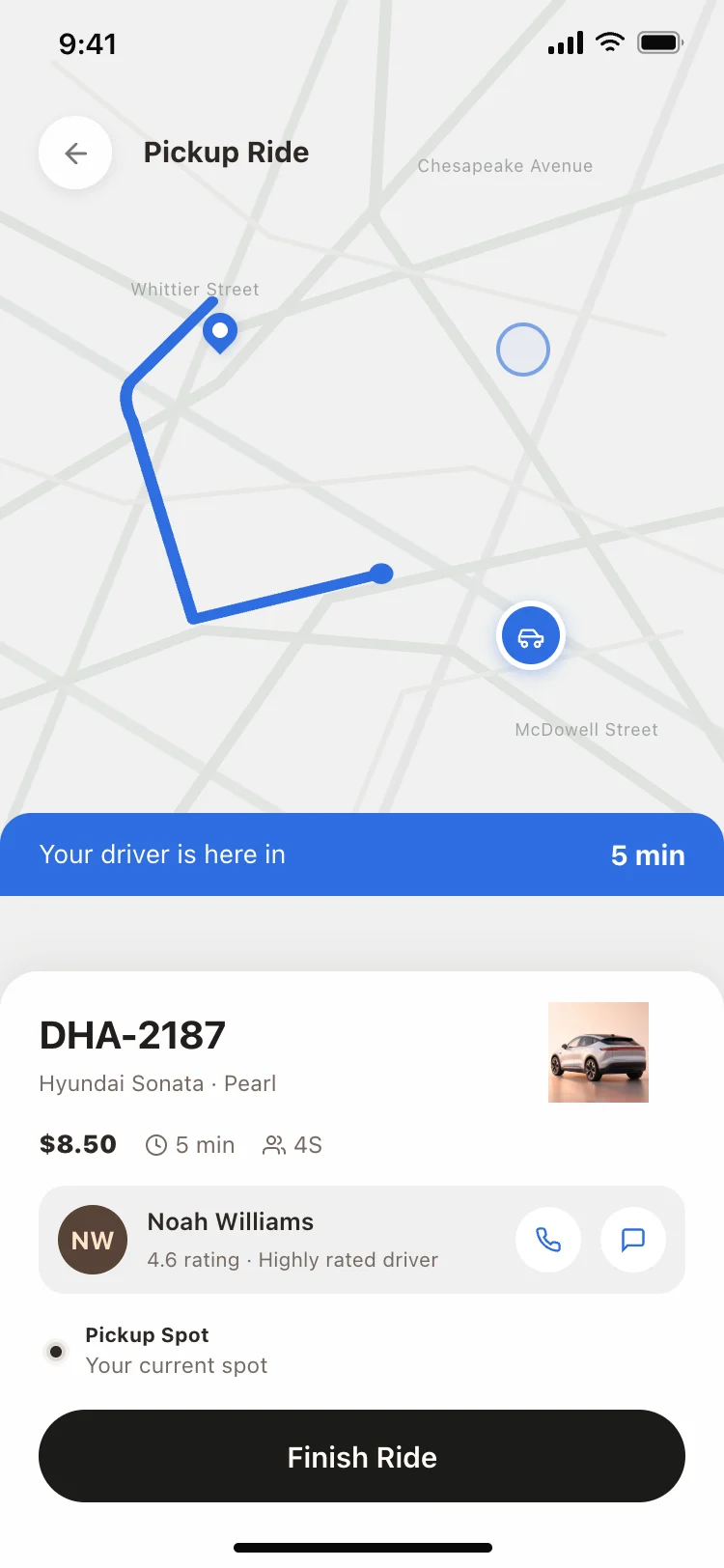
More from the Ride hailing app set
All 3 screens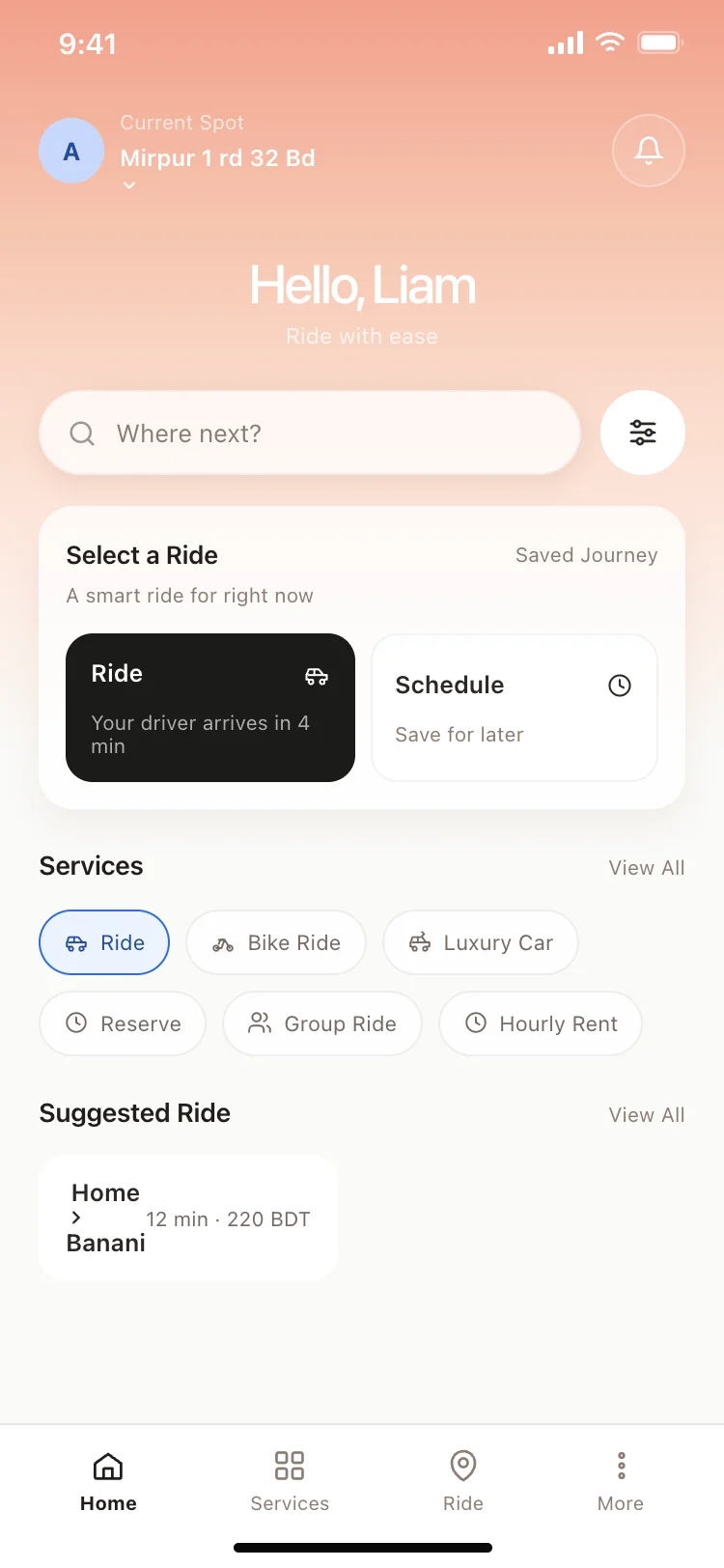
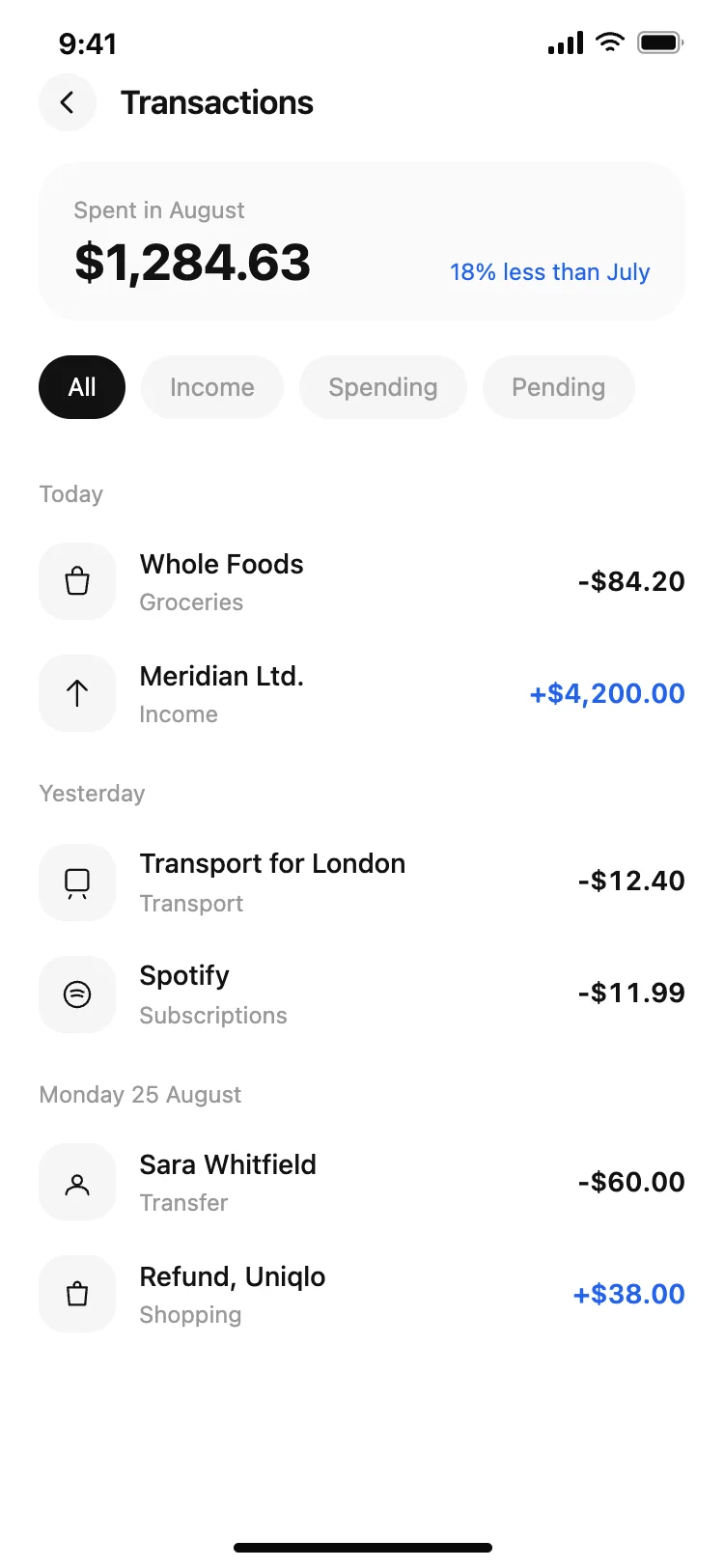
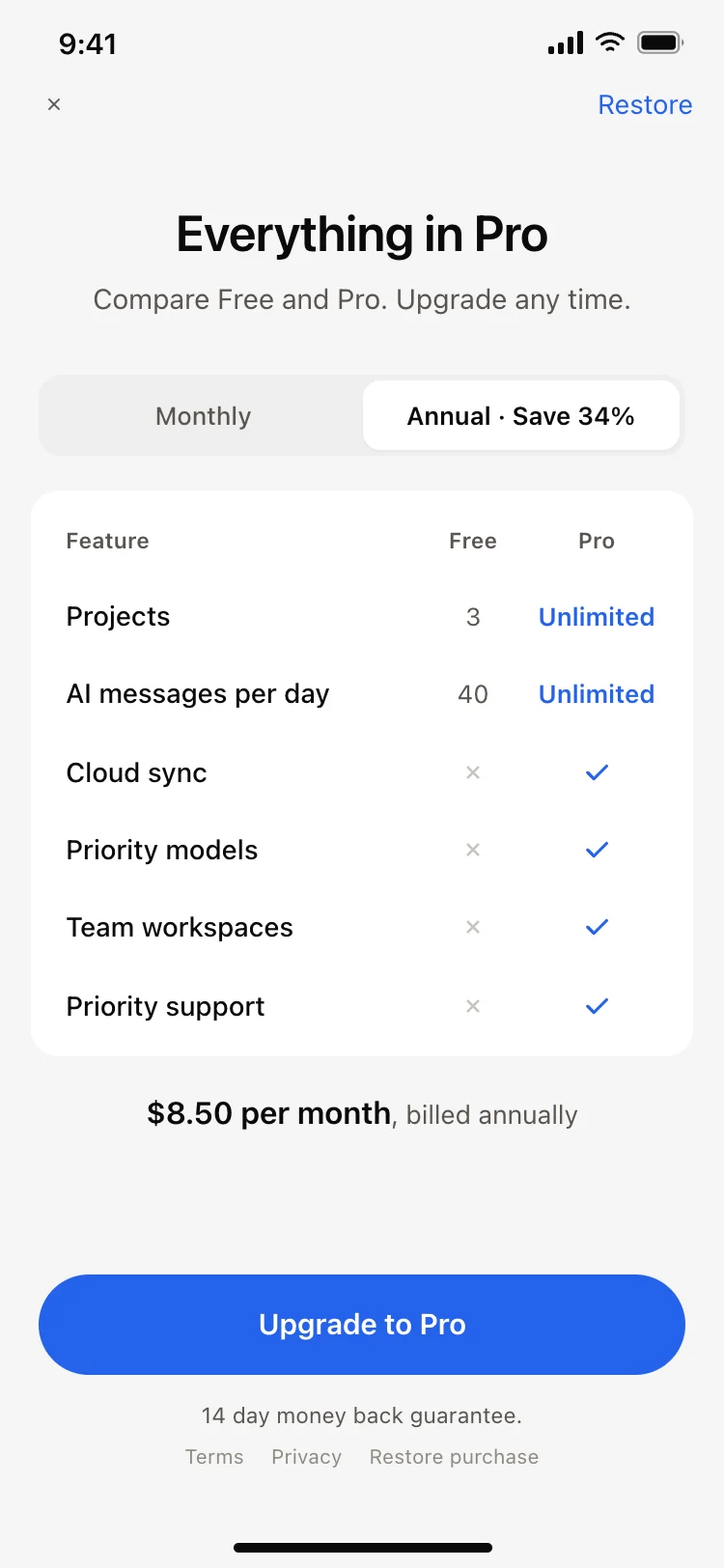
Other app templates you might like

See also
Browse app templates