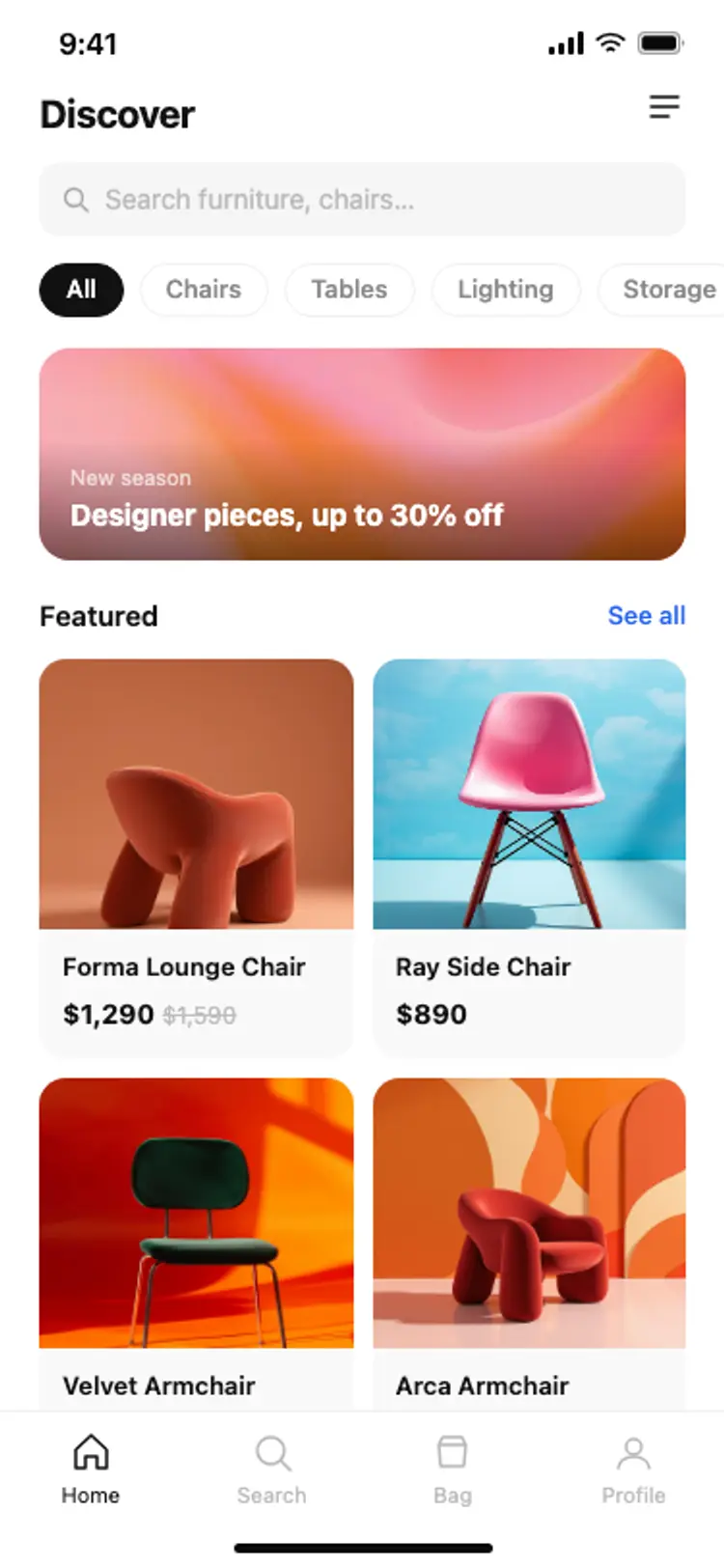
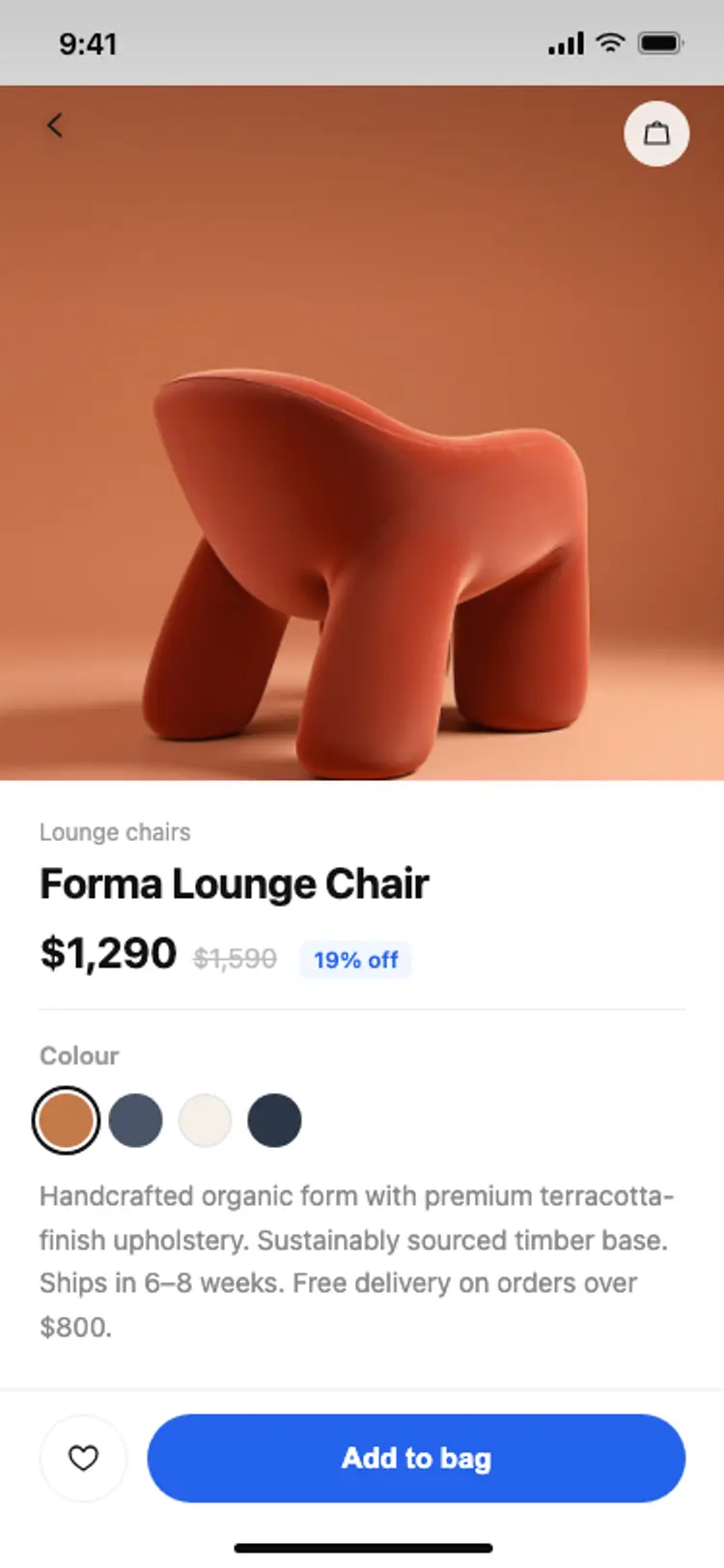
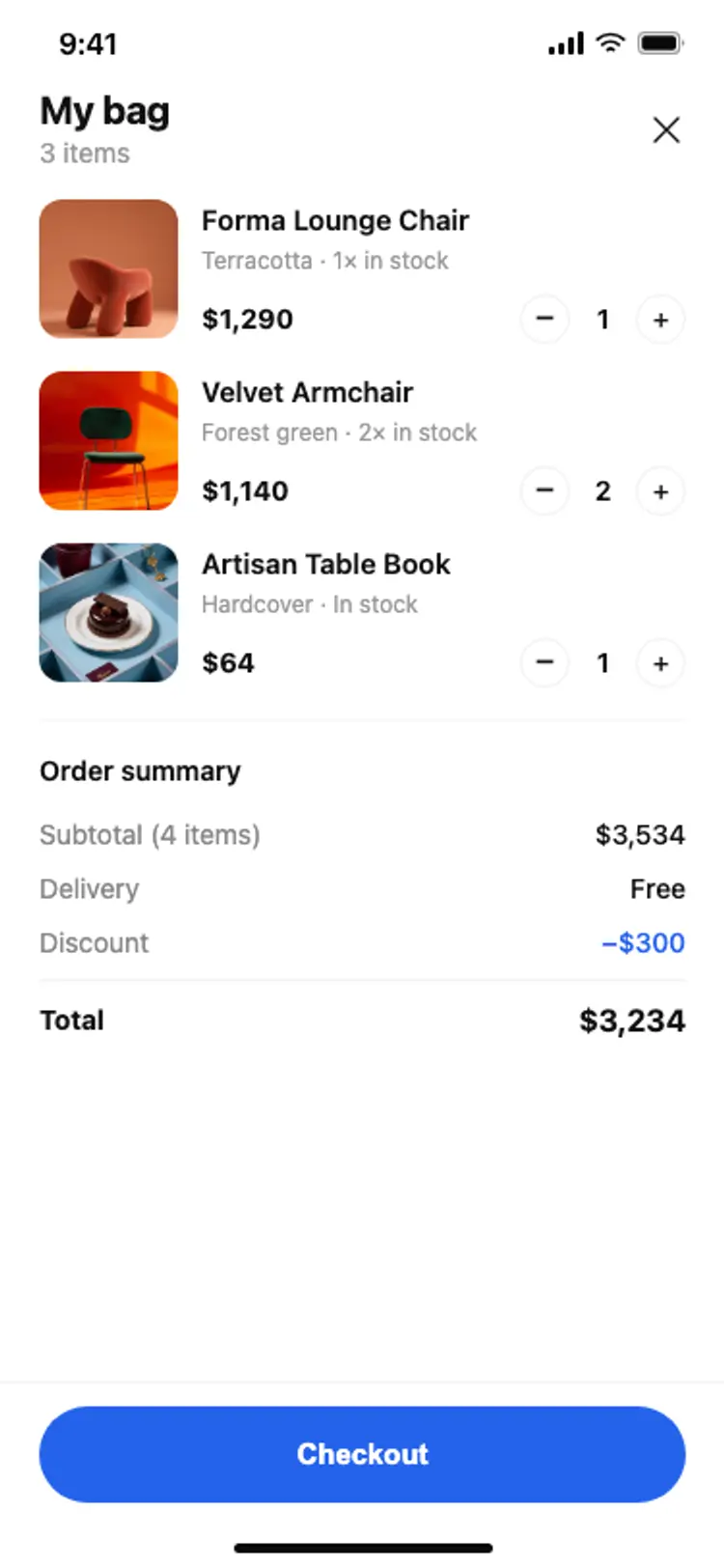
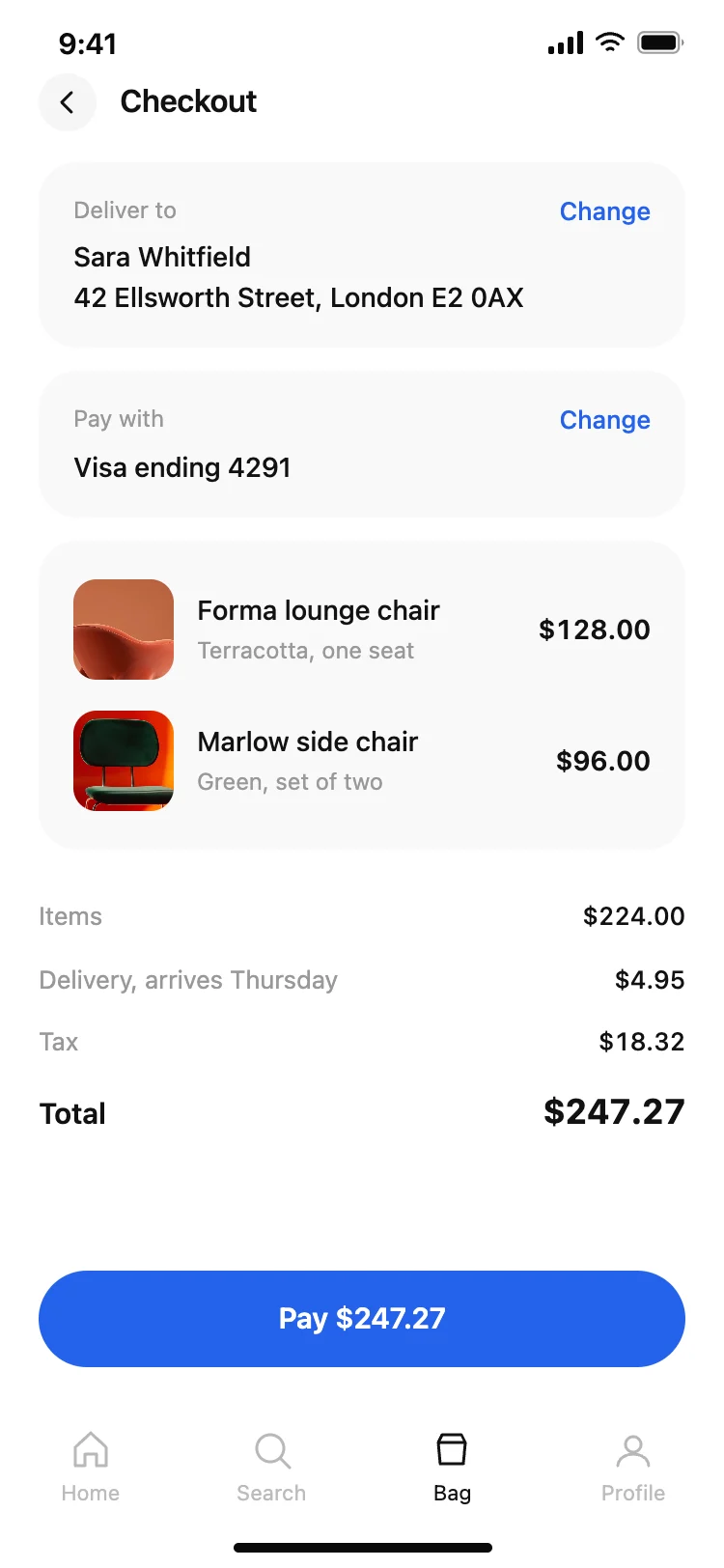
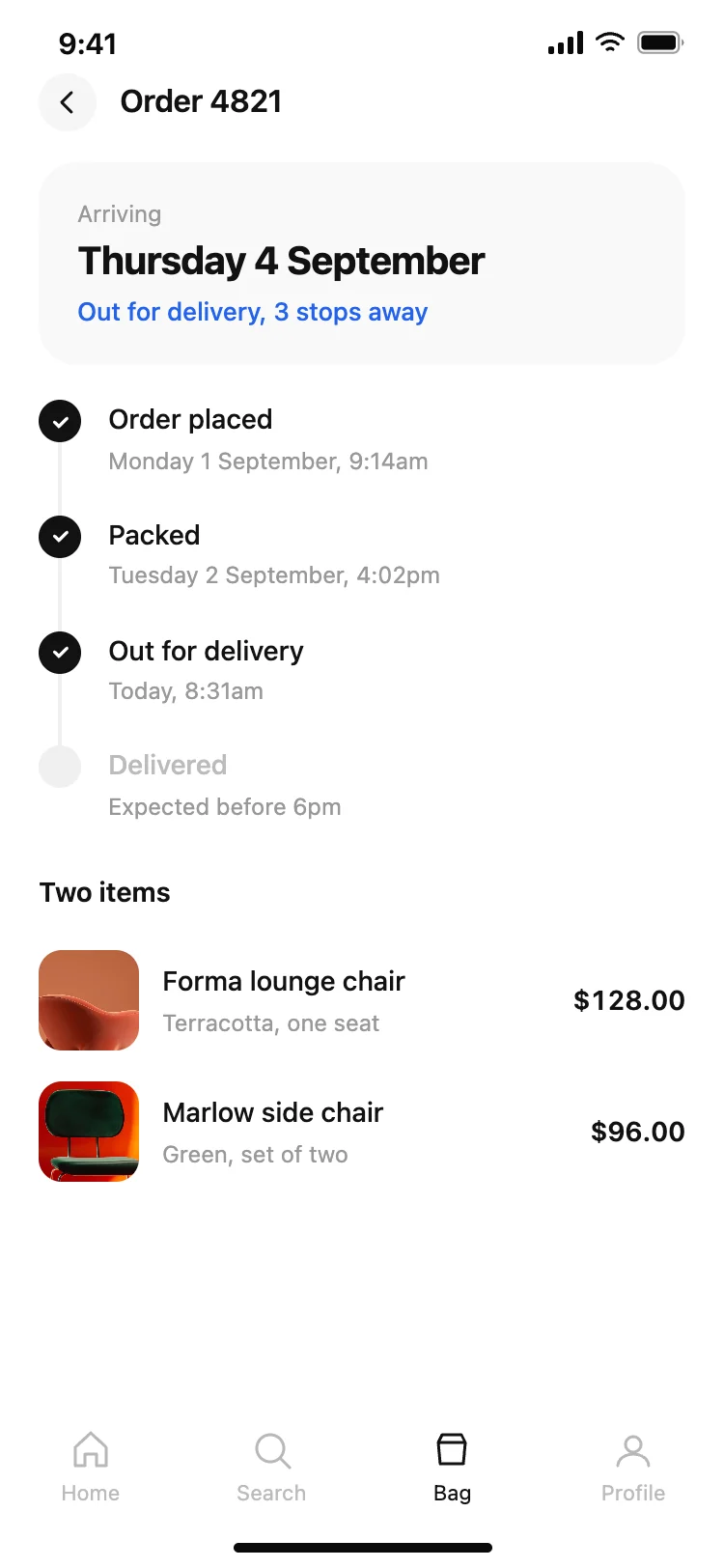
Best ecommerce and shopping app screens for AI vibe coding: a home with product photography, a product detail, a bag, a checkout with the full total before payment, and order tracking. Five screens sharing one design, so a commerce app arrives whole. Copy any coding template and paste it into Replit, Lovable, Claude Code, Bolt, or Cursor.
Home, product, bag, checkout and order tracking. Those five are the whole path from browsing to asking where it is, and tracking is the one people open most after they have paid.
A cost that appears at the end, a forced account before payment, and an error that clears the form. These screens show the full total including delivery and tax before the pay button for that reason.
Paste them into Replit, Lovable, Claude Code, Bolt, or Cursor and ask for Stripe Checkout or a native payment sheet. Keep the total on the button and pass the same figure through.
No. Somebody checking twice a day needs to know whether anything moved, and two days ago hides that. These screens use clock times for every step.