E-commerce app cart and checkout template
An e-commerce cart and checkout screen for iOS and Android. Three cart items each with a product image, name, colour variant, price, and quantity stepper buttons. An order summary section below shows subtotal, delivery, discount, and total. Blue Checkout CTA pinned at the bottom. Built for Bolt, Lovable, and Replit.
About this app template
A well-designed cart is one of the highest-leverage screens in e-commerce: simplicity and clarity at this step directly reduces abandoned checkouts. This template shows three cart items stacked vertically, each with a rounded product image, a name, a colour and stock note, a price, and a plus/minus quantity stepper. The bottom order summary block lists subtotal, free delivery, a discount line in blue, and the total in bold. The blue Checkout button is pinned at the bottom above the safe area. The visual language (white background, soft card borders, a single blue accent) keeps the focus on the items and makes the total legible at a glance. Paste into Bolt, Lovable, or Replit and ask your AI to compute the totals from live cart state and route the Checkout button to a payment flow using Stripe or your chosen payment provider.
Build a full mobile app with this template design
A mobile app is many screens a user moves between quickly, which makes any inconsistency obvious, so one screen can set the standard for every screen after it. Copy the template, paste it into Claude Code, Replit, Lovable, ChatGPT Codex, Bolt, or Cursor, and send this alongside it.
Paste into Claude Code, Replit, Lovable, Bolt, or Cursor
Common questions about this template
How do I connect the cart screen to live cart state?
Paste this template into Bolt, Lovable, or Replit and ask your AI to read cart items from a global store (Zustand or a React context). Map each item to a cart row and recompute the subtotal, discount, and total whenever the quantity or item list changes.
How do I wire the Checkout button to Stripe?
Ask your AI to call a server-side endpoint on Checkout that creates a Stripe PaymentIntent for the cart total. Pass the client secret to Stripe's payment sheet component and present it to the user. Handle success and failure states and route to a confirmation screen on payment success.
How do I add a promo code input to the order summary?
Add a row between Delivery and Discount with a text input and an Apply button. Ask your AI to validate the code against a promo_codes table, apply the discount percentage or fixed amount, and update the discount and total lines in real time.
How do I show an empty cart state?
Ask your AI to show an empty state illustration and a Continue shopping button when the cart array is empty. Route the button to the home product feed. Keep the Checkout button hidden when the cart is empty.
Use this template for
- ·E-commerce shopping cart and checkout screen templates for iOS and Android
- ·Mobile cart screens with order summary and checkout CTA for Bolt and Lovable
- ·Shopify cart page templates for vibe coding mobile apps with Replit
- ·Basket and bag screens with quantity steppers for fashion and retail apps
More from the Shopping app set
All 5 screens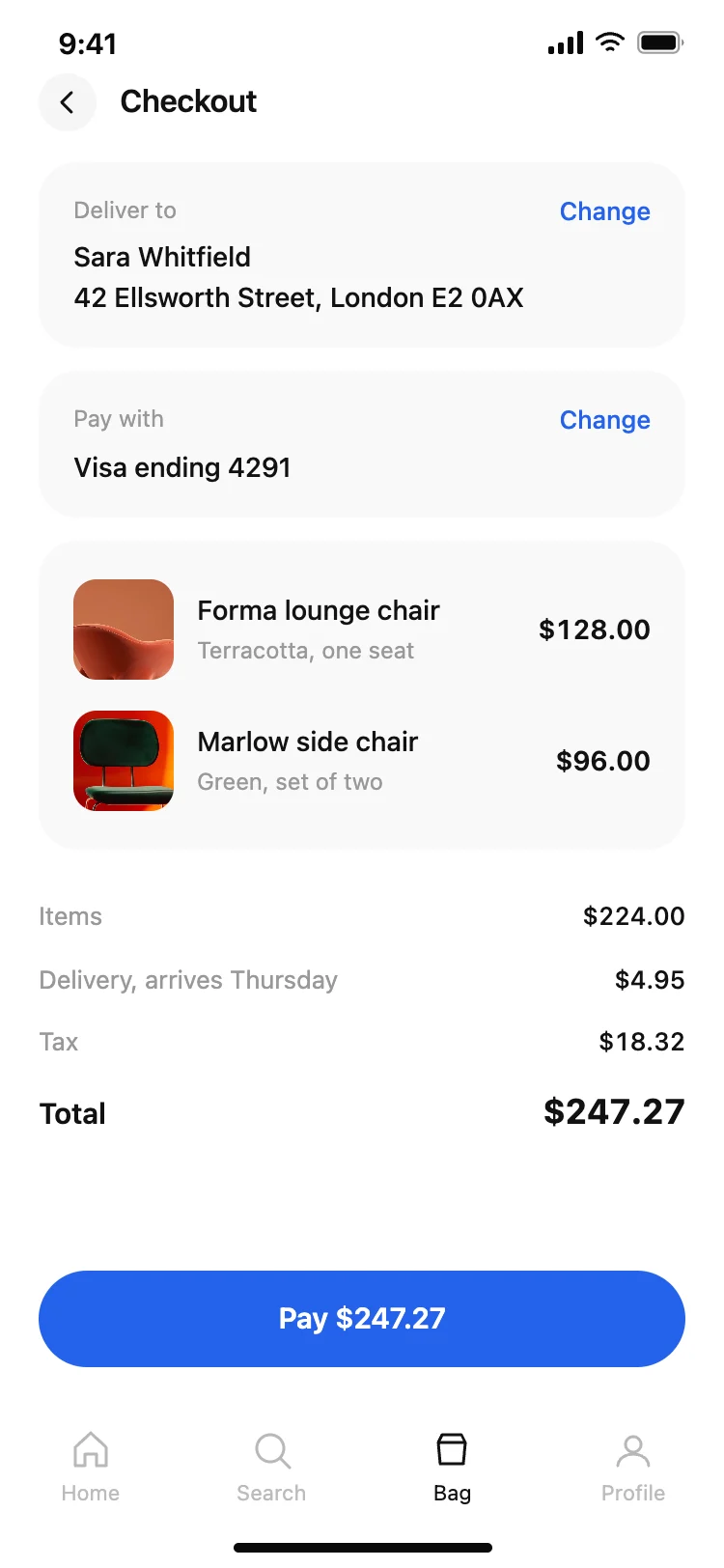
Other app templates you might like

See also
Browse app templates