E-commerce app product detail template
An e-commerce product detail screen for iOS and Android. Full-bleed hero product image, back arrow and bag icon on the photo, product category, name, price with strikethrough sale price and percentage off badge, colour swatches, product description, and a wishlist icon alongside a blue Add to bag CTA. Built for Bolt, Lovable, and Replit.
About this app template
The product detail page is where purchase decisions are made. This template uses a large 360px hero image of a terracotta lounge chair as the full-bleed header with a subtle gradient overlay. A floating back button and bag icon sit on top of the photo. Below, a product category label, name in large bold type, a price row with a strikethrough original price, and a blue percentage-off badge set the commercial context immediately. Four colour swatches let users pick a finish; the terracotta option is active with an outline ring. A short product description explains materials, sustainability, and delivery. The bottom action area has a heart wishlist button and a blue Add to bag button side by side, pinned above the safe area. Paste into Bolt, Lovable, or Replit and ask your AI to wire the swatches to variant inventory and the CTA to your cart state.
Build a full mobile app with this template design
A mobile app is many screens a user moves between quickly, which makes any inconsistency obvious, so one screen can set the standard for every screen after it. Copy the template, paste it into Claude Code, Replit, Lovable, ChatGPT Codex, Bolt, or Cursor, and send this alongside it.
Paste into Claude Code, Replit, Lovable, Bolt, or Cursor
Common questions about this template
How do I wire the colour swatches to real product variants?
Paste this template into Bolt, Lovable, or Replit and ask your AI to fetch the product's variants from Shopify or your Supabase variants table. Render a swatch for each variant colour and update the hero image, price, and inventory message when a swatch is selected.
How do I add the product to the cart on Add to bag?
Ask your AI to manage cart state in a global store (Zustand, Jotai, or a React context). When the user taps the button, add the selected variant to the cart array and animate the bag icon in the tab bar to show the updated item count.
How do I add a size selector row below the colour swatches?
Add a row of size chips below the swatch row. Fetch available sizes from the variant data and grey out any size that is out of stock for the selected colour. Ask your AI to disable the Add to bag button when no size is selected.
How do I add product reviews below the description?
Add a reviews section below the description with an average star rating, a review count, and three to five recent review cards. Ask your AI to fetch reviews from your database or a third-party service and truncate long review text with a read-more link.
Use this template for
- ·E-commerce product detail page templates for iOS and Android app vibe coding
- ·Shopping app product card screens with add to cart for Bolt and Lovable
- ·Furniture and lifestyle product detail screens for Replit mobile app builds
- ·Shopify and WooCommerce mobile product page templates for vibe coding
More from the Shopping app set
All 5 screens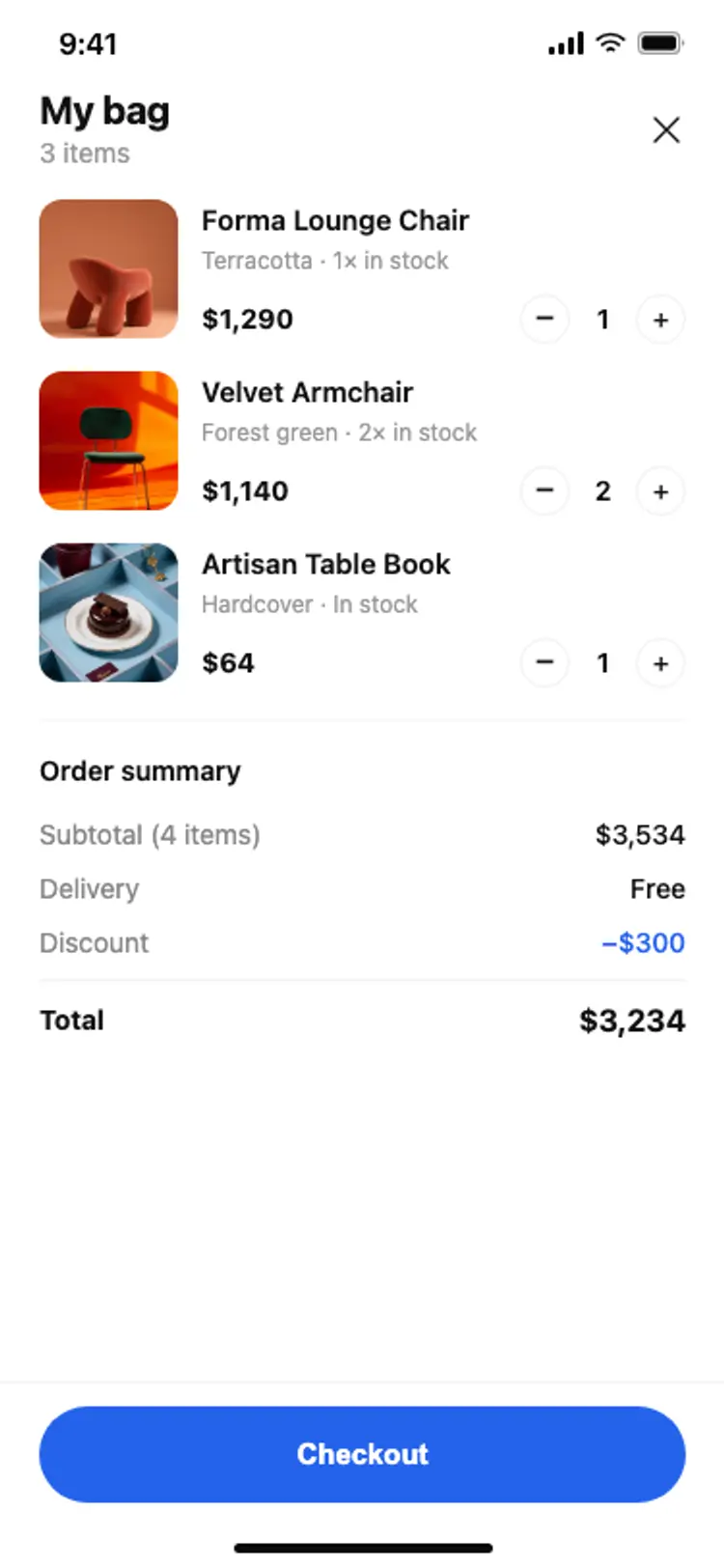
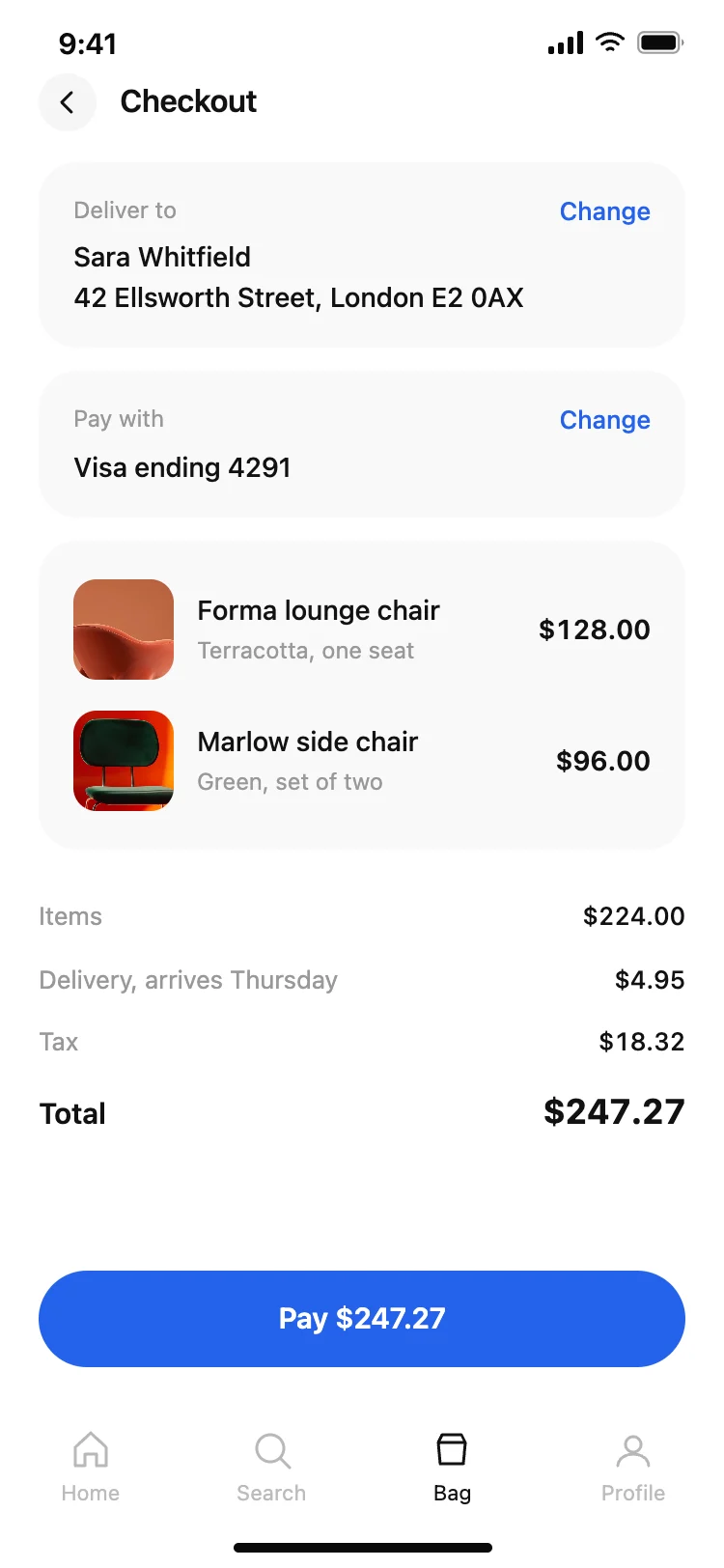
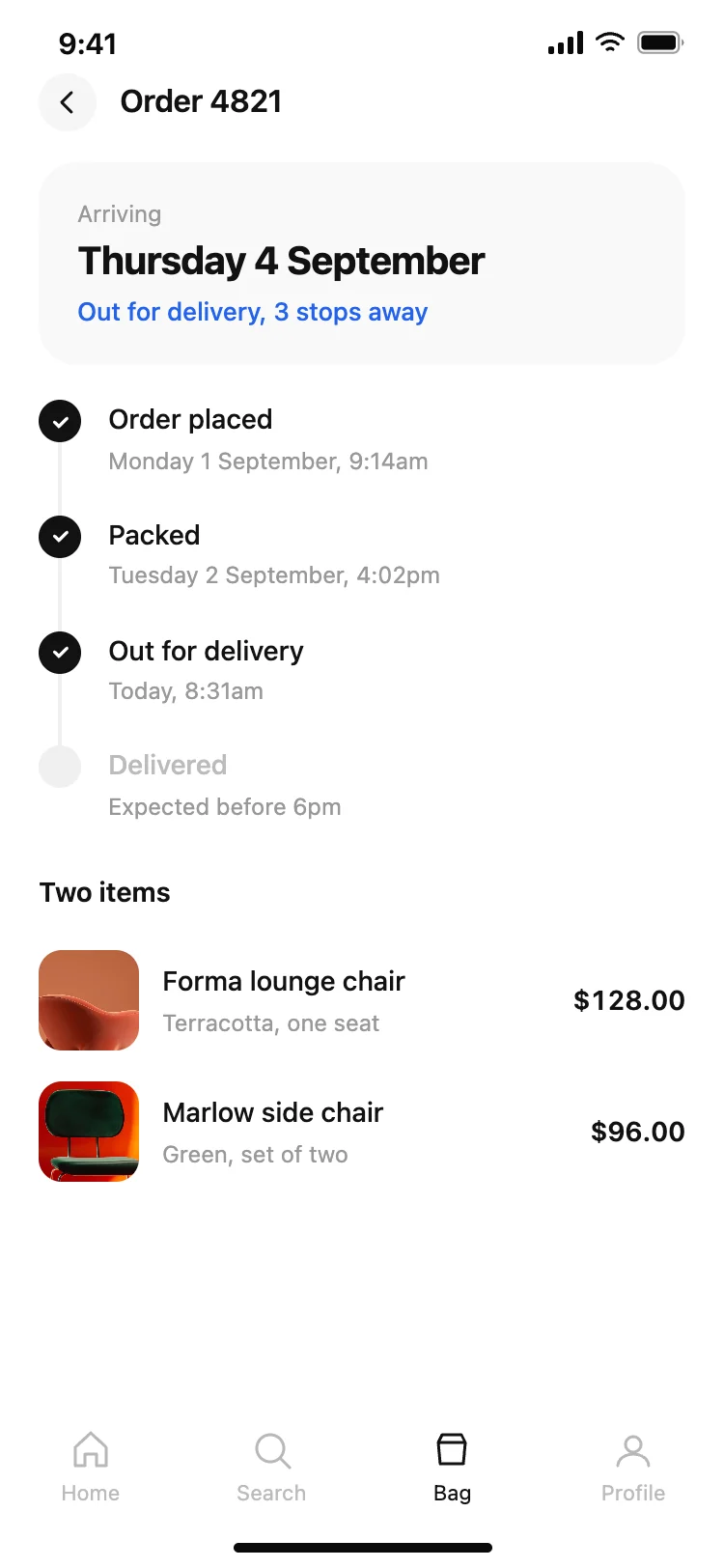
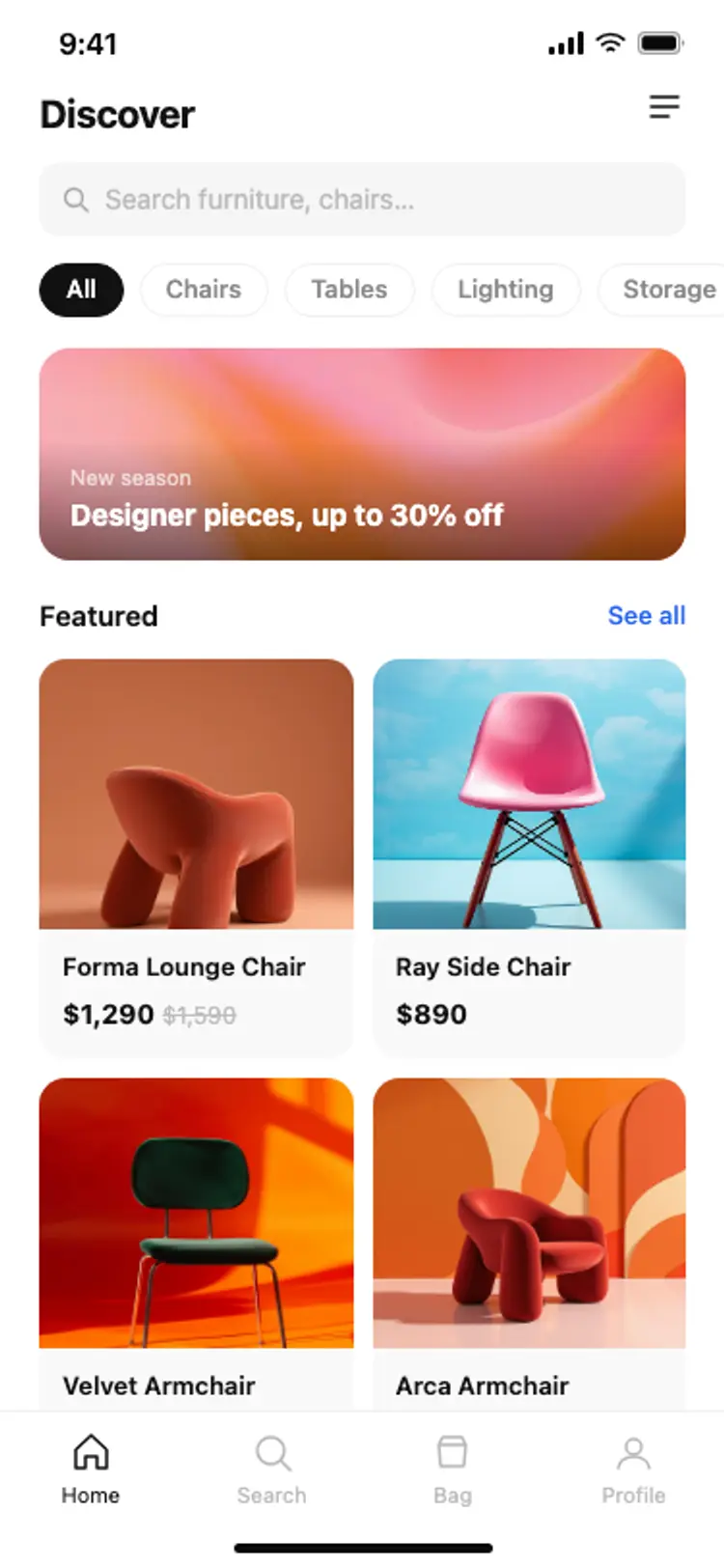
Other app templates you might like

See also
Browse app templates