Billing settings page template for SaaS
Interactive billing settings page template for SaaS products and subscription apps. Apple-like design. Use this AI template with Claude Code, Replit, Lovable, ChatGPT Codex, Bolt, Cursor, or another coding tool.
About this vibe coding template
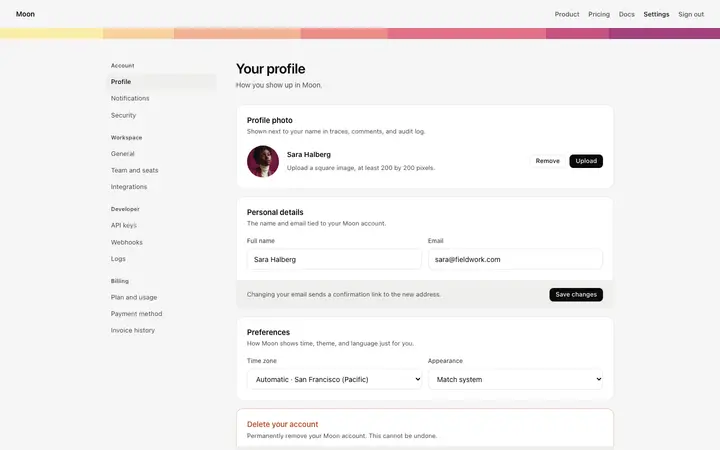
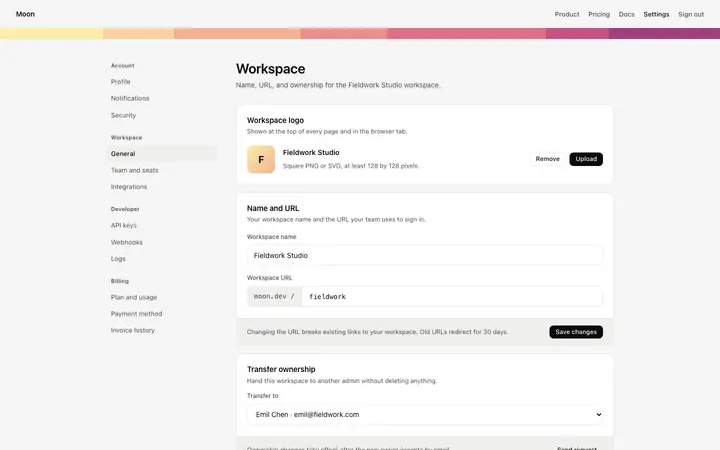
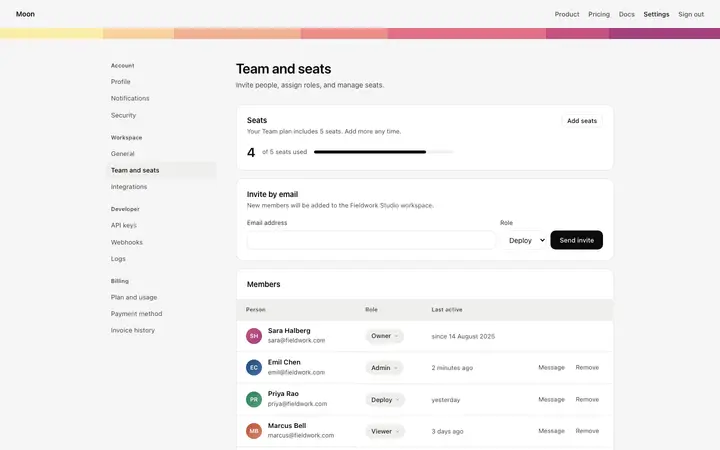
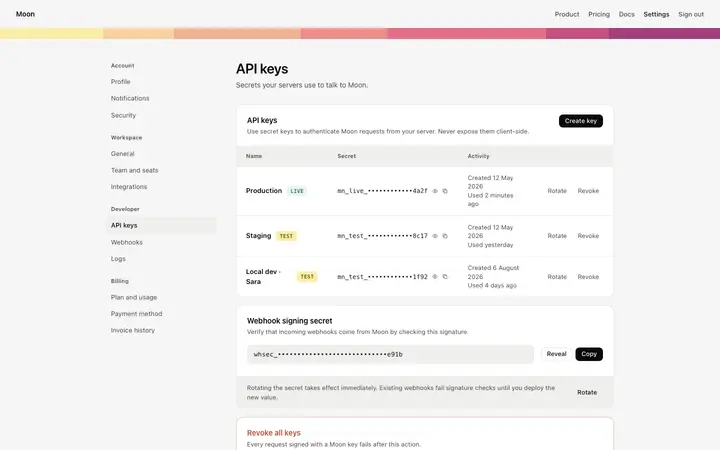
Interactive billing settings page template for SaaS products and subscription apps. A billing dashboard within account settings, reached from the sidebar navigation. The sidebar groups settings into account sections and workspace sections, with billing listed under the workspace group. The billing page has three main blocks. The current plan block shows the active subscription plan name, a billing period label, the renewal date and amount, and three usage meters: requests used in the current billing cycle, active deployments, and seats used out of the total. Below the usage meters, plan management buttons let the user cancel the plan or change to a different plan. Apple-like design. Swap the copy and the images for your own and the page is ready to ship.
Build a full SaaS billing and subscription flow with this template design
A SaaS billing and subscription flow covers the pricing page, invoices, payment methods, and billing settings that all handle money, so one billing template can set the standard for every screen after it. Copy the template, paste it into Claude Code, Replit, Lovable, ChatGPT Codex, Bolt, or Cursor, and send this alongside it.
Paste into Claude Code, Replit, Lovable, Bolt, or Cursor
Common questions about this template
What does this billing settings page template include?
A settings sidebar with account and workspace navigation, a current plan block with subscription details and usage meters, a payment method block with the saved credit card and edit options, and an invoice history table with download links.
What do the usage meters show in this SaaS billing template?
Three meters track usage against the current subscription plan: requests used in the billing cycle, active deployments, and seats used out of the total. Each meter has a bar showing the percentage of the limit used.
Which billing kit templates pair with this billing settings page?
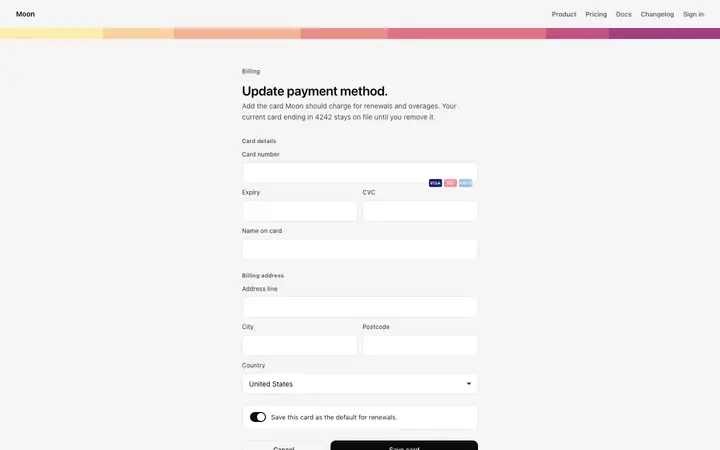
Five templates cover the billing surfaces of a SaaS product: the SaaS pricing page as the complete public pricing page with plan tiers and a billing toggle, the upgrade plan modal for a plan upgrade prompt triggered inside the product, the billing settings page for managing the active subscription plan, payment method, and invoice history, the invoice page for viewing and downloading subscription billing invoices, and the payment method form for updating a saved credit card and billing address.
How do the billing templates relate to the auth kit?
The billing settings, upgrade modal, invoice, and payment method form templates are account surfaces of a SaaS product, as are the login page, signup page, and two factor authentication page in the auth kit. A builder putting together a full account experience will likely need both sets.
Which vibe coding tools work with this billing settings page template?
Claude Code, Replit, Lovable, ChatGPT Codex, Bolt, and Cursor. Paste it in and describe the plan name, the usage metrics you track, and the invoice history you want.
How do I build a full SaaS billing and subscription flow with this template?
Use this template as the first page of the SaaS billing and subscription flow, then ask your AI coding tool for the rest. Claude Code, Replit, Lovable, Bolt, and Cursor can all read the design and repeat it across the rest of your pages.
Use this AI coding template for
- ·Billing settings page template for a SaaS product or subscription app
- ·Account settings billing dashboard with subscription plan and invoice history
- ·Billing page template with payment method and saved credit card for SaaS
- ·Vibe coding billing settings page template
Works with every vibe coding tool
More from the Account and billing set
All 11 pages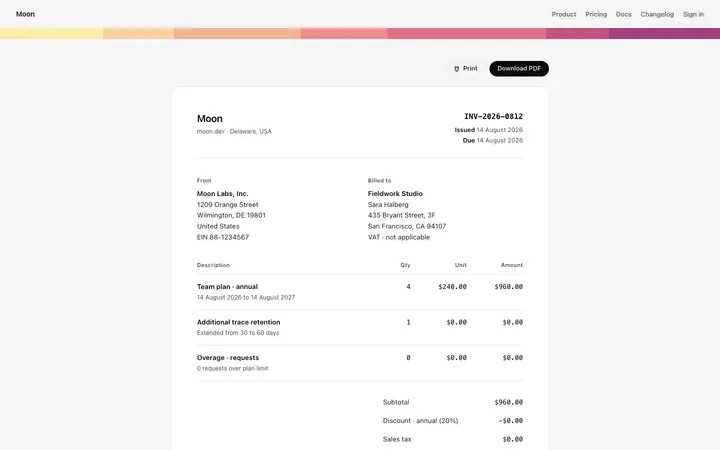
More dashboard templates
View all
More vibe coding SaaS templates
View all

Other templates you might like